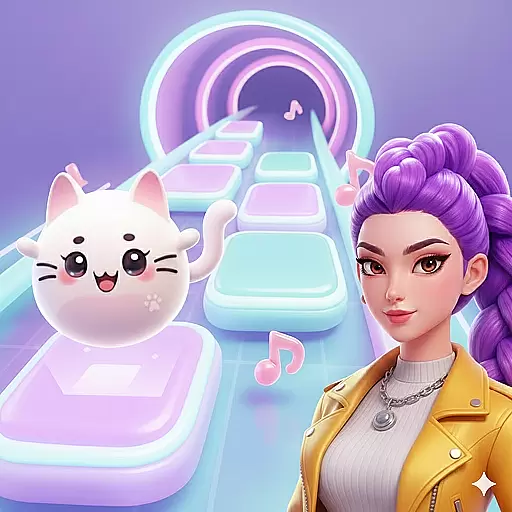
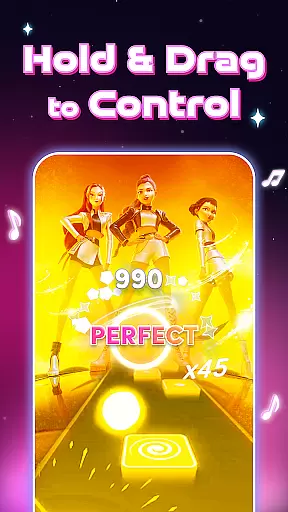
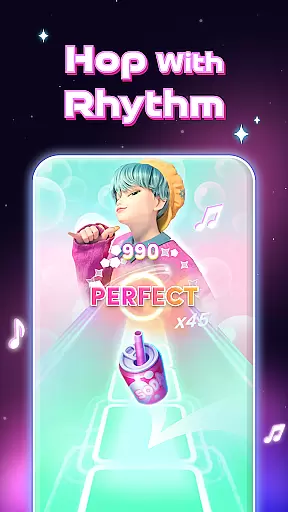


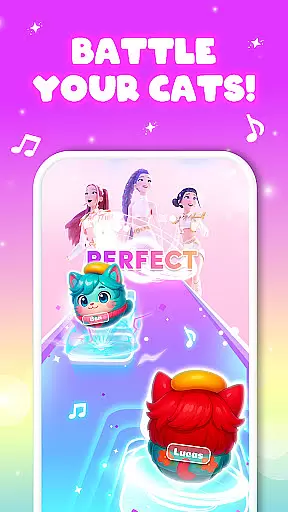
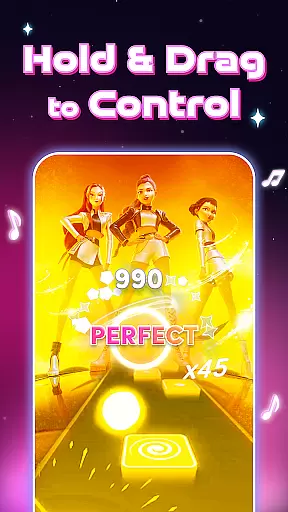
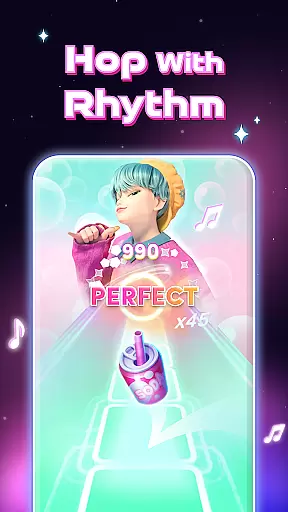


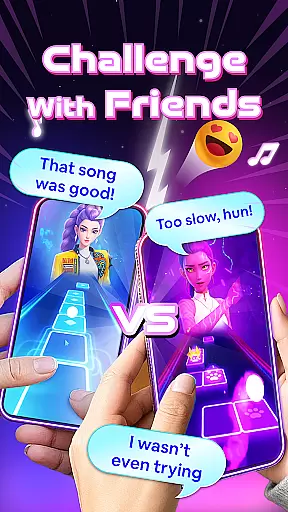
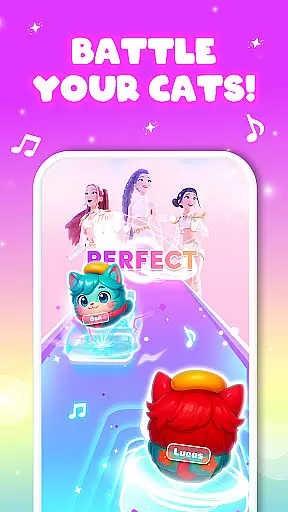
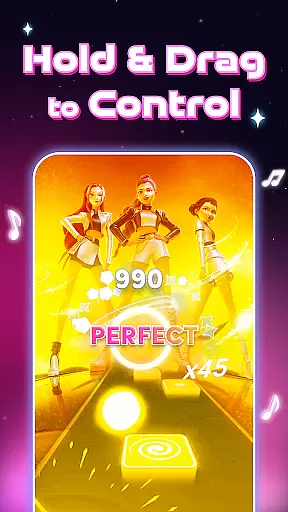
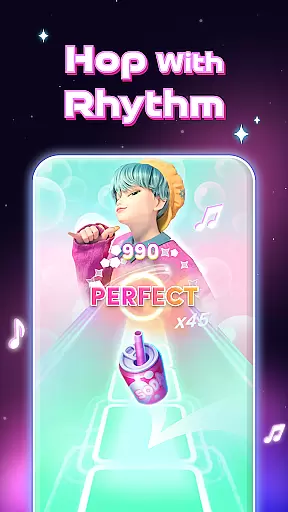


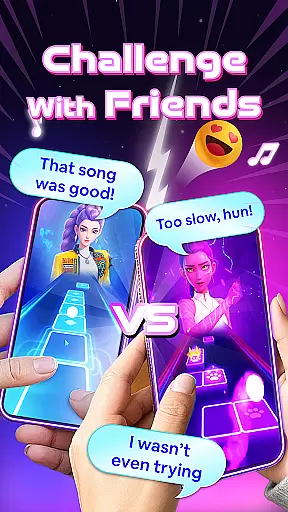
Cat Jump: Cute Pet Music Game is a rhythm-based mobile game that combines music and gameplay in a colorful world. Players guide a cute cat ball through glowing tiles, jumping to the beat of various songs across multiple genres including pop, EDM, and K-pop.
With handcrafted levels matching melody and beat, this app offers an immersive experience where every hop follows the rhythm. The simple one-tap controls make it easy to play while offering challenging levels for mastery. Suitable for casual gamers and rhythm game enthusiasts alike, Cat Jump turns music into motion.
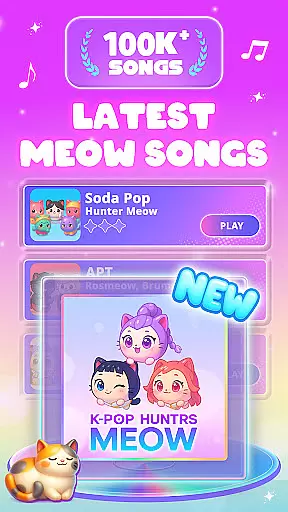
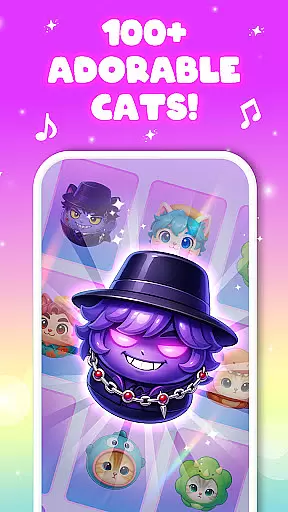
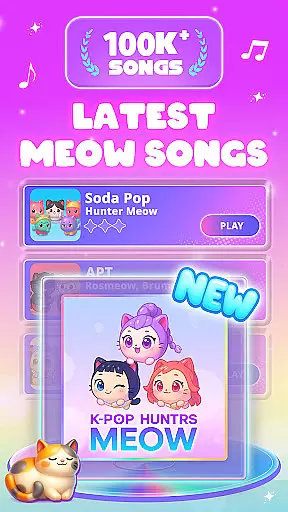
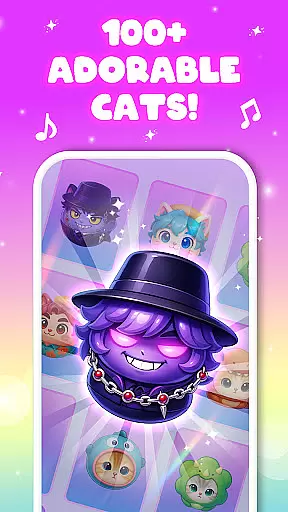
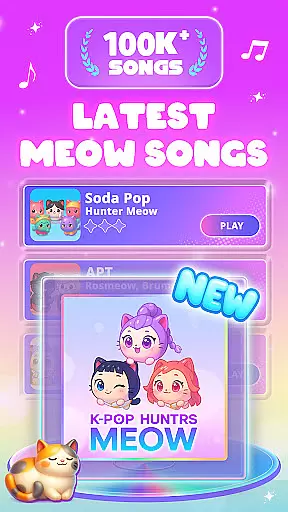
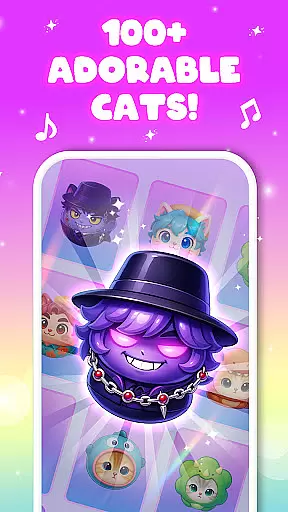
Cat Jump stands out with its massive song library featuring top-chart hits and viral tunes, updated weekly. The game includes cute cat skins and effects, allowing players to customize their experience with neon and rainbow trails.
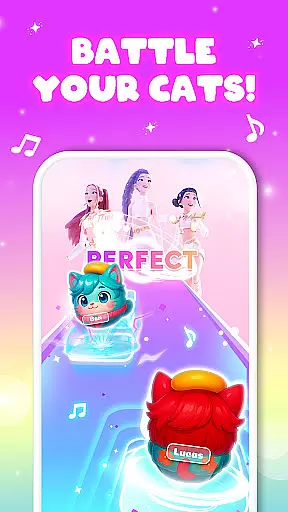
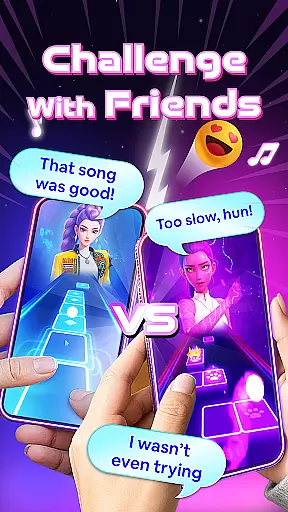
Players can enjoy endless rhythm stages, compete on leaderboards, and participate in daily rewards and events. Offline play ensures accessibility anytime, anywhere. These features create a satisfying music journey, engaging players through light, sound, and touch.
Rhythm judgment precision is crucial in music games as it determines how accurately a player's actions are translated into gameplay success. In Cat Jump, every tap and release corresponds directly to the beat of the song, ensuring that players' reflexes are truly tested.
The game achieves this precision by syncing each jump perfectly with the rhythm of diverse musical tracks. Whether you're hopping to a soft piano melody or an energetic EDM track, the timing required to hit each glowing tile is meticulously aligned with the music.
Players benefit from this accuracy as they can fully immerse themselves in the rhythm-based levels. The responsive controls make sure that every correct move is satisfying, enhancing the overall experience of progressing through different songs and difficulties.
A diverse and high-quality music library is essential for keeping players engaged in rhythm games. Cat Jump boasts a massive selection of songs across various genres including pop, EDM, lo-fi, jazz, and K-pop, ensuring there's something for everyone.
New tracks are added weekly, which not only keeps the content fresh but also introduces players to trending hits and undiscovered gems. This constant update reflects the game's commitment to providing an extensive array of tunes that cater to different musical tastes.
By offering such a wide variety of music, Cat Jump enhances replayability and allows players to enjoy endless music adventures. Gamers can hop along to their favorite songs or discover new ones while enjoying the challenge of mastering each level's unique rhythm patterns.
Engaging gameplay
Variety of songs
Cute visuals
Customizable options
Offline availability
Simple graphics
Repetitive gameplay
In-app purchases
Limited social features
Ads between levels
"Tap to the beat and challenge your fingers with cute cats in PopCat Tiles!"
 4.50
4.50
Enjoy songs & crash same color blocks in a rhythm action surf, dash music game.
4.40
Jam with Sprunki Monster in this ultimate music game
4.60
Tap music to the beat! Just dance to pop songs! Enjoy the pocket rhythm game!
4.60
Enjoy the fun of cat hop on piano tiles, feel the rhythm of bouncing and dancing
4.50
Lowriders comeback 2 - Musical Game with dancing, hopping and freeride cruising
4.20
The coolest rhythm game on this damn Play Store (respectfully)
4.80
All Hit Songs In Your Piano Game? Feel The Magic, Don't Miss The Tiles
4.70
Tap the piano music tiles in the EDM music rhythm in a tap tap tile piano game
4.50
Keep the music ball running and hopping on the color tiles! Ready? Game start!
4.70
Feel The Rhythm? Tap Tiles To Win! Enjoy The Ultimate Hit Playlist Only For You
4.70
Catch the beat, light the fire — Piano Storm is calling!
4.60
Unlock your amazing rhythm beat & theme. Perfect for music lovers of all ages!
4.60
Piano game with popular songs. Enjoy the fun of music games and K-pop games!
4.50
Drum set app with various lessons to help you learn to play the drums like a pro
4.40
Makeover yourself,Enjoy your dress&hair with rhythm!
4.40
Be a Magic Pianist: POP & Classic Songs
4.30
Gameplay Powered by YOUR Music!
3.70
Tap the tiles! Feel the music in a fresh, fiery piano rhythm experience!
4.4


User Reviews