
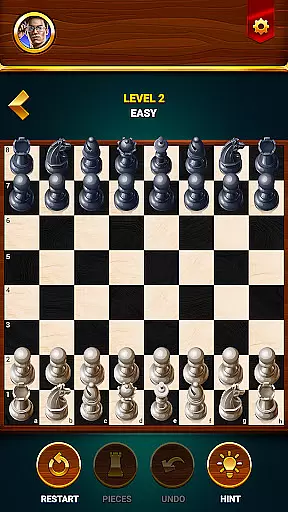

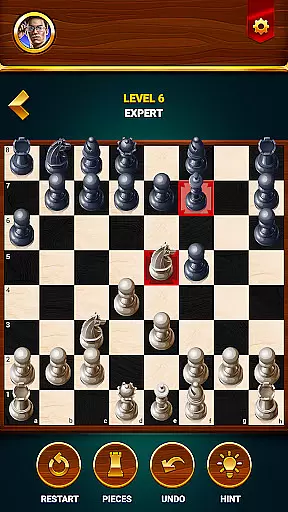
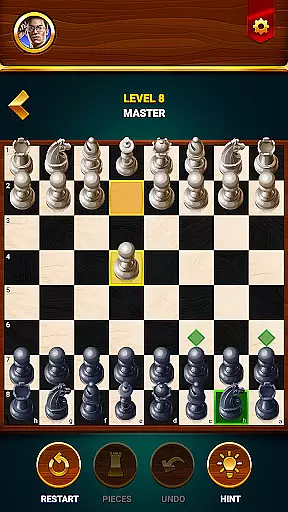
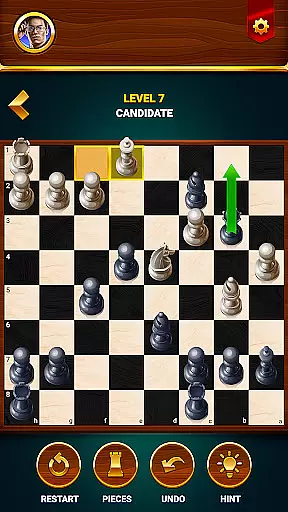
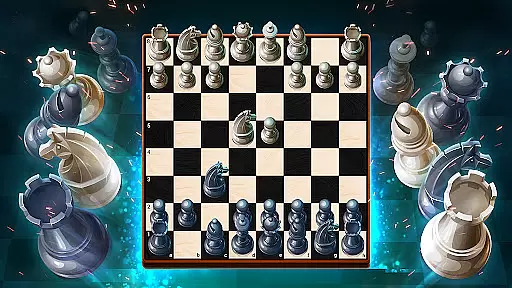
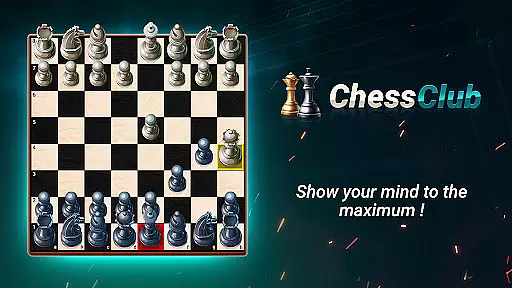
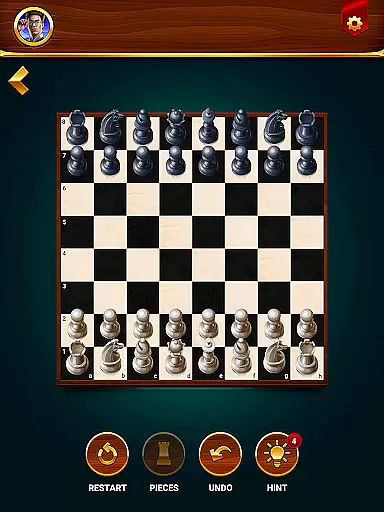

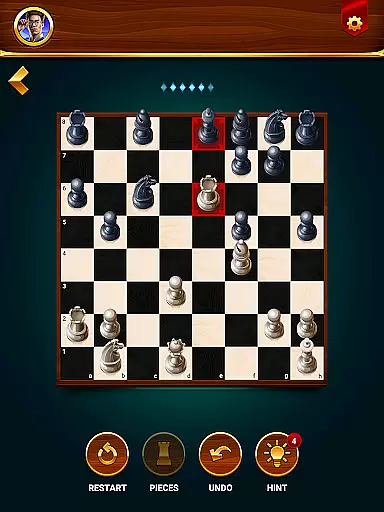
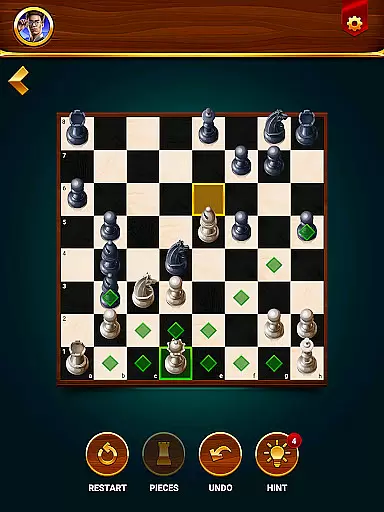
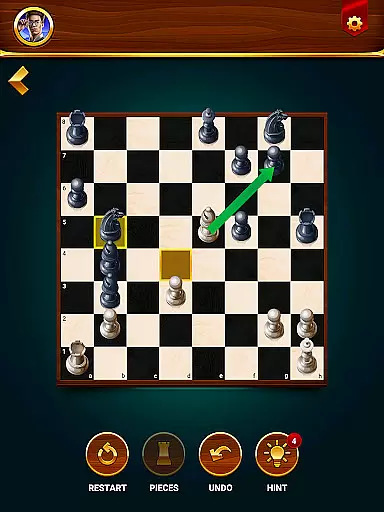

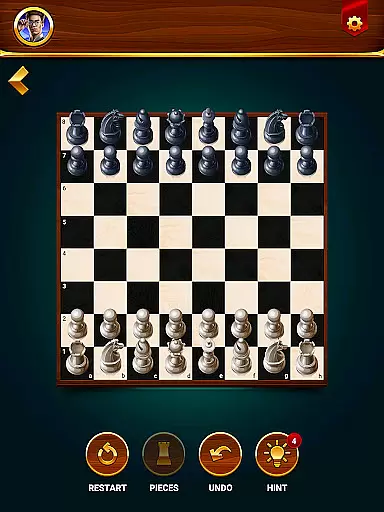

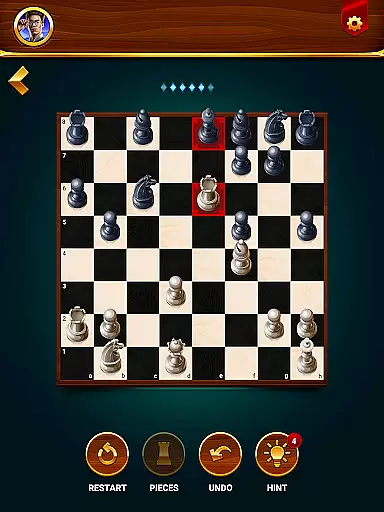
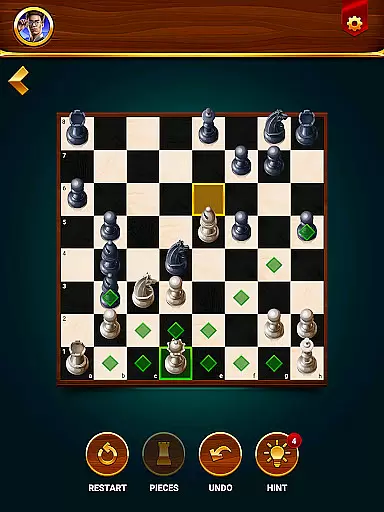
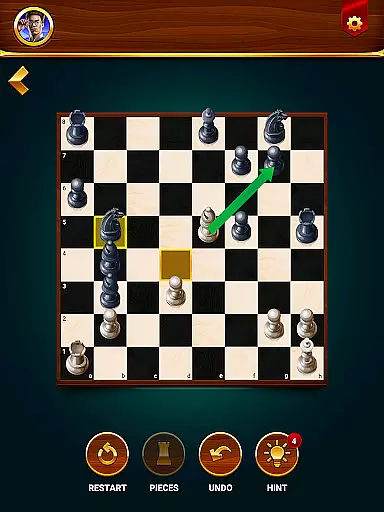

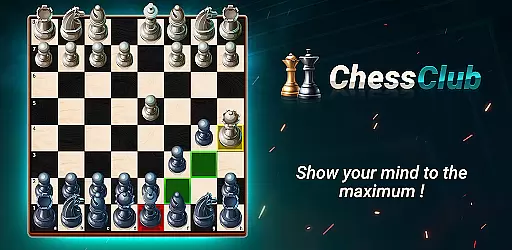
Chess - Offline Board Game is a versatile chess application designed for players of all skill levels. Whether you are a beginner or an experienced chess master, this app offers unlimited free games in both 2D and 3D formats. The app allows users to play offline against computer opponents with varying difficulty levels, challenge friends in two-player mode, solve daily chess puzzles, and learn through interactive lessons.
The application stands out with its comprehensive learning system that includes tutorials, tips, and strategic recommendations. It also features a statistics tracker to analyze win rates and provides language options catering to a global audience. With its rich feature set, Chess Club helps users improve their cognitive abilities, problem-solving skills, and overall chess proficiency while offering a customizable and engaging experience.
Chess - Offline Board Game boasts an impressive array of features tailored to enhance the user's chess-playing experience. One of its standout features is the ability to play offline against AI opponents with adjustable difficulty levels, ensuring that players can enjoy the game without needing an internet connection. The two-player mode lets users challenge friends on the same device, adding a social element to the gameplay.
In addition to traditional gameplay, the app offers daily chess puzzles and tactics training to sharpen strategic thinking. The built-in learning program provides step-by-step lessons covering basic rules, special moves, and advanced strategies. Users can take advantage of hints, undo moves, and restart games for a flexible playing experience. The app also tracks detailed statistics and supports multiple languages, making it accessible to a worldwide audience.
Authenticity and flexibility in chess rules are crucial for both casual players and serious competitors. The Chess - Offline Board Game app ensures that all traditional chess rules are accurately implemented while offering some customizable options to enhance the gameplay experience.
The app provides standard rule sets that cater to purists who want a classic chess experience. At the same time, it introduces flexible settings such as adjustable difficulty levels and optional hints, which accommodate players looking for a more personalized challenge. This dual approach allows users to enjoy games that adhere strictly to official regulations or explore variations that suit their individual preferences.
Players benefit from this combination of rule authenticity and adaptability by having the freedom to switch between different modes. Whether they're honing their skills with authentic gameplay or experimenting with modified setups, users can continually evolve their strategies and maintain engagement with the game.
The quality of AI opponents in chess applications significantly impacts the user's experience and growth in the game. Chess - Offline Board Game offers advanced AI technology designed to provide challenging and realistic opponents across various skill levels.
From beginners to grandmasters, each level presents unique algorithms that mimic human-like decision-making processes. The lower levels offer more forgiving play styles suitable for newcomers, while higher tiers present complex strategies akin to those used by expert players. This progression helps users develop their abilities at a comfortable pace without feeling overwhelmed or under-challenged.
By facing these sophisticated AI adversaries, players receive an immersive experience that closely resembles real-life matches against diverse opponents. As a result, they not only improve their tactical acumen but also gain confidence in handling different types of challenges on the board.
User-friendly interface
Comprehensive learning tools
Offline play capability
Multi-language support
Engaging two-player mode
Limited online features
No live tournaments
Ads in free version
Advanced lessons locked
Graphics not cutting-edge

Handcrafted Sudoku puzzles by the most popular Sudoku channel!
 4.50
4.50
Meet adorable cats and sew the coziest quilts.
3.90
Legendary board game classic from award-winning designer Vlaada Chvátil
4.70
Train your brain with classic backgammon and become the lord of this board game!
4.30
Hit Play! Roll the dice! Play the classic Dice game you know and love!
4.90
Pop Color – A Relaxing Zen Color Game
4.90
Defuse a bomb with your friends!
4.80
Play bingo, roll dice, and relax with a brain-boosting MONOPOLY board game!
4.70
Color to relax with tons of zen coloring pages in Color Oasis coloring game.
4.80
Enjoy tile matching puzzles and unlock fun stories!
4.90
Classic Mahjong Solitaire Game Classic Mahjong Tile Game
4.80
Start Playing this cool Domino Game right now!
4.70
Plunder your way to Viking adventure in the award-winning board game!
4.60
Experience a fresh take on the classic crime-solving board game.
4.60
Companion app for Final Girl boardgame
4.50
Ludo King is a board game played between friends and family. A fun dice game.
4.20
The popular roll & write game by Paolo Mori
3.90
Roast coffee beans and compose a delicious cup of coffee.
3.80
Play a comic book come to life in this exciting adaptation of the hit card game!
3.70


User Reviews