

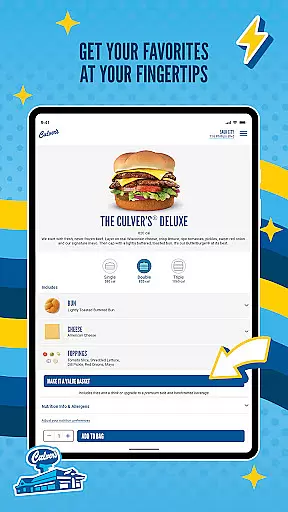
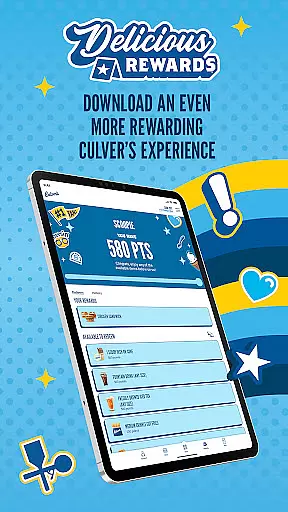
Culver's is a comprehensive food and beverage app that allows users to conveniently order ahead, earn rewards, and personalize their dining experience. The app offers a full menu featuring fresh, quality ingredients like never-frozen beef and farm-fresh dairy. Users can choose their preferred pickup method, whether in-restaurant carryout or curbside delivery, and view the Flavor of the Day schedule for local restaurants.
With Culver's, you can save your favorite menu items for quick reordering, explore new limited-time offerings, and enjoy a personalized experience by setting preferences. The app ensures a seamless dining experience, whether you're eating in or on the go, with features designed to make your day better through wholesome meals and friendly service.
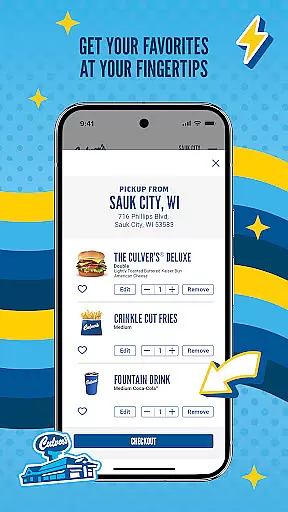
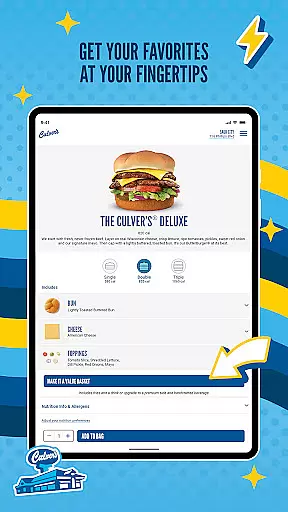
The Culver's app boasts several standout features that enhance the user experience. First, its Order Ahead functionality lets you browse the full menu and select items made with fresh, quality ingredients. You can choose your pickup method - either in-restaurant carryout or curbside delivery - and specify your arrival time for freshly prepared meals.
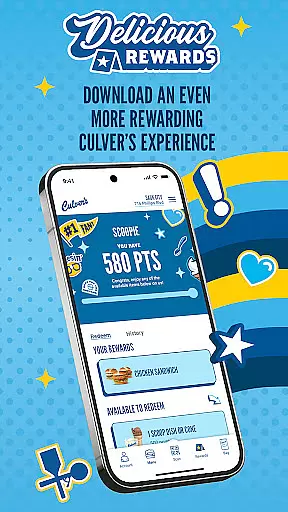
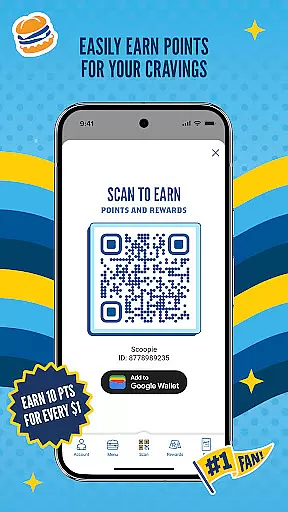
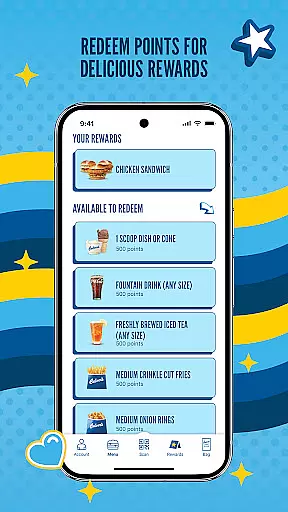
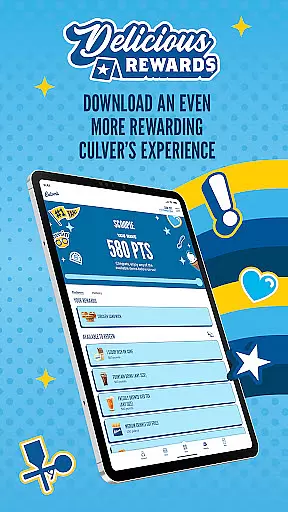
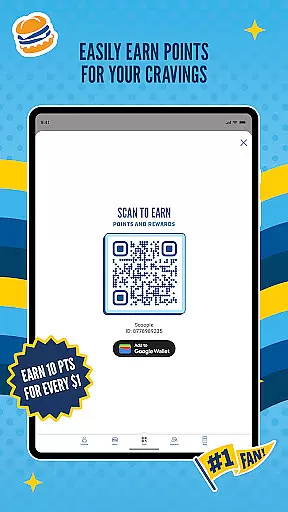
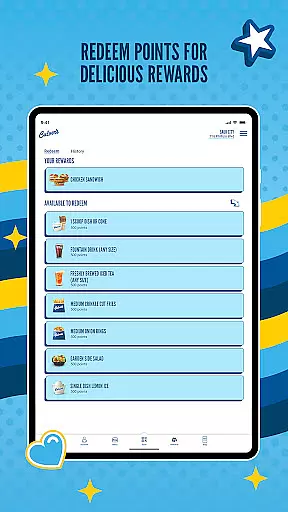
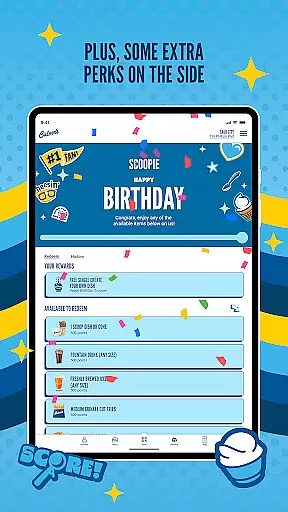
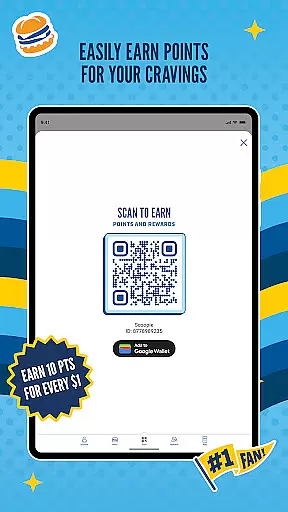
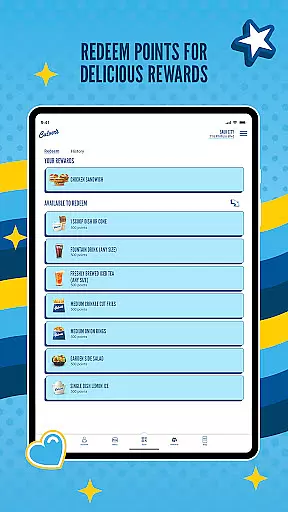
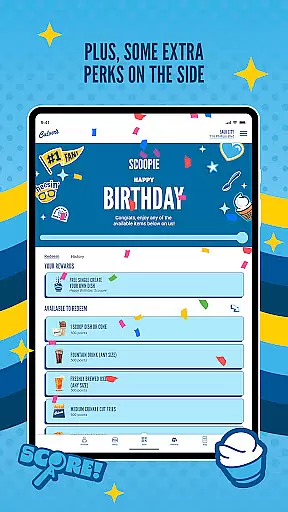
Another key feature is the Delicious Rewards program, where you earn points for every dollar spent, redeemable for free menu items. The app also provides access to the Flavor of the Day schedule, personalization options, and information about limited-time menu items. These features collectively create a convenient, customized dining experience that prioritizes freshness and quality.
Locating your nearest Culver's restaurant is made simple through the app's intuitive store locator feature. This functionality uses your device's GPS capabilities to pinpoint nearby locations, ensuring you can find a restaurant no matter where you are.
The store locator not only provides addresses but also includes essential details such as operating hours, contact information, and specific services offered at each location. This ensures that whether you're planning to dine in or utilize their convenient CurdSide pickup, you have all the necessary information at your fingertips.
For travelers or those new to an area, this feature offers peace of mind by reliably guiding you to the closest Culver's, complete with driving directions. It enhances user experience by saving time and reducing the hassle of searching for dining options.
Culver's app excels in offering flexible delivery and pickup options tailored to modern lifestyles. Customers can choose between in-restaurant carryout or the innovative CurdSide delivery to their vehicle, streamlining the process of enjoying a meal on the go.
When placing an order, users select their preferred pickup time, and Culver's prepares the food fresh for that moment. This guarantees that whether you're stopping by after work or during a busy day, your meal will be ready and waiting, maintaining its quality and flavor.
This dual-option system not only caters to individual preferences but also adapts to varying schedules and needs. By prioritizing freshness and convenience, Culver's ensures a satisfying experience whether you're dining in or picking up your order.
User-friendly interface
Fresh ingredient focus
Customizable orders
Rewarding loyalty program
Convenient ordering options
Limited to Culver's locations
Occasional bugs reported
Requires account creation
No direct delivery option
Points expiration policy

My Recipes Your personal recipe collection in one APP. Private, offline, adfree.
 4.3
4.3
Earn rewards, order ahead, and never miss a celebration! At select locations.
4.90
Top restaurants delivered
4.70
Stashcook: Keep healthy food recipes, cooklist & weekly meal plans for any diet.
4.50
Papa Johns Pizza, delivering an awesome pizza ordering experience for Android!
4.80
Order ahead, receive points with qualifying purchase & redeem available rewards.
4.50
Order your Domino's favorites then follow the progress with Domino's Tracker®!
4.60
Rescue tasty unsold food from local stores for ½ price or less.
4.90
Not just food delivery. Shop for groceries from local supermarkets to your door.
4.60
Monthly Perks. Fuel Discounts. App Exclusive Deals.
4.90
Sweeten the season!
4.90
Enjoy Exclusive Deals, Rewards, Gas Benefits, and 24/7 Food Delivery!
4.90
Save at the pump AND in store with deals on gas, snacks & drinks at Murphy USA.
4.80
Enjoy all your Legendary favorites at Texas Roadhouse!
4.80
Good Fortune Awaits with Panda Rewards and the Panda Express® App.
4.70
Mexican Food Pickup & Delivery
4.70
Get Rewards, Easy Ordering & Exclusive Offers
4.70
Order from Gopuff and get your essentials delivered in as fast as 15 minutes
4.50
Order your Buffalo Wild Wings favorites for takeout & delivery
4.50


User Reviews