![Delta Touch [10 x Doom engine] logo](https://cdn.linksharehub.com/ocp/?u=https%3A%2F%2Fl1.fancapitalize.com%2Fimages%2F2025%2F12%2F0362662440744f9c4332472af4b0e734.jpg&t=webp)
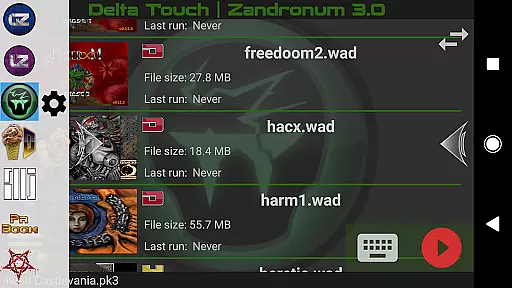
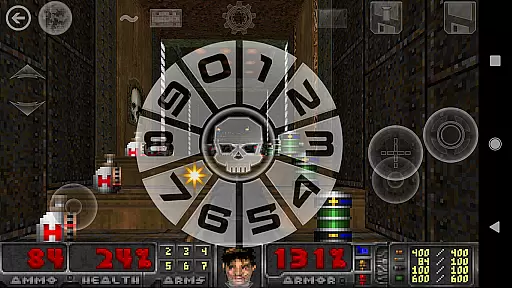
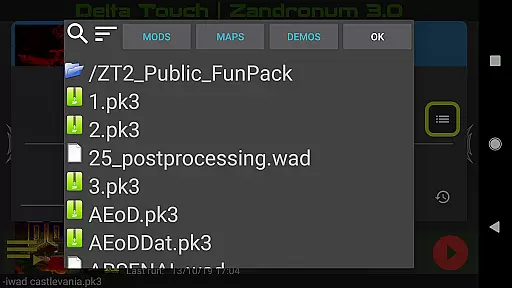
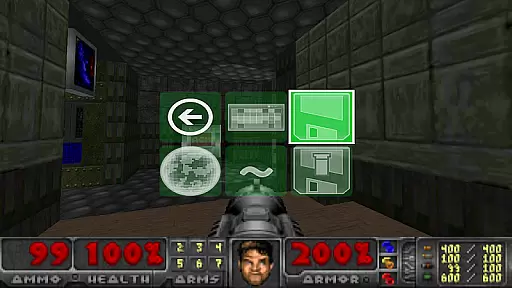
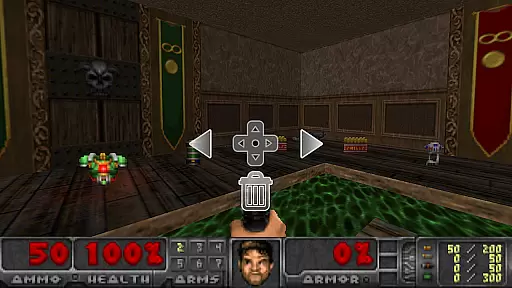
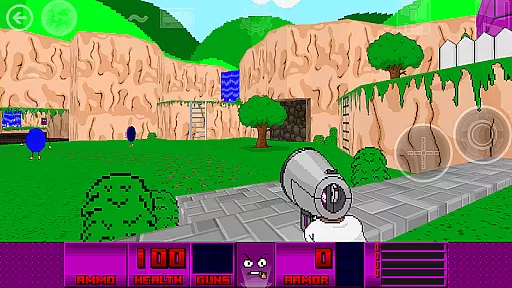
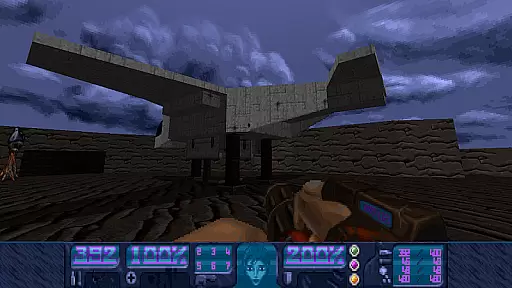
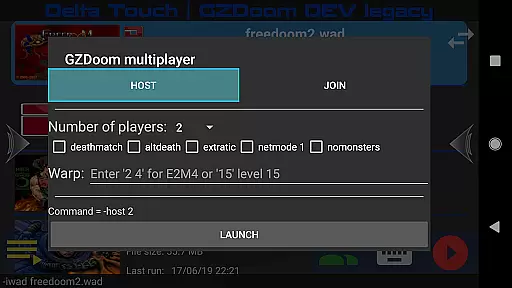
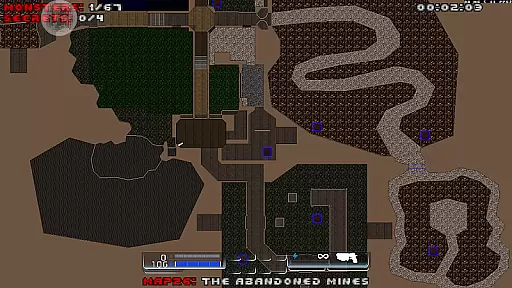
Delta Touch brings ten of the best Doom engine source ports to Android, offering an unparalleled retro gaming experience. The app includes popular ports like GZDoom, Zandronum, Chocolate Doom, and more, supporting a wide range of Doom-based games.
With full touch screen controls, gamepad support, and customizable UI, users can enjoy thousands of community-made mods and levels. It also features multiplayer capabilities, gyroscopic aim assist, and MIDI music support. FreeDoom data is included for immediate play.
Ideal for both casual players and modding enthusiasts, Delta Touch delivers classic FPS gameplay with modern mobile convenience. A high-end device is recommended for optimal performance, especially when running demanding mods like Brutal Doom.
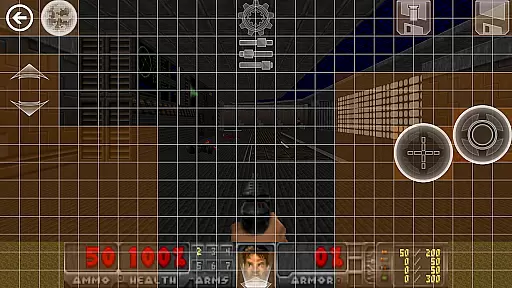
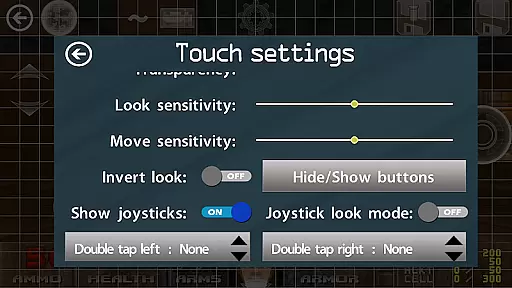
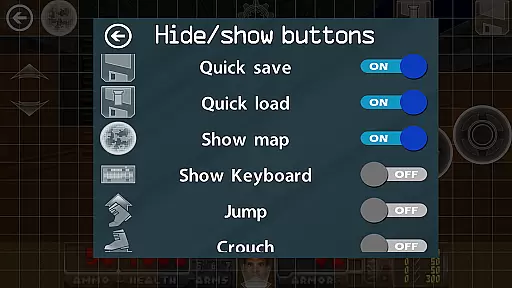
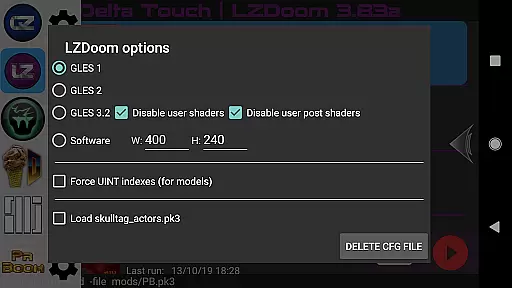
Delta Touch stands out with its comprehensive feature set tailored for Doom engine enthusiasts. The app provides multiple rendering modes, customizable touch controls, and an 18-button layout specifically designed for GZDoom mods.
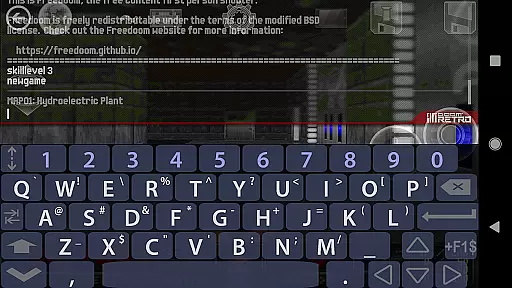
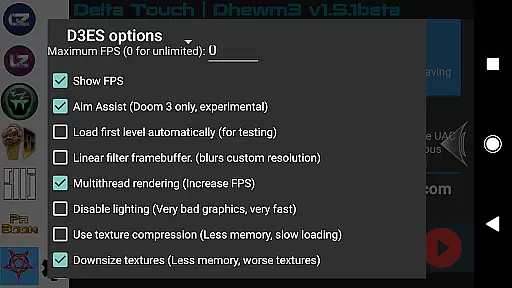
Advanced functionalities include built-in keyboard access for cheats, fully navigable UI via gamepad, and save/load options for control layouts. The inclusion of Doom 3 through Dhewm3 adds modern rendering techniques and mod support, although requiring significant device power.
Unique to Delta Touch is its extensive compatibility with various Doom-based games and its robust support infrastructure. Users can import/export settings, access detailed configuration options, and receive dedicated support for setup issues.
Control responsiveness and latency are crucial factors in action games like Delta Touch. These elements determine how quickly and accurately your inputs translate into in-game actions.
Delta Touch offers highly customizable touch screen controls, allowing players to adjust the interface for optimal performance. The game supports various rendering modes and provides fully navigable UI via a gamepad, ensuring minimal input delay.
With features like gyro aim assist and mouse and keyboard support, the app ensures that players can achieve precise control over their gameplay experience. This level of customization helps reduce latency and makes the gaming experience more immersive.
The ability to save and load touch screen layouts further enhances control responsiveness, enabling players to maintain their preferred setup across sessions. Such attention to detail benefits users by providing them with a seamless and responsive gaming experience.
In action games, combat feedback tightness refers to how well the game communicates the impact of combat actions to the player. This includes visual, audio, and tactile responses that make the gameplay feel engaging and realistic.
Delta Touch incorporates multiple Doom engine source ports, each offering unique combat mechanics and feedback systems. With versions like GZDoom and Zandronum, players can enjoy enhanced graphics and sound effects that contribute to a more immersive combat experience.
The inclusion of mods such as Brutal Doom adds another layer of depth, providing brutal and satisfying combat feedback. Players can also download MIDI and Fluidsynth samples for quality music, enhancing the overall atmosphere during combat scenarios.
By supporting thousands of community-made mods and levels, Delta Touch ensures that combat remains fresh and exciting. This variety keeps players engaged and invested in the game, offering tight and responsive combat feedback that enhances the thrill of each encounter.
Extensive source port selection
Customizable touch controls
Wide mod compatibility
Multiplayer capabilities
Dedicated customer support
High-end device required
No included Doom wad files
Complex setup process
Large storage requirements
Limited Doom 3 mod support
A Legendary Action RPG With Ninja Shadow Legends Fighting Style Offline Games!
 4.40
4.40
Robot fight! Get into the shooting games to destroy all transformers and robots!
4.30
Try not to fall while rolling the ball high in the sky and on the ground!
4.20
Secret of Mana—the landmark action RPG first released for SNES in 1993!
3.60
Play through 45 action-packed missions with over 90 iconic Marvel characters!
3.00
Memorize Scripture and climb through a vibrant hand-drawn Bible adventure!
5.00
Throw shurikens and cut through your enemies!
4.60
Rockstar Games brings its biggest release to mobile yet.
4.40
Let's make the numbers bigger!
4.30
Become the ultimate expert in deer hunting through intense shooter attacks!
4.90
Gaze upon the horrors that dwell beyond the Wall of Insanity.
4.90
A roguelike hack'n'slash game
4.70
Online & offline multiplayer FPS shooting game. Play PvP live with your friends!
4.60
Carjack the open world like it's 1989!
4.50
Command your army, crush the enemy, and reclaim the nation!
4.30
A funny game with open world offline games and many Online multiplayer games
4.30
The Official Amazing Frog? by Fayju
3.60
A Troll Platformer Game
3.30
Retro pixel war game! Destroy enemies and survive the chaos!
4.3


User Reviews