
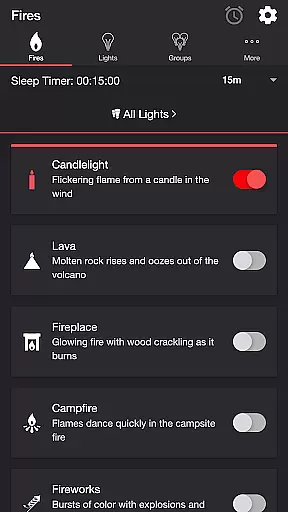
Firestorm for Hue is an innovative entertainment application that allows users to create immersive lighting experiences using Philips Hue lights. The app enables your lights to glow and flicker in sync with various fire-themed sound effects, creating unique ambient environments.
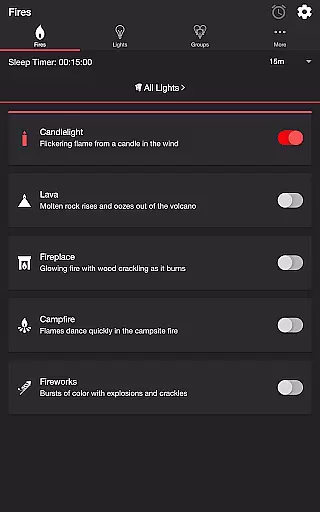
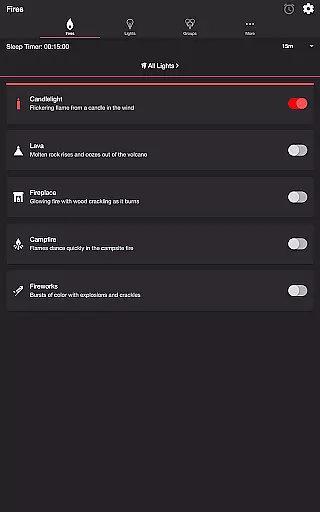
The application offers multiple fire presets including Candlelight, Lava, Fireplace, Campfire, and Fireworks. Each preset comes with customizable settings for light effects, sound effects, flicker speed, color, brightness, and more. These features allow users to tailor the experience to their specific preferences.
Perfect for home ambiance or themed events, Firestorm for Hue transforms any space into a dynamic light show. By integrating with Philips Hue's smart lighting system, it provides both entertainment value and practical mood-setting capabilities.
Firestorm for Hue stands out with its comprehensive feature set tailored for creating dynamic lighting experiences. The app includes five distinct fire presets - Candlelight, Lava, Fireplace, Campfire, and Fireworks - each offering unique audio-visual effects.
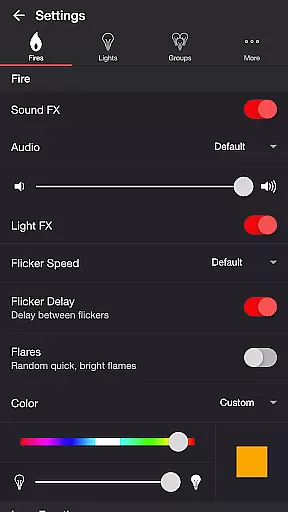
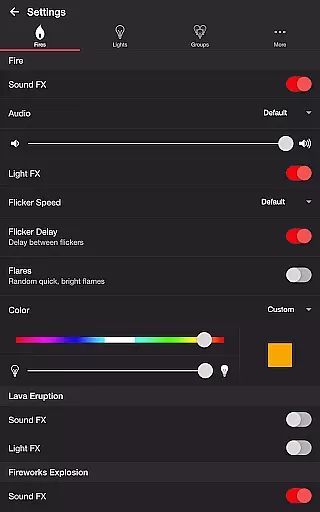
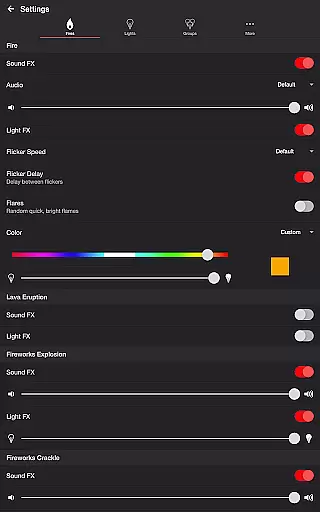
Users can customize every aspect of the experience through detailed settings. These include options to toggle sound effects, adjust volumes, modify flicker speeds, enable flares, and control background sounds. Advanced features like Bluetooth support, casting capabilities, and automatic sleep timers enhance usability.
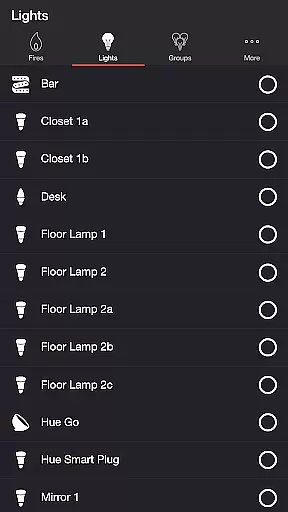
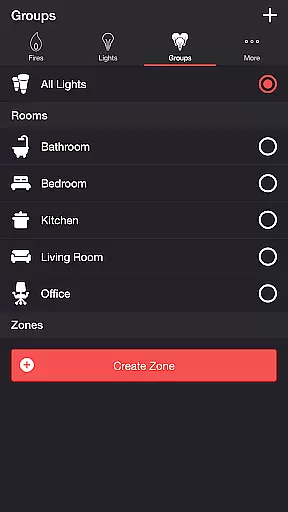
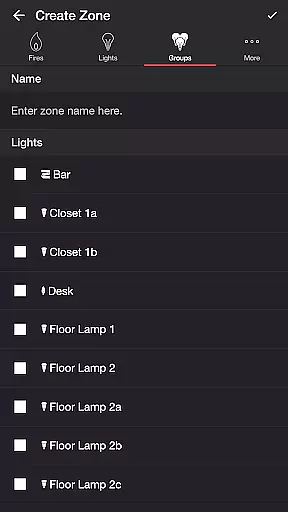
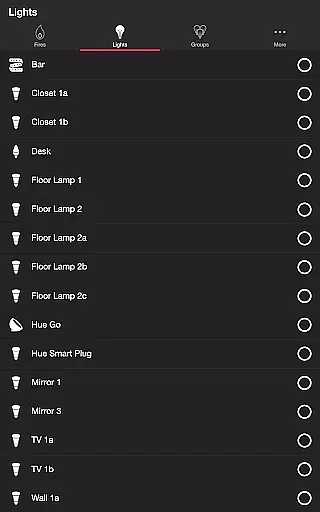
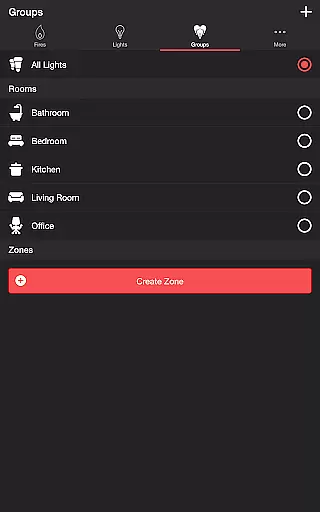
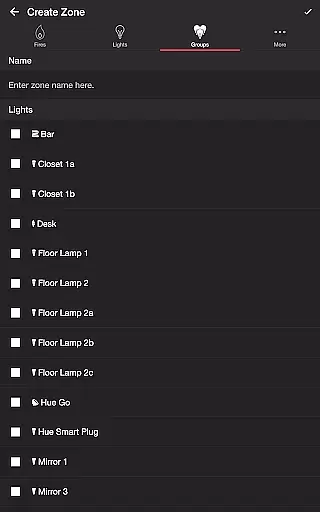
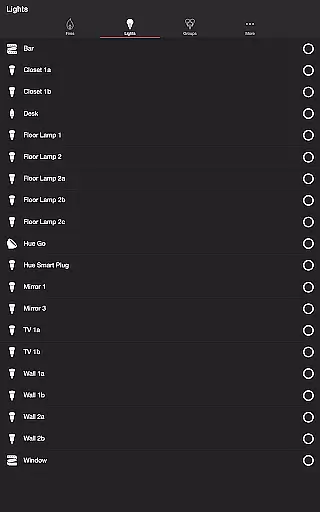
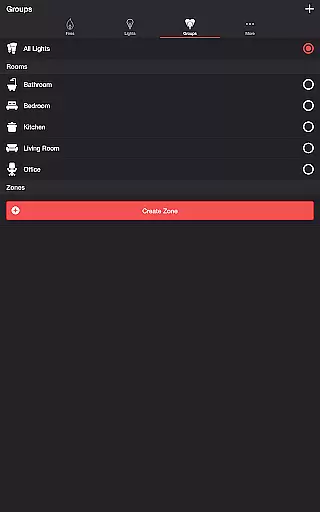
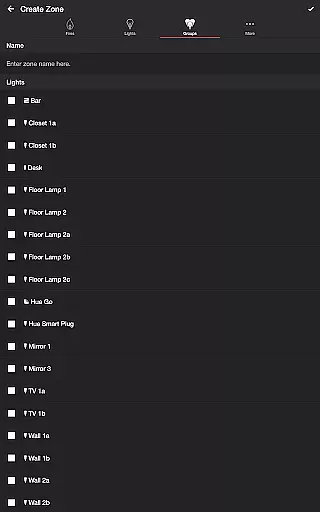
The app also supports zone creation and management, allowing users to select specific lights or groups for their light shows. With additional features like wireless audio delay offset and automatic mode cycling, Firestorm for Hue delivers both flexibility and convenience.
Firestorm for Hue offers a diverse range of content options that cater to various moods and settings. With five distinct fire-themed effects, including Candlelight, Lava, Fireplace, Campfire, and Fireworks, users can customize their Philips Hue lights to create the perfect ambiance.
The app's versatility is further enhanced by its extensive settings menu, which allows users to adjust sound effects, light effects, flicker speed, color, brightness, and more. These features ensure that each experience is unique and tailored to individual preferences, providing endless possibilities for customization.
Moreover, Firestorm for Hue supports additional features such as a sleep timer with an audio fade-out function and Bluetooth and casting support. This ensures that users have access to the latest technology, keeping their entertainment experience fresh and engaging.
User engagement is a key strength of Firestorm for Hue, thanks to its immersive and interactive features. The ability to toggle between different fire sound effects and light effects, adjust volumes, and change flicker speeds encourages users to spend more time exploring and customizing their experience.
In addition to its captivating effects, Firestorm for Hue includes a sleep timer feature that complements the overall user experience. By allowing users to set a timer with an audio fade-out option, the app ensures that users remain engaged until they are ready to wind down, thus enhancing retention rates.
Furthermore, the app's compatibility with Bluetooth speakers and Chromecast built-in speakers via the Google Home App adds another layer of convenience and interaction. This seamless integration not only extends user sessions but also promotes repeat usage, making Firestorm for Hue a staple in smart home entertainment.
Customizable light effects
Multiple fire presets
Comprehensive sound controls
Bluetooth and casting support
User-friendly interface
Requires Hue Bridge
Premium version needed
Complex for beginners
Limited to Philips Hue
Occasional connectivity issues

Air Horn - Siren Sounds Prank, Fun way to wake up your Friends and Family
 4.0
4.0
Fun brain twisting challenge with trending Whirlpool Filter.
4.70
Time tracking, lap counting and much more for Carrera® Digital 132/124
4.80
A companion app for the game Elite Dangerous
4.10
Catalog & tracker of your DVD, Blu-ray & Digital Movie and TV Collection Library
4.80
Direct access to the most complete Guitar Tab Archive in Spanish: LaCuerda.net
4.60
Fool your friends & Family with Fake ultrasound test report
3.60
Your choice of 350+ networks plus movies and full TV series on-demand.
3.70
Himnario LLDM - Fast and Easy to read , updated Hymnal 2019 Edition Official
4.20
SpiritWave is paranormal ITC application.
5.00
Colorful flows will relax and calm you down, or get you trippy and creative!
4.90
The OFFICIAL PeeWee Purpdrank Soundboard!
4.80
Companion app for Elden Ring to track quests, bosses, progress and more.
4.70
* Multiple Matches * Intuitive UI * Scoring Made Easy!
4.40
Come and watch short dramas, reels with diverse genres!
4.40
Start EVP/Spirit Box tonight: real EMF, offline, recording. One-time purchase.
4.10
Binge-worthy short dramas on DramaRush—engaging stories that fit your day.
3.90
Unofficial Game Companion App” “Guides • Builds • Tips • Progression
4.5
See the frequencies! Watch the magic!
4.3


User Reviews