
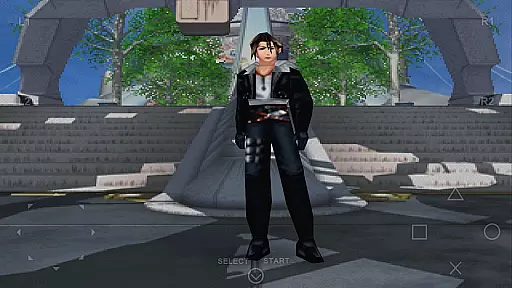
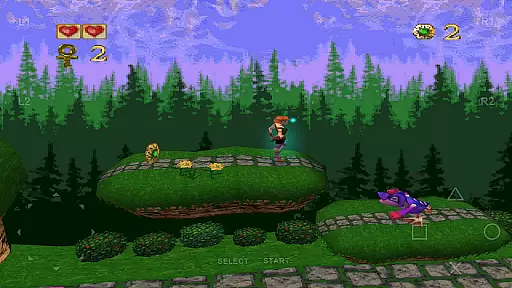
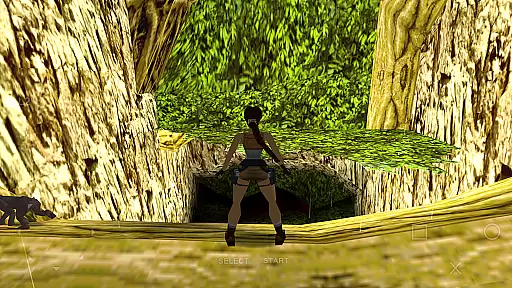
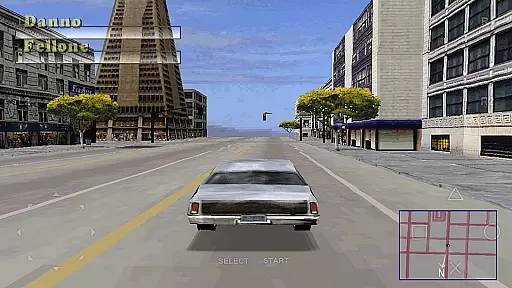
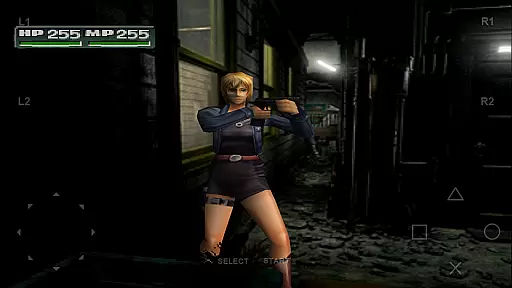
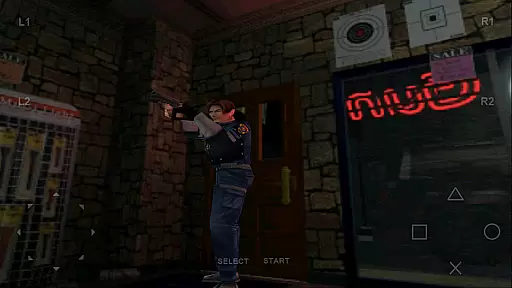
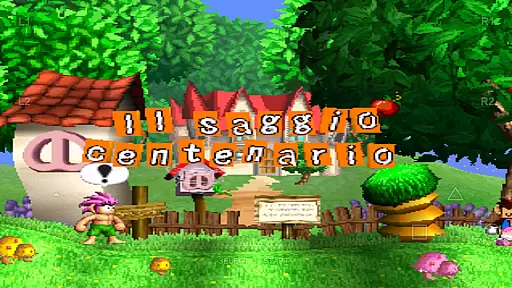
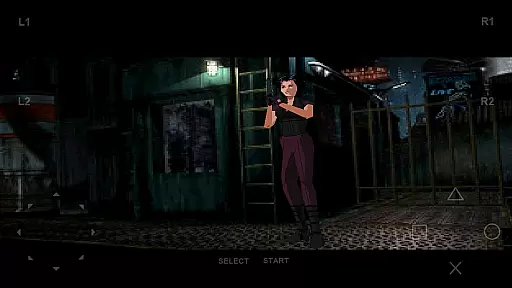
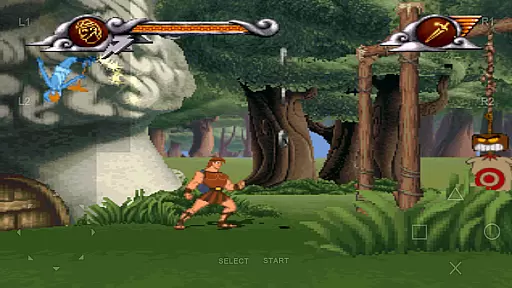
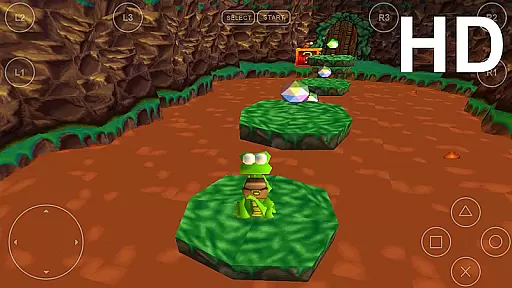
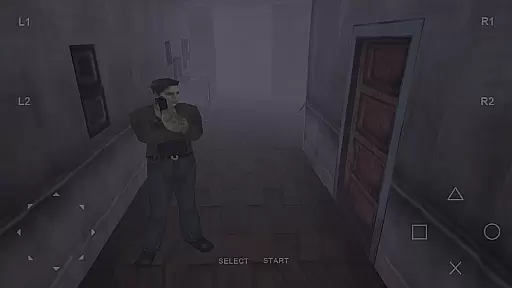
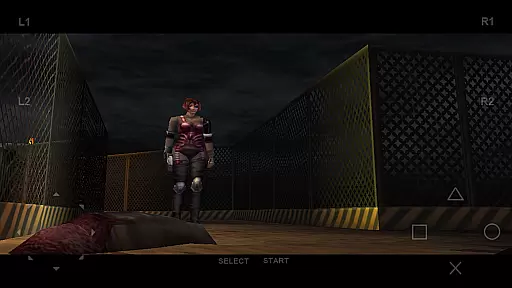
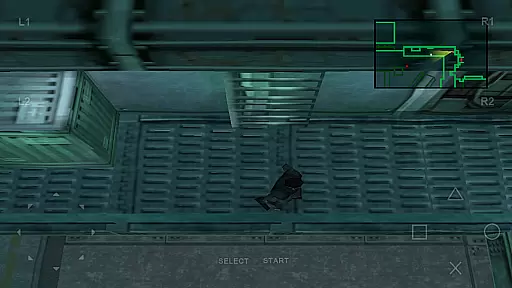
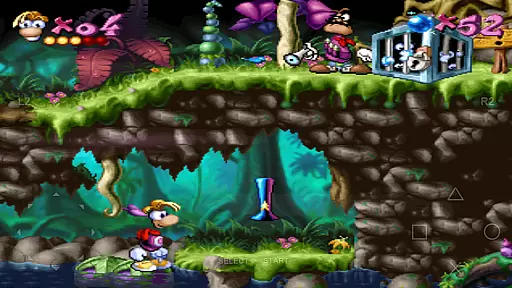
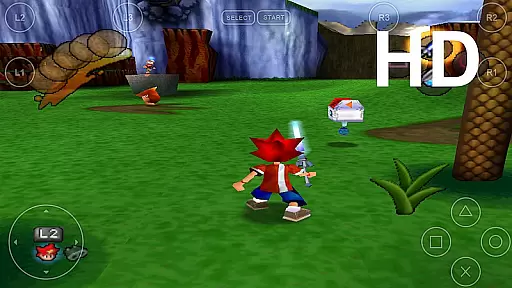
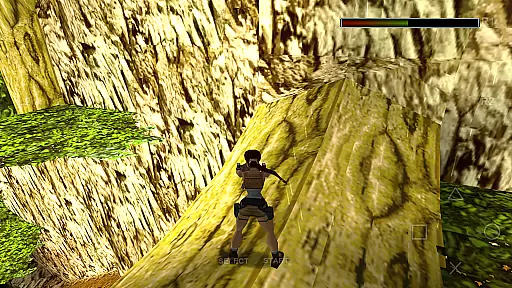
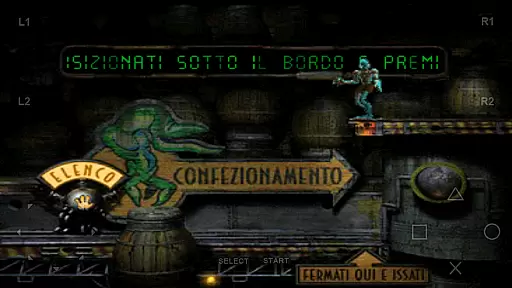
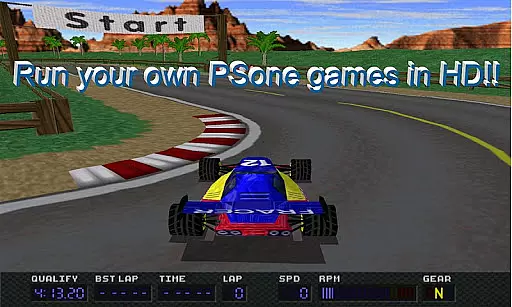

FPse for Android devices is a premier emulator designed to bring PlayStation 1 games to your smartphone. It offers high-resolution graphics through OpenGL, supporting a wide range of Android versions from 2.3 to 8. The app automatically scans local storage for PSone games and displays their covers, providing an intuitive user interface.
With features like savestates, force-feedback, and emulation of audio tracks using .cue files, FPse enhances gameplay. It supports multiple file formats including .img, .iso, and .bin, and is compatible with various controllers like IcontrolPAD and Zeemote. The inclusion of experimental multi-player LAN mode allows gaming across multiple Android devices.
FPse stands out with its high compatibility and performance, ensuring smooth gameplay even on lower-end devices. It includes innovative features such as automatic game scanning, video samples of games, and up to 10 downloadable overlay gamepads. The software renderer provides High Definition graphics, scaling up to 4x native resolution.
Exclusive functionalities like the Automatic cheat codes search engine and multi-player modes across several devices enhance user engagement. Additionally, support for VR glasses and NFS protocol allows users to load games directly from local networks, offering a versatile and immersive gaming experience.
FPse for Android offers a streamlined and accessible approach to PlayStation 1 emulation, making it simple for users to enjoy their favorite games on the go. The app's intuitive interface automatically scans local storage for compatible game files, presenting them with their original cover art for easy identification.
The emulator supports a wide range of file formats including .iso, .bin, and .cue, allowing users to play games without worrying about compatibility issues. With support for both touchscreen controls and external gamepads, FPse ensures that players can choose their preferred method of interaction, enhancing the overall user experience.
One of the standout features is the savestate functionality, which allows gamers to save their progress at any point. This flexibility makes gaming sessions more manageable, especially for users who engage during short breaks or commutes. The ability to customize controls further adds to the ease of use, catering to both casual and more experienced players.
Understanding the needs of modern gamers, FPse for Android provides exceptional flexibility in terms of session length. Whether you have a few minutes or several hours, the emulator's performance ensures that you can enjoy your gaming experience without being tied to extended play times. This adaptability is perfect for fitting gaming into a busy lifestyle.
The emulator runs smoothly even on lower-end devices, although newer devices will experience significant performance improvements. This broad device compatibility means that no matter what Android smartphone you own, you can enjoy PSone games without long loading times or performance hiccups interrupting your session.
Additionally, FPse includes innovative features like multi-player LAN mode, allowing two Android devices to connect for cooperative play. This feature extends session flexibility by enabling dynamic play sessions that can be as short or as long as desired. With these capabilities, FPse ensures that gaming fits seamlessly into any schedule.
High compatibility
Advanced graphics
User-friendly interface
Multiplayer support
Wide file format support
Complex setup
Legal concerns
Device overheating
Ads presence
Occasional bugs

Freddi and Luther have arrived at the Founder’s day festival!
 4.20
4.20
11 classic games featuring Freddi Fish, Pajama Sam, Putt-Putt, and Spy Fox.
3.80
The SPY Corps needs your help! Spy Fox need’s you!
4.10
Start with a simple lemon stand and grow into a business tycoon!
5.00
Build Your Tactical Fortress, One Gear at a Time!
4.20
Train concentration, reasoning, coordination and patience in a fun way.
4.2
Keep Popgoes alive in a quirky collection of LCD minigame challenges!
5.00
Multiplayer Game featuring Daddies protecting Babies from household danger.
2.70
Take passengers to their destinations! Become a great taxi driver in the city!
4.40
Be the Coin Master: attack friends & collect coins in this fun adventure game!
4.80
Manage a fish tank of guppies and other aquarium creatures
4.60
Defeat your enemies by creating a larger army of bullets!
4.40
Sam is ready to face his fear of the dark!
4.40
Play the Angry Birds game enjoyed by millions of players every day!
4.10
How does a p fall?
3.70
A Cozy Cooking Game. Mix, Cook, and Discover New Recipes!
3.70
Heads or tails? Coin Flipper in an idle game about flipping coins!
3.60
A game where you swipe various objects to send them to the desired location
4.4
A companion app for score tracking while playing My Cows! on a roadtrip
4.2


User Reviews