
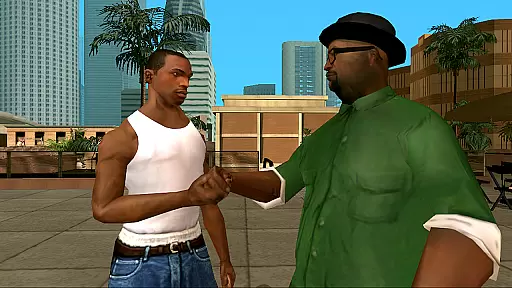

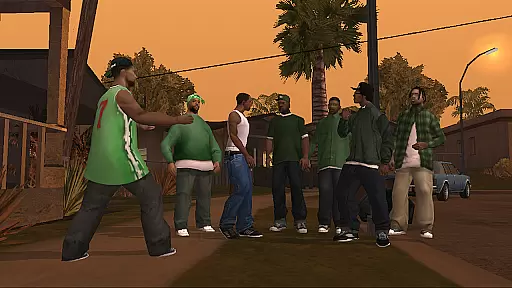
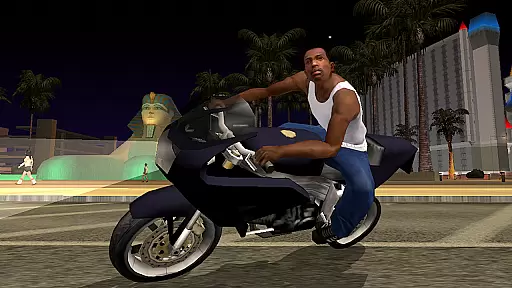
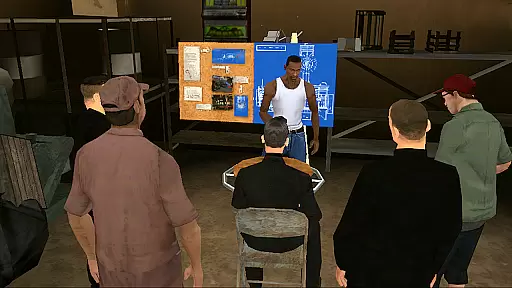
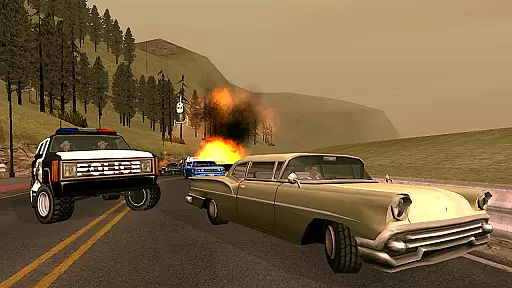
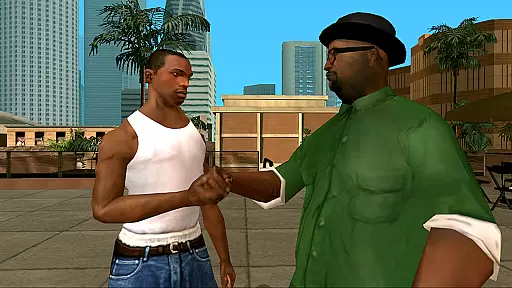

Grand Theft Auto: San Andreas is an action-packed open-world game that takes players on a thrilling journey through the fictional state of San Andreas. Set in the early 1990s, the game follows protagonist Carl Johnson as he returns to his hometown of Los Santos following the murder of his mother. The game features a vast open world covering three major cities, each with its own unique atmosphere and challenges.
Players will experience enhanced visual fidelity on mobile devices, with remastered graphics including improved lighting, enriched colors, and better character models. With over 70 hours of gameplay, this port by War Drum Studios brings Rockstar's classic title to smartphones and tablets. The game offers dual analog stick controls, customizable control schemes, and support for external game controllers, making it accessible to both longtime fans and newcomers alike.
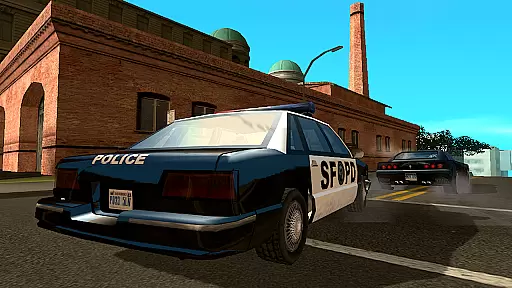
The immersive experience extends beyond just visuals; players can expect the same deep storytelling and engaging missions that made the original release iconic. Whether evading corrupt cops or navigating gang warfare, Carl's journey to save his family and take control of the streets provides countless hours of entertainment. Cloud save functionality ensures you can continue your adventure across multiple devices seamlessly.
Grand Theft Auto: San Andreas boasts several notable features that enhance the overall gaming experience. First is its remastered high-resolution graphics specifically optimized for mobile platforms. These include significant improvements such as advanced lighting effects, richer color palettes, and refined character models, ensuring the game looks stunning even by today's standards.
Another standout feature is the robust control system designed for touchscreens. Players have access to dual analog stick controls along with three different control schemes. Customizable options allow users to tailor their interface preferences, displaying buttons contextually based on need. Additionally, compatibility with MoGa Wireless Game Controllers and select Bluetooth/USB gamepads caters to those who prefer physical inputs.
Cloud save support via Rockstar Social Club enables gamers to pick up where they left off on any supported device. Furthermore, adjustable graphic settings let players fine-tune performance versus quality trade-offs according to their hardware capabilities. Immersion tactile effects add another layer of realism, enhancing interactions within this expansive virtual environment spanning Los Santos, San Fierro, and Las Venturas.
In action games like Grand Theft Auto: San Andreas, control responsiveness and input latency are crucial for an immersive experience. The game has been optimized for mobile platforms with dual analog stick controls, allowing players to have full camera and movement control. This ensures that every action, from running through the streets of Los Santos to driving at high speeds, feels immediate and precise.
The developers have implemented three different control schemes, catering to various play styles. Whether you prefer a traditional setup or something more customized, the game accommodates your needs. Furthermore, the option to display buttons only when necessary declutters the screen, enhancing focus on the gameplay itself while maintaining optimal control responsiveness.
Grand Theft Auto: San Andreas also supports external controllers, such as MoGa Wireless Game Controllers and select Bluetooth and USB gamepads. This compatibility allows for even lower latency and a console-like experience on mobile devices. Players can enjoy seamless interactions with their surroundings, making each mission and exploration venture as thrilling as intended by the creators.
Combat feedback is essential in action-packed games, providing players with the necessary cues to make split-second decisions. In Grand Theft Auto: San Andreas, combat scenarios are designed to deliver tight feedback, ensuring that every punch thrown or bullet fired registers accurately. The remastered graphics further enhance this experience by delivering detailed animations and visual effects that correspond directly to player actions.
The tactile integration with Immersion technology adds another layer of realism to combat engagements. Players can feel the impact of their actions through their device's vibrations, creating a visceral connection between the player and the virtual world. This sensory feedback loop heightens tension during shootouts and melee fights, making victories more satisfying.
Moreover, the enriched character models and improved graphic settings contribute to combat clarity. Each adversary reacts convincingly to hits, providing clear indications of successful strikes. With over 70 hours of gameplay, these finely-tuned combat mechanics ensure that every encounter remains engaging and challenging throughout the expansive journey across San Andreas.
Engaging storyline
Vast open world
Customizable controls
High-quality graphics
Cloud save support
Heavy on resources
Complex controls
Long initial load
Occasional bugs
Paid premium version
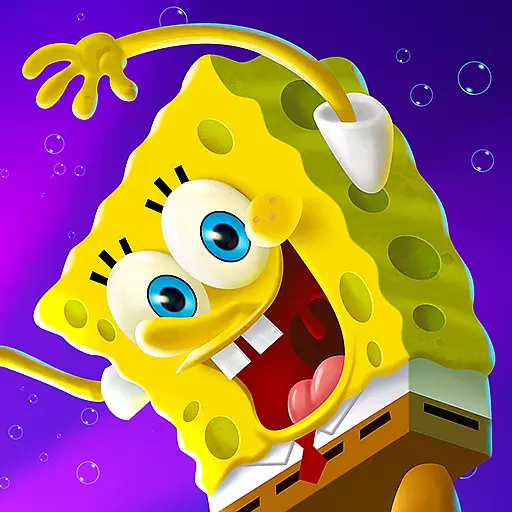
Wish-granting Mermaid’s Tears in the hands of SpongeBob… What could go wrong?
 4.20
4.20
Become a commander and infiltrate the Planet of Heroes!
4.60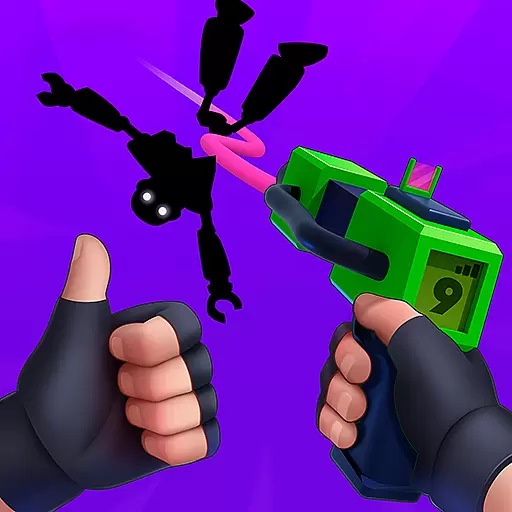
Robot fight! Get into the shooting games to destroy all transformers and robots!
4.30
Survive the post apocalypse in intense zombie shooting and gun games on doomsday
4.60
A Troll Platformer Game
3.30
Swing into action as a spider legend in an epic fighting adventure
4.60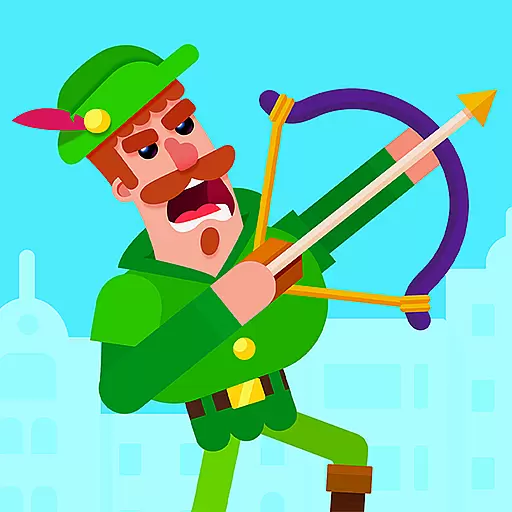
Aim the arrow and become a legendary archer! Multiplayer action & shooting games
4.40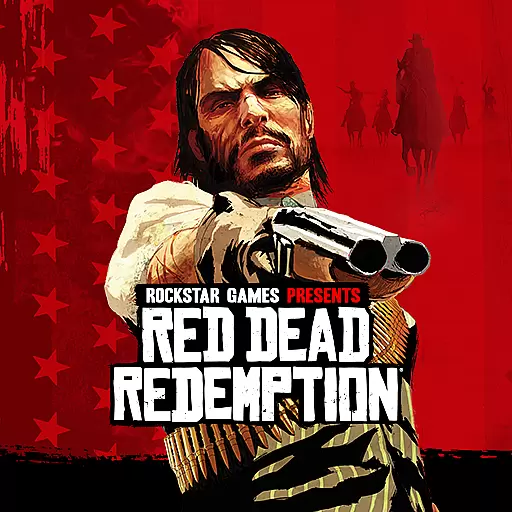
Experience the epic Western adventures that defined a generation
3.90
Run with thousands of foods and feed them to each other!
4.70
The ULTIMATE collection of Doom engine source ports in one app!
4.80 4.50
4.50
Carjack the open world like it's 1989!
4.50
Munch your way through 60 levels and over 140 objects!
4.40
Kick all fighters out of the arena! Enjoy the casual fighting game experience
4.30
Feeling lucky?
4.10
A fun platform run game with thousands of traps and wow that push your limits
4.00
Craft, build, and survive in a zombie-infested open world!
3.40
Play through 45 action-packed missions with over 90 iconic Marvel characters!
3.00
Retro pixel war game! Destroy enemies and survive the chaos!
4.0


User Reviews