
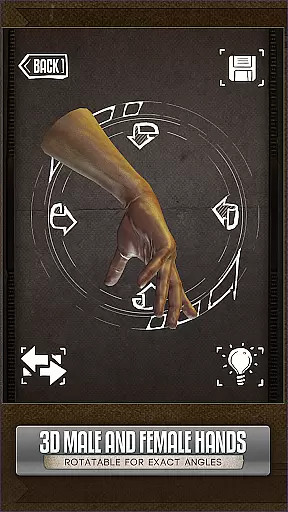
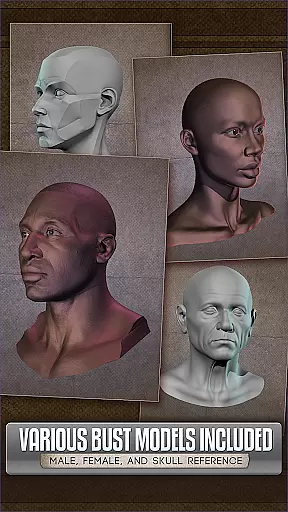
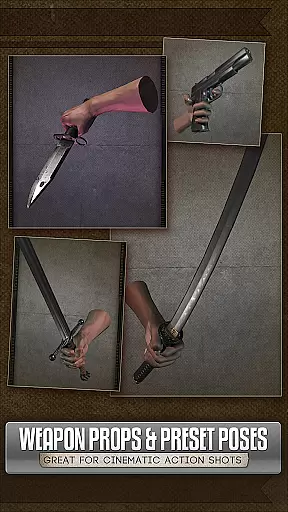
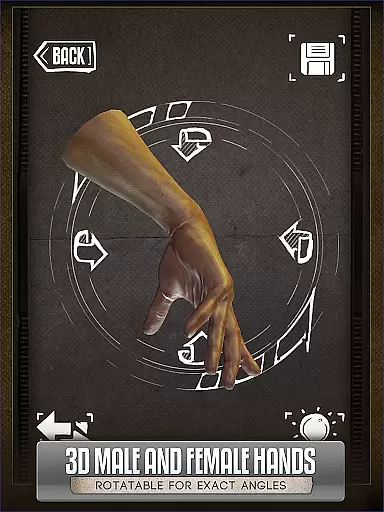
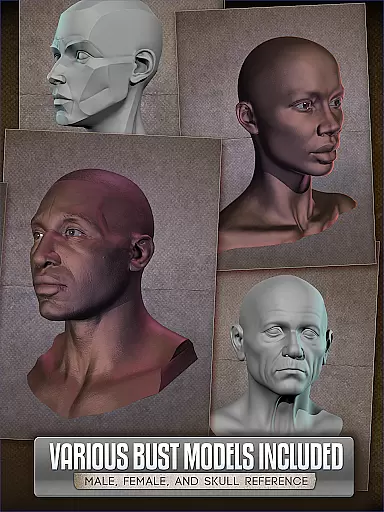
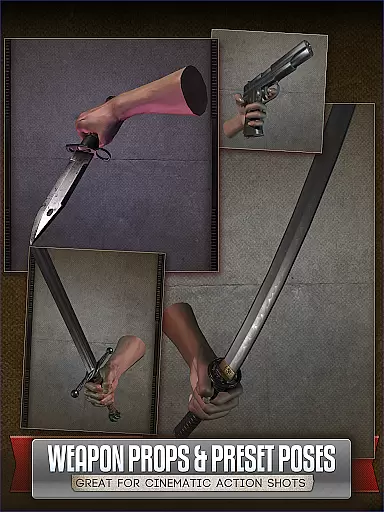
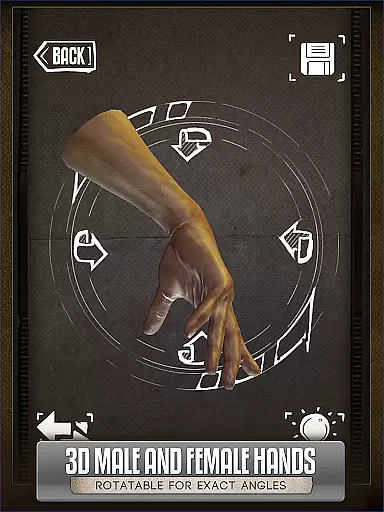
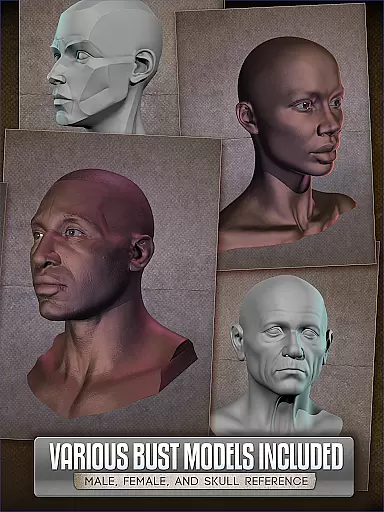
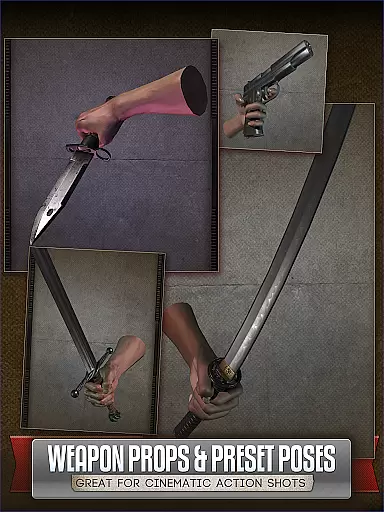
Handy Art Reference Tool is an innovative 3D reference app designed specifically for artists. The application provides rotatable 3D models of hands, feet, skulls, and animal skulls that can be easily manipulated to serve as drawing references.
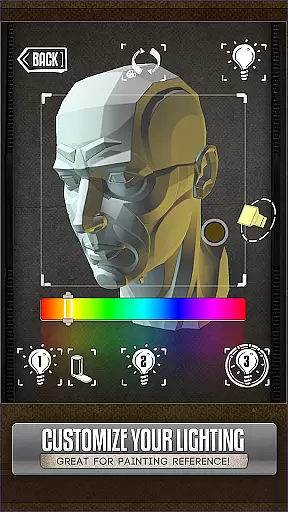
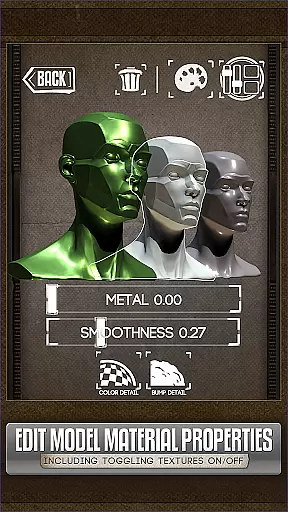
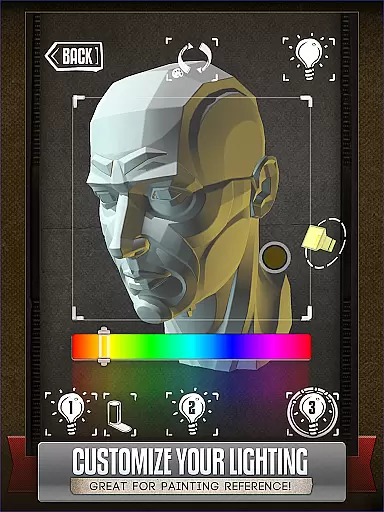
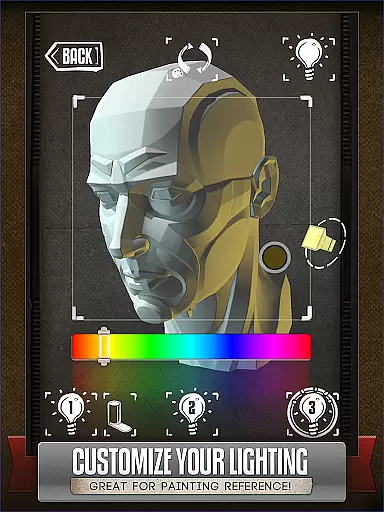
A standout feature is the fully adjustable 3-point lighting system, allowing users to experiment with realistic shadow effects from various angles. With over 10 included head busts and customizable material settings in version 5, this tool offers exceptional flexibility for comic book artists, painters, and casual sketchers alike.
This app is particularly useful for artists who need quick reference poses without having to physically pose themselves or others. Its professional-grade features have earned it a spot in ImagineFX's Top 10 Must-Have Apps.
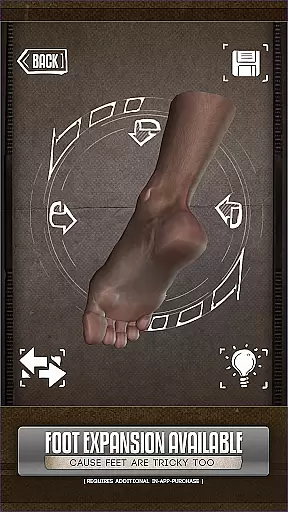
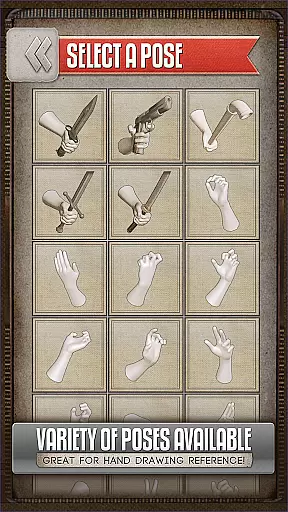
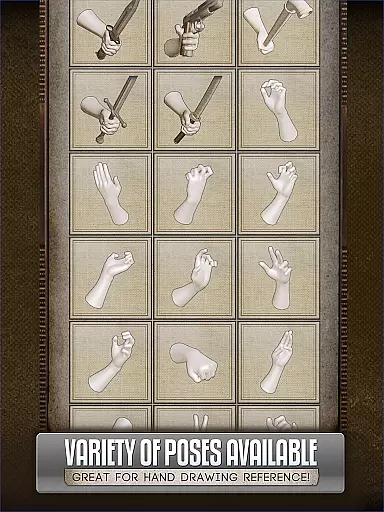
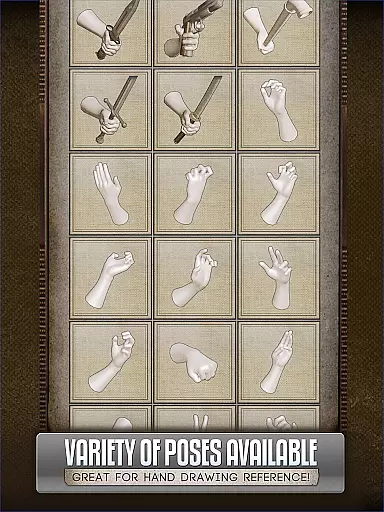
The Handy Art Reference Tool stands out with its comprehensive collection of 3D models. Users can rotate and adjust hands, feet, and skulls in various poses, with additional customization options available through in-app purchases.
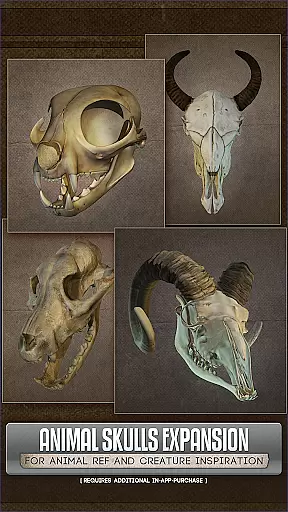
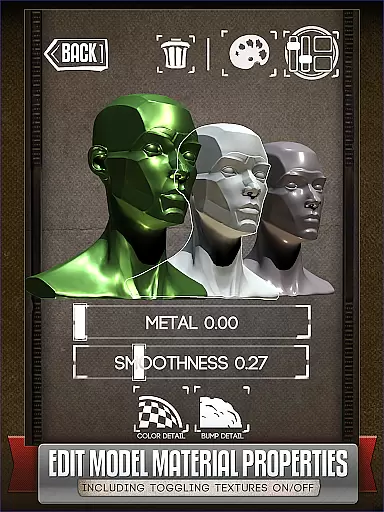
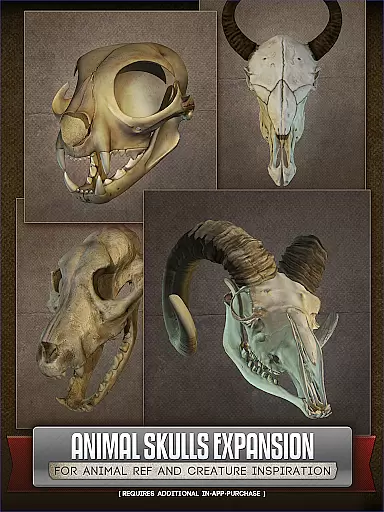
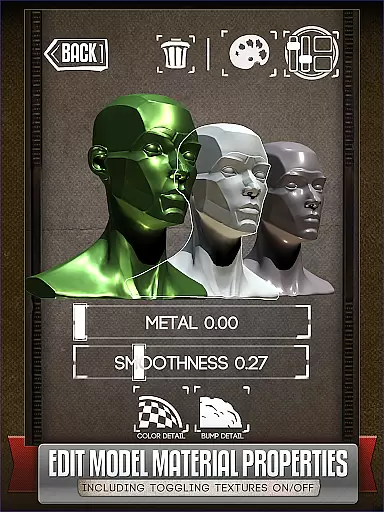
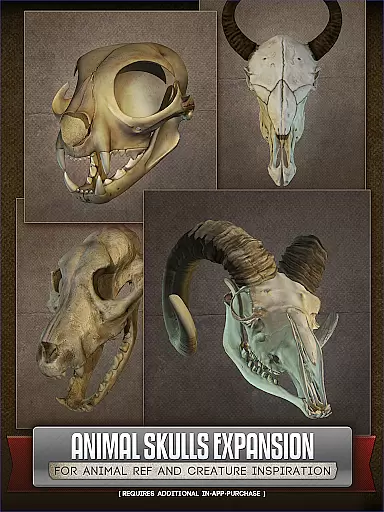
Version 5 introduces advanced material editing capabilities, enabling artists to modify textures, specularity, and colors of the models. The inclusion of more than 10 animal skull models in the optional Animal Skulls pack makes it an excellent resource for creature design and anatomical studies.
What truly sets this app apart is its sophisticated lighting system. Artists can simulate different lighting conditions and study how shadows fall on their subjects, making it an invaluable tool for creating realistic artwork. This level of detail and control is what makes Handy Art Reference Tool a must-have for professional artists.
For comic book artists and casual sketchers alike, having access to a diverse range of references is crucial. HANDYu00ae offers an extensive library that includes rotatable 3D models of hands, feet, and skulls, providing a multitude of poses that are perfect for drawing reference.
The app goes beyond basic human anatomy by offering the Animal Skulls pack, which features over 10 different animal species. This addition not only enriches the variety but also serves as a great resource for anatomical studies and creature design inspiration.
With regular updates and new features being added, such as the ability to edit model materials introduced in Handy v5, users can expect the library to expand and evolve, ensuring that their creative needs are continually met with fresh content.
HANDYu00ae prides itself on providing authentic and credible content for artists. Each 3D model within the app has been carefully crafted to ensure accuracy and realism, making it a reliable tool for those looking to enhance their artistic skills.
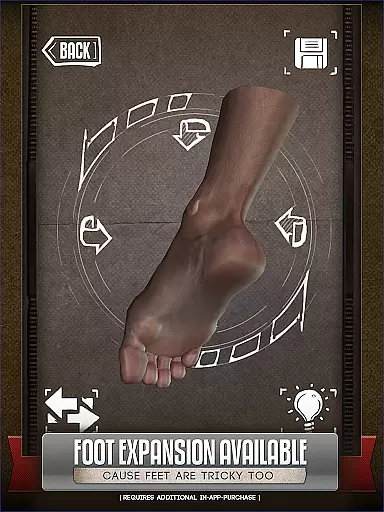
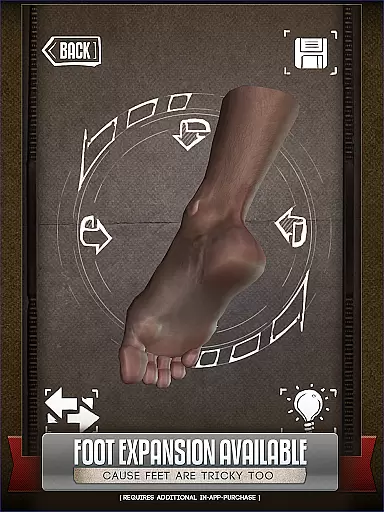
While the core app offers a comprehensive set of features, additional content like the Animal Skulls pack and foot rigs are available for purchase. These add-ons have been developed with the same attention to detail and commitment to quality, guaranteeing that users receive genuine value for their investment.
Artists can use HANDYu00ae with confidence, knowing that all content is properly licensed and authorized by creators, thus avoiding any legal issues related to copyright infringement while they focus on their creative work.
User-friendly interface
Customizable 3D models
Professional lighting setup
Wide range of poses
Regular updates
Basic content feels limited
Additional packs costly
Steep learning curve
Occasional bugs
Subscription required

Become a real PKM Card Maker, create or custom any Poke TCG cards and share them
 4.10
4.10
A free paradise specially built for comic lovers. When you step into this comic universe full of surprises, it is like opening a door to endless joy. You are immediately immersed in the wonderful world brought by reading and enjoy the infinite charm of reading.
4.5
Dive into creative online comics, short video, graphic novels and web novels!
4.60
Find free mangas in Spanish
4.70
You can create comics, manga and manwha using AI with Arcstory comic book maker
2.70
Free Comic Book Collection Management & Price Guide
4.60
Read your favorite mangas for free
4.50
Dive into the App for Premium Comics, Webtoons and Manga!
4.80
Kodansha official Manga app
4.30
This application will enable donated users only function in Perfect Viewer.
4.90
Draw the comics with glow brushes! Easy and relax!
4.40
SQUARE ENIX's official Manga app!
4.40
Read Manga, Comics & Manhwa of Romance, Action, Fantasy, Drama, BL and more!
4.40
The anime tv for fans Sud and Dub
4.20
More fun from BOM! Hurry up and do the following self-test, if you meet more than one item, come and experience the brand new world of comics!
3.40
Experience the largest selection of DC comics anywhere with DC UNIVERSE INFINITE
3.40
The best app for digital comics - Welcome to Lezhin!
3.10
Hot-blooded / Romance / Science Fiction All themes, Smart Recommendation + HD Reading
3.10
Get the latest manga chapters daily, released simultaneously with Japan.
3.10


User Reviews