
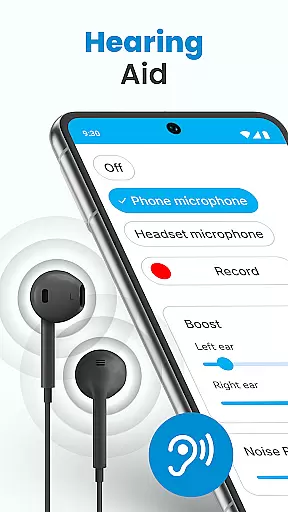
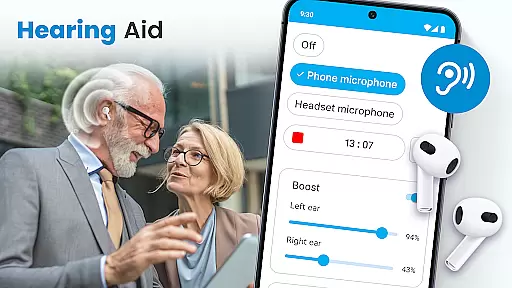
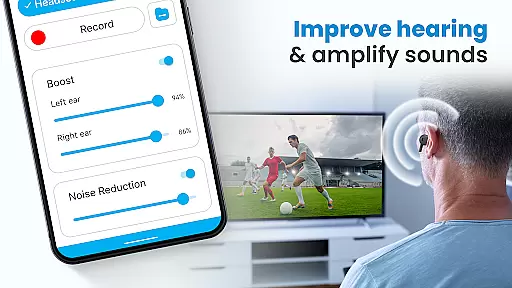
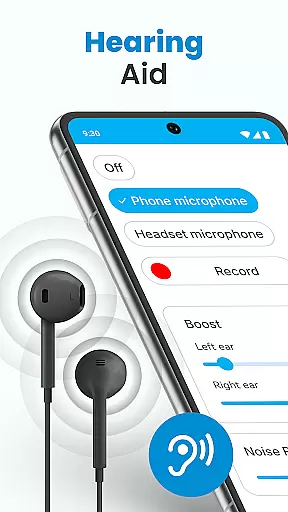
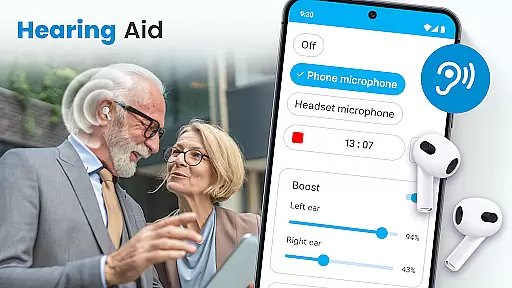
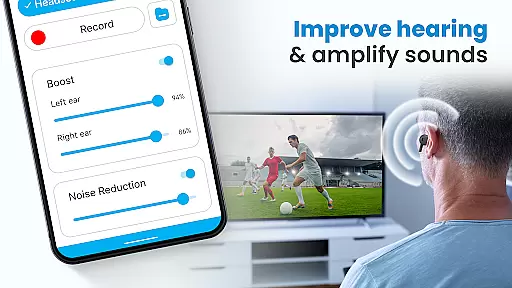
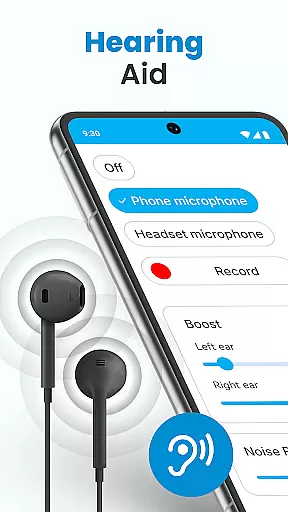
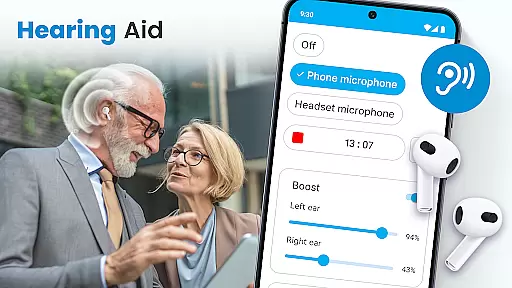
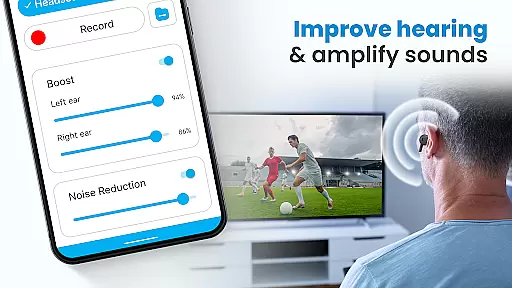
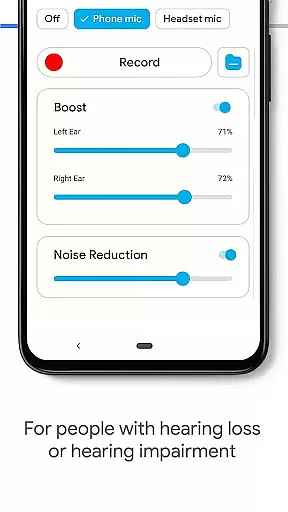
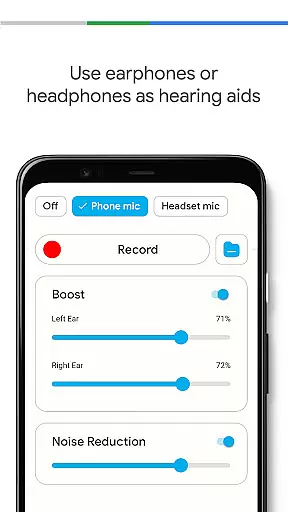
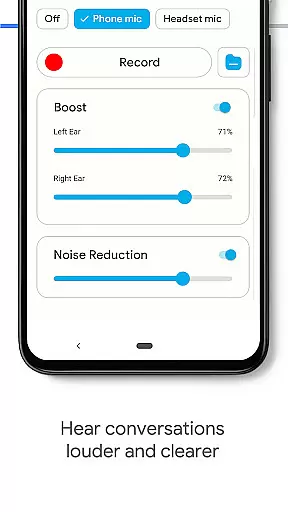
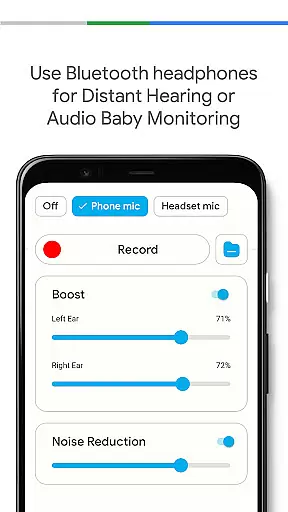
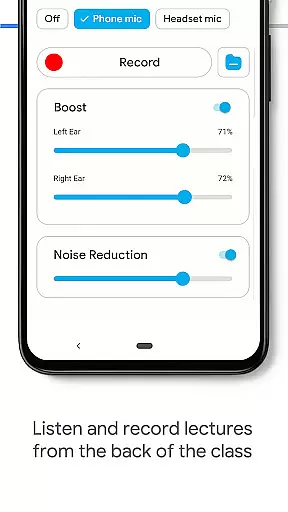
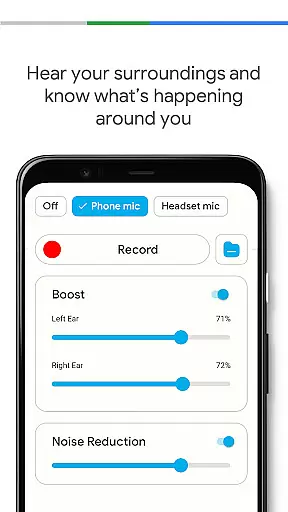
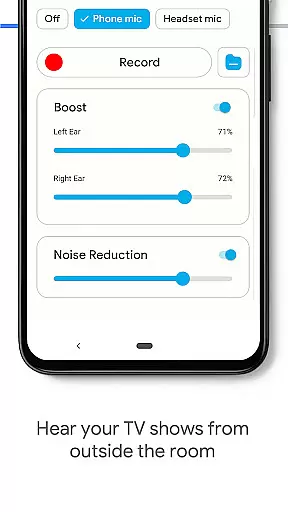
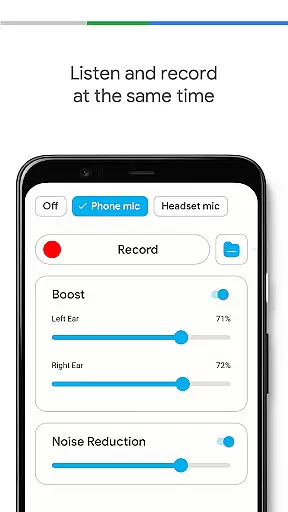
Hearing Aid App for Android is a specialized mobile application designed to improve hearing capabilities and amplify sounds for users with mild hearing impairments. This app transforms your Android device into a personal hearing enhancer, allowing you to capture external sounds and stream them more clearly at increased volumes.
The application offers advanced features such as noise control to eliminate background disturbances, an audio recorder for personalized sound adjustments, and left/right ear sound balancing. It supports both phone microphones and Bluetooth headsets, providing flexibility in usage scenarios. Whether you're attending meetings, lectures, or social events, this app ensures every word is heard with clarity.
With its user-friendly interface and practical functionalities, Hearing Aid App for Android serves as an essential tool for anyone seeking better hearing assistance in everyday situations. The app's ability to work in the background while using other apps makes it particularly useful for multitasking users.
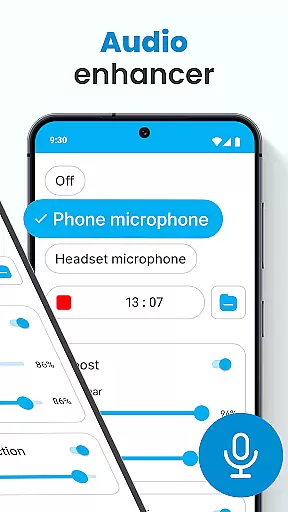
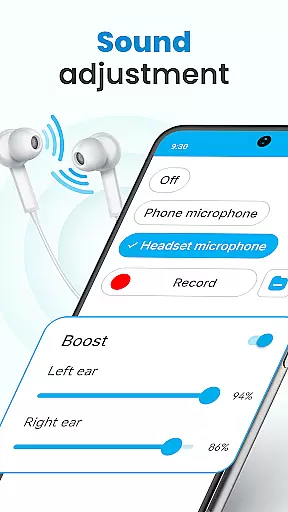
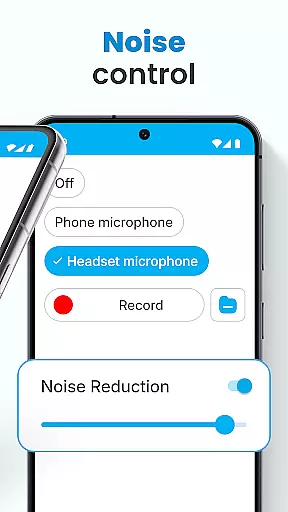
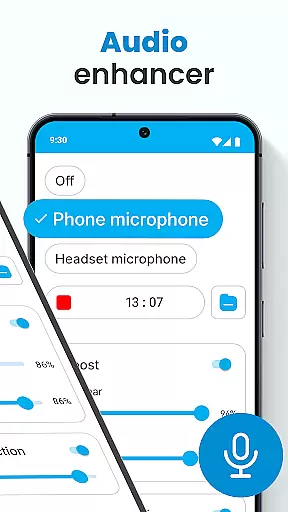
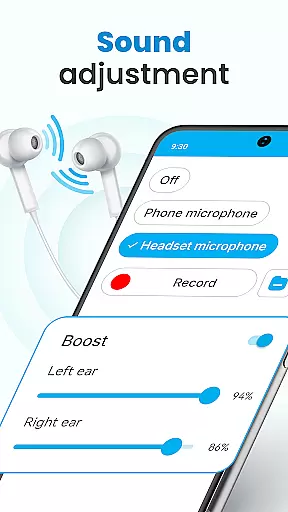
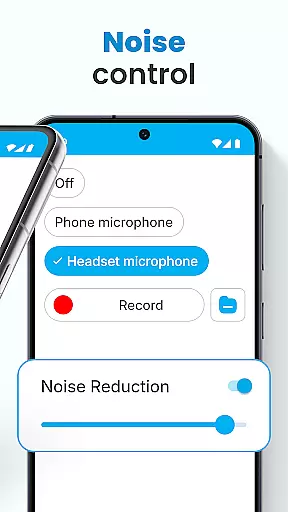
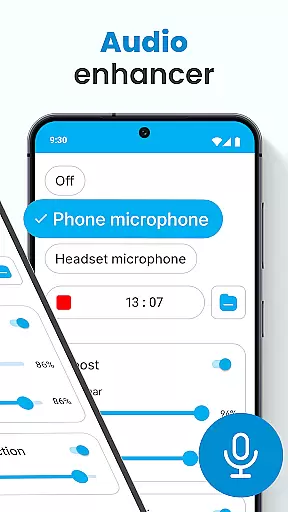
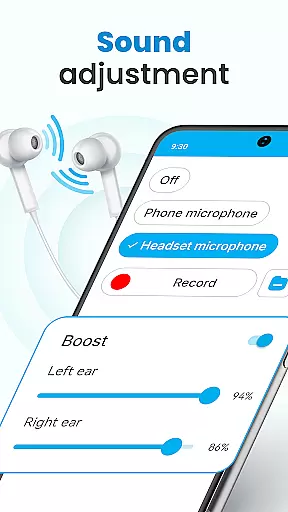
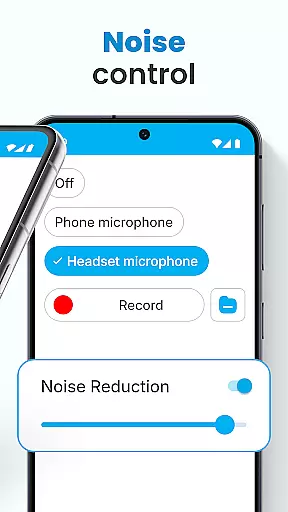
Hearing Aid App for Android stands out with its comprehensive set of features tailored for hearing enhancement. The app includes an Audio Enhancer function that allows users to increase hearing volume according to their specific needs. Its Noise Control feature effectively eliminates background disturbances, ensuring clearer audio reception in various environments.
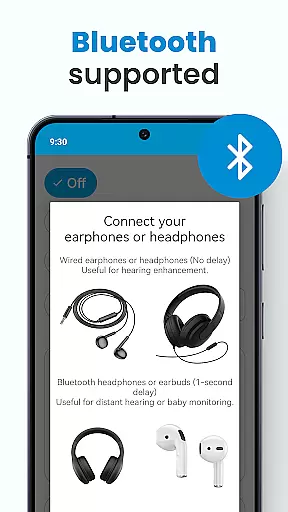
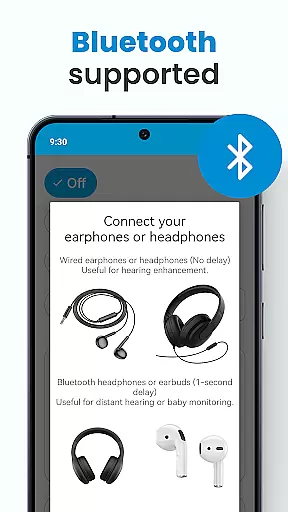
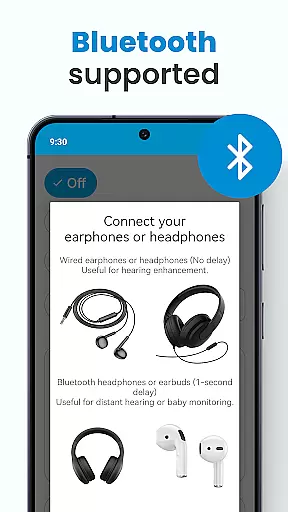
One of the app's notable capabilities is the Super Hearing Volume Booster, which works with both phone microphones and selected headset microphones. Users can adjust sound levels independently for each ear, providing personalized hearing assistance. The app also supports Bluetooth connectivity, enabling seamless integration with wireless earphones.
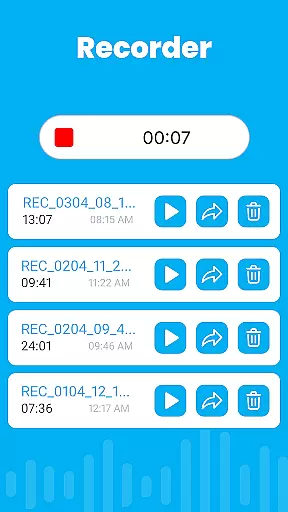
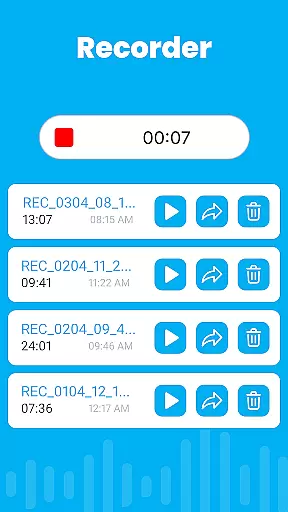
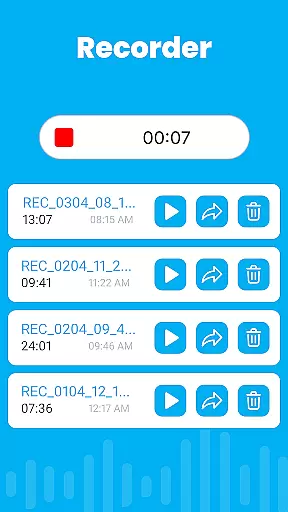
Additional features include an Audio Recorder for capturing and customizing sounds, automatic speech enhancement in noisy atmospheres, and a Background Mode that lets users listen while performing other tasks. These robust functionalities make Hearing Aid App for Android a versatile solution for improving hearing quality in different situations.
In the realm of mobile health applications, ensuring the credibility of medical content is paramount. The Hearing Aid App for Android stands out by offering features that are not only designed to improve hearing but also grounded in sound medical science. This app amplifies sounds and enhances hearing through carefully engineered audio processing techniques.
The app incorporates functionalities such as noise control and automatic speech enhancement, which are essential for users with mild hearing impairments. By eliminating background disturbances and focusing on amplifying speech, the app ensures that users can distinguish important sounds even in noisy environments. These features have been developed based on expert reviews and recommendations, making the app a reliable tool for everyday use.
Furthermore, the inclusion of an audio recorder and personalized sound settings allows users to tailor their listening experience according to their specific needs. Such customization is crucial for adapting to different environmental conditions and individual preferences. With expert-backed features, the app provides a credible solution for those seeking to improve their auditory experience without compromising on quality or reliability.
Teleconsultation has become an integral part of modern healthcare, allowing patients to receive medical advice remotely. The Hearing Aid App for Android enhances this experience by integrating high-quality teleconsultation features. Users can leverage the app's advanced sound amplification and noise reduction capabilities during virtual consultations, ensuring clear communication between patients and healthcare providers.
The app supports both phone-powered wired and Bluetooth earphones, providing flexibility in how users engage in teleconsultations. This compatibility ensures that users can choose their preferred audio devices while maintaining excellent sound quality. Whether attending a consultation in a bustling cafu00e9 or the comfort of oneu2019s home, the app delivers consistent performance.
Additionally, the background mode feature enables multitasking during teleconsultations, allowing users to lock their device or perform other tasks without interrupting the session. This seamless integration of practical functionalities underscores the app's commitment to delivering high-quality teleconsultation experiences. By prioritizing user convenience and audio clarity, the Hearing Aid App for Android sets a benchmark for teleconsultation quality in the medical app landscape.
User-friendly interface
Effective noise reduction
Customizable sound settings
Supports Bluetooth devices
Background mode functionality
Limited to mild hearing loss
Requires compatible hardware
May drain battery quickly
No advanced medical features
Basic design aesthetics

Enables quick access to medical data and contacts in case of emergency (ICE)
 4.70
4.70
Crush your paramedic exam with NREMT-style tests, ECGs, and top-tier prep!
3.90
Manage your prescriptions and pharmacy care anytime, anywhere.
4.80
The Better Pharmacy Experience
4.90
X-Vein: Advanced vein detection for medical practice
3.10
ASCCP Management Guidelines- There’s an app for that!
4.60
Get your lab results on your smartphone with MyQuest.
4.40
The Client Portal app empowers you to manage care from one secure place
4.10
Tap & save. Coupons that fit in your pocket. Find low prices on prescriptions.
4.80
CPR Timer for High Performance AHA BLS / ACLS
5.00
Behavioral Health Portal
4.70
Amplify surrounding sounds, conversations, TV or lectures for louder hearing.
4.70
Sync your blood glucose device, log values automatically and tame your diabetes!
4.60
3rd trimester? Counting Kicks is what moms should do-It’s important & easy too!
4.30
One app to unlock your health
4.30
Control your hearing aids discreetly with the touch of a finger
4.30
Master AEMT with 1,400+ study items, TEIs, practice tests, and scoring.
4.10
An easy way to earn money donating plasma. Book a visit, sit back, and get paid.
3.80
A fantastic 3d reference that includes over 300 structures and a quiz function.
3.00


User Reviews