
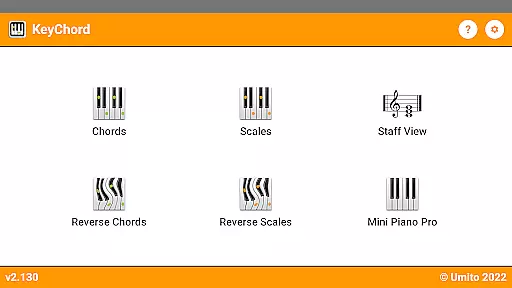
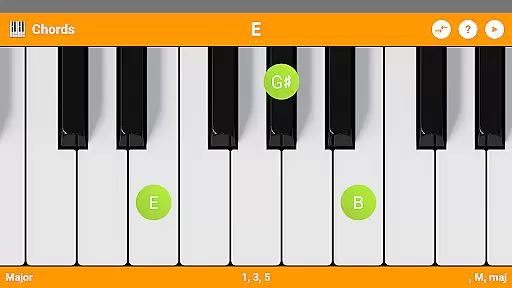
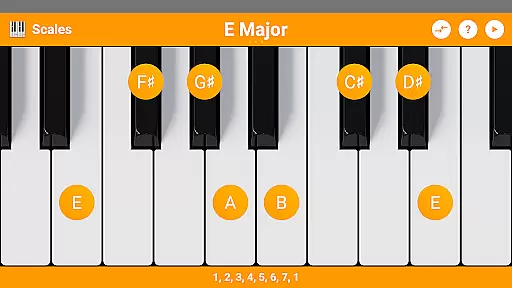
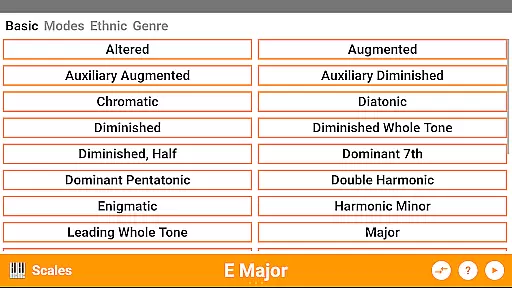
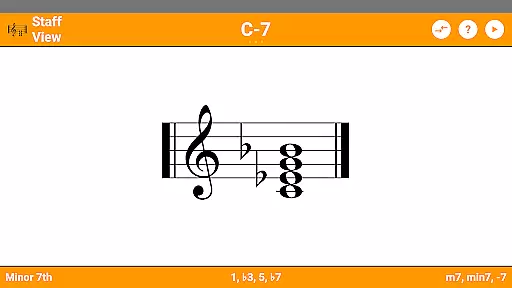
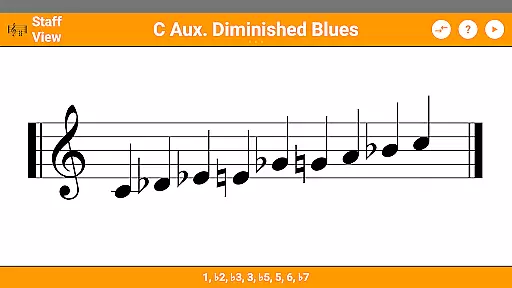
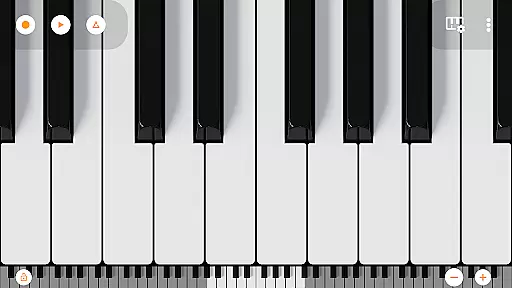
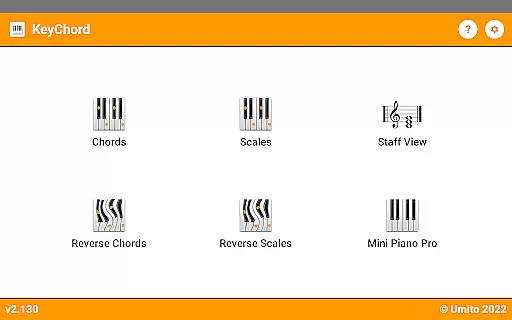
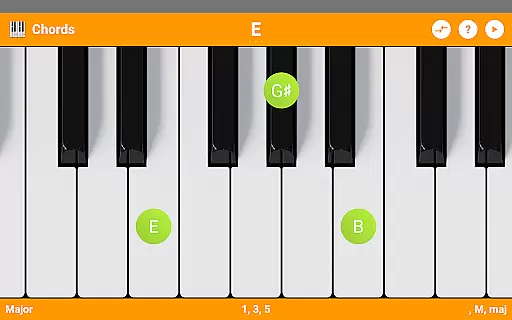
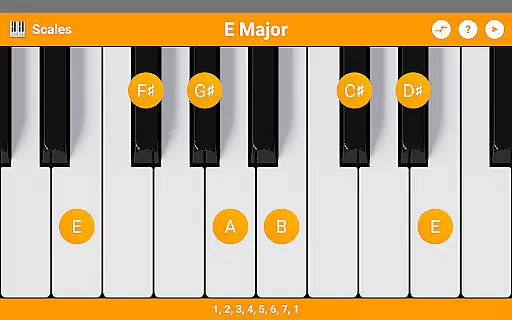
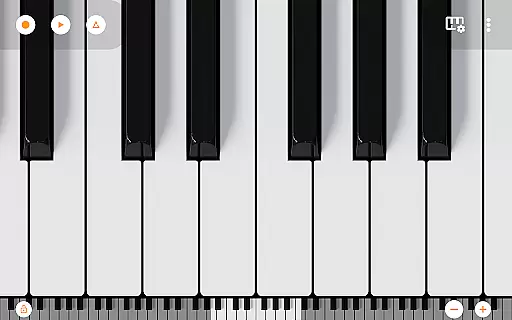
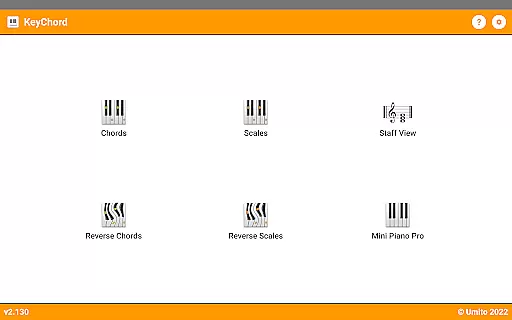
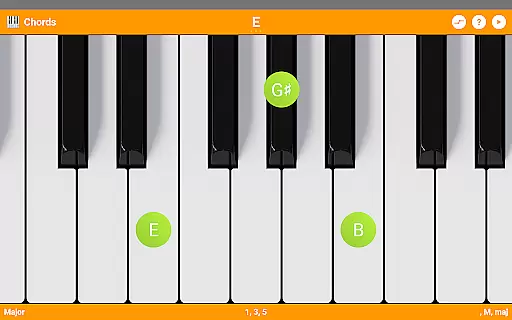
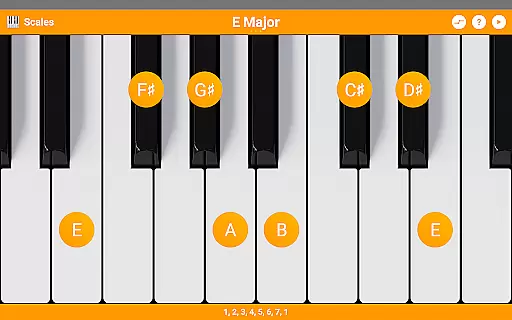
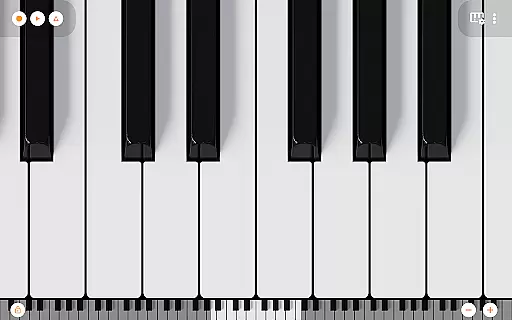
KeyChord is an innovative reference app designed for musicians and piano enthusiasts. This dynamic dictionary allows users to explore all scales and chords through an intuitive virtual keyboard interface. The app's standout feature is its 88-key multitouch piano, which provides an interactive platform for musical discovery and experimentation.
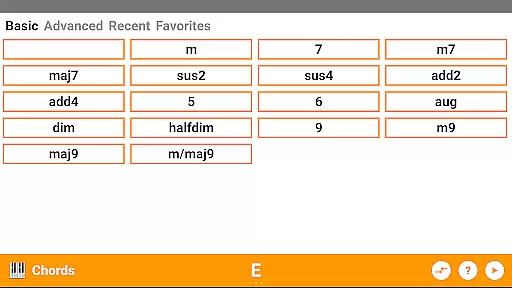
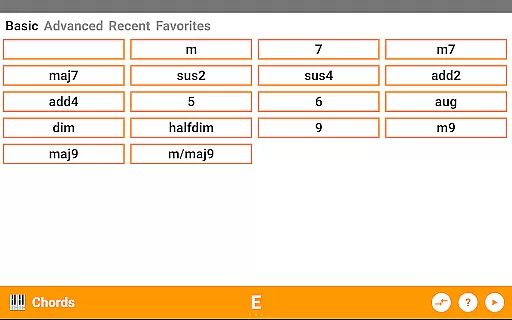
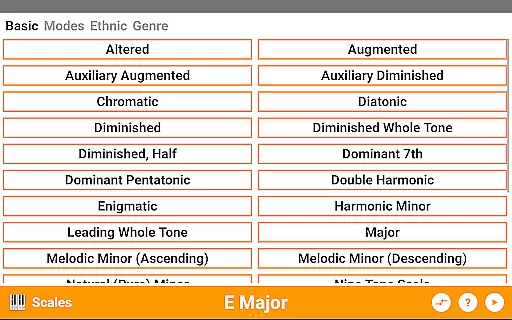
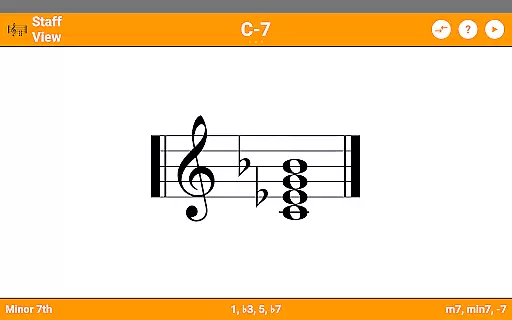
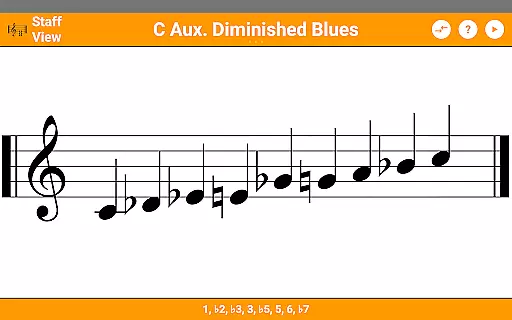
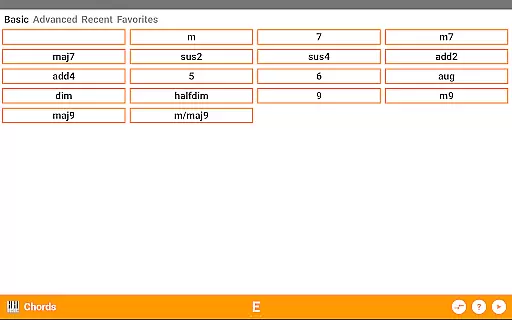
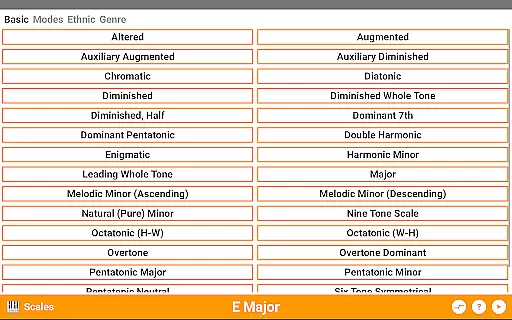
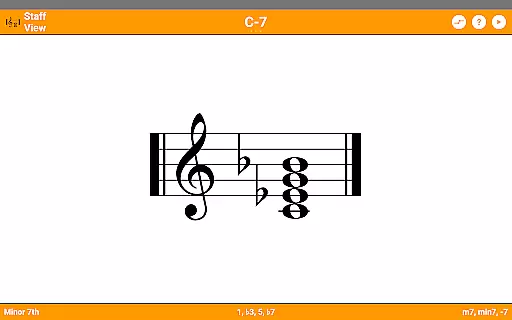
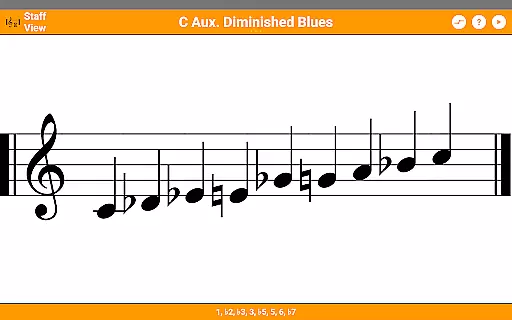
The application supports over 50 chord types and 100 scale types, making it an invaluable tool for music theory study and composition. Its reverse lookup functionality enables users to identify chords and scales by simply selecting notes, while the staff view helps visualize musical structures. Whether you're a beginner learning basic chords or an advanced musician exploring complex progressions, KeyChord offers valuable insights into music theory.
Musicians can benefit from this app during practice sessions or when composing new pieces. The ability to hear every chord and scale, combined with dark mode support and 128 different sounds, creates an optimal environment for musical exploration. Additionally, users can record their compositions as MIDI files and even set them as ringtones.
KeyChord distinguishes itself through its comprehensive feature set tailored specifically for music professionals and enthusiasts. The app's virtual keyboard serves as both a learning tool and performance instrument, allowing users to experiment with various chord inversions and scale patterns. With support for 50+ chord types and 100+ scale types, it covers nearly every musical possibility.
One of the app's most impressive aspects is its dynamic nature - rather than relying on pre-defined chord locations, KeyChord understands how chords work and lets users create them anywhere on the keyboard. The reverse lookup feature adds another layer of functionality, enabling users to identify unknown chords and scales they encounter in their musical journey. The inclusion of Mini Piano Pro enhances the experience with professional-grade sound quality.
Additional features include note name display, interval components, favorite chord saving, and MIDI recording capabilities. The app's audio playback works seamlessly across all modes, while its dark mode support ensures comfortable use in any lighting condition. These features collectively make KeyChord an essential tool for anyone serious about music theory and piano performance.
KeyChord offers an extensive virtual library of musical knowledge, featuring over 50 chord types and 100 scale types. This vast collection ensures that musicians of all levels have access to a comprehensive reference for their practice and performance needs.
The app's content is carefully curated and verified, ensuring the accuracy and authenticity of each chord and scale. By avoiding the use of pre-defined databases, KeyChord dynamically generates chords and scales based on music theory principles, providing users with reliable information they can trust.
With its integration of Mini Piano Pro, KeyChord provides users with 128 different sounds, enhancing the learning experience. The inclusion of audio playback in all modes further enriches the authenticity of the content, allowing users to hear every chord and scale as it should sound.
KeyChord supports a wide range of formats, accommodating various musical notations and preferences. Whether you're looking for note names, component intervals, or staff views, this app caters to diverse user needs with ease.
In addition to traditional formats, KeyChord also includes innovative features such as reverse chord and scale lookup. This functionality allows users to discover the names of chords and scales by simply selecting notes, making it an invaluable tool for both beginners and experienced musicians.
The app's versatility extends to its playback capabilities, which are compatible with multiple sound formats. Users can record their compositions as MIDI files and even set them as ringtones, showcasing KeyChord's adaptability and commitment to user-centric features.
Comprehensive chord library
Dynamic scale generation
Professional sound quality
Intuitive user interface
Offline functionality
Steep learning curve
Premium price point
Resource intensive
Limited instrument sounds
No video tutorials

Novels, audiobooks, ebooks & fanfiction. Read anytime, anywhere!
 3.40
3.40
Mirror Bible - eye-opening paraphrase translation of the NT by Francois du Toit
4.30
Crowd-sourced listing of businesses with anti-gun signs, and pro-2a alternatives
4.60
Essential Technical Rescue Field Operations Guide 6, the Industry Standard Guide
4.20
Master AKC Rally signs with in-depth hints, diagrams, and expert guidance.
4.50
“It is fun to have fun, but you have to know how!”
4.40
F9 Cookbook Mobile App
4.60
Build family tree & discover DNA, family history heritage, origins and ancestors
4.60
Premium reader for ePub, PDF, and more. TTS and translation. Great on any screen
3.50
Daily thoughts, meditations, and prayers for living a sober life in recovery.
4.90
Read the KJV Bible with Strong’s offline: reading plans, audio Bibles, and more.
4.70
Translate into 100+ languages with the world’s most accurate AI translator.
4.70
Learn Electricians' Handbook PRO complete guide beginners to advance.
4.40
Holy Bible with verses and audio for studying and prayer
4.30
Zerobooks Light Novel Reader by GOLDENAGATO
4.20
"BIG A, little a. What begins with A?"
4.10
Guide for dōTERRA® Products
3.60
Battle Royale Chapter 5 Season 2 HD Wallpapers Emotes Skins and BattlePass
3.00
Fast loot guide for ARC Raiders. Simple tips, stats, maps, and item details.
4.3


User Reviews