

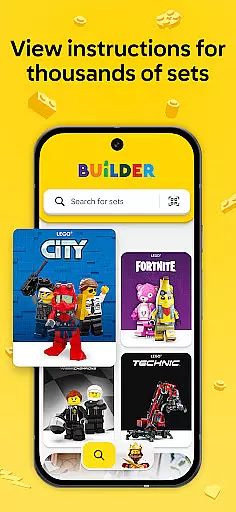

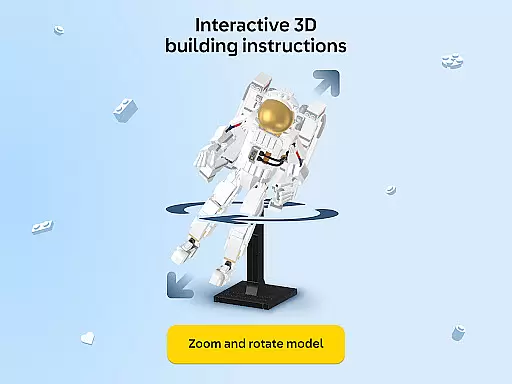
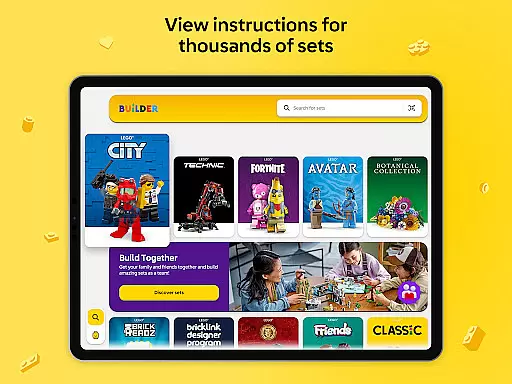


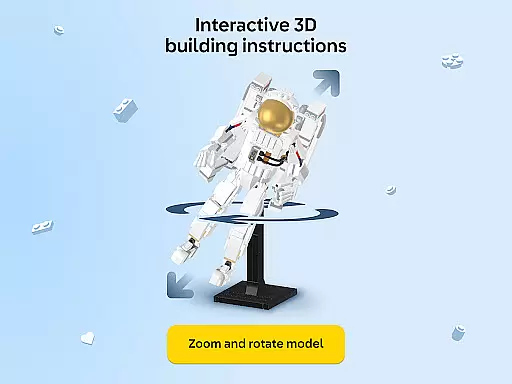
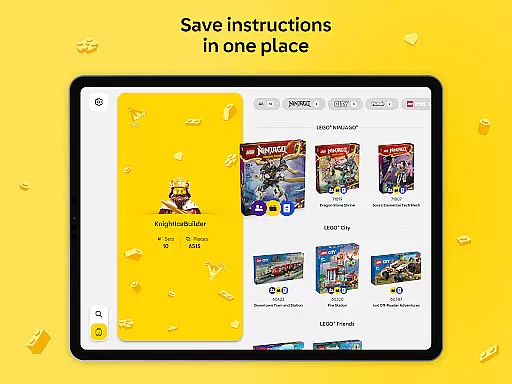

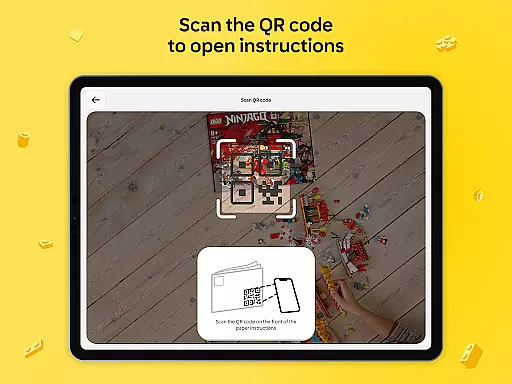

LEGO Builder is the official building instructions app for LEGO sets, offering an innovative digital platform to enhance your building experience. The app provides intuitive 3D building instructions that allow users to zoom, rotate, and view models from any angle, making construction easier and more engaging than ever before.
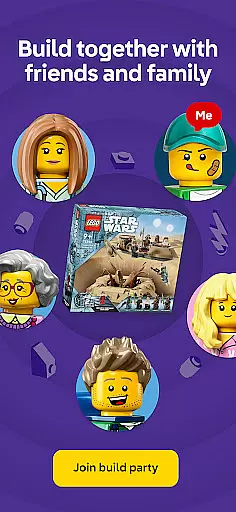
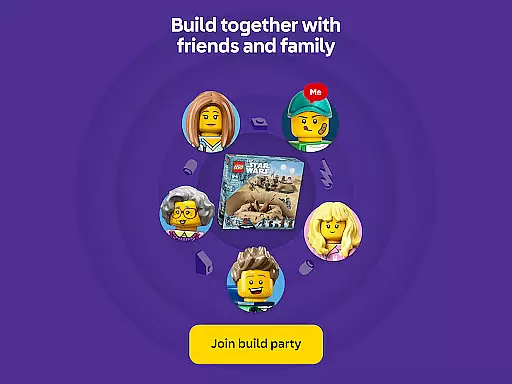
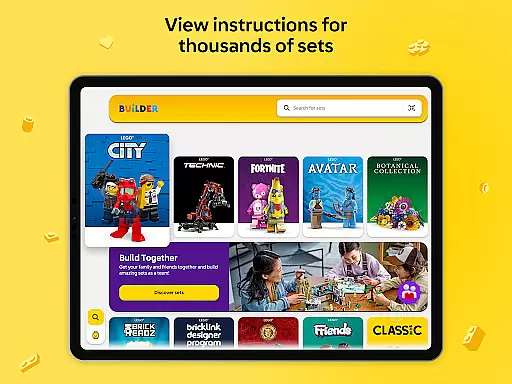
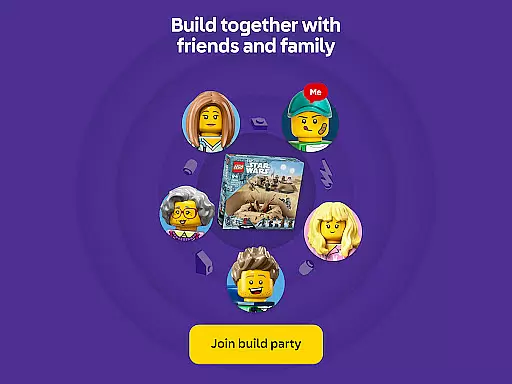
A standout feature is the Build Together mode, which enables multiple users to collaborate on the same project. This social building function is perfect for family activities or group events, letting builders divide tasks and work as a team. Additionally, the app includes a comprehensive digital library of instructions dating back to 2000, searchable by set name or number.
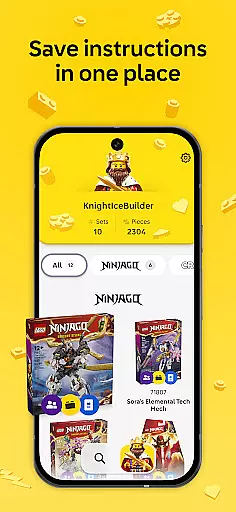
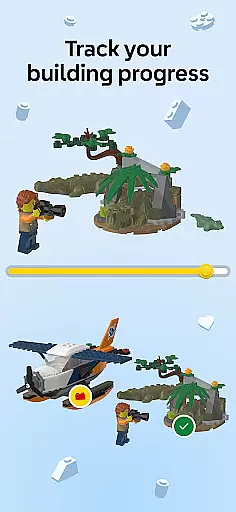
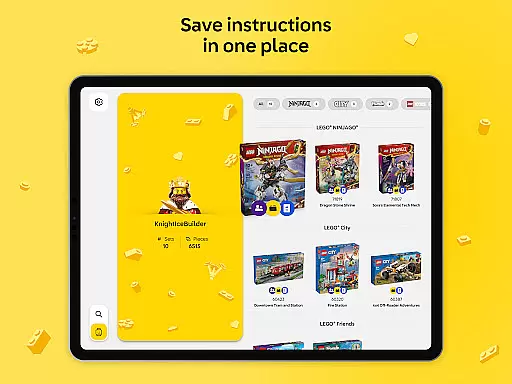
The app's enriched content brings extra fun to the building process through guided experiences in select themes. Users can save progress, track completed sets, and maintain a digital collection of their LEGO creations. This combination of features makes LEGO Builder an essential tool for both casual builders and dedicated collectors.
LEGO Builder stands out with its advanced 3D visualization capabilities. The app renders each LEGO piece with remarkable clarity, providing step-by-step guidance that eliminates guesswork from the building process. Its sophisticated rendering engine allows seamless zooming and rotating, ensuring builders can examine every detail from optimal angles.
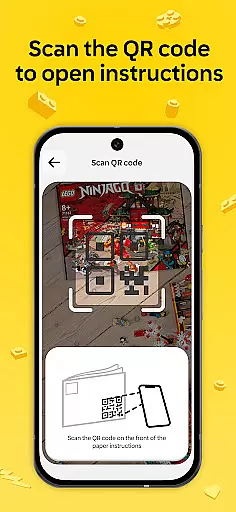
The Build Together functionality revolutionizes collaborative building. Through unique PIN codes, multiple users can join the same building session, taking turns completing steps while tracking collective progress. This feature particularly shines during social gatherings or educational settings where teamwork is encouraged.
Additional notable features include a comprehensive instruction archive, automatic progress saving, and the ability to track total bricks built. The app also integrates with LEGO accounts to maintain digital collections and offers enriched content for specific themes, creating a more immersive building experience that combines physical construction with digital enhancement.
In the realm of digital entertainment, content variety and freshness are paramount. LEGO Builder excels in this area by offering a vast digital library of LEGO building instructions spanning from 2000 to the present day. This extensive collection ensures that users have access to a wide array of sets, keeping the building experience engaging and up-to-date.
The app goes beyond merely providing instructions; it enriches the building process with story-driven experiences for select LEGO themes. This approach not only diversifies the content but also adds an element of imagination and creativity to each project. Users can unlock special content that brings additional fun to their 3D building journey, ensuring that each session feels unique and enjoyable.
Moreover, LEGO Builder is designed to be more than a static instruction manual. The app continuously updates its library, adding new digital building instructions that allow users to expand their collection and explore new sets. This commitment to regular updates guarantees that the content remains fresh and relevant, encouraging users to return to the app time and again.
By integrating features like Build Together, which allows multiple users to collaborate on a set, LEGO Builder further enhances its content offering. This social building experience is perfect for family nights or special occasions, making it a dynamic addition to the entertainment landscape. With these elements combined, LEGO Builder ensures that its content variety and freshness keep users engaged and excited about their next LEGO adventure.
User engagement duration and retention are critical metrics for any entertainment app, and LEGO Builder addresses these aspects effectively through its innovative features. One of the standout functionalities is the ability to save progress and build a digital collection of LEGO sets. This feature encourages users to spend more time within the app, as they can track their building journey, see the total number of bricks used, and celebrate their progress over time.
The app's step-by-step digital building instructions play a significant role in retaining user interest. By allowing builders to zoom, rotate, and view sets from every angle, LEGO Builder makes the construction process more interactive and confidence-inspiring. This intuitive 3D building experience keeps users engaged, as they can easily understand each step and visualize the end product more clearly.
Additionally, the Build Together mode offers a collaborative platform where friends and family can team up to complete LEGO sets. This social aspect not only extends the time users spend on the app but also creates a sense of community and shared achievement. By sharing a PIN code, multiple builders can join a session, take turns completing steps, and work together to finish the model. This cooperative feature significantly boosts user engagement duration and fosters long-term retention.
LEGO Builder also incorporates enriched content and guided building experiences for specific themes, adding an extra layer of depth to the building process. These elements ensure that users remain captivated and invested in their projects, leading to longer sessions and increased loyalty to the app. Overall, LEGO Builder's focus on user engagement duration and retention makes it a standout choice in the digital entertainment space.
User-friendly interface
Comprehensive instruction library
Innovative Build Together mode
High-quality 3D visualization
Progress tracking system
Requires constant internet
Limited offline functionality
Not all sets supported
Occasional loading issues
Premium account needed for full features

The OFFICIAL PeeWee Purpdrank Soundboard!
 4.80
4.80
Journey to the world’s oldest rainforest and meet its Indigenous Custodians.
4.4
Live TV, sports & holiday movies — stream on phone, tablet & TV
4.60
Collaboration with popular VTubers
4.5
Chat with AI characters! Anime, games, roleplay & more.
4.50
Christmas Globe: Transform your Wear OS device into a festive timekeeper!
4.1
Neon Christmas Tree Animated: Festive Wear OS watch face with fitness info
4.4
Official KennysGifs Stickers
4.20
Earn Real Rewards Playing Fun Mobile Games & Easy Cash Out - PayPal & Gift Cards
4.40
Original short dramas with diverse genres for a rich viewing experience!
4.80
Tarot & Oracle Card Readings
4.50
Triple A is a highly complex, kinetic, and interactive visualizer.
4.50
Geooh GO is the most feature rich geocaching app available today.
4.50
Everything FOX in one place. Watch FOX News, NFL, MLB, TV shows and more.
4.50
Come and watch short dramas, reels with diverse genres!
4.40
Alice Box is an Instrumental Trans Communication app.
3.80
Daily immersive workout plan: Body warm up & finger yoga exercises
3.80
Explore the unknown!
3.00
Unofficial Game Companion App” “Guides • Builds • Tips • Progression
4.5


User Reviews