
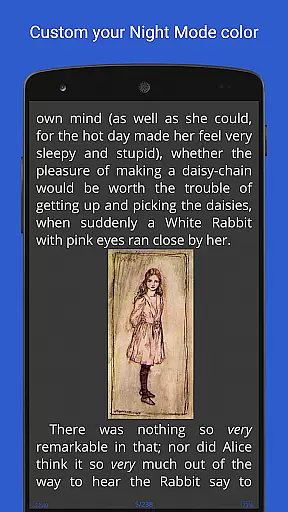
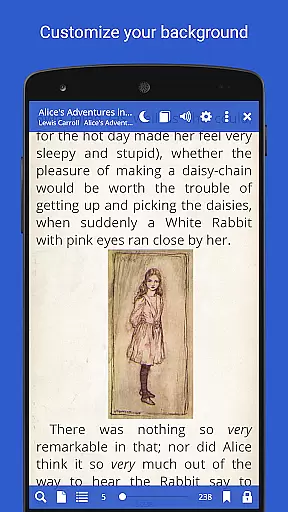
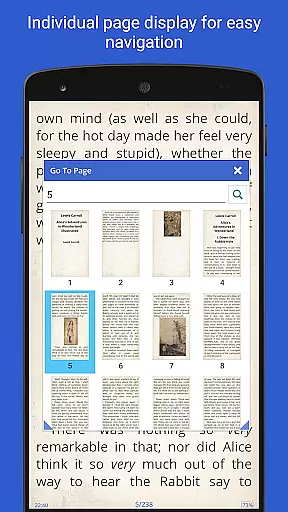
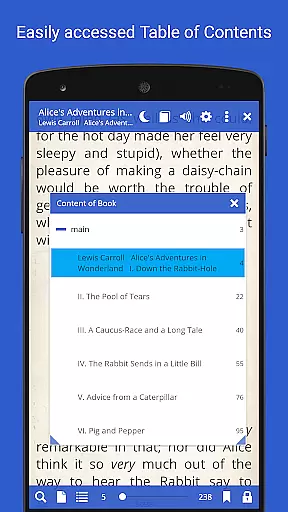
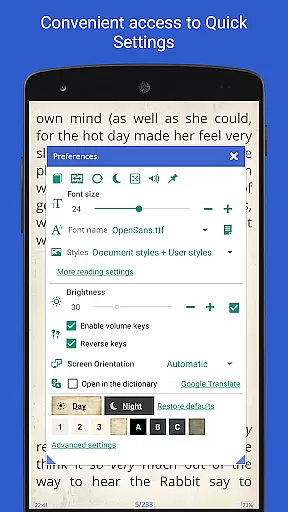
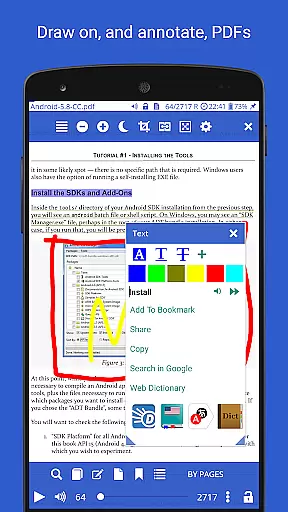
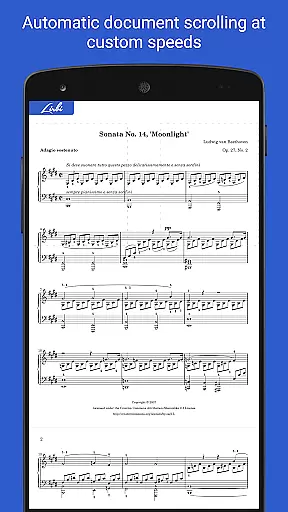
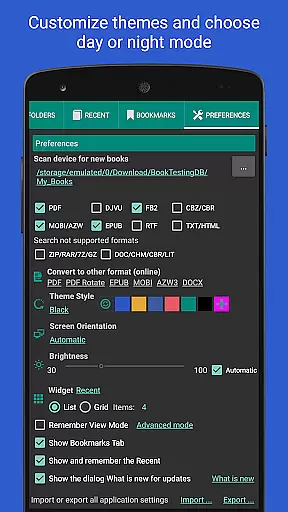
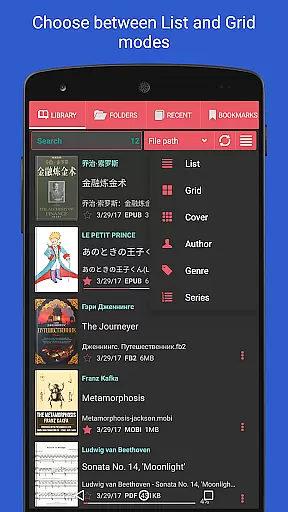
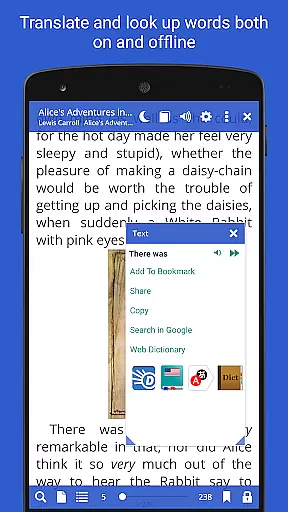
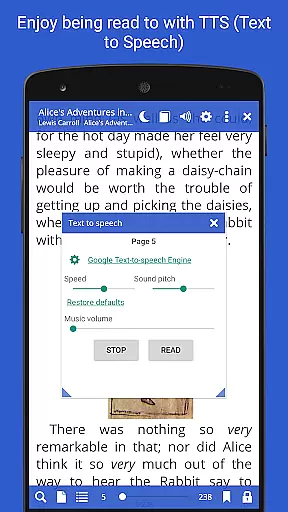
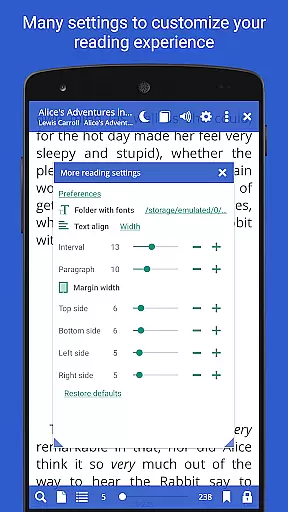
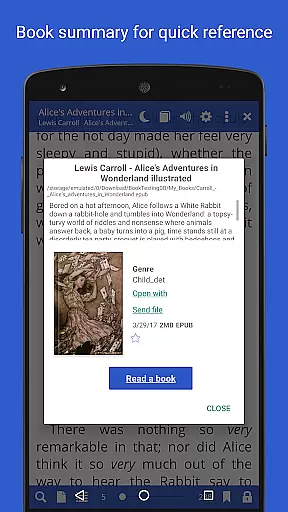
Librera PRO is a versatile and feature-rich reading application designed for book enthusiasts who require support for multiple document formats. This app supports PDF, EPUB, MOBI, DjVu, and many more, making it an all-in-one solution for digital reading. Its user-friendly interface offers both Day and Night modes, customizable reading settings, and even a unique Musician's mode for auto-scrolling at adjustable speeds.
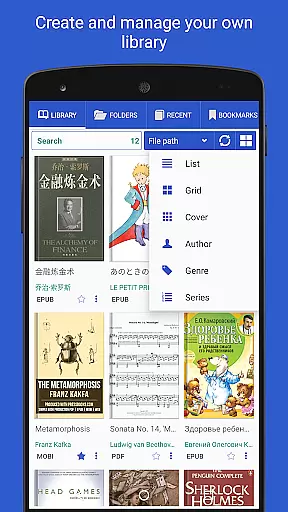
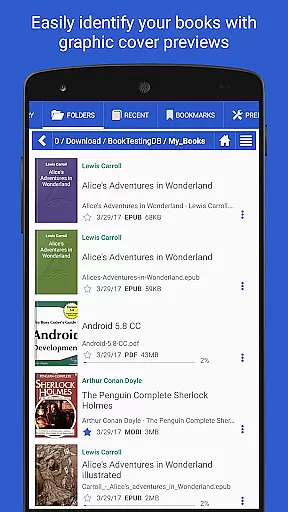
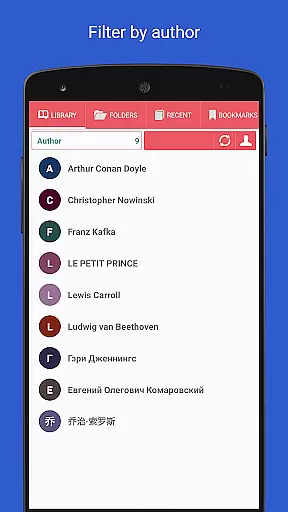
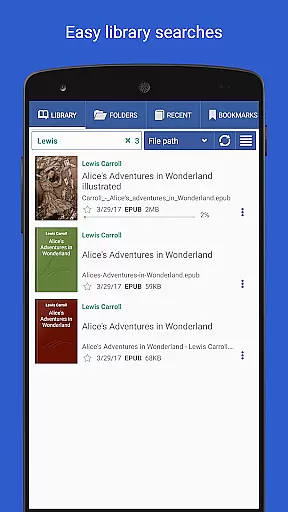
The app allows users to create personalized libraries by scanning specified folders and organizing documents through filters such as name, size, or date. With advanced features like online document conversion, support for right-to-left languages, and integration with major offline dictionaries, Librera PRO caters to a global audience. Whether you're reading e-books, academic papers, or professional documents, this app provides a seamless experience across Android devices.
Librera PRO stands out with its extensive list of features tailored for avid readers. The app includes RSVP reading (similar to Spritz), read-aloud functionality via TTS engines, and configurable scrolling speeds in Musician's mode. Users can lock documents into vertical-only scrolling, reflow text in PDFs, and customize CSS for a better reading experience.
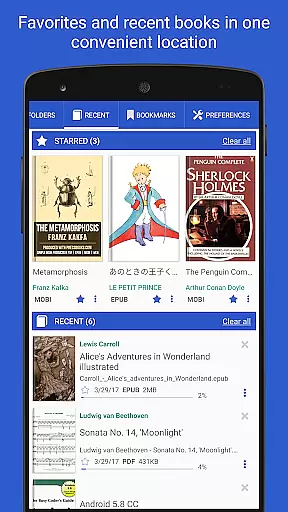
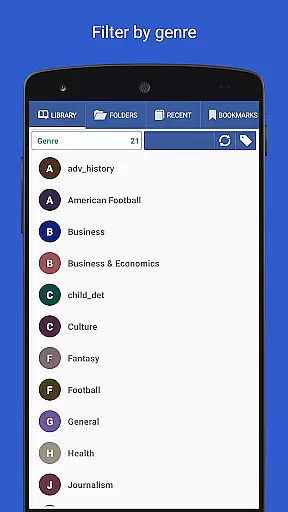
Additional highlights include support for bookmarks, annotations, and custom tags for grouping books. The app also syncs reading progress and settings across multiple devices, ensuring continuity. With options for online translators, archived book support, and dual-page viewing for certain formats, Librera PRO delivers a highly adaptable and innovative reading environment that enhances productivity and enjoyment.
Librera PRO offers an extensive e-book library that supports a wide range of document formats including PDF, EPUB, MOBI, and more. This ensures users have access to a vast collection of reading materials tailored to their preferences.
The app emphasizes copyright authenticity by allowing users to import and manage their legally acquired documents seamlessly. It provides features like online document format conversion and support for archived books, enhancing the accessibility of legitimate content.
With its auto-scan functionality for user-specified folders and integration with online catalogs (OPDS), Librera PRO simplifies the process of organizing and expanding one's digital library while maintaining legal integrity.
By supporting DRM-protected files and offering cloud synchronization, the app guarantees that users' libraries remain both authentic and up-to-date across multiple devices.
One of Librera PRO's standout features is its exceptional format compatibility, accommodating over ten different file types such as PDF, EPUB, DjVu, and DOCX. This versatility allows readers to access virtually any document without conversion hassles.
The app goes beyond basic format support by providing advanced functionalities like text reflow in PDFs, customizable CSS for enhanced reading experiences, and adjustable scrolling modes. These features ensure optimal readability regardless of file type.
Additionally, Librera PRO supports right-to-left languages and vertical-scroll lock, making it an inclusive tool for diverse linguistic needs. The ability to handle complex formats like AZW3 and CBR further demonstrates its comprehensive approach to document management.
With regular updates and improvements, Librera PRO maintains its position at the forefront of format compatibility, ensuring users can focus on their reading without technical limitations.
User-friendly interface
Wide format compatibility
Customizable reading modes
Advanced library organization
Cross-device syncing
Paid PRO version required
Complex for beginners
Occasional performance lags
Limited free version features
No iOS support

“I am the Lorax. I speak for the trees.”
 4.80
4.80
Track your Star Wars book collection across Canon & Legends
4.80
Werewolf novels & romance stories in audiobooks for book lovers! Werewolf storie
4.60
Liturgy of the Hours totally off-line
4.80
Daily Devotional Widgets & Hourly Verses. Listen to Bible & Watch Holy Stories
4.70
Daily Bible app: King James Version with verses and audio for studying&prayer
4.40
A KJV Bible with Apocrypha and precept-based study concordance
5.00
A Comprehensive Restoration of Sacred Scripture
4.50
Learn to tie more than 200 knots in 3D!
4.90
The favorite Christmas story comes to life!
4.80
Enjoy daily devotionals, Bible verses, audio courses, and more.
4.80
A lightweight reader for comics and mangas files (.cbr, .cbz, .cbt, .pdf, ...)
4.80
The Original & Authentic Crystals, Gemstones, Rocks & Minerals Encyclopedia.
4.60
The ultimate military vehicle identification (Equipment ID) guide.
4.40
Pretty Moon information App with Complications and Tile
4.30
Prime novels await! Fantasy & Romance on JoyRead. Immersive reads!
4.20
Knots 360 Pro ( 3D ) shows you animated 192 knots in 3D perspective
4.10
CleverBook Pro makes the popular guide for the game even better!
4.00
A story reading app: Read stories, novels and books, or write your own.
3.90


User Reviews