
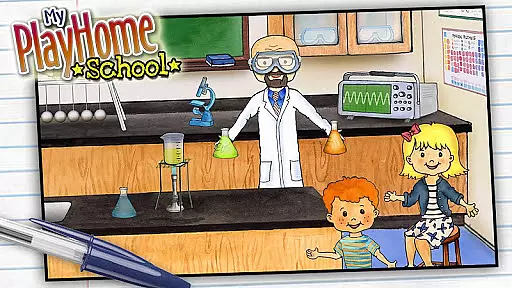
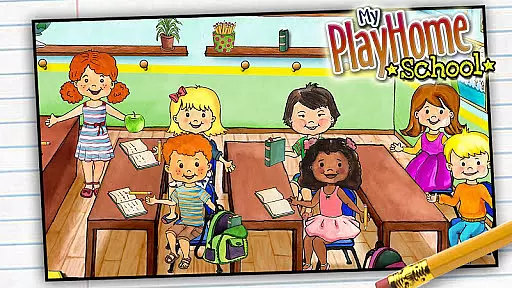
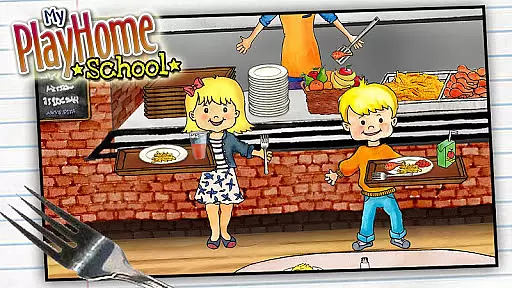
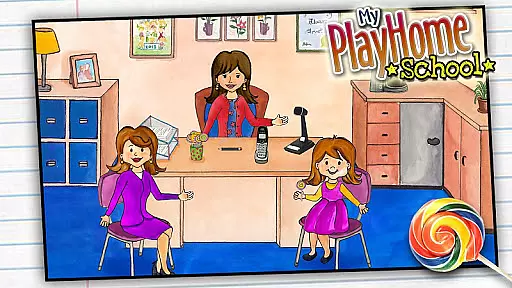
My PlayHome School is an engaging casual game that brings the award-winning PlayHome experience into a school setting. This interactive app allows children to explore various areas of a school environment, from classrooms to science labs, promoting imaginative play without any time limits or scores.
The app features integration with other PlayHome series apps, enabling seamless transitions between different environments. With no third-party advertisements, in-app purchases, or social media integrations, it provides a safe and uninterrupted play space for kids to enjoy hours of creative exploration.
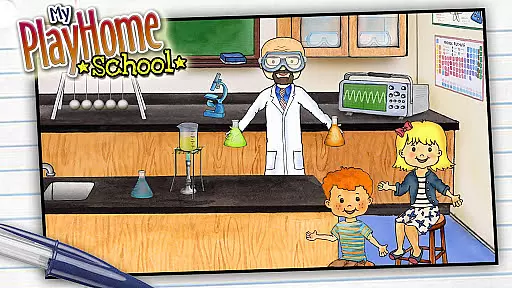
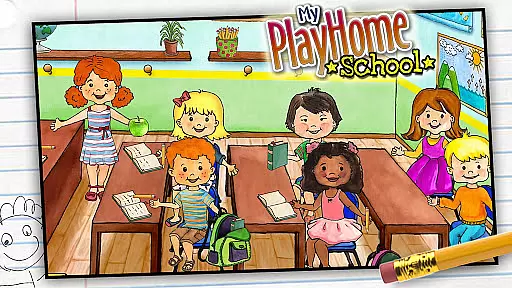
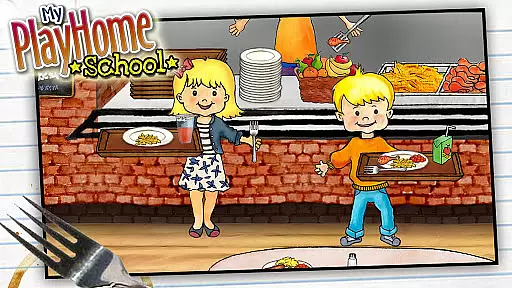
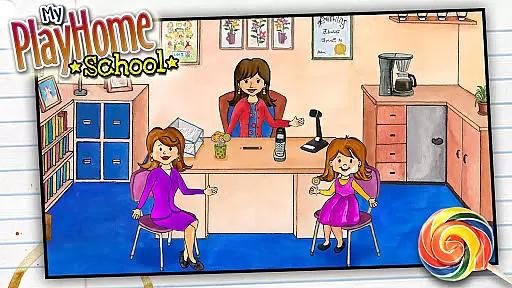
My PlayHome School offers a rich set of features designed to stimulate children's creativity. The app includes multiple interactive rooms such as classrooms, science labs, and cafeterias, each filled with objects that respond to touch and encourage experimentation.
A key feature is its cross-compatibility with other PlayHome apps, allowing items and characters to move between different PlayHome worlds. The absence of ads, in-app purchases, and external links ensures a focused play environment, while the colorful graphics and responsive animations create an immersive experience for young users.
Core gameplay simplicity refers to how easily users can engage with the main activities of an app without feeling overwhelmed by complex mechanics. My PlayHome School excels in this area by offering a straightforward and intuitive experience that invites children to explore and interact naturally.
The app provides a virtual school environment where kids can role-play as teachers or students, experiment in the science room, have lunch in the cafeteria, and even clean the corridors. Each activity is designed to be self-explanatory, allowing children to dive into play without needing instructions or guidance.
This simplicity in gameplay not only makes it accessible for young users but also enhances their imaginative play. By removing time limits, scores, or power-ups, My PlayHome School ensures that the focus remains on creative and open-ended exploration.
Parents can appreciate how this approach encourages independent play while fostering creativity and problem-solving skills. The absence of third-party advertisements and in-app purchases further supports an uninterrupted and safe play environment.
Session length flexibility is crucial for apps targeting younger audiences, as it accommodates varying attention spans and allows for both short bursts of play and longer, more immersive sessions. My PlayHome School offers remarkable flexibility in this regard, catering to different play styles and schedules.
Children can enjoy quick play sessions, engaging in simple tasks like mopping the corridors or conducting brief experiments in the science room. These short activities are perfect for when kids have limited time or need a quick break from other responsibilities.
On the other hand, the app also supports extended play periods where children can delve deeper into the school environment, exploring various rooms and scenarios at their own pace. This adaptability ensures that My PlayHome School fits seamlessly into different parts of a child's day, whether it's during a morning playtime or an afternoon of creative exploration.
By integrating with other My PlayHome apps, session length flexibility is further enhanced, allowing kids to expand their play across different settings and continue their imaginative adventures beyond the school environment.
Encourages imagination
No in-app purchases
Safe environment
Interactive elements
Cross-app integration
Limited educational content
Few customization options
No multiplayer mode
Simple graphics
Repetitive gameplay

Sort 3D items into boxes and clear the board in this fun, relaxing puzzle game!
 4.80
4.80
Click your way to a fortune in Treasure Chest Clicker!
4.40
Greed is a virtue in Idle Trillionaire. Success is defined by your net worth.
4.50
Search for hidden objects scattered around hand-drawn worlds.
4.70
Enjoy satisfying games, tidy up your virtual space in addictive cleaning games!
4.50
Compete with opponents through precise archery skills
3.20
Unfurl tent flaps, cut through bushes, slam doors, and poke some crocodiles!!!
4.70
Zen Koi Pro features single player offline play, and shiny rare koi!
4.70
The award winning game where everything burns.
4.70
A satisfying yarn puzzle. Unravel the tangled threads in the right order!
4.80
Fast, fun, and relaxing tap minigame challenges – anytime, anywhere!
4.70
Roll the Dice and Build Your Kingdom - Can You Beat Your Friends?
4.70
Enjoy the craft without the mess
4.50
Talking Tom and pets bring adventure to this fun virtual cat game.
4.30
Go exploring with Duggee!
4.20
All-in-one tricky challenges, viral trending mini games. Stay calm & relax.
4.20
The classic Snake with vibrant neon colors for just 5 cents!
4.0
In My Favorites, a fun game where you choose what are your favorites.
4.5
An idle incremental game where you decide to travel across the whole Universe
4.2


User Reviews