
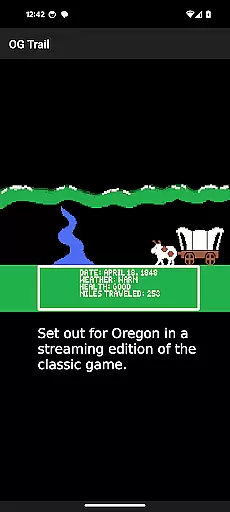
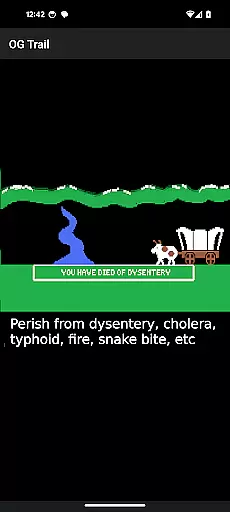
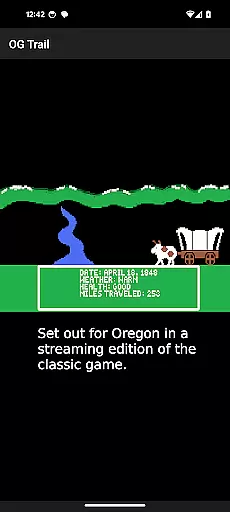
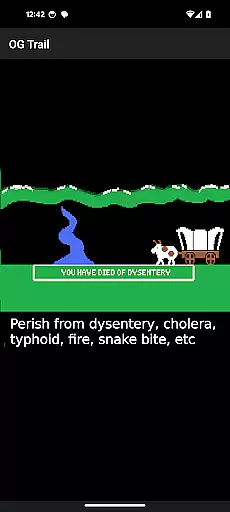
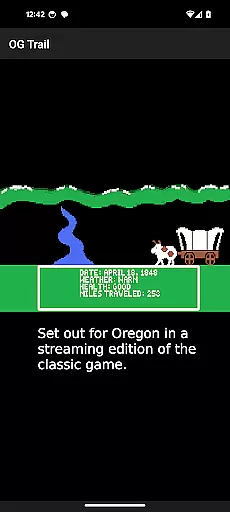
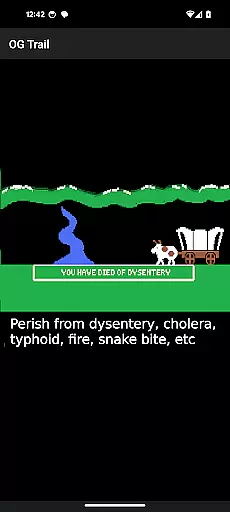
OG Trail is an innovative educational app that brings the classic Oregon Trail simulation to Android devices. This application provides a seamless interface for users to access and play the publicly available version of the game hosted on the Internet Archive. With its faithful recreation of the original experience, OG Trail allows students and history enthusiasts to explore the challenges faced by pioneers traveling westward in the 19th century.
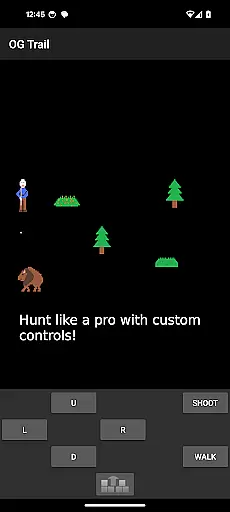
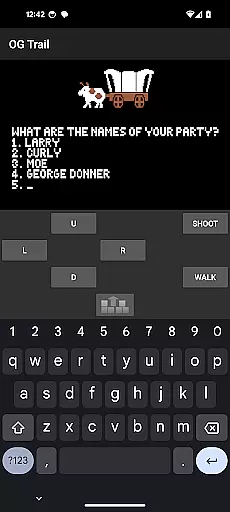
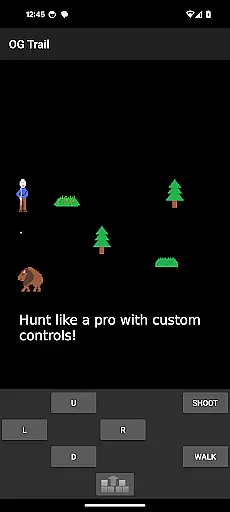
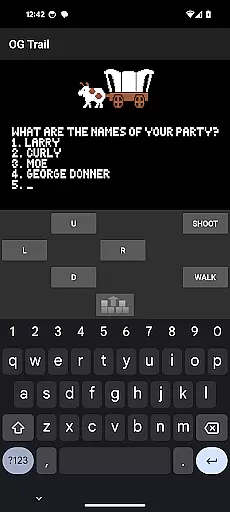
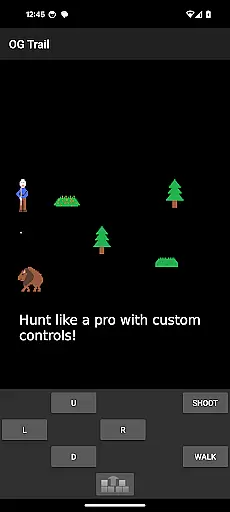
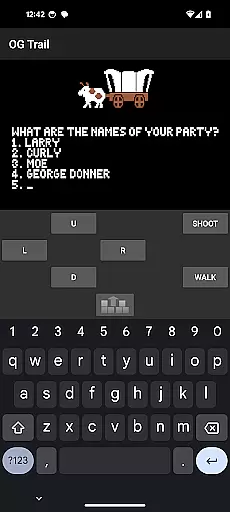
The app's key feature is its ability to run the unmodified version of The Oregon Trail (TM) without requiring any ROM files or additional downloads. Once loaded through an internet connection, the game operates offline, making it suitable for classroom use or areas with limited connectivity. Its unique control system, designed specifically for touchscreen devices, enables players to interact with the game using onscreen keyboards and control pads.
This educational tool serves as an engaging way to teach history, resource management, and decision-making skills. By experiencing the journey through the eyes of settlers, users gain valuable insights into American history while developing critical thinking abilities through gameplay.
OG Trail stands out with its specialized features that enhance the classic gaming experience. The app incorporates a custom-designed touchscreen interface that replaces traditional keyboard inputs with intuitive onscreen controls. This includes a virtual number pad for menu selections and dedicated buttons for yes/no responses, making navigation smooth and user-friendly.
A notable feature is the app's efficient data management system. While an internet connection is required for initial loading, the game runs completely offline afterward. This functionality ensures minimal data usage while maintaining consistent performance across various devices. Additionally, the app maintains the authenticity of the original game, preserving all historical content and gameplay mechanics.
The application also provides direct access to educational resources, including the official user guide from MECC. These supplementary materials help educators incorporate the game into their curriculum while offering players comprehensive instructions for optimal learning outcomes.
In the realm of educational gaming, content authority and curriculum alignment are crucial for ensuring that learning is both accurate and relevant. OG Trail - Travel to Oregon offers an authentic experience by providing access to an unmodified version of The Oregon Trail (TM) game, which has been a staple in educational settings for decades.
This application leverages the original game's historical accuracy and educational value, making it possible for users to engage with content that has been trusted by educators worldwide. By sourcing the game from the publicly available Internet Archive, OG Trail ensures that players interact with material that aligns with established educational standards.
For students and educators, this means that while enjoying the classic gameplay, they are also engaging with a simulation that has been vetted for its educational integrity. The game covers topics such as American history, resource management, and decision-making, all of which are integral parts of many school curriculums.
By maintaining the original game's structure and content, OG Trail provides a reliable tool for teaching these subjects through interactive and immersive gameplay, thus bridging entertainment with structured learning objectives.
Gamification-learning integration represents the fusion of game mechanics with educational content, creating an engaging learning environment. OG Trail - Travel to Oregon exemplifies this approach by transforming the historically text-based Oregon Trail experience into an accessible mobile format.
The app retains the original game's challenge-based learning model, where players must make critical decisions about supplies, health, and travel conditions. These challenges are designed to teach problem-solving skills and historical knowledge in an interactive setting, encouraging active participation rather than passive consumption of information.
Moreover, OG Trail enhances the learning process by incorporating onscreen controls that adapt the classic keyboard inputs to modern touchscreen interfaces. This adaptation not only preserves the integrity of the original learning objectives but also makes them more accessible to today's digital-native learners.
Through OG Trail, users can experience firsthand the trials and tribulations faced by pioneers, turning theoretical knowledge into practical understanding. This method of learning through play helps solidify concepts in memory and provides a dynamic platform for education that resonates with contemporary audiences.
User-friendly interface
Offline functionality
Historical accuracy
Educational value
Free to use
Limited to Android
No touch optimization
Internet required
Basic graphics
Complex controls

Draw shapes, mix colors, and dodge traps to defeat foes in the vibrant Art Zone!
 4.0
4.0
Perfect for Dino fans of all ages.Vivid illustrations.Fascinating_Facts.Narrated
4.2
Kids letter tracing technique, which is the first step in learning how to write.
4.30
Fun educational games for kids that teach number tracing, counting with modes!
4.50
Fun drawing games with coloring book, glow and paint by numbers! Color for kids.
4.20
Preschool learning games: 123 numbers game for kids, abc learning for toddlers
4.70
Clean the messy house & play with cute kitty in this fun cleaning game for kids!
3.70
Epic battles, interactive quests and exotic pets. Learn math with Prodigy today!
4.70
Master your phonics letters and sounds with the Alphablocks!
3.80
Design dreamhouses and dress up creatively in the ultimate role-playing game!
4.70
Play educational games for preschool toddlers—plus more to discover ►AdsFree◄
4.60
Kids math games, abc games for kids 4-5 years old. Kindergarten learning games
4.50
Fun game for preschoolers to learn addition, subtraction, counting and math!
4.50
Pretend play in Pepi City: become a doctor or a patient. Our city, your stories!
4.30
Fun baby care game for kids with dinosaur friends. Enjoy the fun kids game.
4.00
Play pretend & explore at the doctor's & school in Daniel Tiger's Neighborhood.
3.30
Companion app for Cozmo, the educational toy robot who’s got a mind of his own.
3.30
Learn and practice multiplication and division
4.4
Join Rus and his friends to save Pear Island!
4.2


User Reviews