
Pinardin: Parental Control is a comprehensive safety and monitoring solution designed for parents who want to ensure their children's well-being in the digital world. The app offers real-time location tracking, digital habit monitoring, and various security features such as Live Monitoring, App Block, and Sensitive Content Detection. With Pinardin, parents can foster healthy phone usage habits while ensuring their child's safety both online and offline.
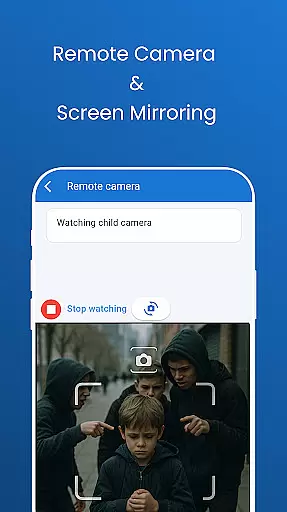
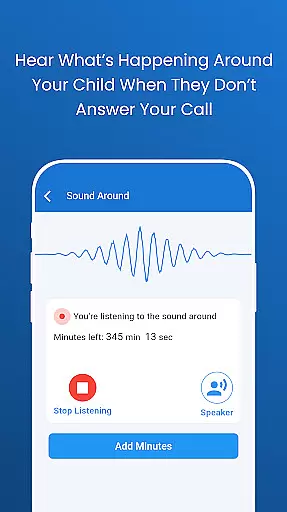
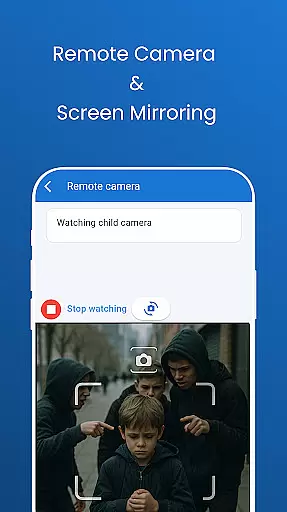
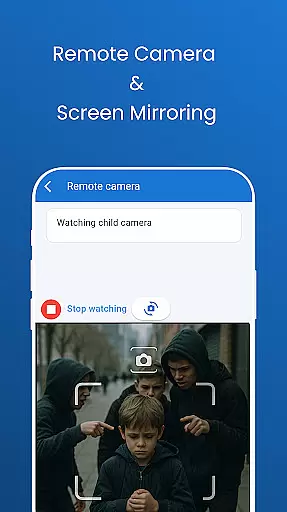
The application provides powerful tools like remote camera access, one-way audio monitoring, and automated screenshots of the child's phone screen. It also includes social media monitoring across platforms like TikTok, WhatsApp, and Instagram, website blockers for inappropriate content, and screen time limits to reduce distractions during school hours. These features work together to create a protective environment that promotes responsible digital behavior.
Pinardin stands out by positioning itself not as a spy app but as a family bond that helps parents better understand their children. By requiring the child's knowledge and consent for installation, the app ensures transparency and trust within the family. This approach allows parents to guide their children in developing good digital habits while maintaining privacy and adhering to GDPR policies. Whether it's protecting from cyberbullying or ensuring restful sleep with bedtime mode, Pinardin serves as a devoted partner in safeguarding your loved ones' online lives.
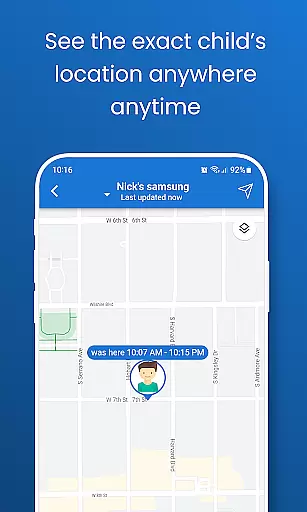
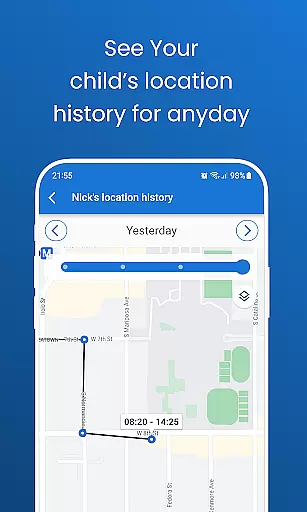
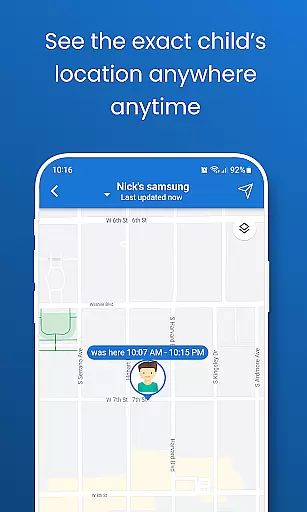
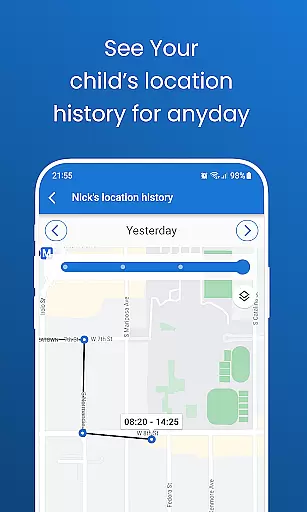
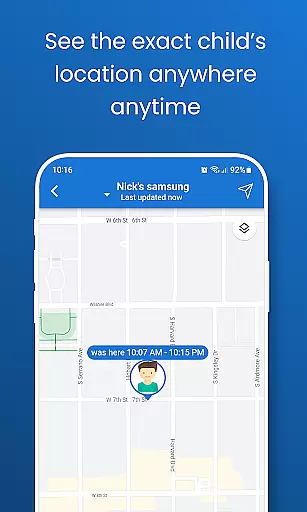
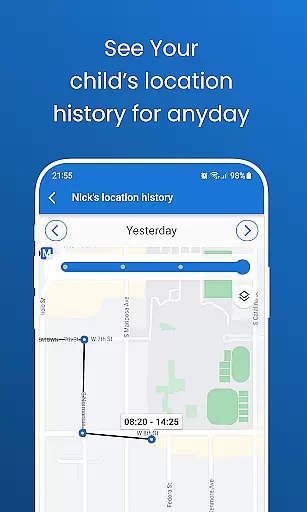
Pinardin offers an extensive range of features that cater to various aspects of parental control and child safety. One of its standout capabilities is Live Location Tracking, which uses high-precision GPS to monitor the child's whereabouts in real time. Parents can review past routes and set up customizable geo-fencing alerts, providing peace of mind knowing their child's location at all times.
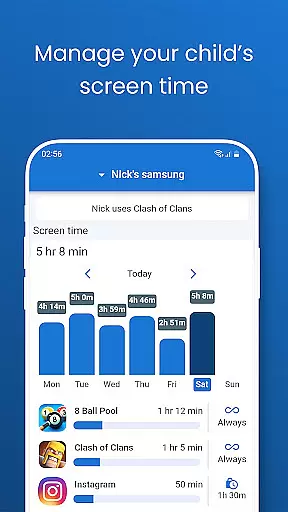
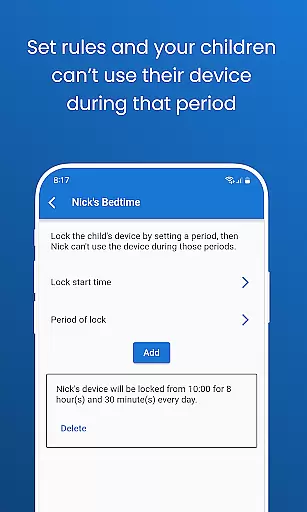
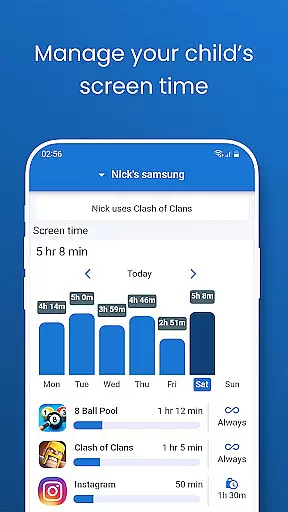
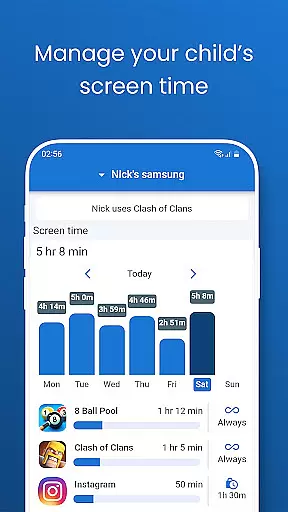
In addition to location tracking, Pinardin provides tools for digital habit formation. The app includes Automated Screenshots that allow parents to view their child's phone screen live on their device. This feature helps identify unsafe apps and guides children toward healthier digital behaviors. Furthermore, Screen Time Limits enable parents to schedule device usage restrictions during school or study hours, promoting focus and productivity.
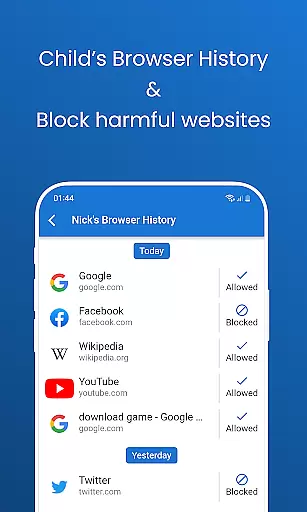
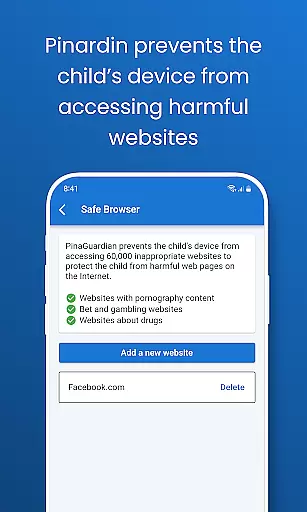
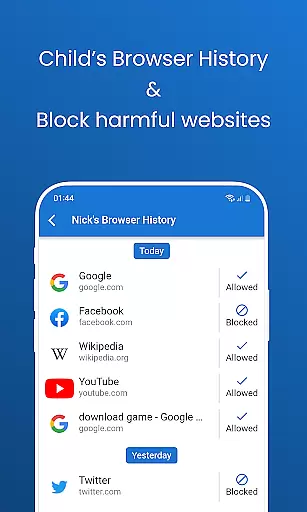
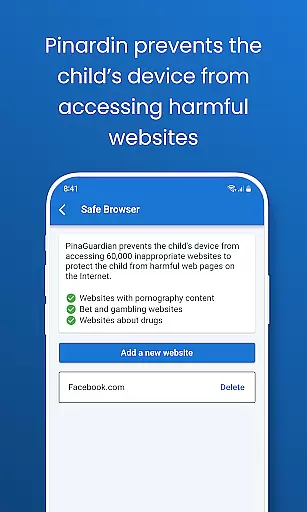
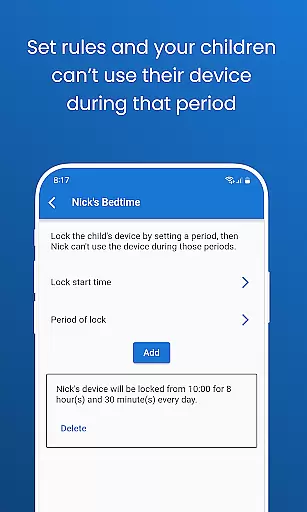
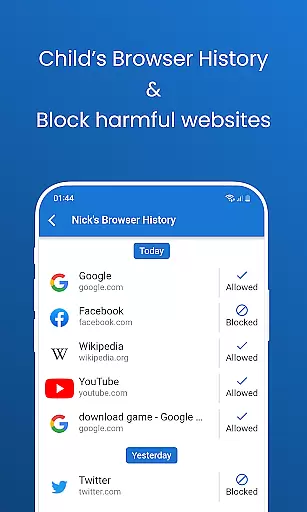
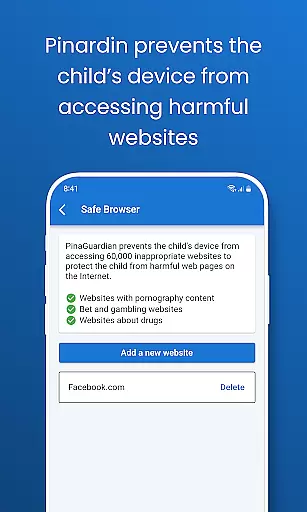
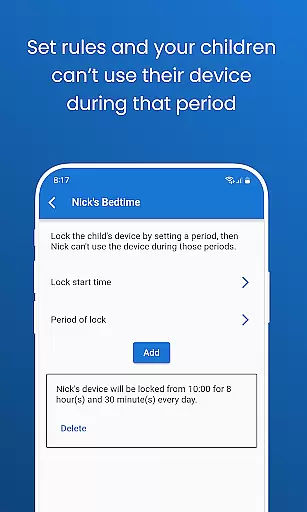
Another innovative aspect of Pinardin is its Social Media Monitoring capability. The app detects sensitive content across popular platforms like TikTok, YouTube, Snapchat, WhatsApp, Facebook, Instagram, and Telegram. Combined with Website Blockers that filter inappropriate sites and Bedtime Mode that locks devices at night, these features ensure a safe online environment while encouraging balanced screen time. All these functionalities are wrapped in a secure framework that prioritizes privacy and complies with GDPR policies, making Pinardin more than just an app—it's a partner in responsible digital parenting.
Parenting content credibility refers to the reliability and accuracy of information provided by apps like Pinardin. This is crucial for parents who rely on these tools to ensure their children's safety and well-being.
Pinardin demonstrates its credibility through features such as Live Monitoring, App Block, and Sensitive Content Detection. These functions are designed not only to track children's real-time location but also to monitor their digital habits and protect them from harmful online interactions.
Parents benefit from Pinardin's robust security measures, including remote camera access, one-way audio, and automated screenshots. These features allow parents to stay informed about their child's environment and digital activities, ensuring they can respond promptly to any potential threats.
The app's commitment to privacy and security further enhances its credibility. By adhering to GDPR policies and ensuring that personal data is handled meticulously, Pinardin provides peace of mind to families, reinforcing trust in its parenting content.
Growth tracking accuracy involves the precision with which an application monitors and reports a child's developmental progress. For parenting apps like Pinardin, this feature is essential for helping parents foster healthy habits and ensure their children's safety.
Pinardin offers accurate growth tracking through functionalities such as live location tracking, app notification sync, and social media monitoring. These tools enable parents to keep tabs on their children's whereabouts, online interactions, and digital behavior, promoting a safer and more balanced lifestyle.
By utilizing high-precision GPS and customizable geo-fencing, Pinardin ensures that parents receive instant alerts and can review past routes. This level of detail helps parents guide their children effectively, reducing risks associated with unsupervised activities or inappropriate content exposure.
Ultimately, Pinardin's comprehensive approach to growth tracking empowers parents to make informed decisions, supporting their children's development while maintaining a secure and nurturing environment.
Comprehensive monitoring
User-friendly interface
Real-time alerts
GDPR compliant
Encourages trust
Premium subscription
Requires consent
Limited free trial
Device compatibility
Dependent on internet

Block apps, set screen time limits, and customize usage schedules
 4.50
4.50
Track Pregnancy, Baby Feeding, Sleep, Diaper Changes, Postpartum Health & More!
4.80
Protect kids online safety through GPS tracking,screen time control,app blocking
4.20
Live Location, Alerts & 2-Way Voice for Kids and Adults with Special Needs
4.60
Babysitting video camera - Turn your two phones or tablets into a single nanny.
4.40
Save money on diapers. Get the Pampers Rewards app.
3.90
Track pregnancy health and wellness with pregnant tracker from healthcare advice
4.2
Pregnancy+ App has helped 80m moms track their pregnancy with info & support!
4.80
GPS tracker app: Simple GPS phone tracker for fast family location tracking
4.60
All-In-One Pregnancy Tracker, Your Baby's Milestones, Growth Stages & Parenting.
4.90
Introduce real food to baby with First Foods® Database, baby led weaning BLW
4.80
FamilyAlbum helps you share, save, and remember your child's special moments.
4.80
All-In-One Pregnancy Tracker, Your Baby's Milestones, Growth Stages & Parenting
4.70
Parental control App for Location, Remote Camera, Screen Mirroring, Block Apps.
4.60
Join over 1MM parents & professionals who've used OFW to navigate co-parenting
4.40
GeoLog - Real-Time Location Tracker
4.40
Find unique + popular baby names for your little peanut.
4.30
Pregnancy and baby formula tips for moms, plus Enfamil coupons & cash back
4.10
AI Motion Video Maker & Ideas
4.3


User Reviews