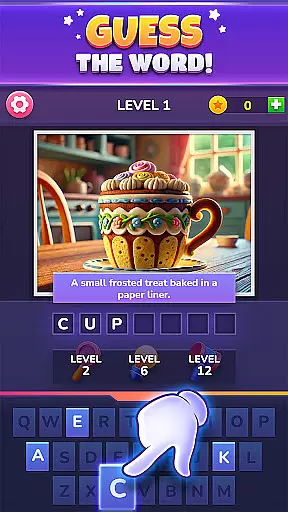
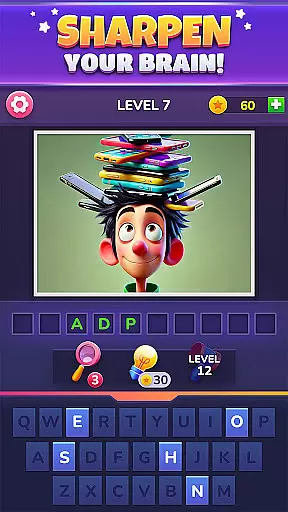
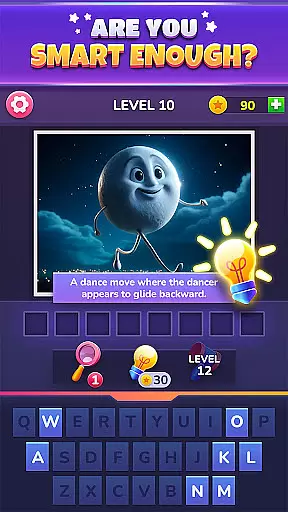
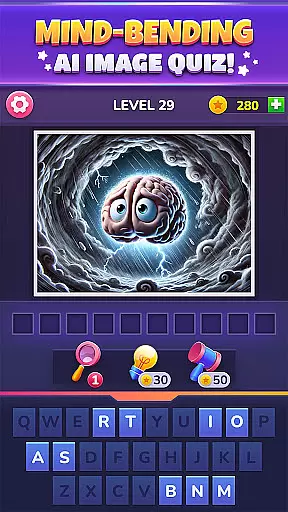

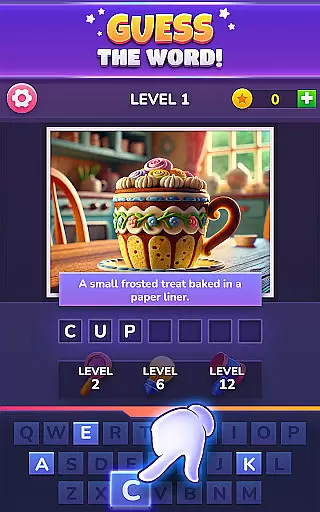
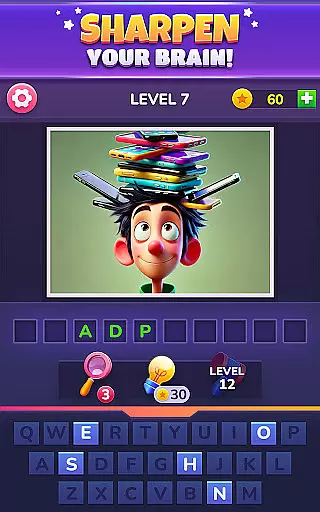
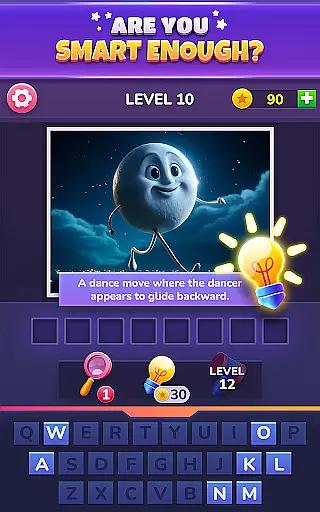
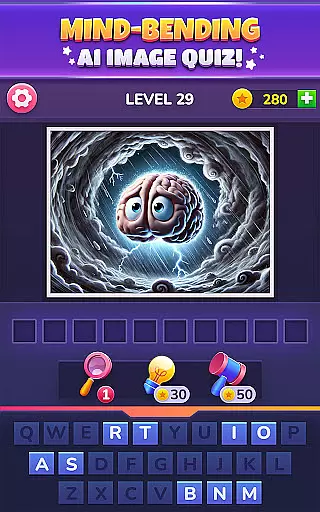

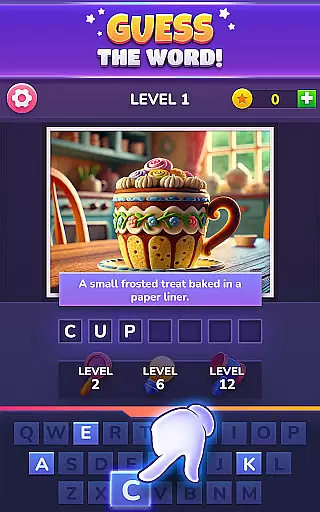
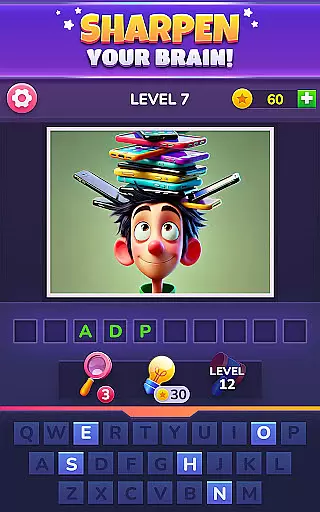
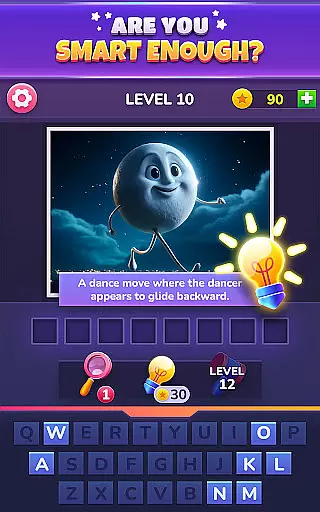
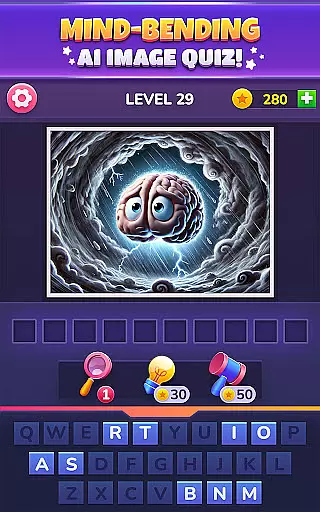

PixelPhrase ™ Pics & Word Game is a challenging word-guessing game that tests your ability to decipher words from single images. With hundreds of levels and AI-generated pictures, this trivia app offers an engaging experience for both adults and kids. The game features themed chapters with unique image puzzles, daily challenges, and various power-ups to assist players when they're stuck.
Each level presents a distinct picture created by artificial intelligence, requiring players to guess the associated word. Whether it's iconic celebrities, beloved animals, or familiar objects like milkshakes and bookworms, PixelPhrase provides diverse brain-teasing content. This trivia game not only entertains but also enhances vocabulary and cognitive skills through its innovative pic-to-word concept.
PixelPhrase stands out with its innovative approach to word games, offering hundreds of unique AI-generated images across multiple themed chapters. Each chapter brings new challenges, ensuring continuous engagement. Players can enjoy daily challenges that keep the content fresh and exciting while testing their knowledge on various topics.
The game includes helpful power-ups such as revealing letters, disabling unused letters, and providing hints when needed. Suitable for all ages, this trivia app encourages friendly competition by allowing users to challenge friends. Its distinctive blend of visual and textual puzzles makes PixelPhrase an ideal choice for those seeking a modern twist on traditional word games.
In PixelPhrase u2122 Pics & Word Game, question authenticity is a top priority. Each image puzzle is carefully crafted using artificial intelligence to ensure it represents a unique and solvable word challenge.
The game features hundreds of levels with distinct AI-generated pictures that are designed to test your word-guessing skills. These images range from everyday objects to famous icons, ensuring that every puzzle is both challenging and fair.
Players benefit from the assurance that each question is accurate and meaningful, providing a rewarding experience as they decipher words from creative visual hints. This dedication to quality ensures long-term engagement and satisfaction.
PixelPhrase u2122 offers an impressive difficulty adaptation system that caters to players of all skill levels. The game progressively introduces more complex puzzles as users advance through its hundreds of levels.
With features like power-ups for revealing letters and disabling unused options, the game helps players manage challenging stages while maintaining an appropriate level of difficulty. This adaptive approach keeps the gameplay engaging without becoming frustrating.
The inclusion of daily challenges and themed chapters adds another layer of complexity, allowing players to continually test and improve their skills. This thoughtful difficulty scaling makes PixelPhrase u2122 enjoyable for both casual players and dedicated word-game enthusiasts.
Engaging gameplay
Variety of levels
Suitable for all ages
Daily challenges
Helpful power-ups
Ads between levels
In-app purchases
Steep learning curve
Limited free content
Occasional bugs

Paint the Flag with the right colors!
 4.60
4.60
Seal the deal and become a millionaire!
4.70
Imagine being thrown out somewhere in the world. Can you find where you are?
4.50
5 party games! Use phones & tablets as controllers! Use your mouth for laughing!
2.60
Trivial-style quiz game!
4.1
An endless stream of general knowledge questions
4.80
Tricky puzzle Brain Test returns with story riddles, mind games and brain games!
4.80
Brain Test with tricky puzzles, brain teasers and brain games! Test your IQ.
4.70
Challenge your mind with fun trivia, brain games, IQ tests, and logic puzzles!
4.70
Jigsaw puzzles for adults. Gorgeous HD puzzles collection to relieve stress.
4.80
Can you guess all the logos? Try our fun addictive logo game trivia now!
4.80
Tricky brain games. Find clues, solve mysteries & riddle games! Who is Lying?
4.70
Play word games and logic puzzles with friends or solo! Picture crossword
4.70
Do you want to test your IQ? Here is the funny and tricky brain puzzle!
4.70
Party Lab: Expose your friends with dirty exposed games! Party in my dorm (PIMD)
4.30
Live Game Shows on Your Phone!
4.20
Texting trivia word game! Type the longest word and save yourself from sharks!
4.10
Play Family Feud just like the show! With 4 game modes, play any way you’d like!
3.50
Test your cryptocurrency knowledge with daily trivia questions
4.1


User Reviews