
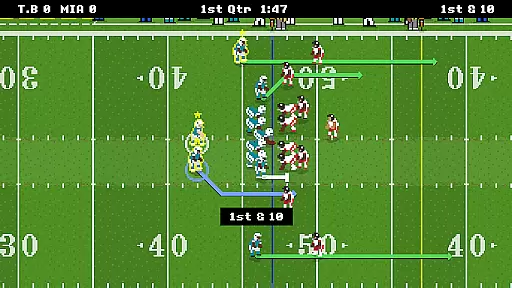
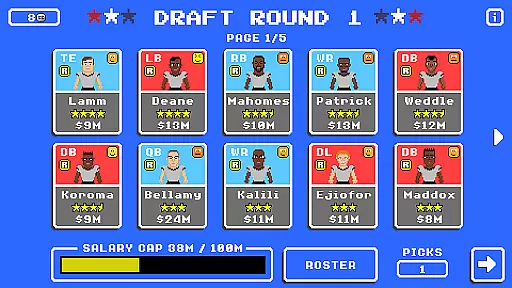
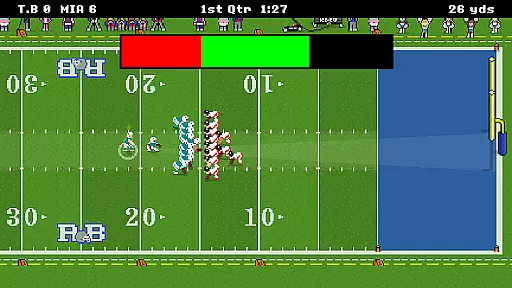
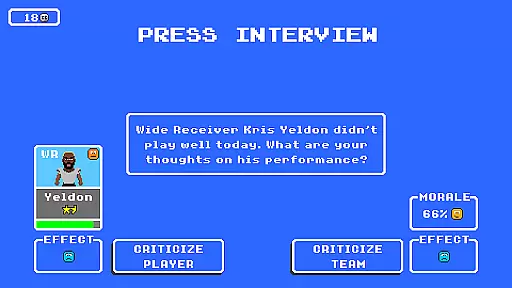
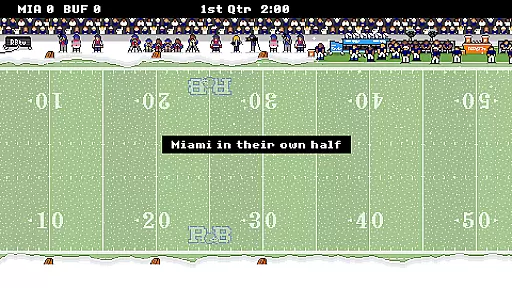
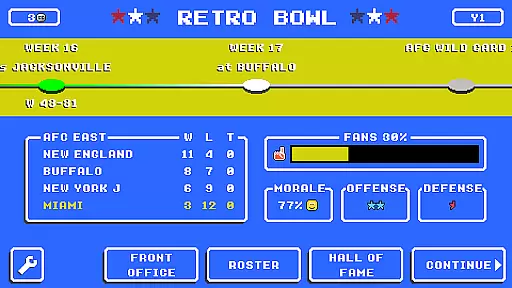
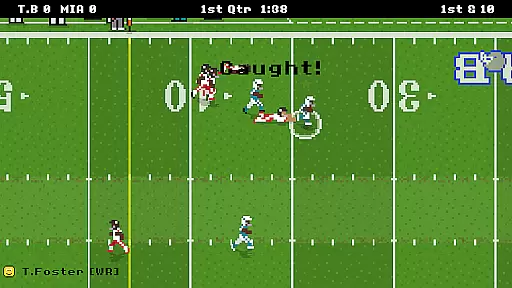
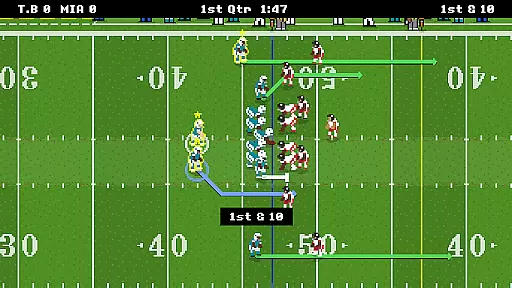
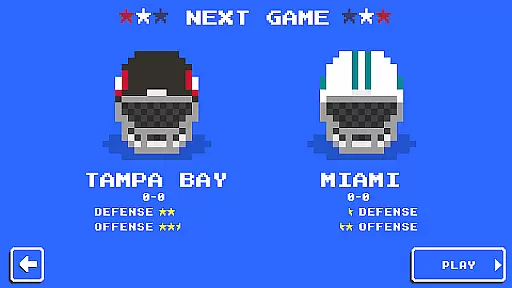
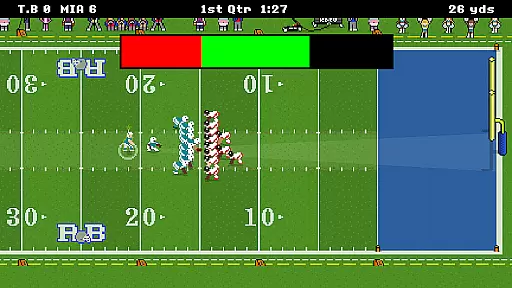
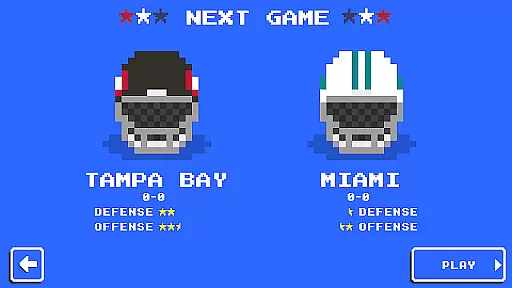
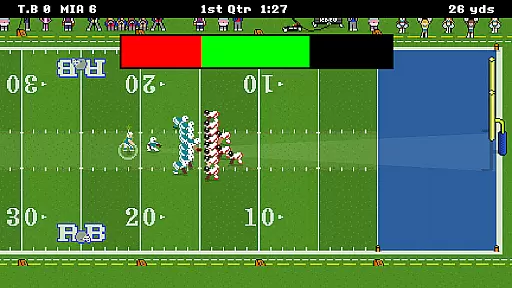
Retro Bowl is a sports game that combines strategic football management with arcade-style gameplay. In this retro-themed app, players take on the role of both coach and quarterback, handling everything from roster management to calling plays during games. The simple yet engaging mechanics make it easy to pick up while offering depth for those who want to strategize their way to victory.
With its nostalgic pixel art graphics and straightforward controls, Retro Bowl offers an accessible experience for casual gamers and football fans alike. Whether you're looking to relive the glory days of classic gaming or just want a fun way to spend your time, Retro Bowl delivers hours of entertainment as you lead your team towards championship glory.
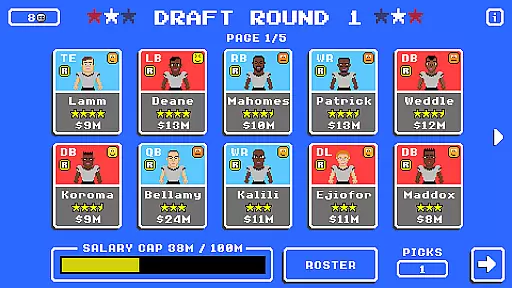
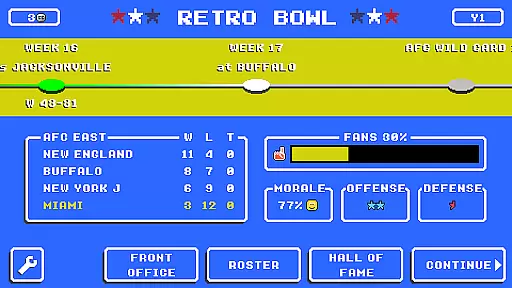
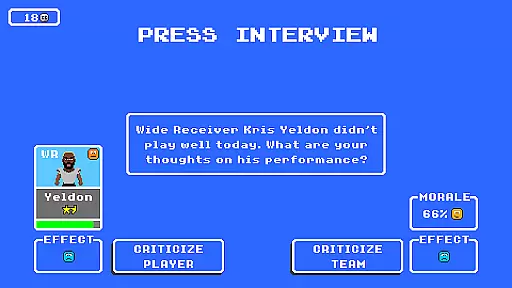
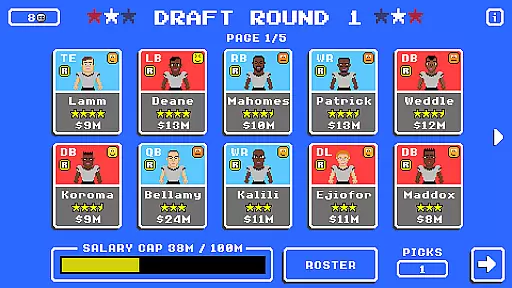
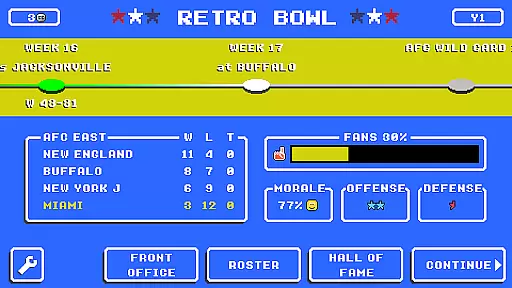
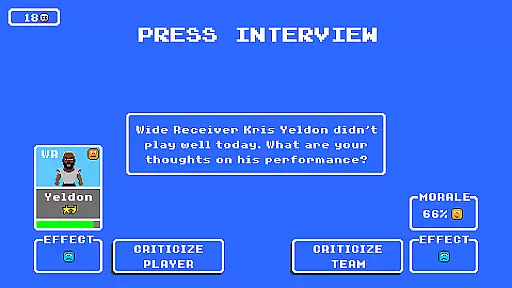
One of the standout features of Retro Bowl is its blend of management and action. Players must manage team rosters, deal with player egos, and handle press duties, all while ensuring their team performs well on the field. This dual focus creates a rich gameplay experience that keeps users engaged both off and on the field.
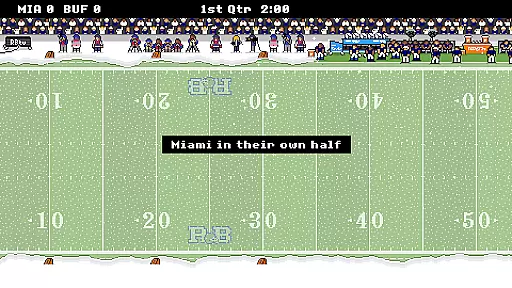
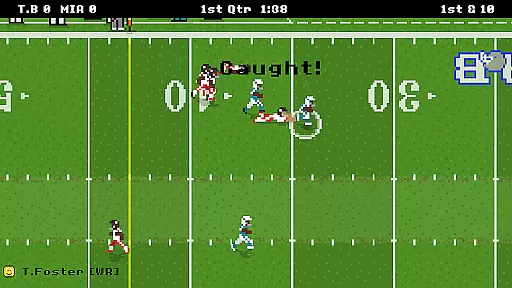
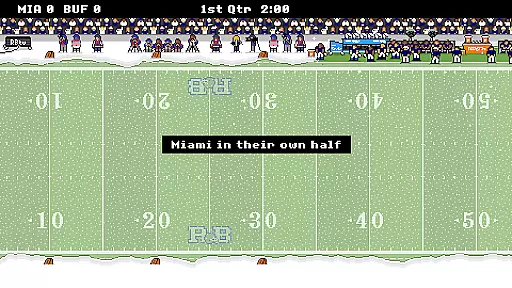
The game also boasts a unique retro aesthetic that harks back to classic sports games. With vibrant pixel art and intuitive touch controls, Retro Bowl captures the essence of old-school gaming while providing modern conveniences such as cloud saves and social sharing options. These elements combine to create a seamless blend of nostalgia and contemporary gaming features.
Gameplay realism in sports games is crucial for providing an authentic experience. Retro Bowl excels in this area by combining simple roster management with on-field decision-making.
The game employs a retro-style approach that captures the essence of football while maintaining the complexities of team management. This includes handling player egos and press interactions, which adds layers of realism to the gameplay.
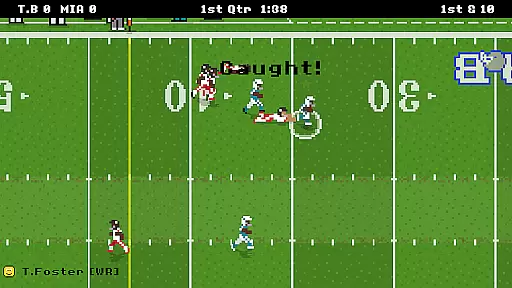
Players can expect accurate physics when calling shots on the field. The ball's movement and player interactions are designed to emulate real-world dynamics, making each play feel impactful and true to the sport.
This attention to detail ensures that users not only enjoy the nostalgic feel but also experience the true-to-life challenges of managing a football team. The result is an engaging and realistic simulation that keeps players coming back for more.
An intuitive control scheme is vital for ensuring players can easily grasp the mechanics of a sports game. Retro Bowl achieves this by presenting controls that are easy to understand while still offering depth.
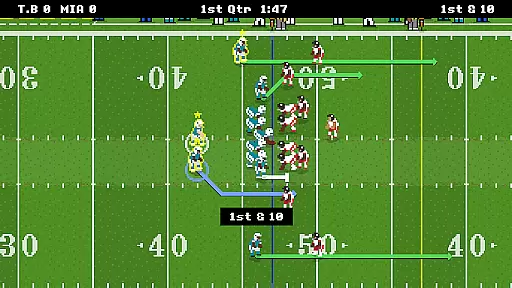
On the field, players call the shots using straightforward commands that allow for strategic plays without overwhelming complexity. This simplicity makes it accessible for newcomers while still providing enough depth for seasoned gamers.
Off the field, tasks such as managing rosters and handling press duties are streamlined with user-friendly interfaces. These elements ensure that users spend less time figuring out controls and more time enjoying the game.
By focusing on intuitive design, Retro Bowl delivers an enjoyable experience that allows armchair quarterbacks to prove their point effectively. Players can focus on strategy and fun, leading their teams to victory in the ultimate prize of winning the Retro Bowl.
Easy-to-learn gameplay
Nostalgic retro graphics
Engaging management features
Fun arcade-style action
Cloud save functionality
Limited tactical depth
Repetitive gameplay
Frequent ads between matches
No multiplayer mode
Occasional bugs

This third edition of Skateboard Party features professional skater Greg Lutzka.
 4.30
4.30
Recruit and train players to form a winning team!
4.10
Online multiplayer golf game. Play online golf games with your friends
4.60
Build and play your own team! Baseball at your fingertips! BASEBALL NINE!
4.60
Play eFootball™ with users around the world!
4.10
Establish a stable of talented boxers to take on the world.
4.80
Push your skills, express your style, or just enjoy the ride.
4.60
It’s time to play pool in the world’s No.1 arcade style Pool game on Android!
4.70
Create your Ultimate NBA Team and experience realistic 2K Gameplay on Mobile!
4.70
This is the most realistic 3D bowling game on the Android phones.
4.70
Create and customize your own golf course in this charming management sim.
4.70
Online app with multiple arenas! Live PvP multiplayer grand slam sports league.
4.60
Trampoline backflips, frontflips & trick stunts! Ultimate adrenaline rush!
4.60
Extreme bike tricks at your fingertips!
4.50
Trick cliff dive backflips, stunts & doubles! Unparalleled real physics!
4.50
Build a soccer club from scratch and see if you can conquer the World!
4.50
NEOGEO's masterpiece game is now available in the app!
4.20
Relive the second baseball game in the Backyard Sports franchise!
4.00
An easy-to-use app for sports team communication and logistics
3.20


User Reviews