
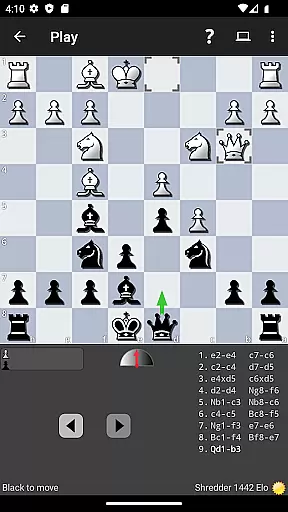
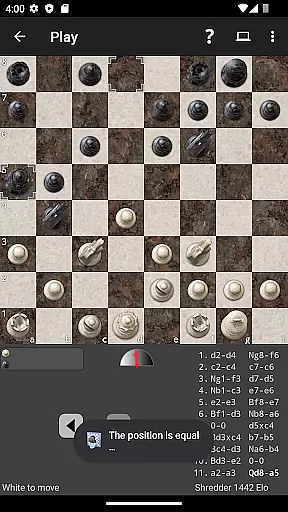

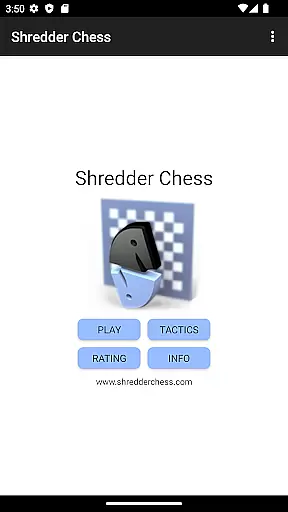
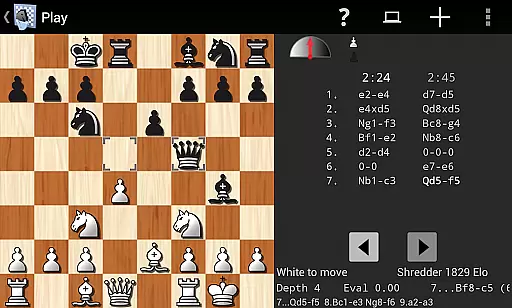
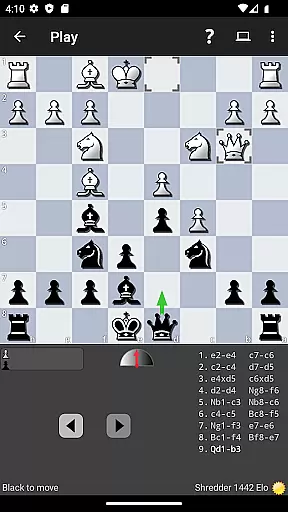
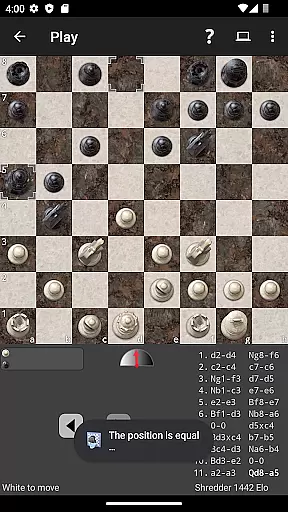
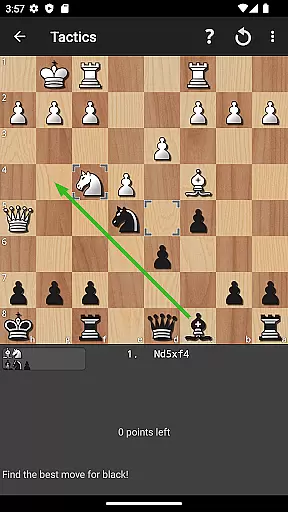
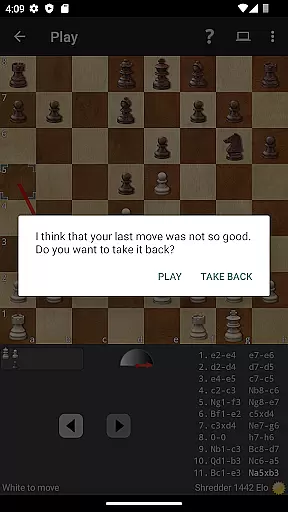
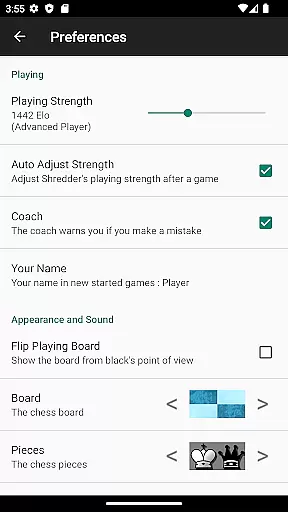
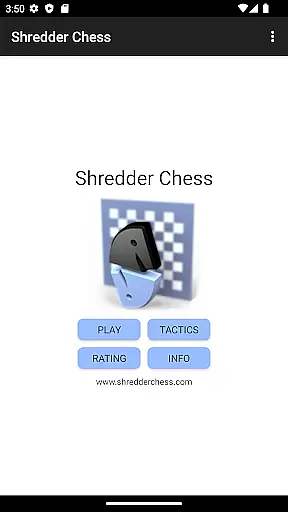
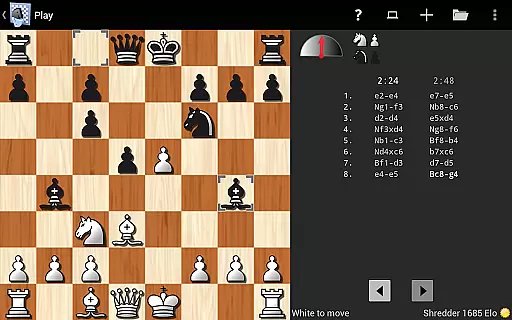
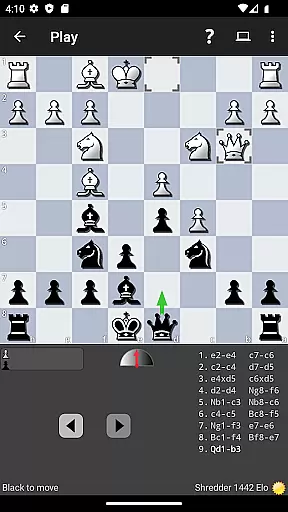
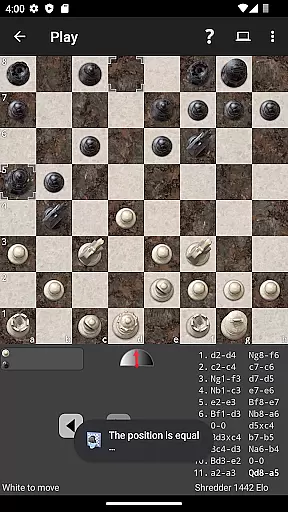
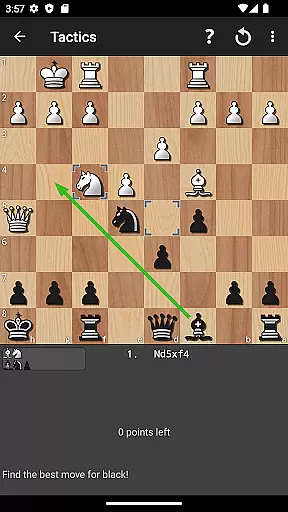
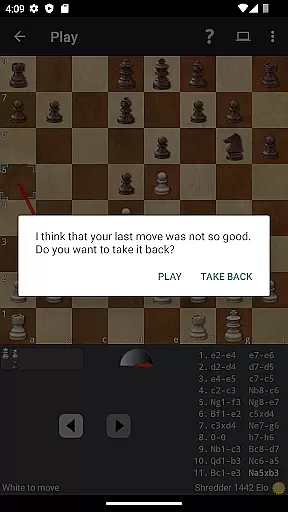
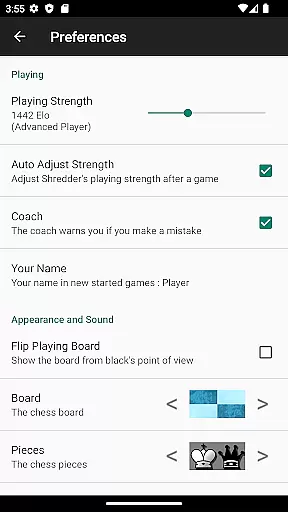
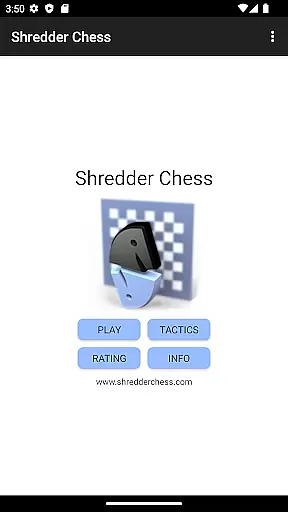
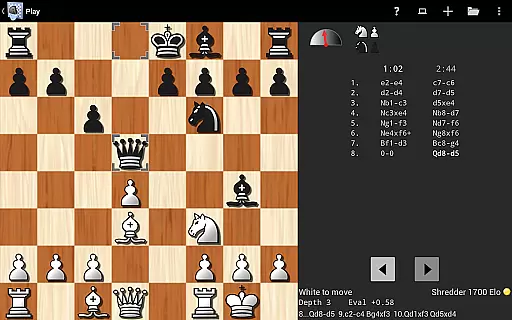
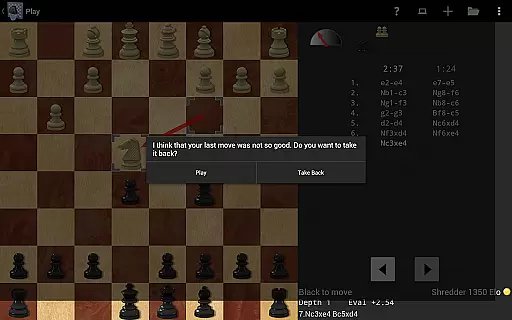
Shredder Chess is a premier chess application designed to cater to players of all skill levels, from beginners to masters. This app offers the exceptional playing strength that has earned Shredder the title of 19-time computer chess world champion. Beyond its competitive edge, it provides users with an interactive platform to improve their skills through engaging gameplay and analysis.
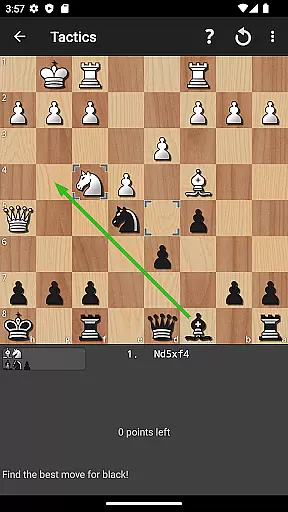
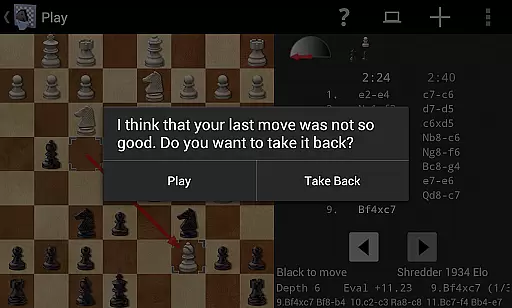
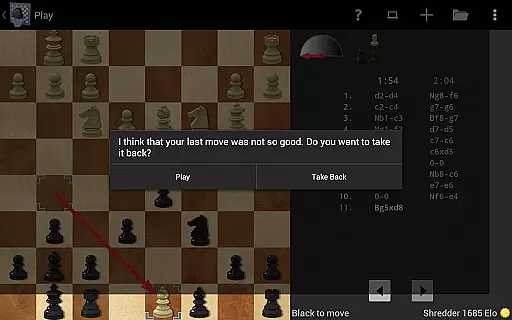
One standout feature is Shredder's ability to mimic human opponents at various skill levels, even replicating typical human errors for a realistic experience. With 1000 built-in chess puzzles, users can challenge themselves while receiving performance tracking and advice. The app also includes a coach function that monitors your moves and helps you identify mistakes, ensuring continuous improvement in your game.
Whether you're looking to play casually or sharpen your competitive edge, Shredder Chess adapts to your needs by adjusting its difficulty level automatically or upon request. Its compatibility with both mobile phones and tablets makes it an ideal companion for chess enthusiasts who want to practice and refine their strategies anytime, anywhere.
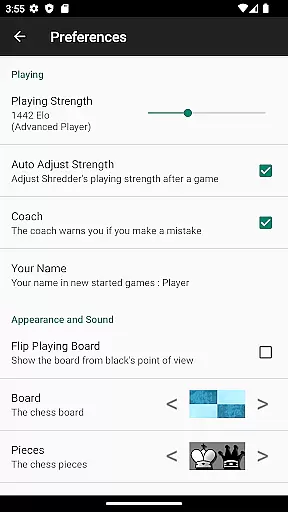
Shredder Chess stands out with its adjustable playing strength, allowing users to customize their experience from beginner to master level. The app's ability to simulate any level of opponent ensures a tailored challenge every time. Additionally, Shredder can automatically adapt its strength to match the user's skill level, providing a dynamic and personalized gaming experience.
The app includes 1000 built-in chess puzzles designed to enhance problem-solving skills and strategic thinking. As you solve these puzzles, Shredder tracks your performance and offers guidance when needed. A unique coaching feature actively monitors your games, warning you of potential mistakes and helping you learn from them, which is invaluable for improving your overall gameplay.
For those interested in deeper analysis, Shredder allows users to analyze their games, identify mistakes, and understand how to improve. With functionalities like importing and exporting games in PGN format, saving game details, and offering various chessboards and pieces, Shredder Chess provides a comprehensive and versatile chess experience that supports learning and enjoyment.
Shredder Chess upholds the integrity of traditional chess rules while offering flexible adaptations to suit various skill levels. The application allows users to adjust the playing strength from beginner to master level, ensuring that each game adheres to authentic chess principles regardless of difficulty.
With its ability to mimic human players of any strength and even replicate typical human errors, Shredder Chess provides a dynamic rule set that can cater to both purists and those seeking a customized challenge. This adaptability extends to simulating opponents with specific weaknesses, providing tailored training scenarios.
The inclusion of a coach feature that monitors your moves and offers advice when mistakes are imminent further enriches the rule structure. By combining strict adherence to chess fundamentals with these innovative adjustments, Shredder Chess delivers an experience that is both true to the original game and accommodating to individual growth.
The AI opponent in Shredder Chess represents the pinnacle of digital chess adversaries, with an outstanding playing strength honed by 19 world championships in computer chess. Players face not just a formidable foe but one capable of nuanced strategies and deep tactical understanding.
What sets Shredder's AI apart is its adaptability; it automatically tunes its prowess to match the player's level, ensuring that every encounter is challenging yet achievable. It also calculates an Elo rating for users, integrating them into the global ranking system used by chess communities worldwide.
Beyond raw power, the AI demonstrates remarkable versatility through its built-in opening book and position analysis tools. These features allow players to explore diverse strategies and refine their skills against an opponent that reacts like a human, creating an immersive and realistic chess experience.
Outstanding playing strength
Customizable difficulty levels
Realistic human-like opponent simulation
Comprehensive performance tracking
User-friendly interface
Advanced features may overwhelm beginners
Limited social interaction within the app
Occasional performance lags on older devices
No multiplayer mode available
Premium version requires additional payment

Meet adorable cats and sew the coziest quilts.
 3.90
3.90
Enjoy tile matching puzzles and unlock fun stories!
4.90
Play free Bingo with millions worldwide, enjoy nonstop fun and win great prizes!
4.80
The digital strategy game adaptation of the famous board game.
4.00
Mahjong match game with large tiles, senior-friendly design, and offline play.
4.90
The legendary naval combat game sails onto mobile and tablet.
3.50
Play bingo, roll dice, and relax with a brain-boosting MONOPOLY board game!
4.70
Color to relax with tons of zen coloring pages in Color Oasis coloring game.
4.80
Relax with Classic Mahjong Tile Matching Puzzle Games Offline for Seniors!
4.90
Enjoy Classic Domino: Master each tile and play offline board games!
4.90
A Digital Board Game of Woodland Warfare
4.90
Mahjong Slide: Zen, a Relaxing and Fun Matching Game!
4.70
Large Numbers Coloring Book for Seniors. Color by number for zen and relax.
4.60
Handcrafted Sudoku puzzles by the most popular Sudoku channel!
4.50
Solo RPG Engine & GM Emulator
4.50
The popular roll & write game by Paolo Mori
3.90
Strike sparks hard, but don't get charred!
3.00
A brilliant tile placement game: build territories & French medieval landscapes
2.20
Retro pixel art mahjong solitaire with handcrafted boards and timeless gameplay
4.0


User Reviews