
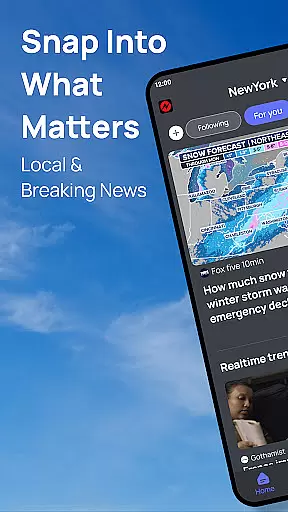
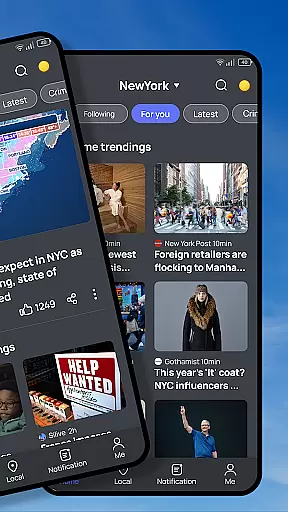
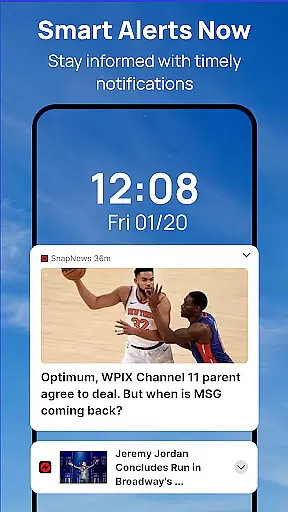
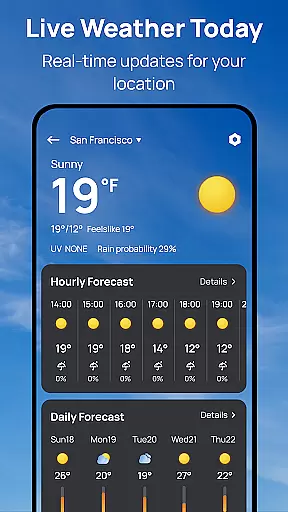
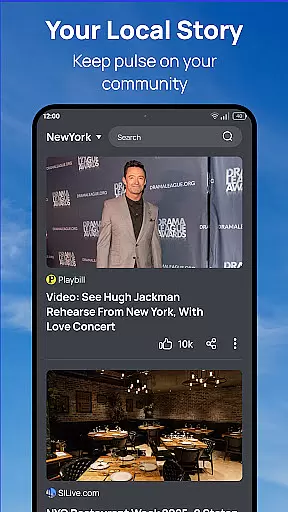

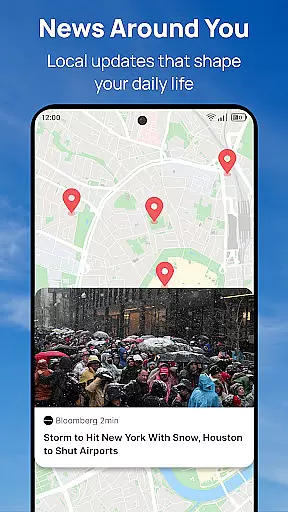
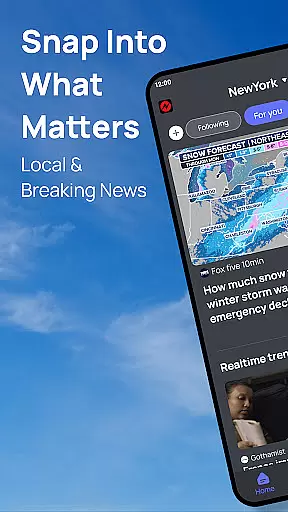
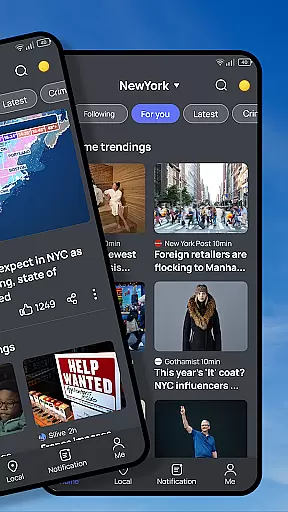

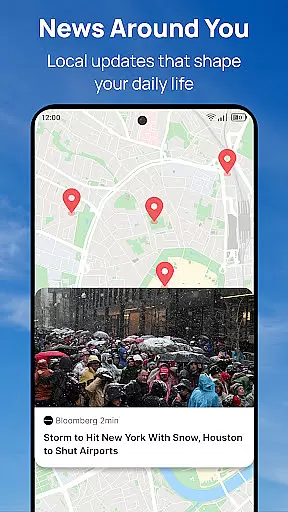
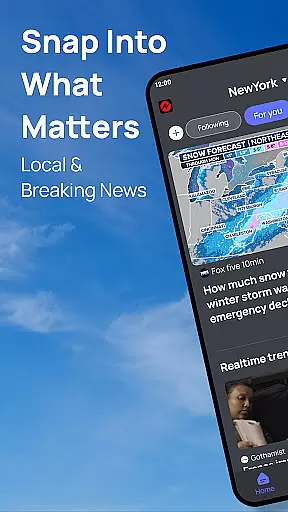
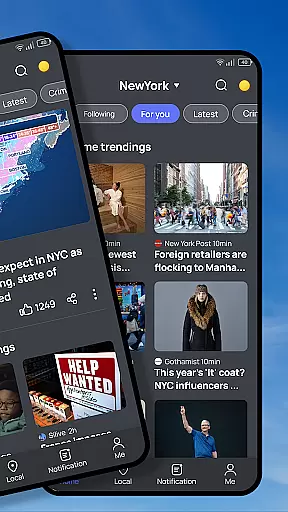
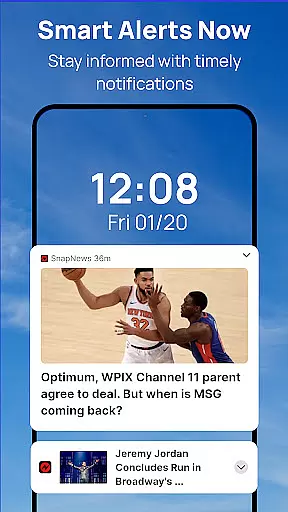
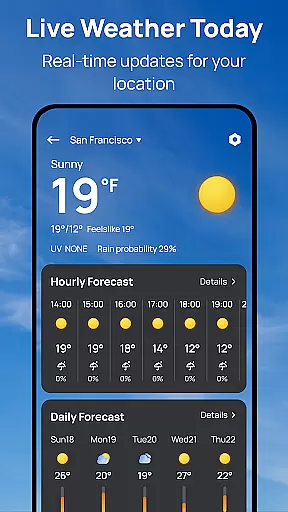
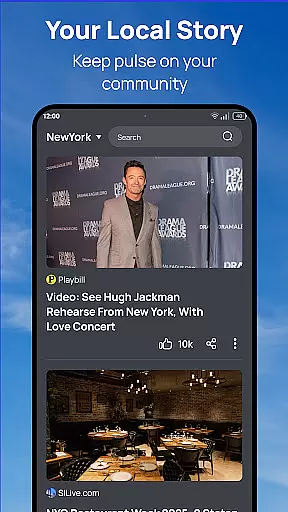

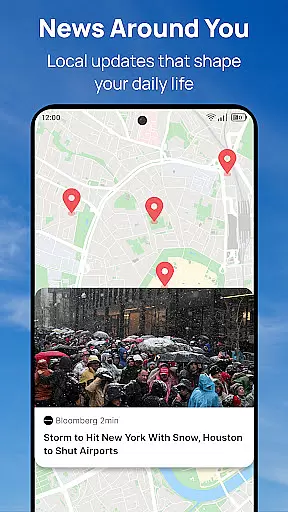
Snap News revolutionizes how users stay informed by offering a smart, AI-powered news aggregation platform. The app's core functionality lies in its ability to deliver hyperlocal updates alongside global perspectives through an intelligent discovery engine. This system analyzes user preferences and location data to surface the most relevant stories from over 1,500 verified sources.
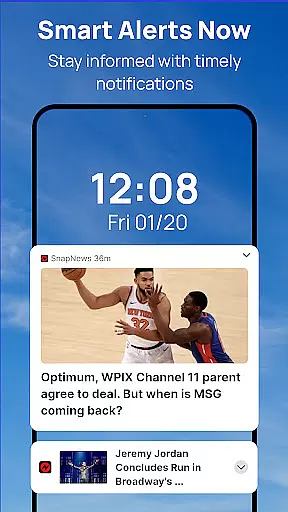
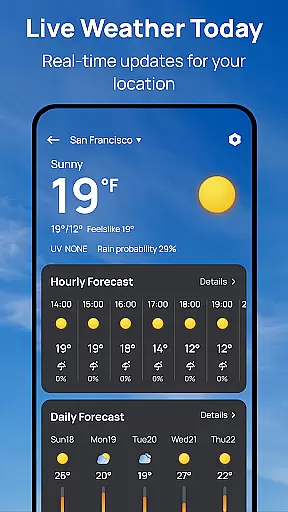
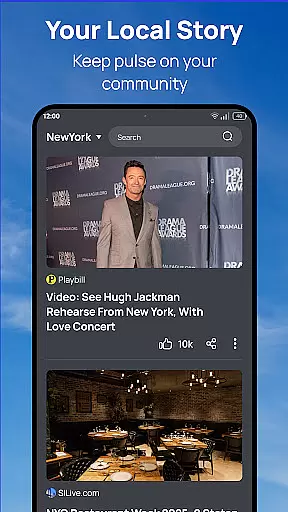
Beyond basic news delivery, Snap News provides enhanced reading features including customizable text formatting and offline reading options. The app's community-focused features enable users to track local events and connect with neighboring communities through shared content. Its smart notification system ensures users receive timely alerts about breaking news and weather updates without overwhelming them with unnecessary information.
Particularly valuable for commuters and busy professionals, Snap News offers a seamless way to stay informed during daily routines. The app's clean interface and thoughtful feature set make it an ideal solution for users seeking both depth and convenience in their news consumption.
The application distinguishes itself through several innovative features that enhance the news reading experience. Its Smart Discovery Engine employs advanced algorithms to analyze user behavior and preferences, creating a personalized news feed that evolves with each interaction. This system seamlessly integrates local insights with global perspectives, providing a comprehensive view of current events.
Content delivery is further enhanced through Precision News Delivery, which aggregates stories from verified sources while maintaining editorial integrity. The Enhanced Reading Experience feature set includes adjustable text formatting options and a distraction-free interface, while the Community Pulse functionality helps users stay connected to local developments and initiatives.
Additional notable features include smart notifications that adapt to user preferences, multiple customization options for content curation, and insight tools that allow users to track story development over time. These capabilities collectively create a sophisticated news consumption platform that adapts to individual needs while maintaining journalistic standards.
In today's digital age, the credibility and diversity of news sources are more crucial than ever. Snap News recognizes this by aggregating content from over 1,500 verified sources, ensuring that users receive a balanced view of local and global events. This extensive network spans various reputable publishers, providing a wide spectrum of perspectives.
The app employs a meticulous verification process to maintain high standards of source reliability. Each news outlet integrated into Snap News undergoes rigorous scrutiny, ensuring that only accurate and trustworthy information reaches the user. This commitment to quality helps users stay informed with confidence, knowing they are accessing credible news.
Diversity in news sourcing is equally prioritized. Snap News doesn't just aggregate mainstream media; it also includes independent voices and niche publications. This approach allows users to explore stories from different cultural, geographical, and ideological backgrounds, fostering a more comprehensive understanding of current affairs.
By combining both breadth and depth in its source selection, Snap News empowers readers to form well-rounded opinions. The platform's dedication to source credibility and diversity ensures that users aren't trapped in echo chambers but are exposed to the rich tapestry of global discourse, making their news consumption experience both informative and enlightening.
Accuracy in news reporting is paramount, and Snap News takes this responsibility seriously through its robust fact-checking protocols. The application leverages advanced algorithms alongside human expertise to verify the authenticity of each story before it reaches the user. This dual-layered approach ensures that misinformation is filtered out, delivering only verified facts to the audience.
The AI-powered system cross-references multiple sources for every news item, identifying discrepancies and flagging potentially false information. When inconsistencies are detected, the content is subjected to further scrutiny by experienced editors who specialize in investigative journalism. This combination of technology and human insight creates a formidable defense against fake news.
Snap News also maintains partnerships with established fact-checking organizations. These collaborations enhance the platform's ability to validate complex stories and emerging trends. By working with experts in various fields, the app can provide context and clarification for nuanced topics, helping users understand the full picture behind each headline.
This unwavering commitment to accuracy extends beyond breaking news to include long-form articles and analysis pieces. Through these rigorous fact-checking measures, Snap News builds trust with its audience, assuring them that the information they consume is reliable, well-researched, and thoroughly vetted across all content types.
User-friendly interface
Extensive source network
Smart personalization
Offline reading mode
Community focus
Premium subscription
Occasional bugs
Heavy data use
Limited free articles
Notification overload

Local Chicago news and weather alerts. Watch NBC 5 Chicago live 24/7.
 4.00
4.00
Movies, music, games & much more apps for Chromecast, Google Cast and Android TV
4.50
Watch the CBS News 24/7 live stream for breaking news & in-depth reporting.
3.20
Podcasts. Live Radio. Music.
4.90
Get the latest in politics, breaking news, world events, finance and health.
3.10
Quora is a place to share knowledge and better understand the world
4.20
Breaking news alerts, headlines and live video from NBC News
4.50
Stay informed on the day’s breaking news, live updates, and headlines with CNN.
4.40
Videos, writing, podcasts & more
4.80
Live Breaking News & Alerts. Police, Fire, Weather Radios, Air Traffic, & more.
4.80
LIVE Police Scanner: Hear Crime Alerts, Fire Alarm, Emergency & Weather Radio
4.80
Stream & watch 3000+ live channels, TV shows, series, movies, news & sports
4.60
Reconnect with your neighborhood! Daily news alerts for local news headlines!
4.60
Stay Informed with Personalized Daily News from Daily News.
4.50
Latest World News | Accurate Forecast | Real-time Alert | Smart & Fast
4.40
400+ News Channels. Local, Live & World Coverage. All the News in Just One Click
4.30
Get the latest news anytime, anywhere
4.10
Stream Action News and get customized breaking news and AccuWeather alerts.
4.00
Listen to Live Police and Fire Radio! Stay informed by Police Scanner
3.80


User Reviews