
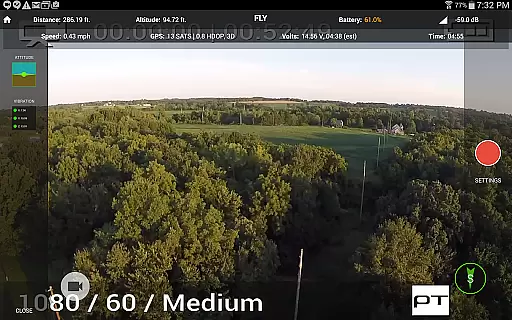
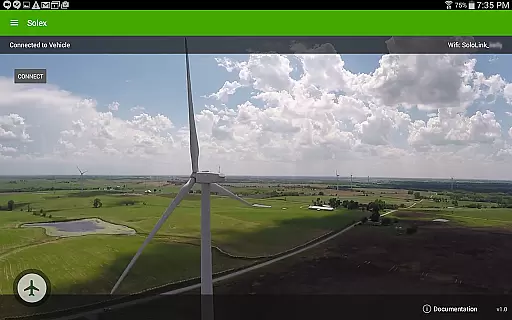
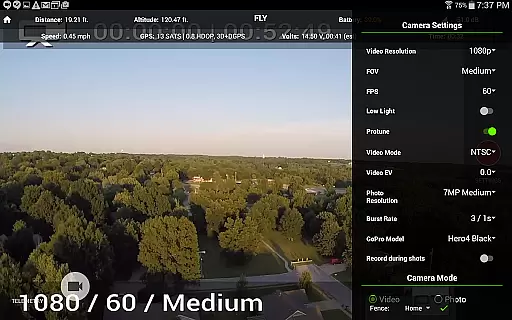
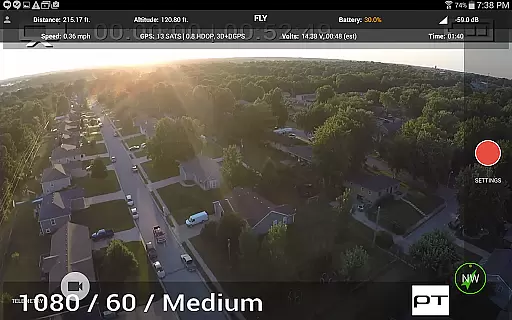
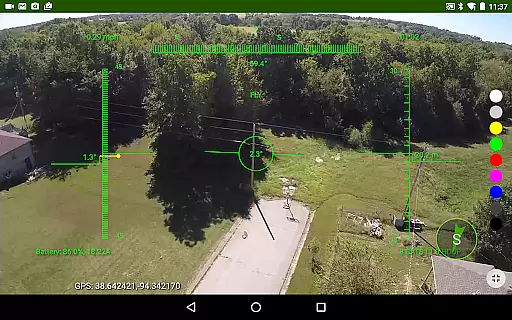
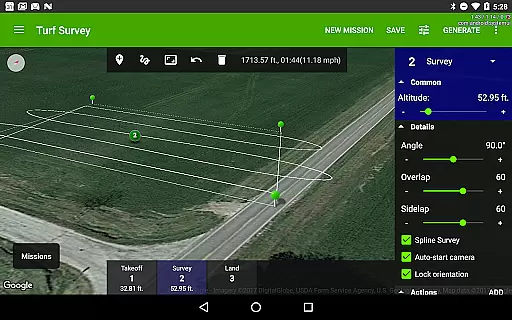
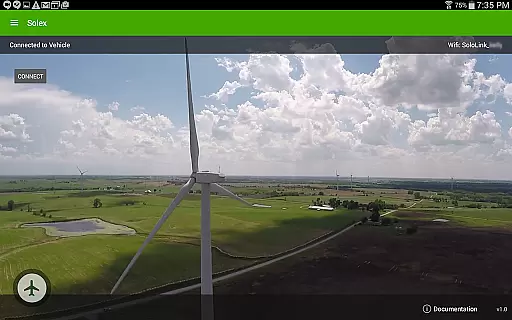
Solex is a feature-rich mobile application designed to enhance the capabilities of your 3DR Solo drone. This app provides advanced flight modes, including Smart Shots and Follow Modes, allowing users to capture professional-quality aerial footage with ease. With additional functionalities like geofencing, time-lapse photography, and flight profile customization, Solex ensures both safety and creativity during drone operations.
The app also offers practical tools such as a home pointer for easy navigation back to launch, a fighter-jet style HUD view for immersive flying experience, and widgets for monitoring pitch/roll and vibration. Whether you're a hobbyist or a professional photographer, Solex empowers you to maximize your drone's potential while maintaining complete control over its settings and performance.
Solex stands out with its diverse range of intelligent flight modes. The Smart Shots feature includes options like Orbit, Selfie, Cable Cam, and Zipline, enabling users to execute complex shots effortlessly. Additionally, various Follow Modes utilize GPS, pre-recorded tracks, or machine vision to track subjects accurately, providing dynamic filming opportunities.
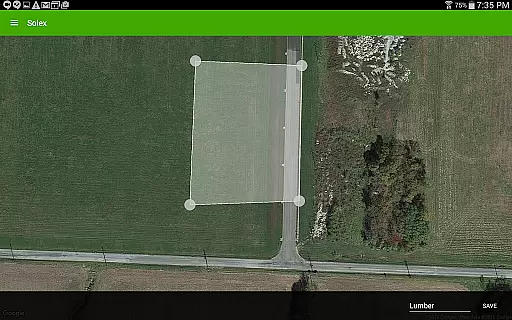
Beyond its shooting capabilities, Solex incorporates several innovative tools. Users can define geofences to keep their drones within safe boundaries, automate time-lapse photography, and customize flight profiles for different flying styles. The app also supports remote commands, LED color changes, and location tracking, ensuring comprehensive control over multiple vehicles. These features collectively make Solex an indispensable companion for any 3DR Solo owner seeking to elevate their drone experience.
When evaluating a lifestyle application like Solex, the breadth of its category coverage is crucial. This app goes beyond basic drone control by offering an extensive suite of Smart Shots and advanced features that cater to both recreational and professional users. With options ranging from Orbit and Selfie modes to sophisticated Follow/Me functionalities and machine vision-based Follow/Optical, it demonstrates comprehensive coverage of aerial photography needs.
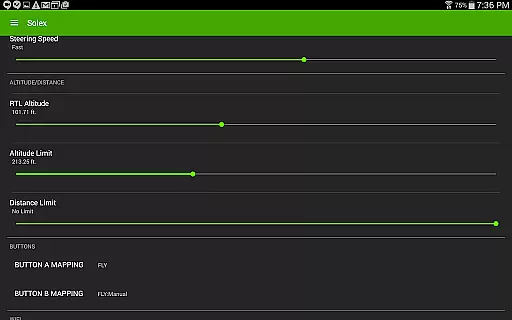
The application's feature set extends to practical utilities such as geofencing for safe flying zones, time-lapse photography capabilities, and customizable Flight Profiles for different flying styles. These features show how Solex addresses various aspects of drone operation, from creative shooting to safety management and performance customization.
Users benefit from this wide coverage through enhanced creativity and operational safety. The inclusion of professional-grade tools like HDR photography, automatic flight path execution, and multiple tracking modes enables users to explore diverse shooting scenarios while maintaining precise control over their equipment.
This extensive category coverage positions Solex as a versatile solution in the lifestyle segment, particularly for drone enthusiasts who demand both creative freedom and technical control in their applications.
Content authenticity and expert credibility are vital components of any successful lifestyle application, especially one dealing with complex technology like drones. Solex establishes its credibility through a combination of verified technical features and expert-endorsed functionalities. Each Smart Shot mode and advanced feature has been developed based on proven drone operation principles and aerial photography techniques.
The application's technical accuracy is demonstrated through its implementation of sophisticated features like machine vision-based object tracking, EKF (Extended Kalman Filter) widgets for precise positioning, and vibration monitoring tools. These elements require deep technical expertise and thorough testing to ensure reliable performance, indicating the involvement of knowledgeable developers and engineers in the creation process.
Users can trust the authenticity of Solex's content due to its transparent documentation of features and clear explanation of technical capabilities. The detailed descriptions of each function, along with specific use cases and operational parameters, provide users with verifiable information about what they can achieve with the application.
This combination of technical accuracy, expert development, and transparent communication of features establishes Solex as a credible tool in the lifestyle category, particularly for users seeking reliable and professional-grade drone control solutions.
Advanced flight modes
Comprehensive safety features
Customizable settings
Intuitive user interface
Multi-vehicle support
Requires 3DR Solo
Complex for beginners
Limited device compatibility
High learning curve
Dependent on stable connection

Designed to delight, impress and energize your festive spirit every single day
 4.1
4.1
Paranormal EVP, Ghost Box, Spirit box, ITC, Haunted, Spirit communication device
3.70
See wait times and check into a hair salon ahead of time with Online Check-In.
4.80
Make money, get paid cash rewards & gift cards for every survey. Earn today!
4.60
Creativity and savings for kids, beginners and experts in arts and crafts
3.50
Colorful minimal digital watch face for Wear OS
4.60
Have your Tehillim with you at all times
4.70
Control your Tapo smart devices from anywhere.
4.60
Earn money for every survey and game you play, and get real rewards every time
4.50
Play. Earn. Repeat. Get rewarded for playing mobile games. Welcome to Mobius!
4.80
Smart & Healthy Living
4.60
The all-new Cync app. The simple, connected app for Cync and C by GE.
4.50
Play fun games, complete quick surveys, and earn money. It's fun and easy!
4.40
Chat, meet genuine singles in your area. Real connections start with being real.
4.30
Do you want to communicate with spirits?
3.80
Unique BIG BOLD TIME with amazing colors and customisations.
3.70
Unique Dark Analog style for Wear OS watches.
4.0
Immerse yourself in the serenity of lavender fields and white butterflies
4.4
Big bold hybrid watch face with 30 colors, 5 fonts & 5 complications.
4.4


User Reviews