
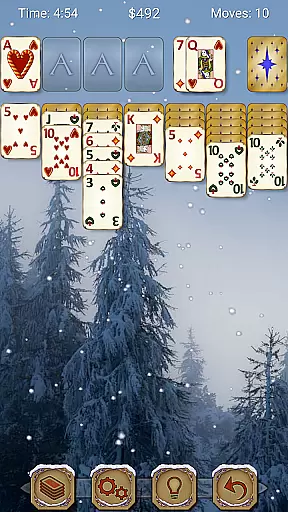
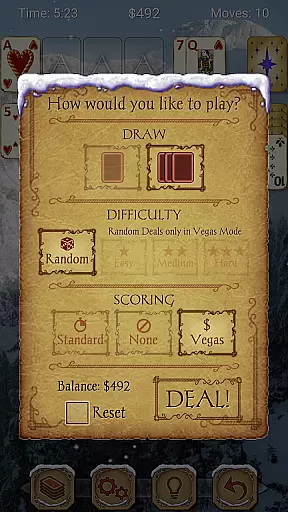
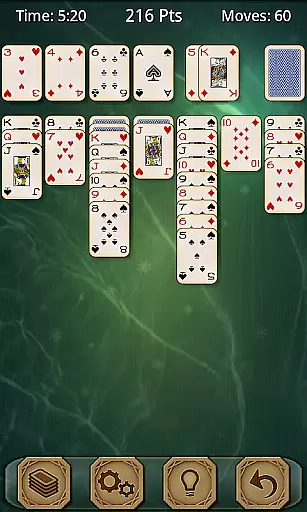
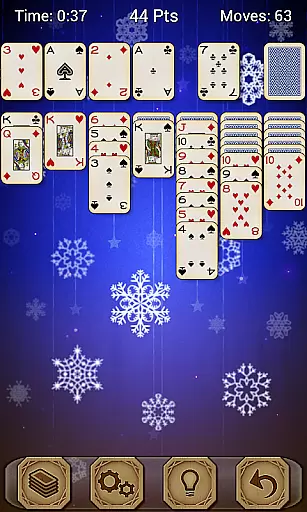
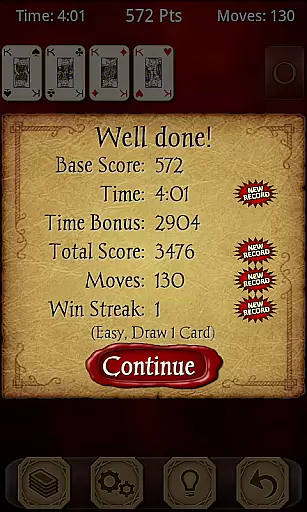
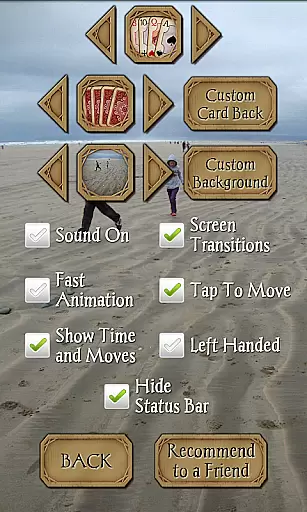
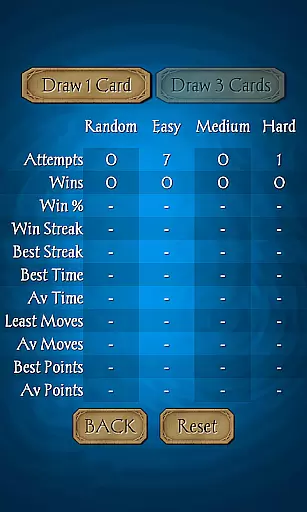
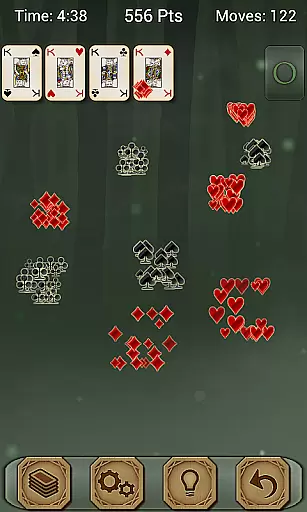
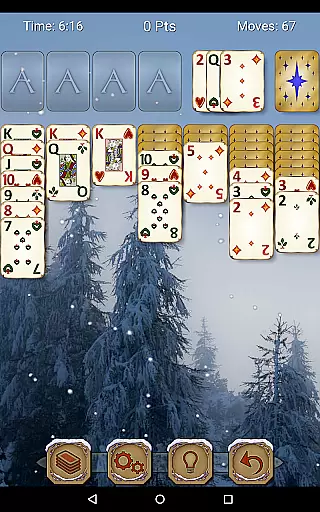
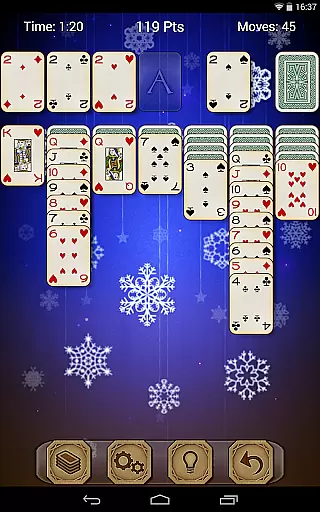
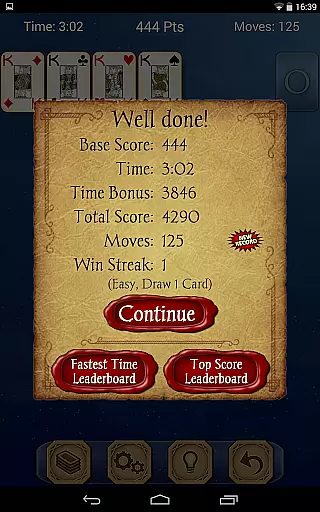
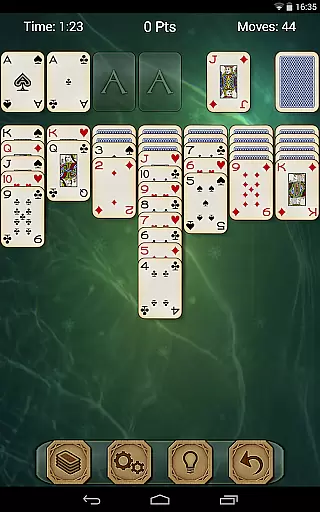
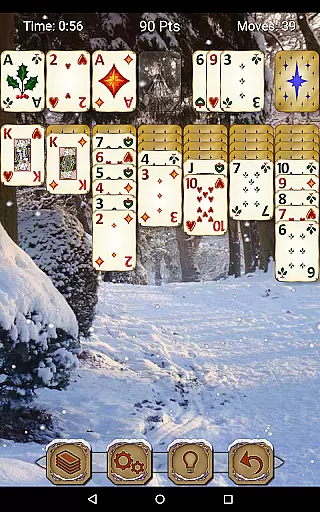
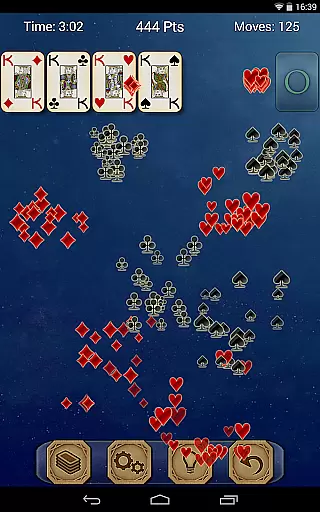

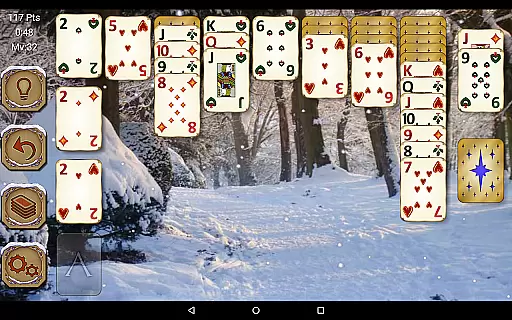
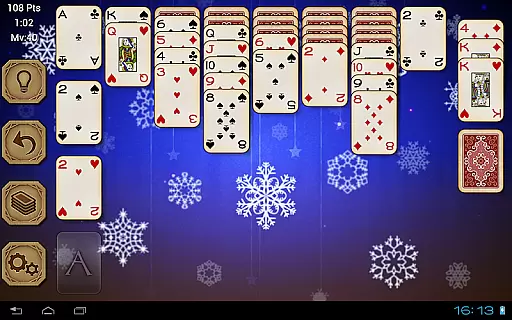

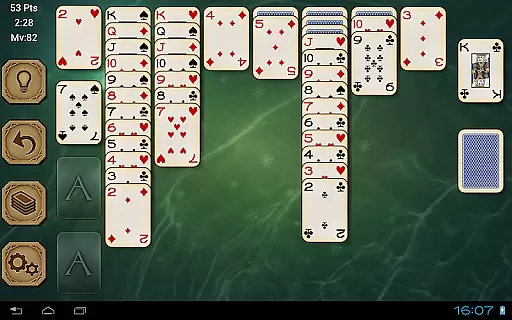
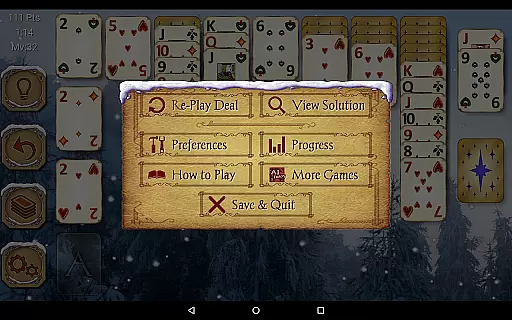
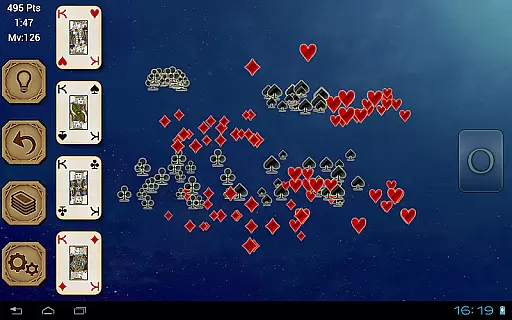
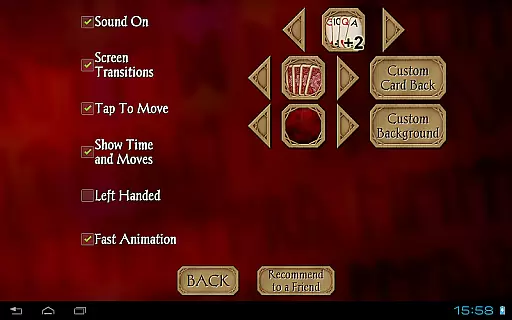
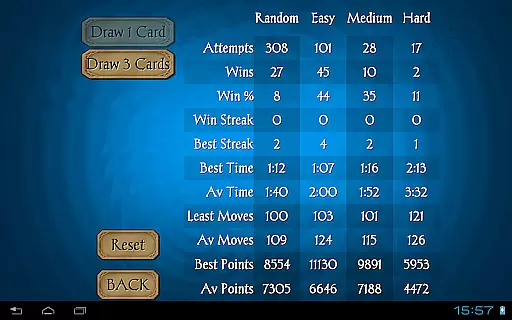
Solitaire Pro is a premium card game app developed by AI Factory, bringing the classic Solitaire experience (also known as Klondike and Patience) to mobile devices. This polished version removes advertisements for an uninterrupted gaming session. Designed for both tablets and phones, it offers multiple play options including 1 or 3 card draw, various scoring systems, difficulty levels, and layout preferences. The app also supports achievements, leaderboards via Google Play Games, and allows users to customize backgrounds with personal photos.
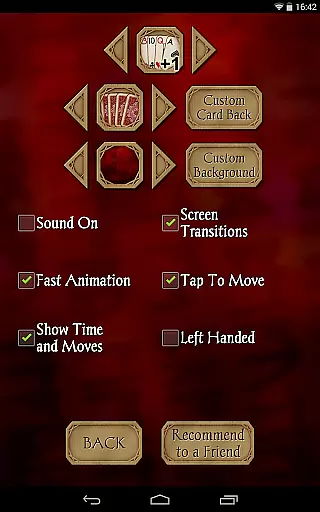
Whether you're a casual player or a Solitaire enthusiast, this app provides a rich and immersive experience. With features like undo, hints, detailed game stats, and support for both landscape and portrait modes, Solitaire Pro ensures that players of all skill levels can enjoy the game comfortably. Its intuitive interface and customizable options make it accessible to left-handed and right-handed users alike, while its compatibility with different screen resolutions guarantees a seamless experience across devices.
Solitaire Pro stands out with its extensive customization options and user-friendly design. Players can choose from four different card sets, four card backs, and numerous background images, or even upload their own photos to personalize the game board. The app supports both standard and Vegas scoring systems, along with three difficulty levels—random, easy, medium, and hard—to cater to varying skill levels. Additionally, non-random games offer viewable solutions, helping players improve their strategies over time.
The app's integration with Google Play Games adds a competitive edge, allowing users to earn achievements and compete on global leaderboards. Other notable features include tap-to-move functionality, undo and hint options, and comprehensive game rules and help sections. With support for both landscape and portrait orientations, Solitaire Pro adapts to your preferred playing style. Detailed game statistics track your progress, while the ability to switch between left-handed and right-handed layouts ensures maximum comfort during extended gaming sessions.
Random Number Generation (RNG) fairness is crucial in card games like Solitaire Pro to ensure every game starts with a unique and unpredictable shuffle. This randomness guarantees that each session remains challenging and engaging, preventing patterns or predictability that could diminish the gaming experience.
Solitaire Pro achieves this by implementing certified RNG algorithms that meet industry standards for unpredictability and uniform distribution. The app's developers have crafted a system where each deal can be one of many possible combinations, ensuring players face new challenges every time they play.
The benefits to players are significant. With true randomness, users enjoy a genuine test of skill and strategy without the frustration of repetitive outcomes. This keeps the gameplay fresh and exciting, encouraging longer play sessions and repeat usage.
Furthermore, the certification aspect assures players that the game's randomness is not only programmed well but also verified by independent bodies. This transparency builds trust between the user and the application, enhancing overall satisfaction and confidence in the gaming experience.
Control fluidity and input latency are essential factors in digital card games, impacting how responsive and smooth the gameplay feels. In Solitaire Pro, these elements are meticulously designed to provide an intuitive and seamless user experience.
The app employs advanced touch recognition technology that ensures every tap and swipe is registered instantly. Whether you're moving cards across the tableau or selecting options from the menu, the controls react immediately, providing a sense of direct interaction with the game environment.
For players, this means less frustration and more focus on strategic decision-making. Quick response times allow for rapid execution of moves, which is particularly important in timed modes or when trying to achieve high scores. The fluid controls make complex maneuvers feel natural and effortless.
Additionally, Solitaire Pro optimizes performance across various devices, maintaining consistent control responsiveness regardless of hardware specifications. This dedication to minimizing input latency and maximizing control fluidity sets the app apart, offering a premium gaming experience that attracts and retains users who value precision and speed in their gameplay.
User-friendly interface
Extensive customization
Multiple difficulty levels
Achievements and leaderboards
Ad-free experience
No offline multiplayer
Limited social features
Paid version only
Occasional bugs
High system requirements

Compete against the computer in this classic trick-taking game.
 4.20
4.20
Shards of Infinity is the follow up deckbuilder to Ascension.
3.40
Relax, strategize, and enjoy endless card fun with vintage solitaire.
4.70
Easy play. Relax with daily solitaire fun!
4.60
The Trading Card Game of Hunter's Gambit, Online!
4.0
Classic Solitaire Game: Brain training & relaxation!
4.20
Kill the monsters & grab the loot in the classic card game!
3.70
Play Blackjack and and earn gift cards
4.50
Classic Solitaire. The most famous card game in the world!
4.50
Classic Solitaire card games - Play Klondike Solitaire to unwind and feel good!
4.90
Learn the tricks in classic Spades offline. No Wifi, Spades always feels right!
4.90
The official digital adaptation of the beloved card game Morels.
4.70
Euchre Offline! Master strategy fun, install and play NOW!
4.70
The world’s largest Spades game! Enjoy the classic card game with 52 card deck
4.70
Relax and unwind with Solitaire: Card Games.
4.70
Train your brain playing the most relaxing & addictive 2025 solitaire game !
4.60
Hardwood Hearts, where breaking hearts is just part of the game.
4.50
Challenge your deck building skills in this RPG cardventure!
4.50
Fantasy Realms - A combo-licious card game.
3.10


User Reviews