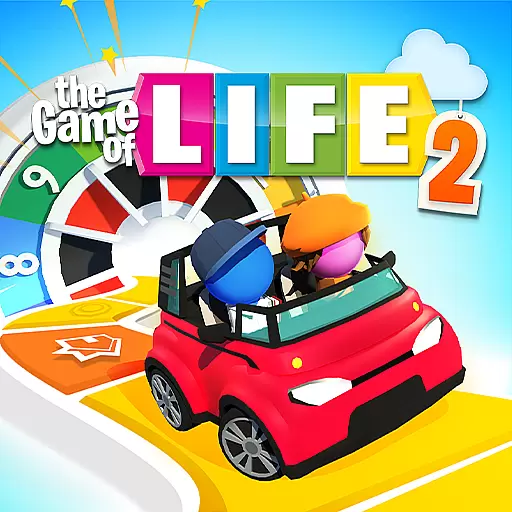
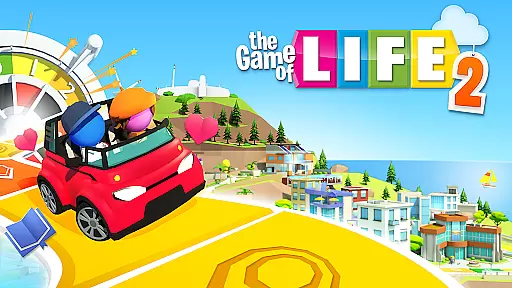
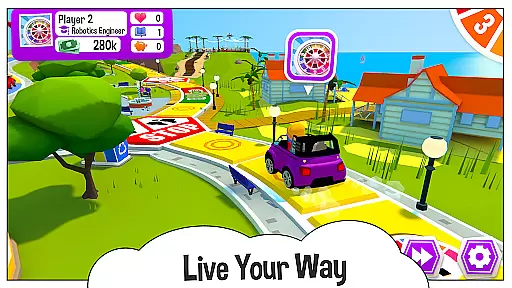
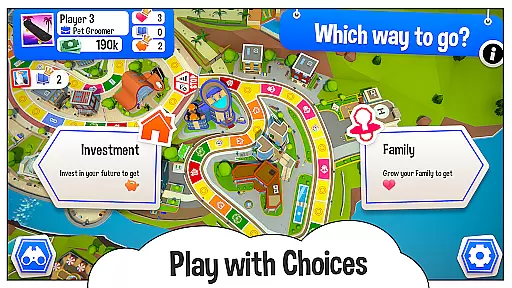
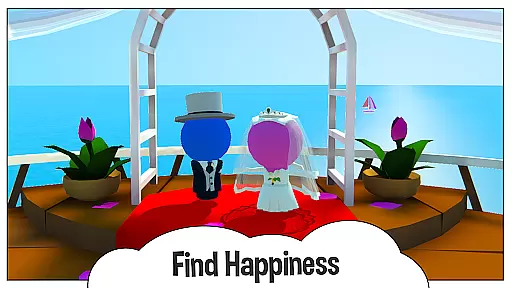
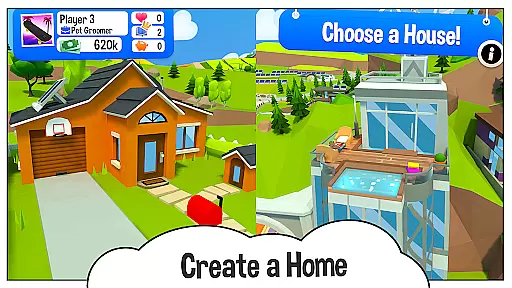
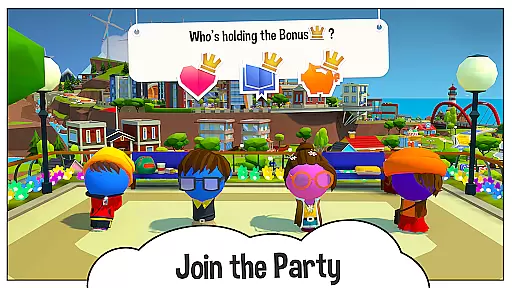
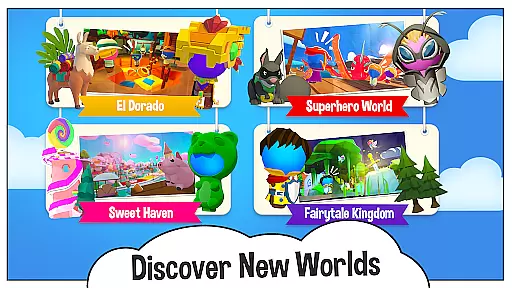
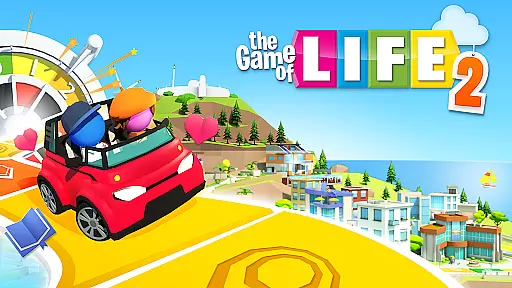
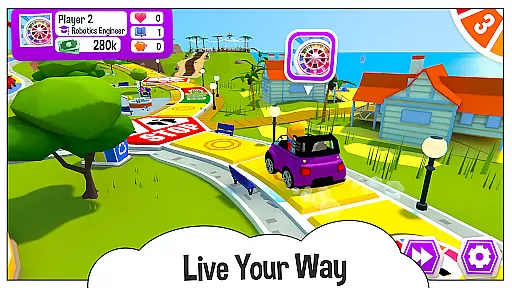
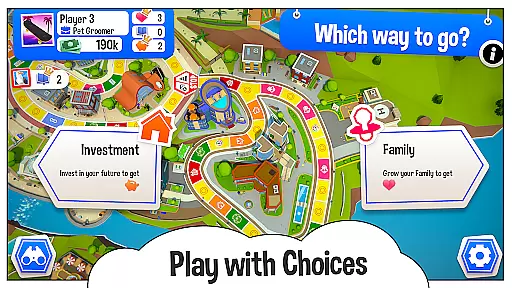
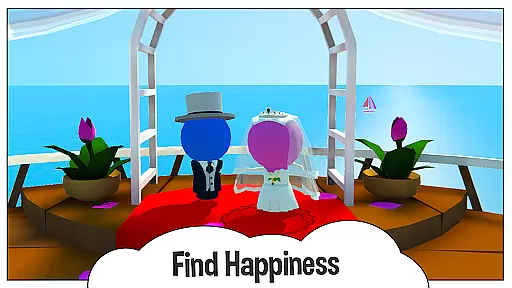
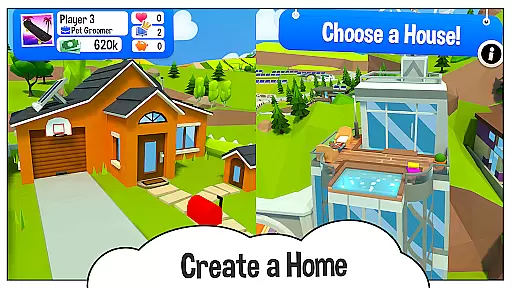
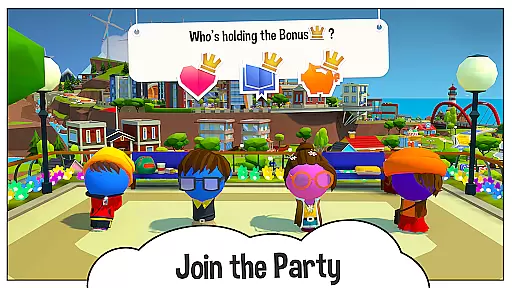
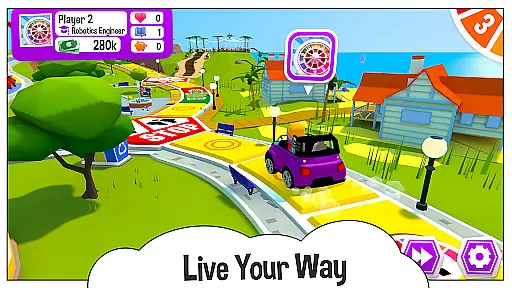
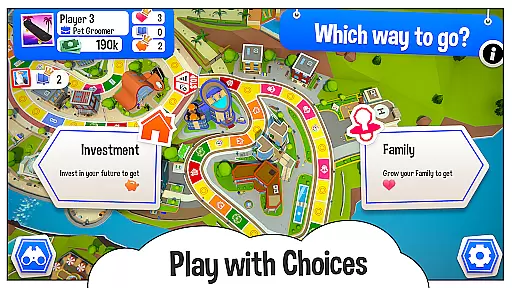
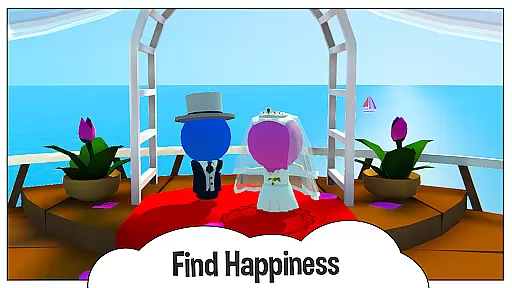
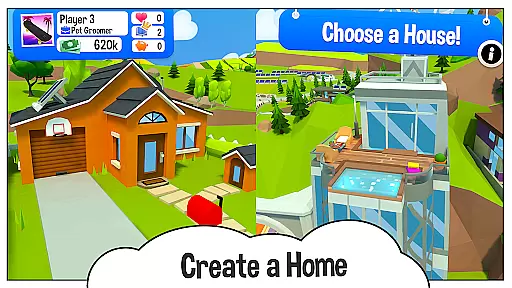
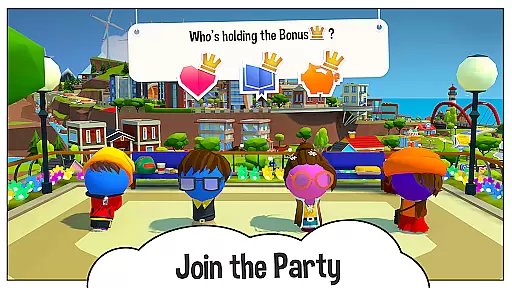
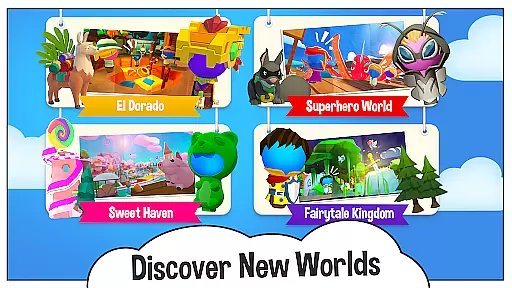
The Game of Life 2 is an engaging digital adaptation of the classic board game, offering players a chance to experience diverse life paths in a vibrant 3D environment. This award-winning sequel allows users to make pivotal life decisions such as education, career, and family choices while earning points for knowledge, wealth, and happiness.
With customizable avatars, various vehicles, and multiple worlds to explore, the game provides extensive replayability. The cross-platform functionality enables friends and family to connect regardless of their device, making it ideal for both casual and dedicated gaming sessions.
This digital board game stands out with its rich features designed to enhance user engagement. Players can personalize their gaming experience by choosing from different outfits, avatars, and vehicles, ensuring a unique journey every time.
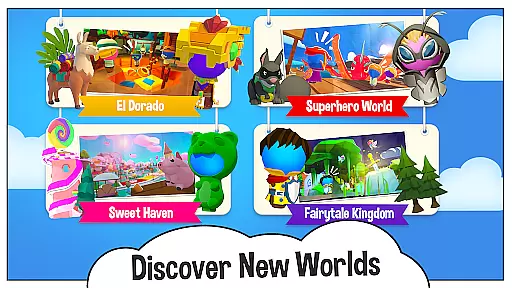
The game includes new enchanted worlds that unlock additional content such as jobs and properties. By spinning the virtual spinner, players navigate through life events, collect rewards, and unlock new items, providing continuous challenges and entertainment.
In The Game of Life 2, rule authenticity is maintained while offering players flexible choices that mimic real-life decisions. This balance ensures that the game stays true to its board game roots while adapting to digital play.
The game captures the essence of traditional board gameplay by incorporating familiar elements such as the spinner and life path. These features are seamlessly integrated into a 3D world where players can make pivotal life choices like pursuing education, choosing careers, or starting a family.
Players benefit from this blend of authenticity and flexibility as it allows them to experience diverse life scenarios. Whether opting for knowledge, wealth, happiness, or a mix, users can explore various outcomes based on their decisions.
This approach not only honors the original spirit of the board game but also enhances replayability. By presenting varied life events and crossroads, The Game of Life 2 offers an engaging experience that resonates with both fans of the classic version and newcomers alike.
The Game of Life 2 introduces AI opponents designed to challenge and entertain players across different skill levels. The AI system is crafted to provide a competitive yet enjoyable experience, ensuring that every match feels dynamic and unpredictable.
These virtual rivals adapt to player actions, creating a personalized challenge during each session. They follow the same rules as human players but incorporate strategic decision-making that simulates realistic life choices, enhancing the overall gaming experience.
For users, high-quality AI opponents mean more engaging gameplay sessions without needing additional human players. It allows individuals to enjoy the game solo or complements multiplayer sessions when friends are unavailable.
Ultimately, the sophisticated AI in The Game of Life 2 adds depth and excitement, making each playthrough unique. Players can expect a consistently challenging experience that encourages strategic thinking and adaptability throughout their journey.
Engaging 3D graphics
Customizable characters
Cross-platform play
Multiple life scenarios
Continuous updates
Some items locked
In-app purchases
Complex for kids
Requires internet
Ads between turns

Shredder, the chess world champion. Play and learn chess.
 4.50
4.50
Control a team of heroes battling evil villains across dynamic environments!
4.70
Joyful color by number & paint by number in this relaxing coloring game!
4.60
Start Playing this cool Domino Game right now!
4.70
Lead your mages to victory in this deck building game with a twist!
4.30
The digital strategy game adaptation of the famous board game.
4.00
Connect matching tiles to clear the board. Memory puzzle game at leisure!
4.70
The iconic murder-mystery. Six suspects, six weapons, nine rooms, one culprit.
4.60
Experience a fresh take on the classic crime-solving board game.
4.60
Compete to create the most perfect ecosystem in the award-winning board game!
4.90
Easy and relaxing zen coloring game. Tap to color. Enjoy the coloring time.
4.90
The ultimate Chess app available. Install now for pure enjoyment!
4.80
Domino Frenzy - Tile board game.
4.70
Handcrafted Sudoku puzzles by the most popular Sudoku channel!
4.50
Solo RPG Engine & GM Emulator
4.50
Challenge friends in offline 2 player games. Play boxing, fighting, chess, snake
4.00
Second Dawn for the Galaxy
3.90
Take command and turn your faction into the most powerful in all of Europa!
3.80
Strike sparks hard, but don't get charred!
3.00


User Reviews