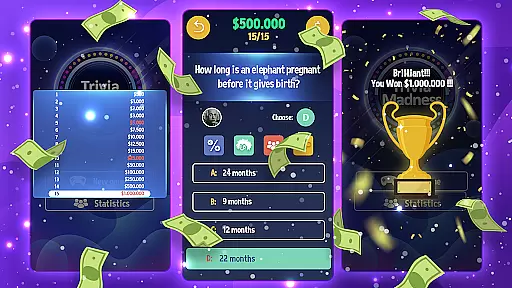
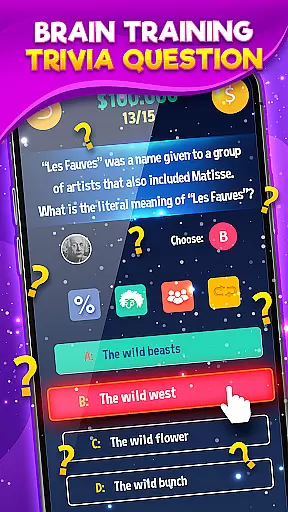

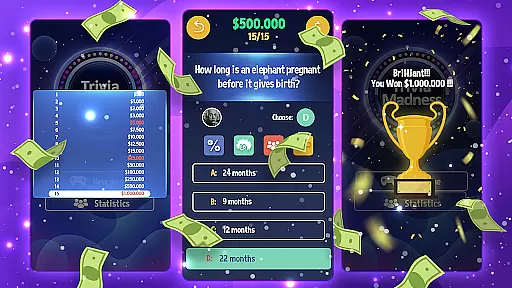
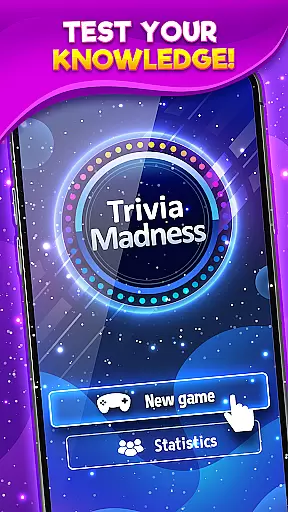
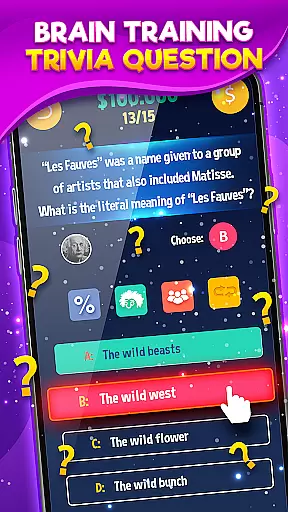

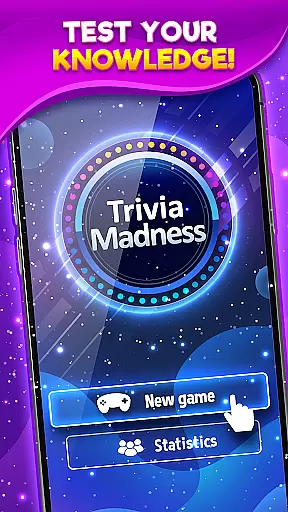
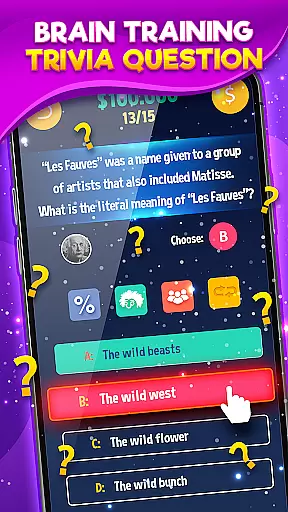

Trivia Madness offers an engaging quiz experience with 15-question rounds spanning diverse topics like culture, media, science, and medicine. Its vast question catalog ensures endless entertainment and challenges for users.
The app provides various options to assist users in answering questions correctly, making it suitable for all knowledge levels. Whether you're a trivia novice or expert, Trivia Madness promises fun and learning.
With a rich variety of quiz categories, Trivia Madness caters to different interests and expertise areas. The app's adaptive difficulty adjusts to the user's skill level, ensuring a balanced challenge.
Users can benefit from helpful features such as hints and lifelines when tackling tough questions. These tools enhance the gameplay experience while maintaining the challenge that trivia enthusiasts crave.
Trivia Madness takes great care in ensuring the authenticity and accuracy of its quiz questions. This is crucial for providing a credible and educational experience to users.
The app sources its questions from verified databases and employs fact-checking mechanisms to maintain high standards. Each question undergoes a rigorous review process before being added to the game.
Players can expect questions that span various topics, including culture, media, science, and medicine. The diversity and reliability of these questions enhance the overall gaming experience.
By prioritizing question authenticity, Trivia Madness ensures that players not only enjoy the game but also learn accurate information across a wide range of subjects.
One of the standout features of Trivia Madness is its adaptive difficulty system, which tailors the challenge level to each player's skill set. This ensures a balanced and engaging experience for everyone.
The app uses an intelligent algorithm to analyze player performance and adjust question difficulty accordingly. As players answer correctly, they encounter progressively harder questions, keeping them motivated and invested.
This adaptive system prevents the game from becoming too easy or too difficult, maintaining an optimal level of challenge. It caters to both casual players looking for fun and serious trivia enthusiasts seeking a tough contest.
With its well-implemented difficulty adaptation, Trivia Madness offers a personalized and rewarding experience that keeps users coming back for more challenging quizzes.
User-friendly interface
Vast question database
Adaptive difficulty levels
Engaging gameplay
Educational value
Limited social features
In-app purchases required
Occasional bugs
Ads between rounds
Outdated design

Play the original trivia game show! Who Wants to Be a Millionaire? for Android!
 4.50
4.50
Get ready to return to the world of Brain Test with a long and tricky adventure!
4.70
Escape the Noise. Rediscover Simplicity.
4.90
America’s Favorite Quiz Show® in the palm of your hand! Play for Free now!
4.40
Test your knowledge daily with Bible quiz questions and engaging trivia!
4.90
Tricky puzzle Brain Test returns with story riddles, mind games and brain games!
4.80
Newly word puzzle games! Guess the quiz and challenge your brain
4.80
Live Game Shows on Your Phone!
4.20
Brain Test returns with a huge collection of tricky puzzles and brain games!
4.80
Draw, connect, and enjoy mini-games to relax your mind!
5.00
Nut Sort is a classic and addictive online puzzle game!
4.90
“Tarbaa” is the best family group game
4.90
Experience Bible Trivia Game, Enjoy Bible quiz games with levels!
4.80
Bible Trivia: Play 10,000+ Fun Questions and Sharpen Your Bible Knowledge!
4.80
Brain Test with tricky puzzles, brain teasers and brain games! Test your IQ.
4.70
Adult party game for friends and couples with spin the bottle challenges
4.60
Imagine being thrown out somewhere in the world. Can you find where you are?
4.50
Trivia Night... This ain’t yo mama’s trivia game.
3.60
Play Family Feud just like the show! With 4 game modes, play any way you’d like!
3.50


User Reviews