
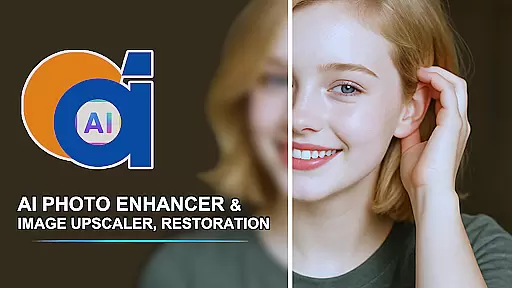
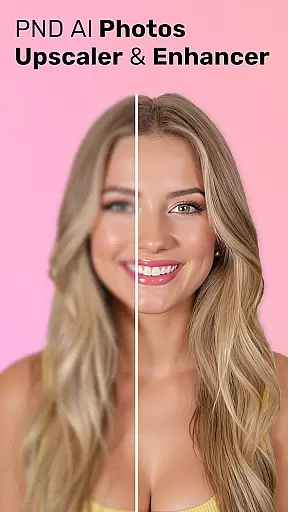
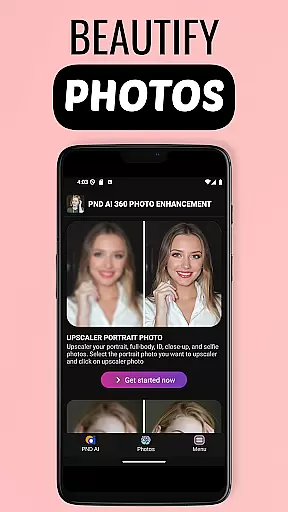
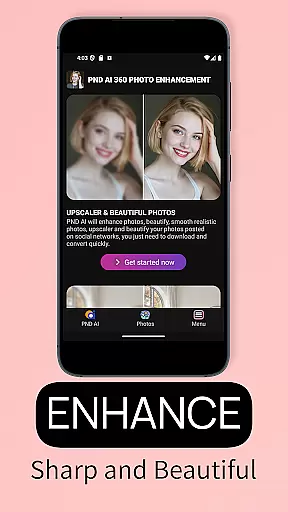

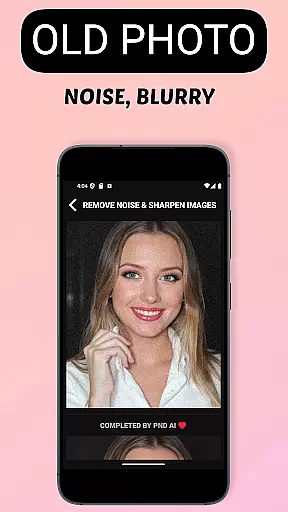
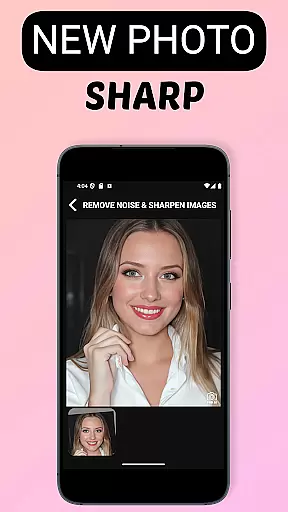
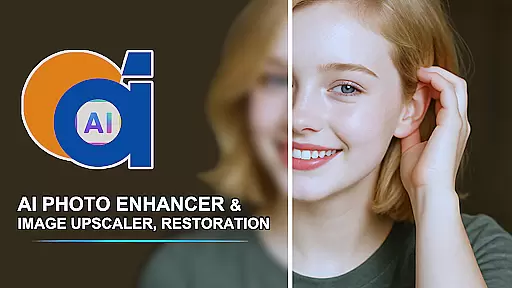
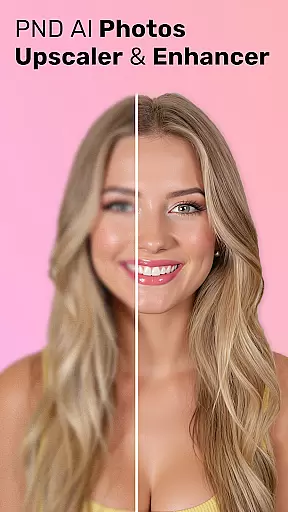
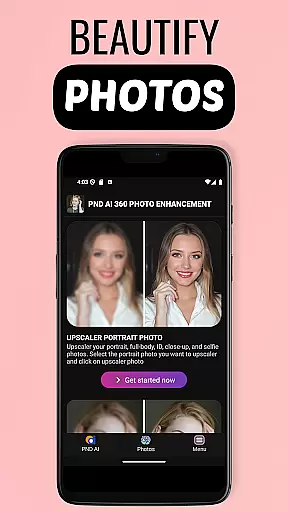
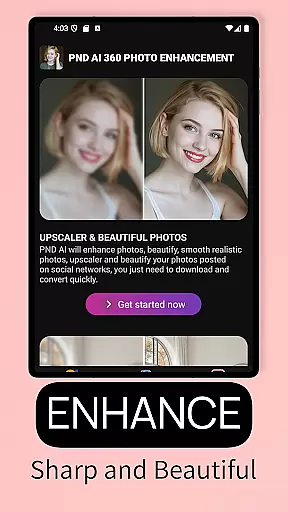
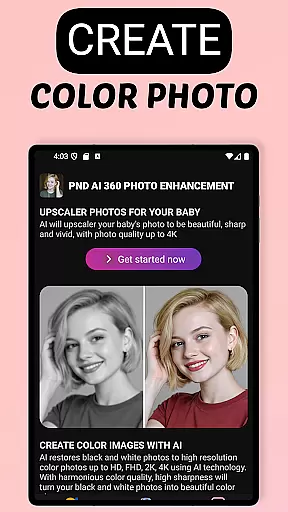
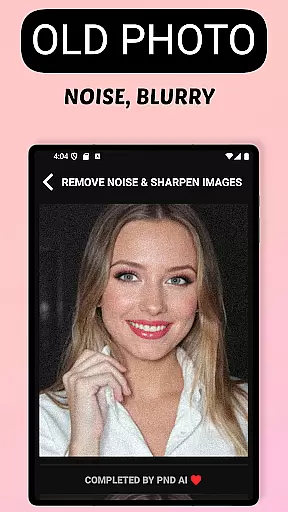
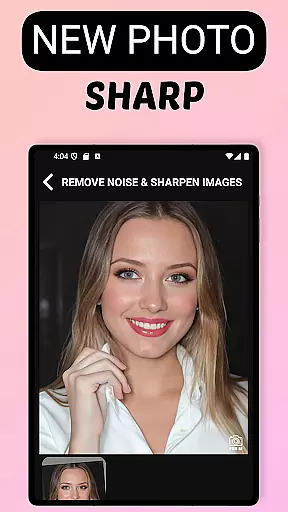
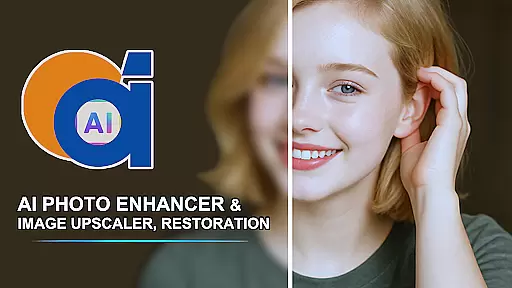
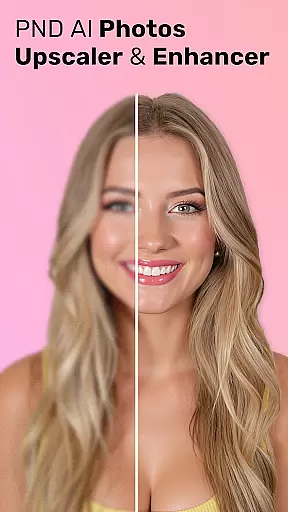
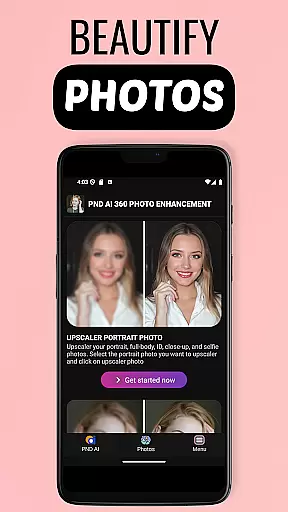
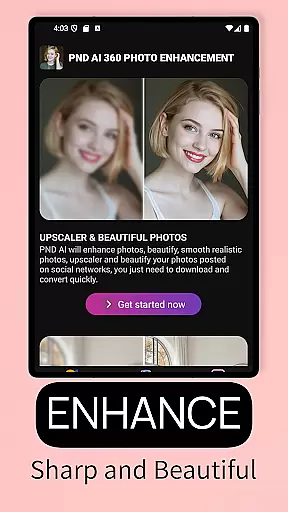
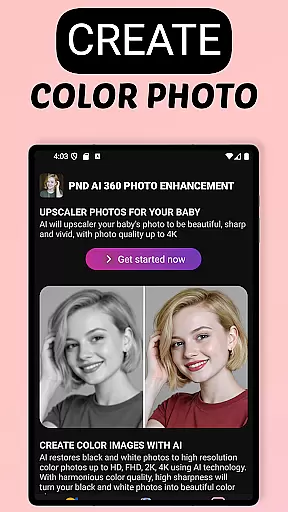
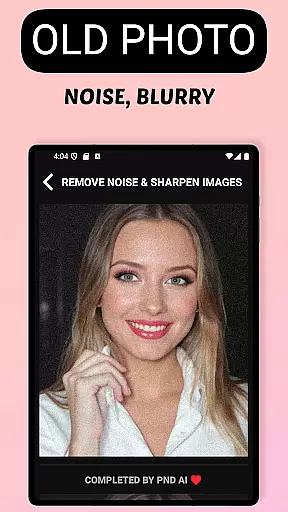
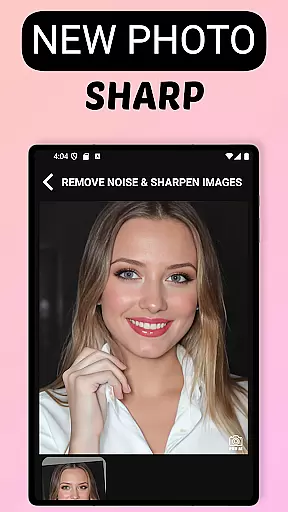
AI Photo Enhancer 360 is a cutting-edge artificial intelligence application designed to revolutionize photo editing and enhancement. This powerful tool allows users to transform old, blurry, or damaged photos into sharp, vibrant images with minimal effort. The app's core functionality lies in its ability to automatically detect and repair imperfections in photos while maintaining their natural appearance.
Beyond basic restoration, AI Photo Enhancer 360 offers advanced features such as black and white photo colorization, resolution upscaling to 8K, and AI-powered portrait enhancement. These capabilities make it an ideal solution for both personal photo restoration and professional image enhancement needs. Whether you're looking to preserve precious memories or create stunning visual content, this application provides the tools necessary to achieve professional-quality results.
The application boasts an impressive array of features that cater to various photo enhancement needs. Its AI-driven technology can automatically sharpen images, restore old or damaged photographs, and even add realistic color to black and white images. The intelligent system detects problem areas in photos and applies appropriate corrections without compromising the image's authenticity.
One of the standout features is its ability to upscale images to resolutions up to 8K while preserving details and preventing distortion. Additionally, the app includes advanced portrait editing tools that can smooth skin, remove blemishes, and adjust lighting conditions. For creative professionals, the AI Gen technology offers unique profile creation options ranging from artistic styles to cartoon effects, making it a versatile tool for both restoration and creative projects.
AI Photo Enhancer 360 offers an extensive product database that caters to a wide array of photo enhancement needs. The application's capabilities span from basic photo sharpening to advanced AI-driven colorization and upscaling, ensuring that users have access to a comprehensive suite of tools.
The app's sophisticated AI technology detects and processes various photo imperfections such as damage, blurriness, and underexposure. This deep level of analysis is possible due to the rich database that supports complex algorithms, allowing for intelligent restoration while preserving the natural aesthetics of images.
Users benefit from this depth by being able to restore old or damaged photos with precision, making it an invaluable tool for preserving memories. Whether it's for personal use or professional photo editing, the app provides detailed solutions that cater to different requirements and complexities.
Personalization is at the core of AI Photo Enhancer 360, providing users with precise control over their photo editing process. The app uses advanced AI Gen technology to allow for unique profile photo creation that can reflect personal styles ranging from modern to classic themes.
This high degree of personalization is achieved through customizable features that include skin smoothing, blemish removal, and light adjustment. These tools enable users to enhance portrait photos to studio-quality standards, offering a personalized touch to every image.
The advantage for users lies in the ability to tailor their photo editing experience according to their preferences. With options like resolution enhancement up to 8K and artistic style transformations, individuals can achieve professional results that align with their personal vision and needs.
User-friendly interface
Advanced AI technology
Multiple enhancement options
High-resolution upscaling
Secure data processing
Requires internet connection
Premium features may cost extra
Processing time varies
Limited free usage
Some features complex for beginners

Shop Smarter, Dress Better, and Shine Brighter!
 4.10
4.10
Seasonal color palettes for shopping clothes and makeup products with confidence
4.20
All-in-one solution for independent beauty pros to manage & grow their business
4.30
Beauty camera to take nature selfie with photo filter. Photo makeup face editor.
4.50
Beauty camera & Selfie camera for perfect selfie with filter, sticker, makeup
4.70
Beauty Mirror - True mirror app with light, shaving mirror, makeup mirror app
4.50
Seasonal color palette, my personal color, hair color changer, makeup, wardrobe
4.20
Mirror app that shows your image with photo editor, zoom and light!
4.70
Beauty for every eye, lip & face. Earn rewards, play games, connect with others.
4.30
Try interesting trending filters allows you switch to a cute girl
4.70
Unique selfie filter camera! Upload live sticker & face filter every week!
4.70
Selfiechat Filters for amazing photos with Funny face filters
4.60
The mirror app you were looking for, simple and easy to use. Try Mirror now.
4.60
Professional HD Camera App: Capture Bright HD Selfie & Record Stunning Moments
4.40
Crown Heart Emoji Photo Editor has given you the chance to look cute girl
4.40
True mirror app with zoom, LED light, for makeup & shaving anywhere!
4.20
Never run out of your go-to beauty & get 5% off with auto-replenish deliveries!
4.00
Color haircut changer style on
3.30
Your Personal Stylist for Smart Shopping, Beauty & Styling Outfits.
4.5


User Reviews