
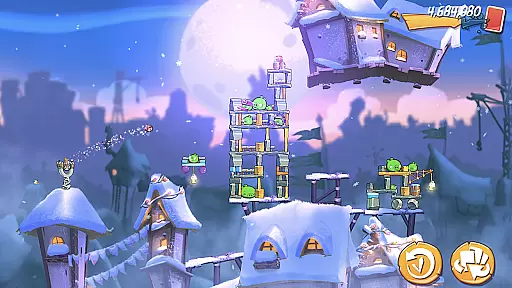
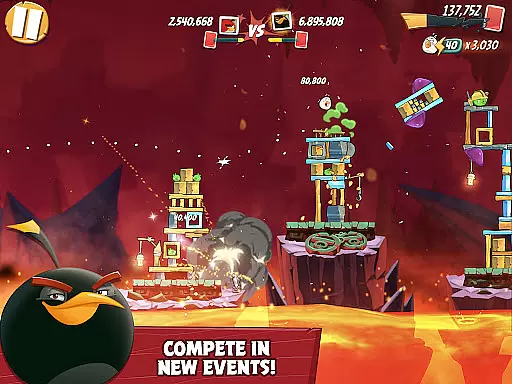
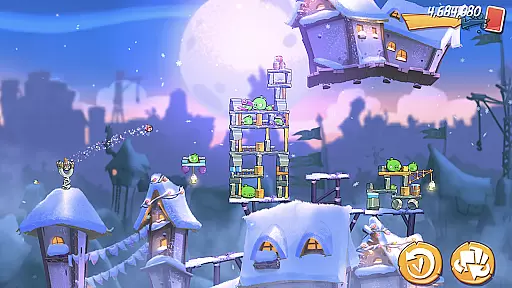
Angry Birds 2 is a casual mobile game that brings the classic slingshot gameplay to new heights. The app allows players to engage in fun, interactive challenges with iconic Angry Birds characters. With features like daily challenges, multi-stage levels, and competitive arenas, it offers an engaging experience for all ages.
The game emphasizes strategic thinking as players choose their birds wisely to defeat the pigs. It also includes social elements such as clan formation and global leaderboards, making it not just a solo adventure but a community-driven experience. Regular updates ensure fresh content, keeping the game exciting and dynamic over time.
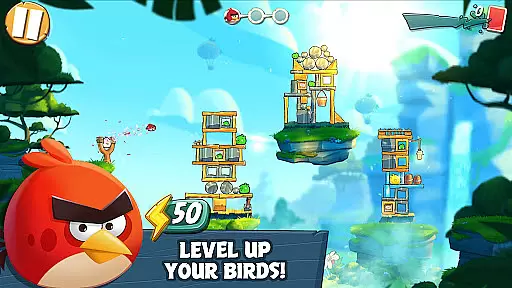
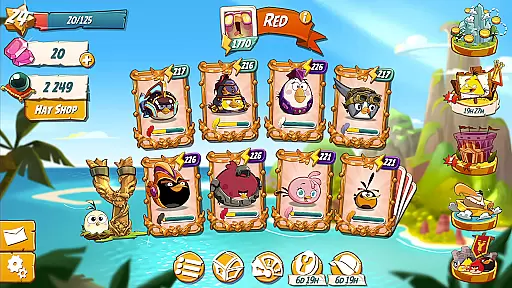
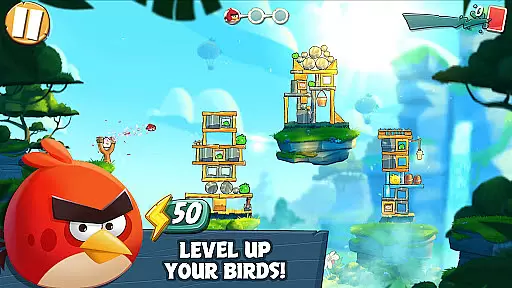
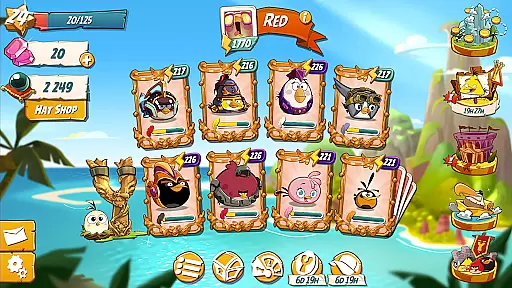
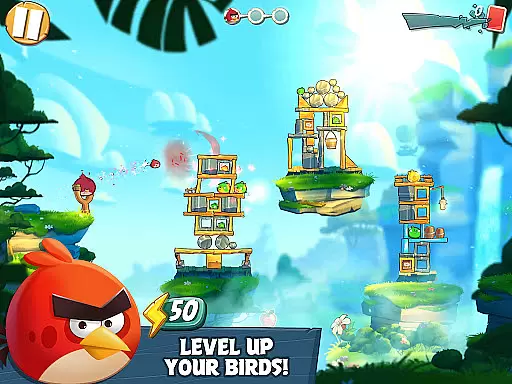
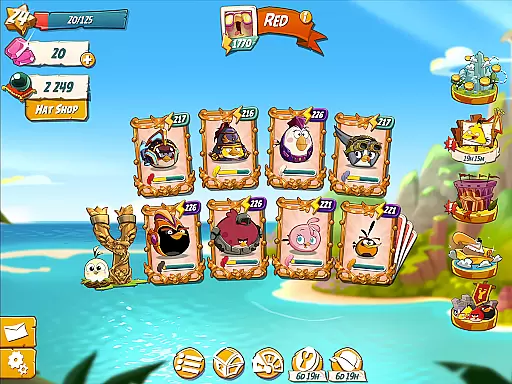
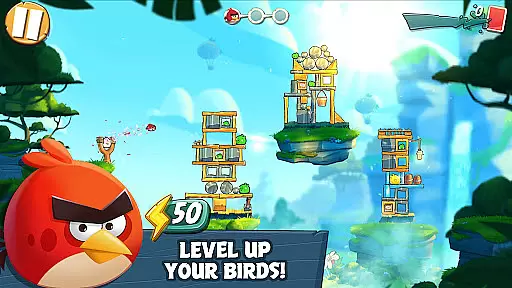
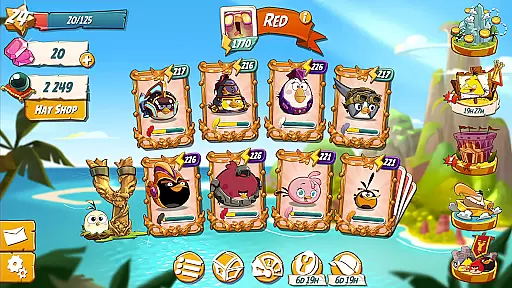
Angry Birds 2 stands out with its rich feature set tailored for casual gamers. One of the key highlights is the ability to level up your characters using feathers, enhancing their scoring power and evolving your flock into an ultimate team. This progression system adds depth to the seemingly simple slingshot mechanics.
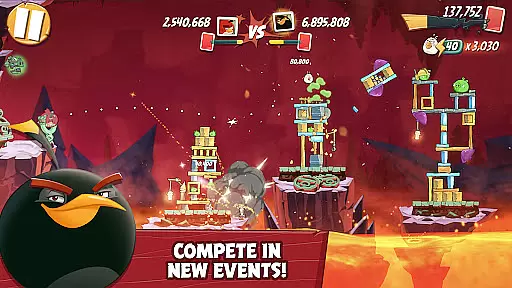
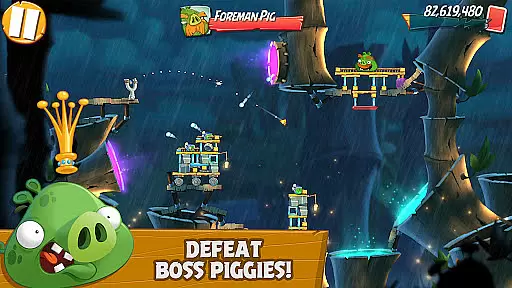
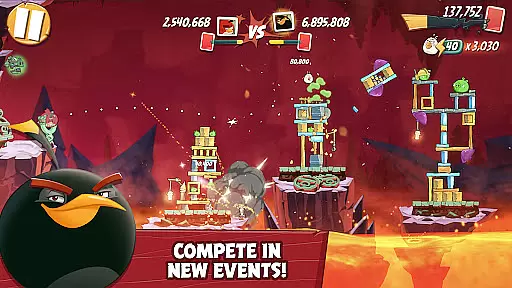
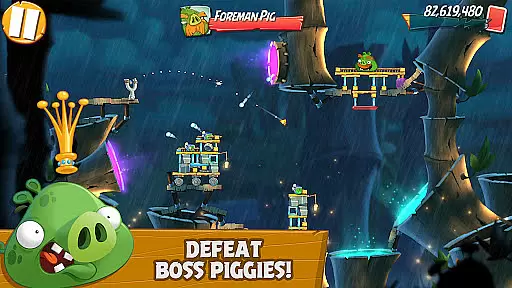
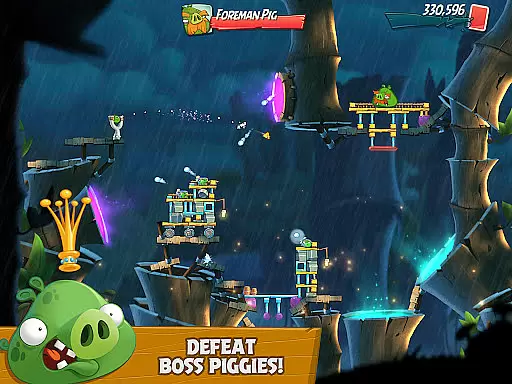
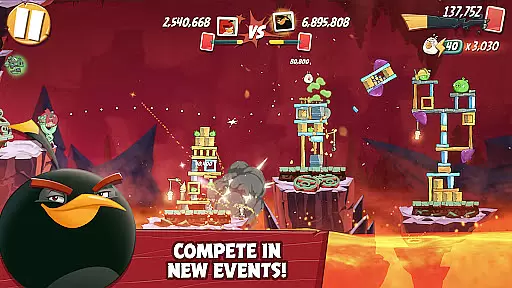
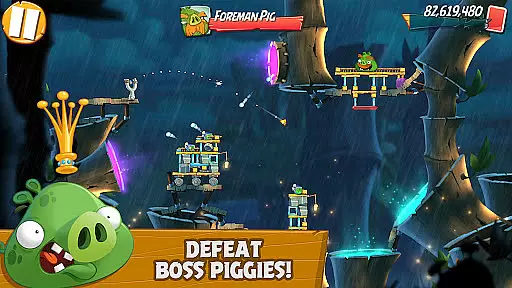
Another remarkable feature is the multi-stage levels, where players face increasingly difficult challenges, including boss pigs. The option to join clans and compete in arenas brings a social aspect, allowing collaboration and friendly competition. Additionally, collecting silly hats and participating in special events provide unique ways to customize and enjoy the game beyond traditional play.
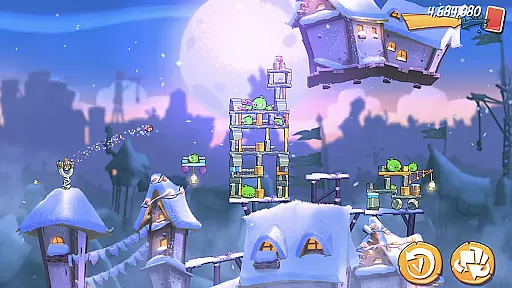
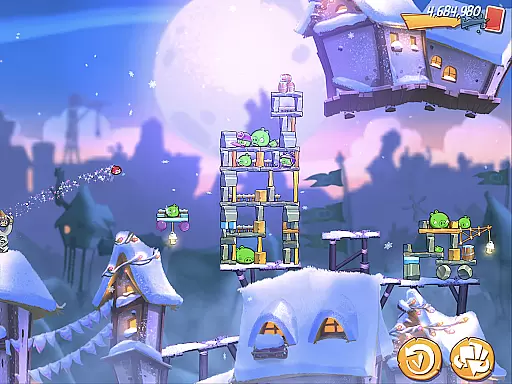
At the heart of Angry Birds 2 lies a simple yet engaging core gameplay mechanic that has captivated millions of players worldwide. The game retains the classic slingshot action that made the original a hit, allowing players to fling birds at precariously stacked structures housing the mischievous pigs.
This straightforward mechanic is enhanced with new features such as multi-stage levels and boss battles, adding depth without complicating the fundamental gameplay. Players can choose which bird to launch next, introducing strategic elements to the seemingly simple act of tapping and dragging.
The beauty of this casual game lies in its accessibility - anyone can pick up and play regardless of gaming experience. With intuitive touch controls and quick play sessions, it perfectly suits modern mobile gaming habits while still offering satisfying challenge for more dedicated players.
Understanding the diverse needs of casual gamers, Angry Birds 2 offers remarkable session length flexibility that adapts to various playing styles and time constraints. Whether you have a minute to spare or hours to invest, the game accommodates your schedule through its cleverly designed progression system.
Daily challenges provide quick reward opportunities for players with limited time, while the extensive level collection and competitive arena mode cater to those seeking longer gaming sessions. The game's structure allows players to naturally pause and resume at convenient points, making it perfect for busy lifestyles.
This flexibility extends to its free-to-play model, where players can enjoy the core experience without commitment while having the option to enhance their journey through optional in-app purchases. Regular updates and limited-time events keep the content fresh without pressuring players into daily check-ins.
Engaging gameplay
Vibrant graphics
Social interaction
Regular updates
Free to play
In-app purchases
Energy limitations
Ads present
Internet required
Repetitive tasks

Freddi and Luther have arrived at the Founder’s day festival!
 4.20
4.20
Plan, craft and compete—an idle RPG with a smart Forge and Eternal cards.
4.20
Aim-Shoot-Blast: Perfect Shot
4.2
Sort 3D items into boxes and clear the board in this fun, relaxing puzzle game!
4.80
Dodge missiles, collect stars, and test your reflexes in Aero Escape!
3.40
Funny Italian Brainrot games for antistress. Unwind with Italian Meme games.
4.70
Train concentration, reasoning, coordination and patience in a fun way.
4.1
Instant town building toy
4.50
Miraculous Ladybug is here to dance and play with the talking cat Angela.
4.30
Keep Popgoes alive in a quirky collection of LCD minigame challenges!
5.00
Roll the Dice and Build Your Kingdom - Can You Beat Your Friends?
4.70
Relax and Explore your own fishing travel
4.50
Defeat your enemies by creating a larger army of bullets!
4.40
1V1 Hunting Game
4.40
Sam is ready to face his fear of the dark!
4.40
Embark on a colourful hand drawn journey of discovery through the ages!
4.40
Smash your way down the tower and watch for the blocks!
4.10
Suika Game is now available on Android!
3.90
Protect nature, fight pests and harness the power of compost in Garden Invasion
4.2


User Reviews