
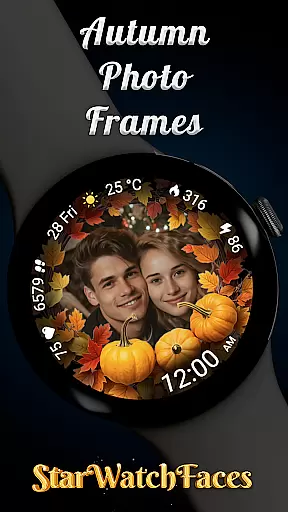
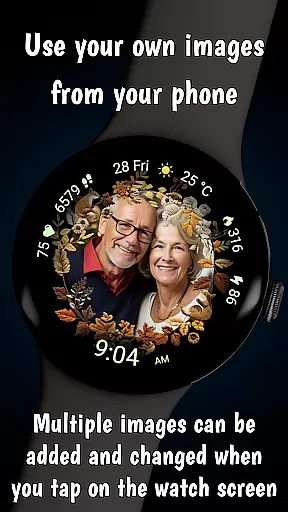
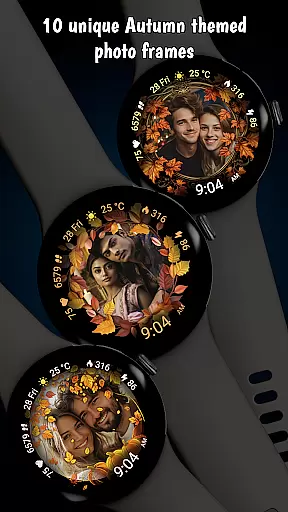
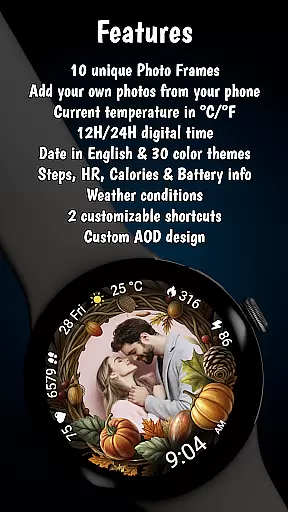

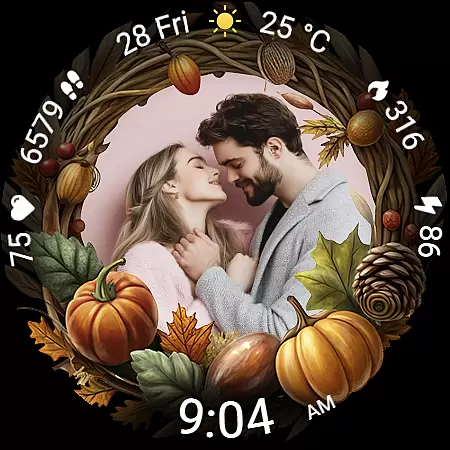
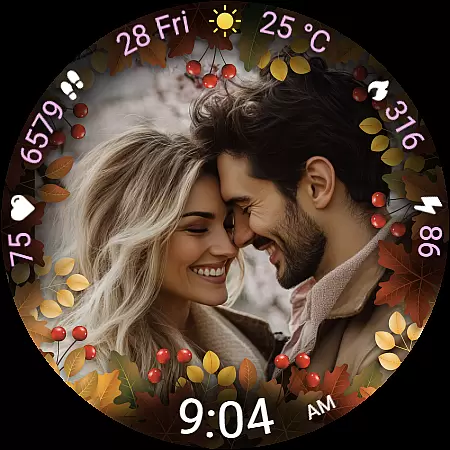
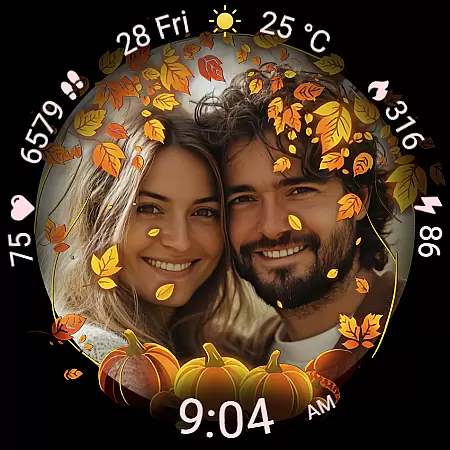
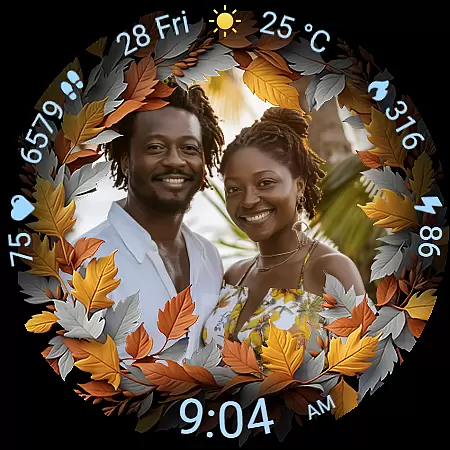
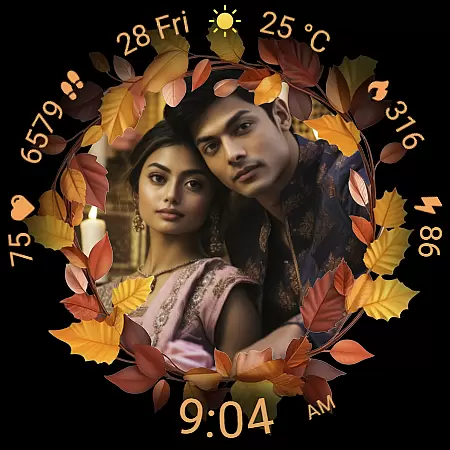
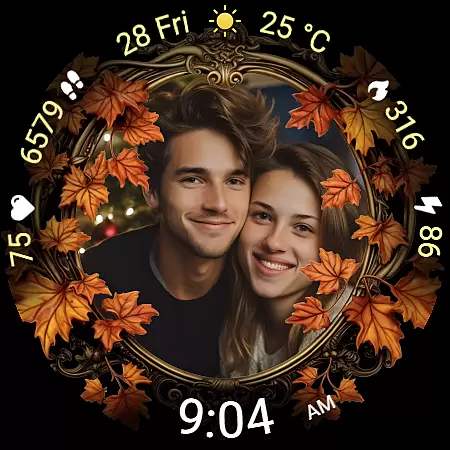
Autumn Photo Frames for WearOS is a lifestyle-enhancing watchface that combines personal memories with seasonal aesthetics. This app allows users to display cherished photos within beautifully designed autumn-themed frames directly on their smartwatch. With support for 10 unique frames and rich customization options, it creates an emotional connection while offering practical functionality.
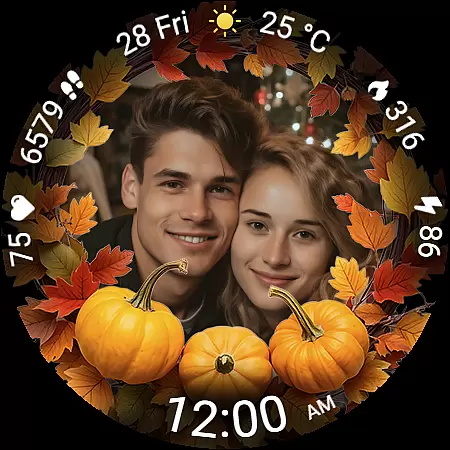
The watchface features essential metrics like heart rate, step count, calories burned, and weather information, all presented in a visually appealing interface. Users can choose from 30 color themes, switch between 12h/24h time formats, and enjoy optimized Always-On Display performance. These features make it ideal for those who value both style and utility on their Wear OS devices.
Perfect for daily use, Autumn Photo Frames transforms your smartwatch into a wearable gallery. Whether you're tracking fitness goals or simply enjoying the beauty of autumn, this app provides a personalized and functional experience that moves with you throughout the day.
Autumn Photo Frames stands out with its innovative blend of personalization and seasonal design. The core feature lets users set their own images inside elegant autumn-themed frames, creating a unique and sentimental watchface. With 10 frame designs inspired by fall colors and elements, users can match their mood or seasonal vibe effortlessly.
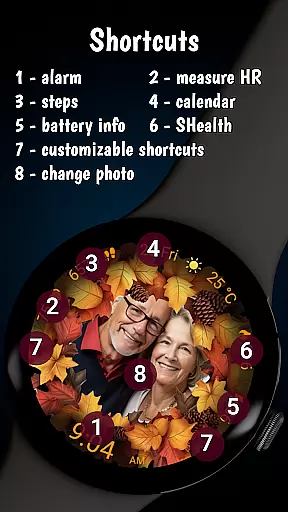
Beyond photo customization, the app offers robust functionality. It includes a digital clock with 12h/24h format options, date display, battery status, heart rate monitoring, step counter, calorie tracking, and weather updates. The inclusion of 30 color themes ensures seamless integration with any personal style. Additionally, two customizable shortcuts provide quick access to frequently used apps.
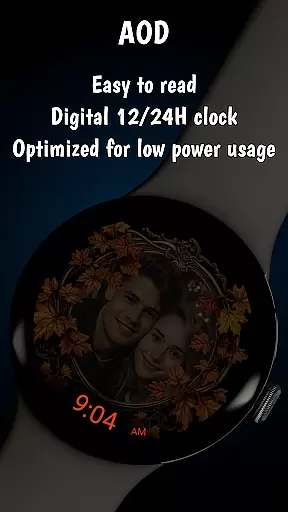
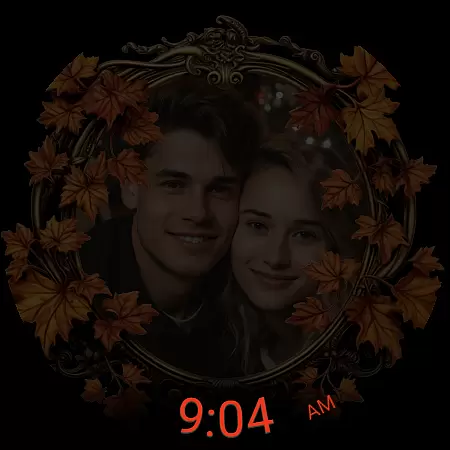
Performance optimization is another key highlight. The Always-On Display (AOD) mode balances visibility and battery efficiency, while low-power optimizations ensure all-day usability. Compatible with Wear OS 6 and newer, this app delivers premium features without compromising device performance, making it a top choice for smartwatch enthusiasts.
The Autumn Photo Frames watchface for Wear OS offers a comprehensive lifestyle experience by integrating personal memories with practical smartwatch functionality. This application goes beyond simple aesthetics, providing users with the ability to customize their watch faces using their own images within beautifully designed autumn-themed frames.
With 10 unique autumn-themed frames and 30 color themes, this app allows users to match their watch face with their mood or seasonal style effortlessly. The customization options extend further with features such as heart rate display, step counter, calorie tracking, and weather information, making it not just visually appealing but also functionally robust.
Users can enjoy both sentimental value and practical utility, thanks to rich visuals and highly configurable options. Whether celebrating relationships, family moments, or hobbies, this app provides a stylish way to personalize wearables while offering essential metrics and customizable shortcuts for instant access to favorite apps and functions.
Autumn Photo Frames ensures content authenticity by allowing users to upload their personal photos through trusted companion apps like Wearable for Samsung devices or Pixel Watch app for Pixel watches. This feature guarantees that the displayed images are genuinely chosen by the user, enhancing emotional connection and personal significance.
In addition to photo customization, the app provides accurate and reliable information such as heart rate, step count, calories burned, and weather updates including temperature in u00b0C or u00b0F. These metrics are presented clearly on the watch face, ensuring users have access to credible data at a glance.
The inclusion of an Always-On Display (AOD) with optimized visibility and low battery consumption further underscores the app's commitment to delivering both style and substance. By combining these elements, Autumn Photo Frames establishes itself as a credible lifestyle tool that enriches daily life with meaningful personalization and dependable functionality.
Highly customizable
Beautiful autumn themes
Real-time health metrics
Optimized AOD mode
User-friendly interface
Limited to Wear OS
Requires companion app
Premium pricing
Complex setup
Few interactive features

Unique informative Dial with Live Moon Phase at a glance!
 3.60
3.60
Designed to delight, impress and energize your festive spirit every single day
4.0
The all-new Cync app. The simple, connected app for Cync and C by GE.
4.50
Easily manage your child's playtime, spending messaging and more.
3.50
A smart Siddur with halachic times
4.60
Customize your Wear OS watch with festive Christmas figures and colors!
4.3
Colorful selection floral watch face with gyro for Wear OS
4.60
An Eerie Musical Trigger Toy for Spirits to Play with!
3.50
Subwoofer school’s in session! You’ve now enrolled into KICKER U.
3.80
Daily lessons from A Course in Miracles with scheduled reminders
4.80
Your store’s deals, where you are.
4.80
Pay your rent, submit work orders and much more with the RentCafe Resident App.
4.70
Make money, get paid cash rewards & gift cards for every survey. Earn today!
4.60
PARAVOX 4 is a professional ITC paranormal research application.
4.50
Discounts, savings, and rewards
4.20
Do you want to communicate with spirits?
3.80
View over 160,000 line dance stepsheets from the CopperKnob website.
3.30
Big bold weather watch face with dynamic backgrounds and 3 complications
4.5
Big bold hybrid watch face with 30 colors, 5 fonts & 5 complications.
4.5


User Reviews