
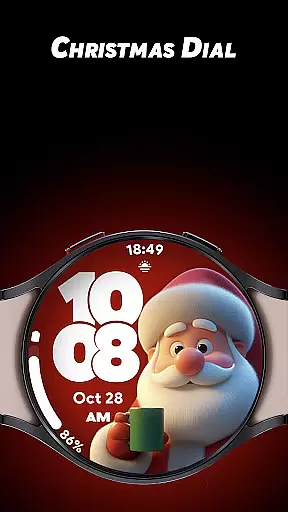
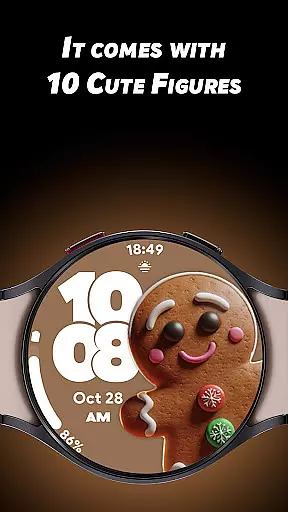
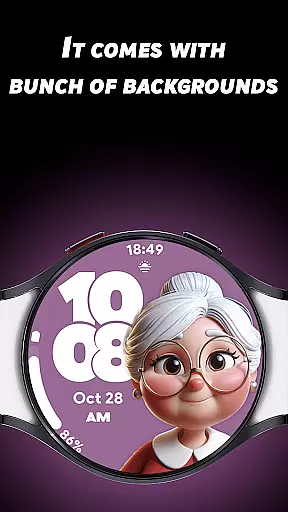
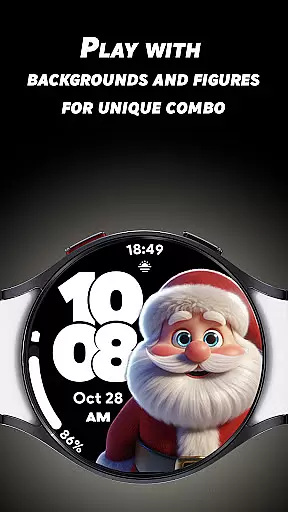

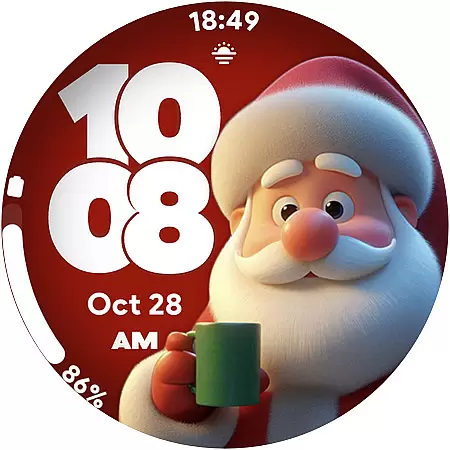
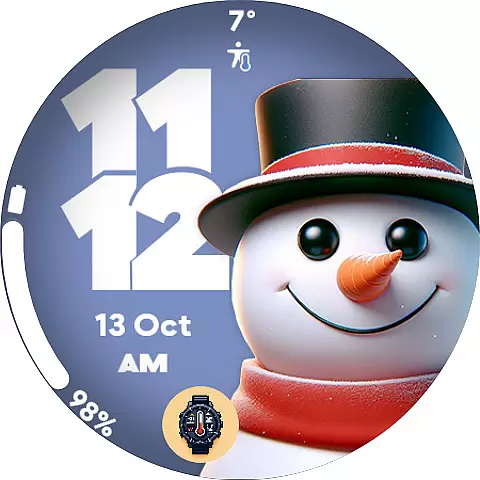
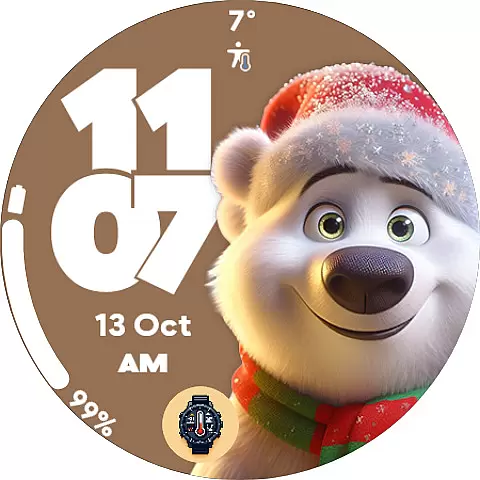
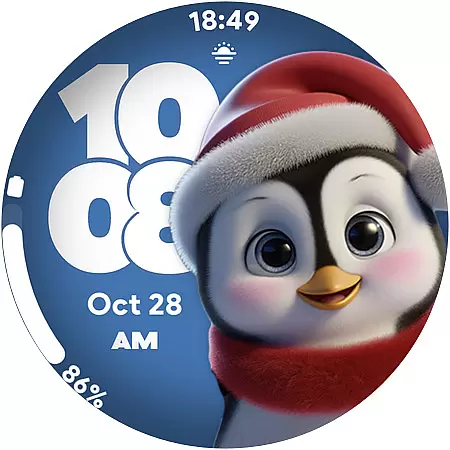
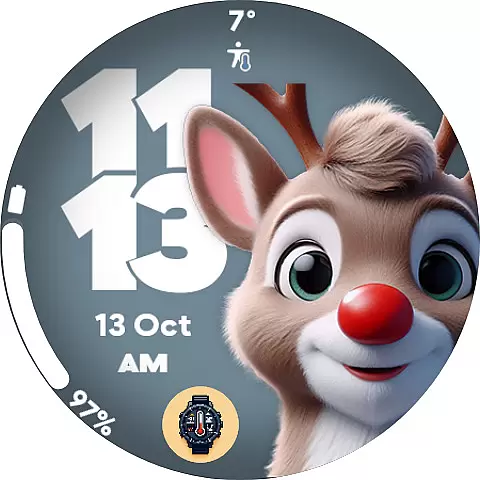
Christmas Dial is a festive watch face app designed for Wear OS users who want to celebrate the holiday season in style. This app offers 10 adorable Christmas-inspired figures and multiple background color options, allowing users to customize their watch faces to match their unique festive spirit.
In addition to its customization features, Christmas Dial includes practical functionalities such as 4 custom complications that display personalized information like steps, battery status, and weather updates. The app also supports both 12-hour and 24-hour time formats and provides a battery-friendly Always-On Display mode, ensuring optimal usability while maintaining the holiday cheer.
Christmas Dial stands out with its delightful collection of 10 Christmas-themed figures, including Santa Claus and snowmen, which bring festive charm to any Wear OS device. Users can further personalize their experience by choosing from multiple background colors and disabling shadows for a cleaner look.
The app's 4 custom complications allow users to add functional elements to their watch faces, such as step counters, battery indicators, and weather updates. With support for both 12-hour and 24-hour time formats and an optimized Always-On Display mode that conserves battery life, Christmas Dial combines festive aesthetics with practical utility.
Christmas Dial offers a delightful selection of festive customizations that cater to the holiday season. With 10 Christmas-inspired figures, including Santa Claus and snowmen, users can embrace the spirit of the holidays right on their Wear OS watch face.
The app provides multiple background color options, allowing users to personalize their watch face to match their unique style. This flexibility in design ensures that users have a broad spectrum of choices, enhancing their lifestyle experience during the festive period.
In addition to aesthetic customizations, Christmas Dial includes four custom complications. These enable users to add personalized information such as steps, battery status, and weather updates, thus covering various aspects of a user's daily lifestyle needs.
Each of the 10 Christmas-inspired figures in Christmas Dial is crafted with attention to authentic holiday themes, ensuring an engaging and genuine seasonal experience. The designs reflect popular symbols associated with Christmas, providing users with recognizable and cherished icons.
Expertise in customization is evident with features like the option to disable shadows, which shows a consideration for user preference and style. This level of detail reinforces the authenticity of the content provided by giving users control over the appearance of their watch face.
Furthermore, practical features such as support for 12/24-hour time formats and a battery-friendly Always-On Display mode are integrated into the watch face. These features demonstrate both credibility in developing functional technology and commitment to enhancing user experience with authentic and reliable content.
Festive designs
Customizable options
Battery-friendly AOD
Supports 12/24hr formats
4 custom complications
Limited to Wear OS
No advanced features
Holiday-specific theme
Fewer customization options
Requires Wear OS device

Get roadside help, discounts, travel tools & more — AAA is with you everywhere.
 4.80
4.80
Earn points with every purchase with Moe Rewards.
4.20
Take Hobby Lobby with you wherever you go!
3.40
This minimalist yet classic board design brings a futuristic twist to your wrist
4.20
This app is intended to support professional EMDR therapy.
4.50
Do you want to communicate with spirits?
3.80
Spirit Communicator is a real paranormal ghost hunting app with many fun modes.
3.90
Going above and beyond known spirit communication
3.60
Create slime on your phone and enjoy satisfying and relaxing ASMR games
4.50
Digital smart watch face made for Wear OS.
4.70
Simple, stylish & fresh watch face. Customize colors, gradients & complications.
4.70
A smart Siddur with halachic times
4.60
Get your life organized with My Agenda!
4.30
Mixing Colors for Menswear
4.20
Fly your Solo like a boss.
4.10
Smart home security protection
3.20
Healthy eating timer app to track meal pace, improve habits, and eat slowly.
4.4
Discover how to help puppies stay calm around noise with this helpful app.
4.1
Big bold hybrid watch face with 30 colors, 5 fonts & 5 complications.
4.3


User Reviews