
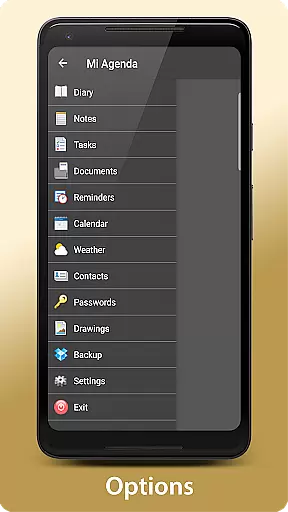
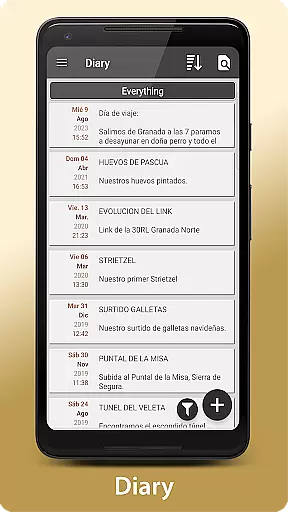
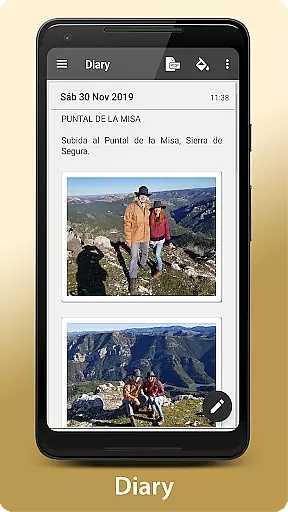
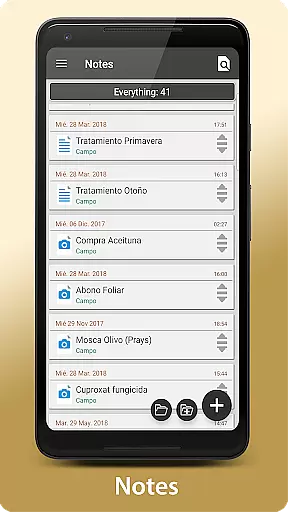
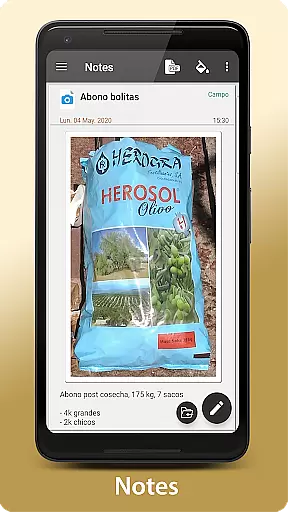
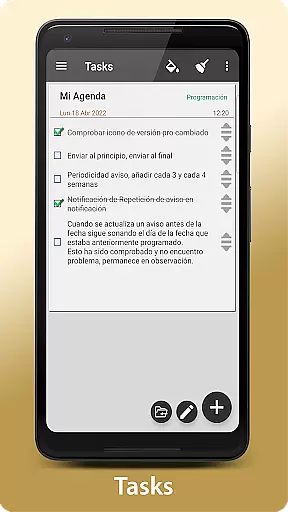
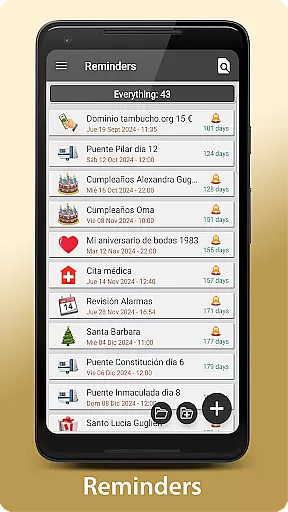
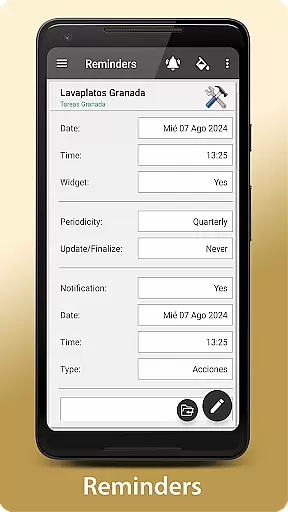
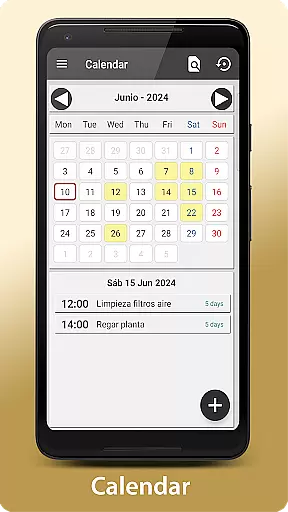
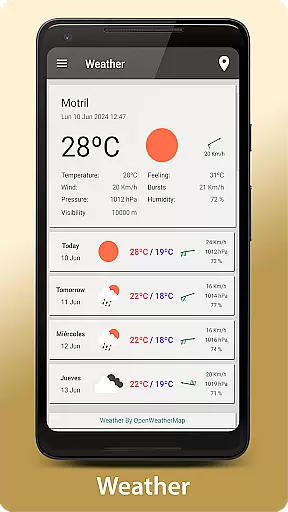
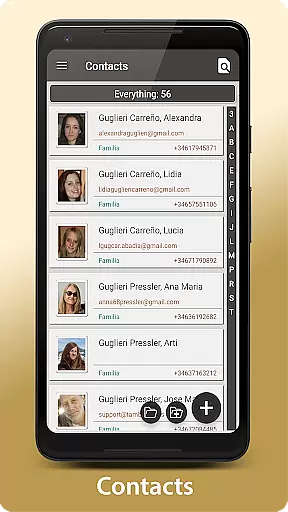
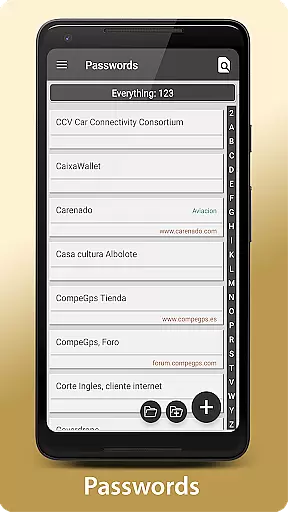
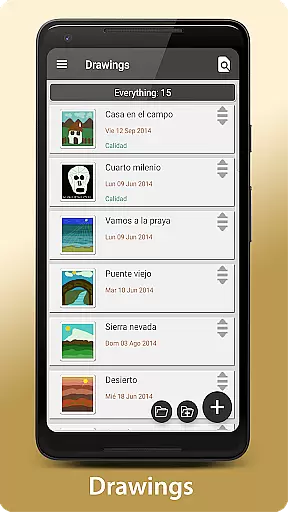
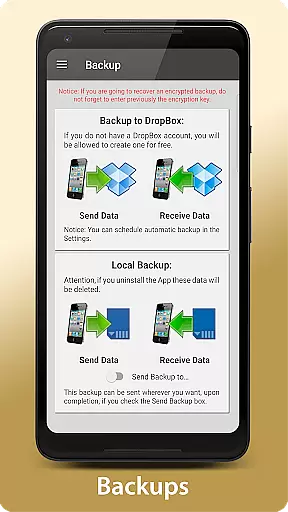
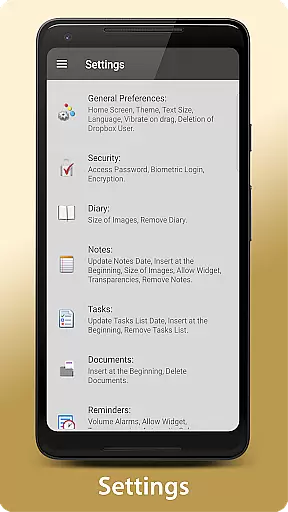
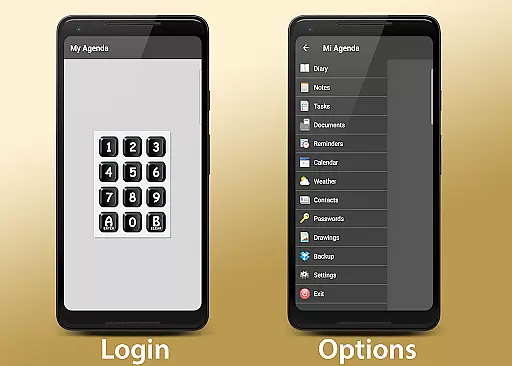
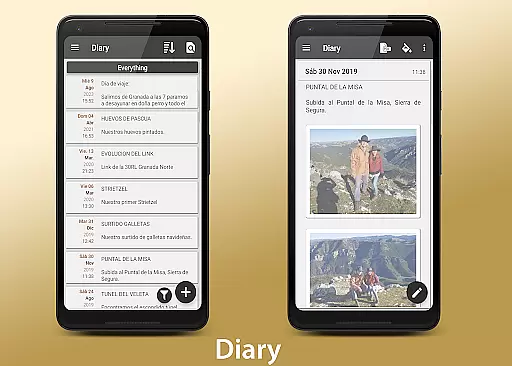
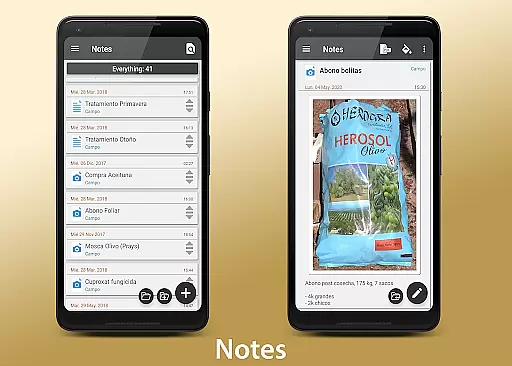
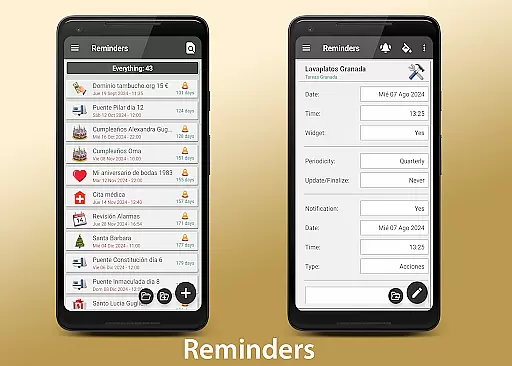
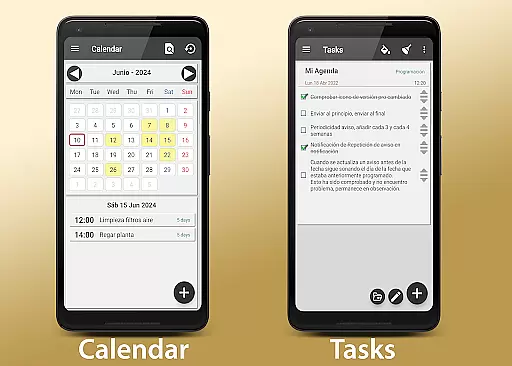
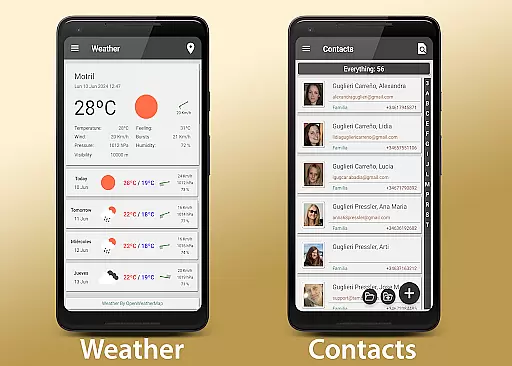
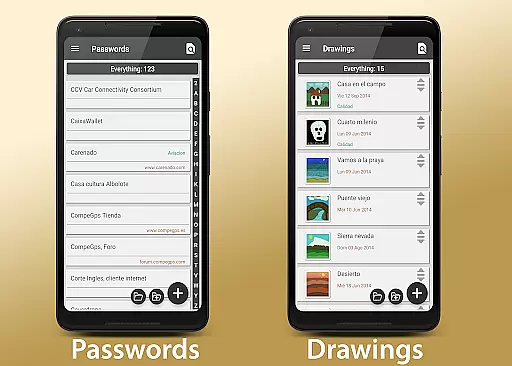
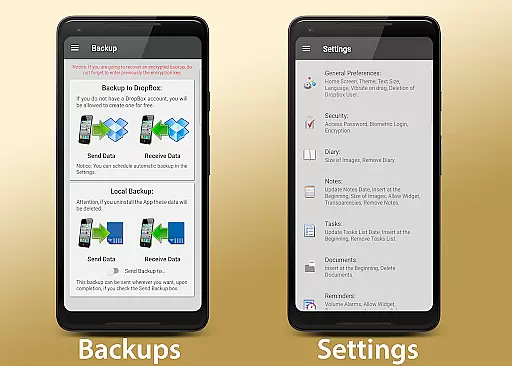
My Agenda Pro is a comprehensive lifestyle management app designed to streamline your daily routine. This all-in-one personal assistant offers a visual diary for recording thoughts with text, photos, and voice notes, alongside personalized task management features. The app includes weather forecasts, secure storage for contacts and passwords, creative drawing tools, and automatic backup options through Dropbox and other services.
With customizable widgets, flexible organization features, and robust security measures like password protection and fingerprint authentication, My Agenda Pro ensures your data remains safe while being easily accessible. Whether you need to organize your day, protect sensitive information, or unleash your creativity, this app provides the tools to keep your life in order.
My Agenda Pro stands out with its diverse feature set tailored for optimal lifestyle management. The app's visual diary allows multimedia note-taking, while its task management system lets users create lists, set deadlines, and choose notifications. Weather forecasts help plan activities, and the encrypted storage secures important data.
Creative professionals will appreciate the drawing and sketching tools, while the automatic backup ensures data safety through cloud services. Customizable home screen widgets provide quick access to key features, and the app supports PDF conversion for easy sharing. With multiple security layers including password protection and biometric authentication, My Agenda Pro delivers both functionality and peace of mind.
My Agenda Pro offers extensive lifestyle category coverage, ensuring that users can manage various aspects of their daily lives within a single application. This app includes features such as a visual diary for thoughts and special moments, task management with personalized reminders, and weather forecasts to help plan activities.
The inclusion of secure storage for contacts and passwords, alongside creative outlets like drawing and sketching, makes this app a versatile tool for organizing personal information and unleashing creativity. These comprehensive features ensure that whether it's jotting down ideas, securing sensitive data, or expressing oneself artistically, My Agenda Pro has the tools necessary for a well-rounded lifestyle management experience.
Users benefit from having all essential functions in one place, which simplifies their digital life by reducing the need to switch between multiple apps. The variety of functionalities provided by My Agenda Pro supports an organized and efficient approach to managing both everyday tasks and more complex projects.
Content authenticity and expert credibility are at the forefront of My Agenda Pro's offerings. With its promise of encrypted storage for sensitive information and integration with trusted services like Dropbox for backups, users can trust that their data is handled securely and responsibly.
The app also provides professional-grade tools such as converting notes to PDFs and sharing them via email or messaging platforms, which speaks to its commitment to providing credible and reliable content creation options. Additionally, the availability of customer support through the Developer Email ensures that any questions regarding content integrity can be addressed promptly by knowledgeable experts.
This dedication to authentic content and expert validation gives users peace of mind knowing that their personal and professional information is managed with care and precision, enhancing their overall confidence in using My Agenda Pro as their go-to organizational tool.
User-friendly interface
Comprehensive feature set
Secure data encryption
Flexible customization options
Reliable customer support
Premium features require subscription
Occasional syncing issues
Limited free storage
Advanced tools may overwhelm new users
Some features are platform-specific

Big bold digital watch face with 30 colors, 6 complications and AOD.
 4.5
4.5
Easily manage your child's playtime, spending messaging and more.
3.50
Bring the warm colors of fall directly to your wrist with Autumn Leaves!
4.5
Unique "Isometric" style digital watch face for Wear OS
4.50
Paranormal Spirit Bell Trigger Device
4.30
Smart home security protection
3.20
Mixing Colors for Menswear
4.20
Going above and beyond known spirit communication
3.60
Subwoofer school’s in session! You’ve now enrolled into KICKER U.
3.80
See wait times and check into a hair salon ahead of time with Online Check-In.
4.80
A unique and customizable watch face which rotates its layout every minute.
4.80
This app is intended to support professional EMDR therapy.
4.50
The Work of Byron Katie— the mobile app for inner peace.
4.40
SmartHQ: Your Connected Home Command Center
4.10
BILT interactive 3D instructions help you get the job done right
3.50
Unique Dual Colors with 6 Custom Complications for Wear OS watches!
3.40
Duo Watch Face (animated)
4.1
Immerse yourself in the serenity of lavender fields and white butterflies
4.4
Cute animated Thanksgiving watchface for your WearOS smartwatch
4.1


User Reviews