
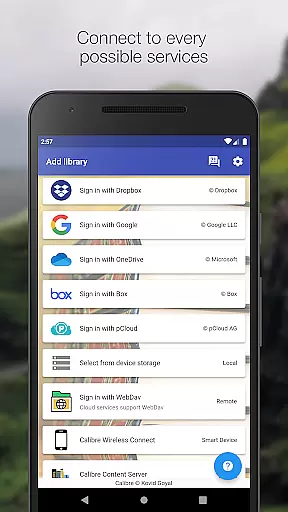
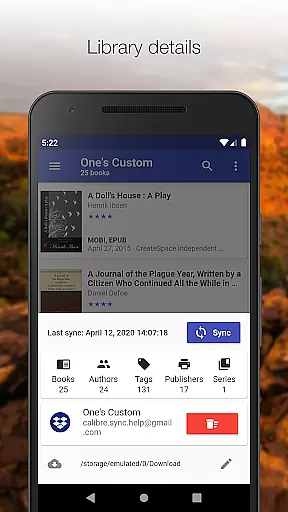
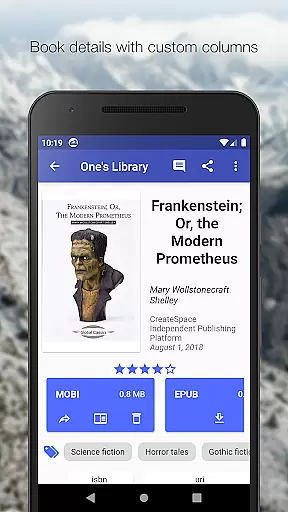
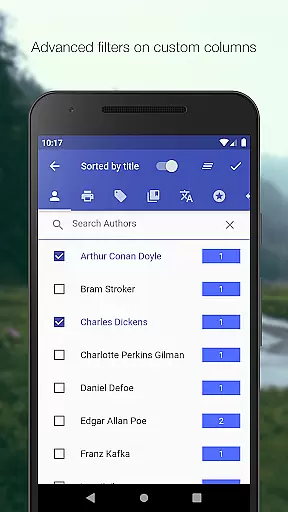
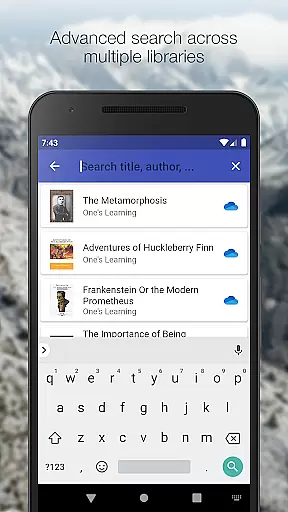
Calibre Sync is a powerful tool designed for book enthusiasts who want seamless access to their Calibre libraries across multiple cloud services. The app supports major platforms like Google Drive, Dropbox, OneDrive, and more, allowing users to browse, sort, search, and read books directly from their devices. With its wireless connectivity feature, users can effortlessly sync their libraries without the need for cumbersome wires or manual transfers.
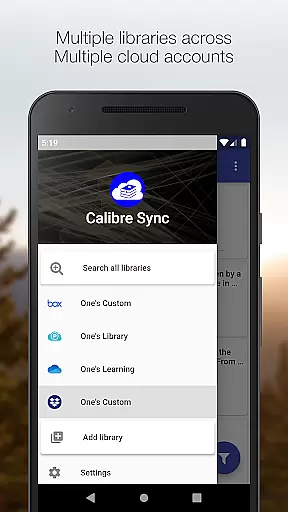
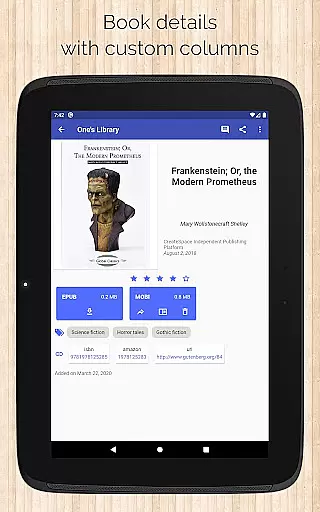
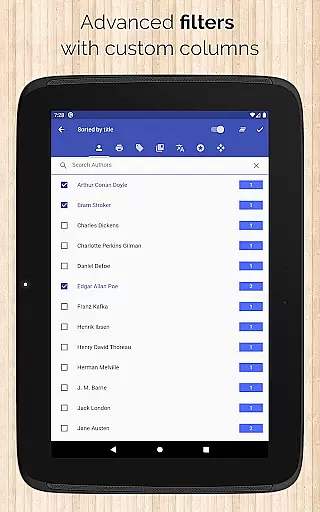
One of the standout features of Calibre Sync is its ability to handle unlimited Calibre libraries across various accounts simultaneously. Whether you're managing personal collections or professional resources, the app provides an intuitive interface with multiple layout options, advanced filtering, and sorting capabilities. Its support for custom columns and detailed book views ensures that users have all the information they need at their fingertips. Additionally, the app's compatibility with external storage solutions makes it a versatile choice for avid readers.
The true value of Calibre Sync lies in its ability to transform how users interact with their digital libraries. By enabling quick access to downloaded books and supporting popular reader apps, it creates a streamlined reading experience. The app also offers practical features like library statistics, dark/light themes, and integration with book identifiers such as ISBNs. These functionalities make it an indispensable tool for anyone looking to optimize their e-book management process.
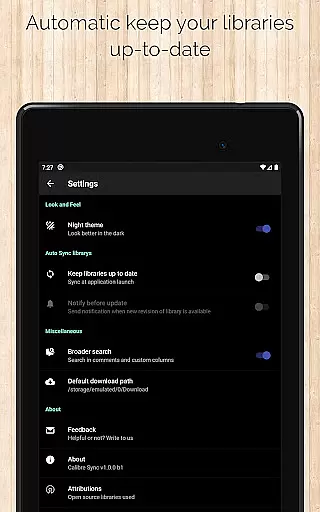
Calibre Sync stands out due to its extensive feature set tailored specifically for managing e-book libraries. At its core, the app allows users to connect wirelessly to Calibre as a smart device emulator, providing effortless access to libraries stored on cloud services or external drives. This functionality eliminates the hassle of transferring files manually and ensures that your library is always up-to-date when launching the app.
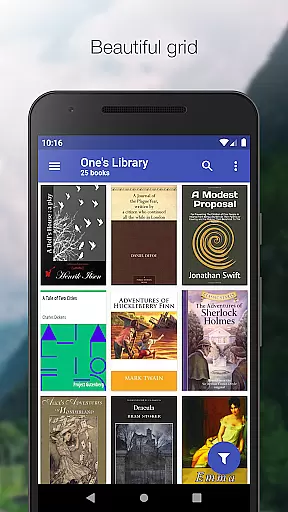
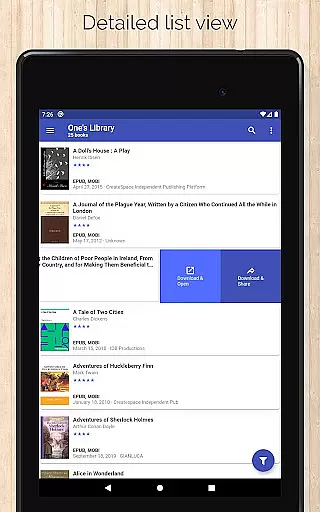
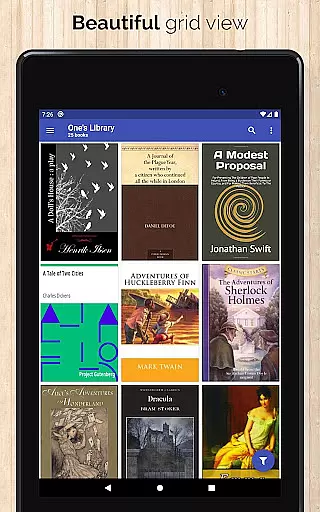
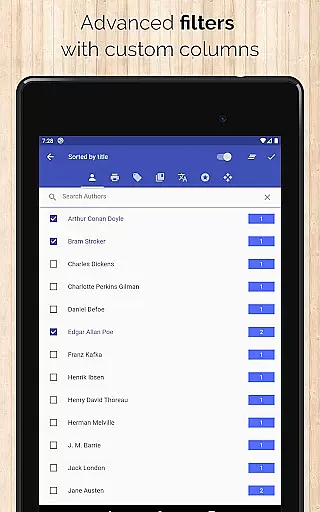
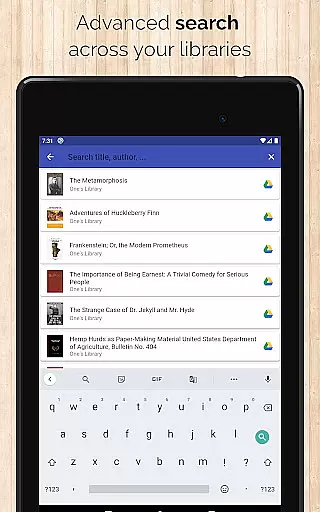
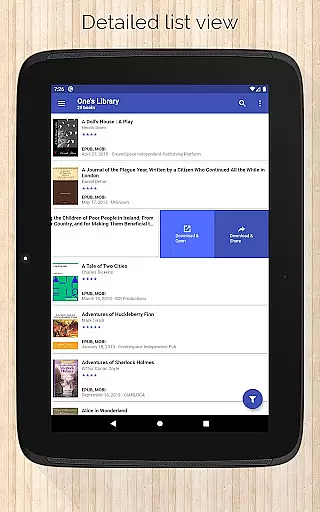
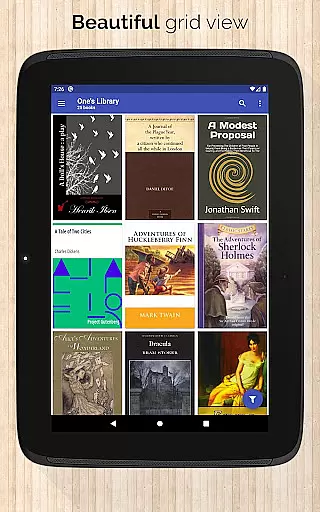
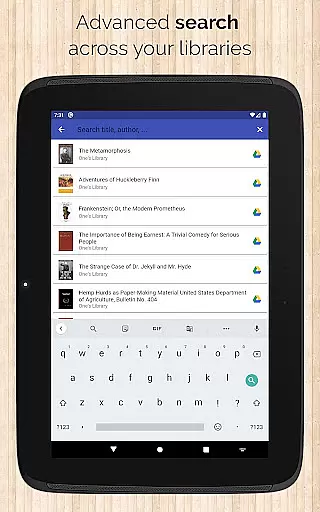
Another key aspect of Calibre Sync is its robust customization options. Users can switch between multiple libraries, apply filters based on authors, series, tags, and formats, and choose from different book list layouts such as List, Grid, and Carousel. Advanced search capabilities enable users to find books by title, author, comments, or even custom columns. Sorting options include criteria like ratings, dates, and titles, ensuring that every user can organize their collection according to their preferences.
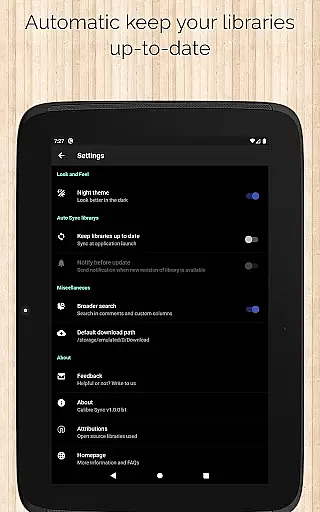
Practicality meets innovation in features like automatic library updates, zoomable book covers, and swipe navigation in book details. The app also supports emailing or sharing downloaded books while offering insights into file sizes and linking to external sources like Amazon and Goodreads. With its focus on usability and performance, Calibre Sync delivers a comprehensive solution for modern e-book management needs.
Calibre Sync offers an impressive e-book library management system that allows users to access unlimited Calibre libraries across multiple cloud services. This includes popular platforms like Google Drive, Dropbox, and Microsoft OneDrive, ensuring extensive coverage for various user preferences.
The app guarantees the authenticity of content by enabling direct synchronization with Calibre libraries, which are known for maintaining accurate metadata and respecting copyright regulations. Users can be confident that their libraries comply with legal standards while enjoying seamless integration with cloud storage solutions.
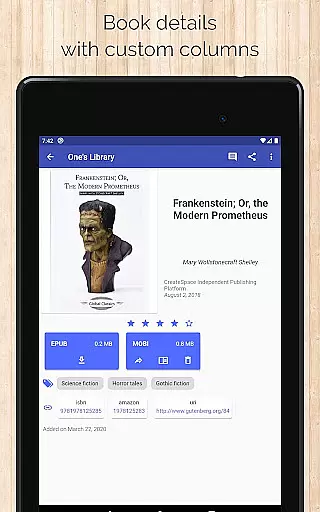
With support for custom columns and detailed book information, including ISBN and source links, Calibre Sync ensures that every book's details are preserved and easily accessible. This meticulous attention to detail enhances the overall experience for users who prioritize content accuracy and intellectual property rights.
One of Calibre Sync's standout features is its exceptional format compatibility. The app supports a wide range of book formats, allowing users to manage and read their collections without worrying about conversion issues. Whether it's EPUB, MOBI, or PDF, this application handles various file types effortlessly.
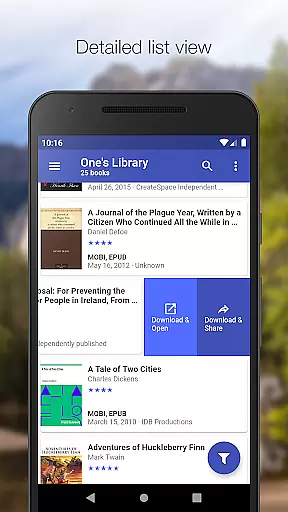
The interface provides multiple viewing options, including list, grid, and carousel layouts, giving users flexibility in how they browse their libraries. Additionally, the app displays crucial information such as file sizes for each format, helping readers make informed decisions about their downloads.
Calibre Sync also enables users to open downloaded books directly in their preferred reader applications, ensuring smooth integration with existing workflows. This comprehensive approach to format handling makes the app an excellent choice for avid readers who value both versatility and convenience in their digital library management solution.
User-friendly interface
Wide cloud service support
Advanced filtering options
Wireless library syncing
Customizable layouts
No built-in reader app
Limited OneDrive support
Requires storage permission
Case-sensitive file system needed
External storage dependency

Bilingual dictionary with English translations of Modern Standard Arabic words.
 4.30
4.30
"Five Dr. Seuss titles in one omBook!"
4.60
Improve your vocabulary and grammar with the 15 biggest Oxford Dictionaries.
4.30
Find, discuss, and organize your world of books and shows.
4.60
Read aloud texts, audiobooks, PDFs or any eBook with text to speech AI audio
4.60
Zerobooks Light Novel Reader by GOLDENAGATO
4.20
Holy Bible, a KJIV Bible study, audios & daily verses, talk with God now.
4.80
A lightweight reader for comics and mangas files (.cbr, .cbz, .cbt, .pdf, ...)
4.80
Read the Quran in Arabic alongside its translation, with color coded Tajweed.
4.50
Offline dictionary for learning Cantonese as a second language
4.90
Daily thoughts, meditations, and prayers for living a sober life in recovery.
4.90
“I am the Lorax. I speak for the trees.”
4.80
Universal Zoom, learn about sizes & distances of the universe and microcosmos
4.80
Learn Thai with 195,000+ entries, crisp Thai sounds, big text; works offline.
4.80
My Bible offers a comprehensive app by providing offline access, daily verses.
4.80
Read the KJV Bible with Strong’s offline: reading plans, audio Bibles, and more.
4.70
Provides location information of vehicle Shift Interlock releases.
4.30
Enjoy your favorite books
3.50
The Psalms for singing
4.3


User Reviews