
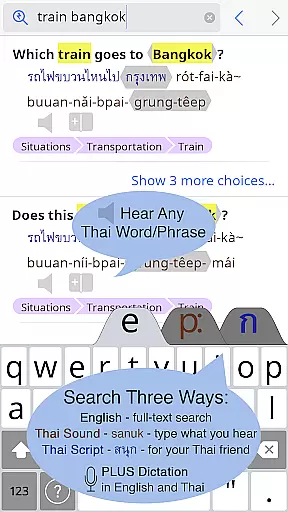
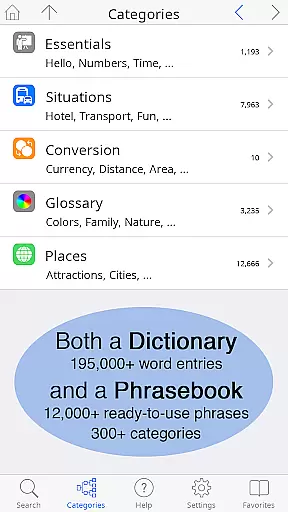
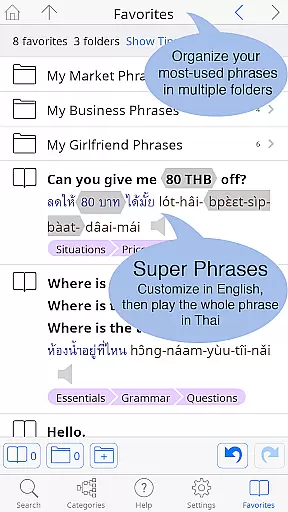
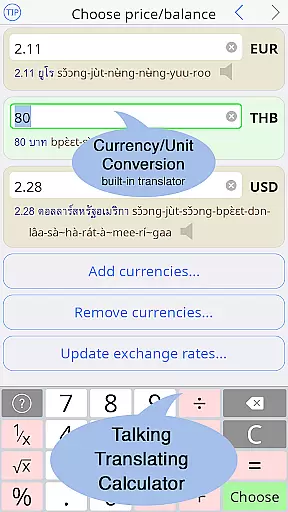
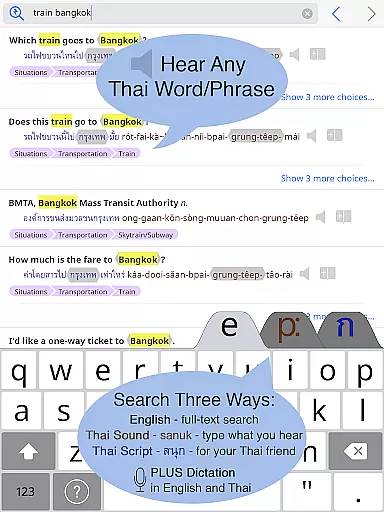
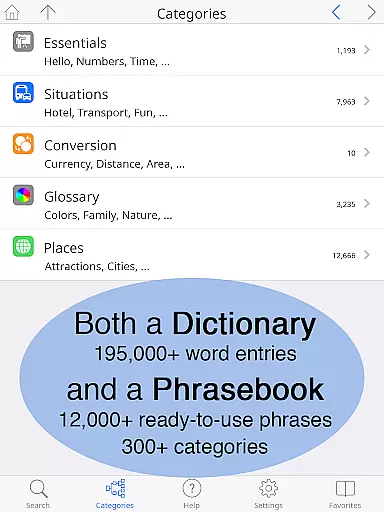
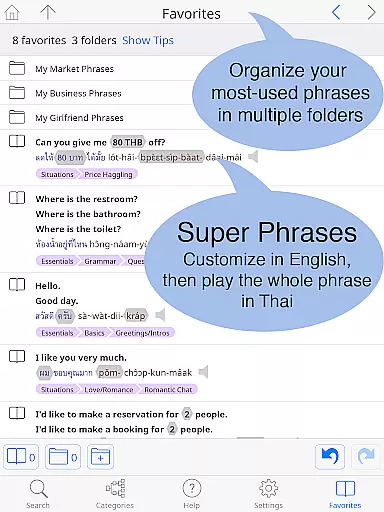
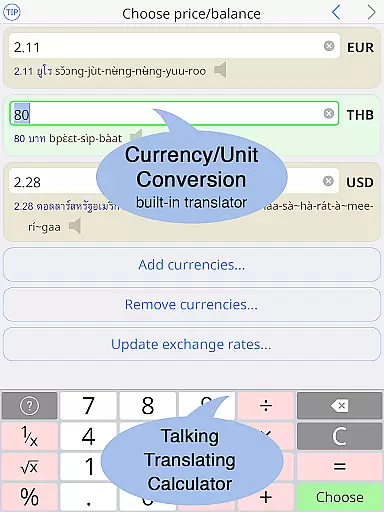
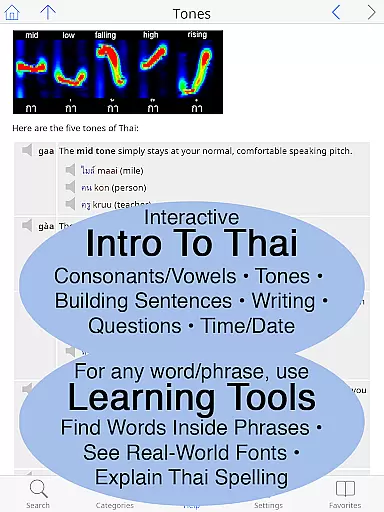
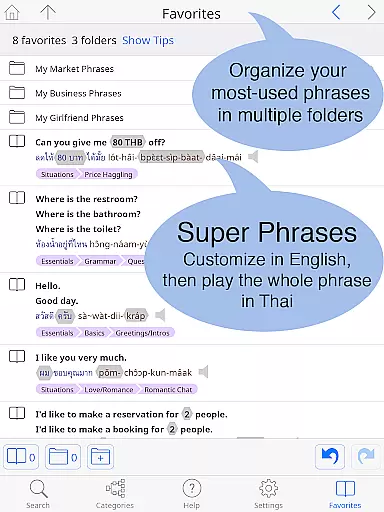
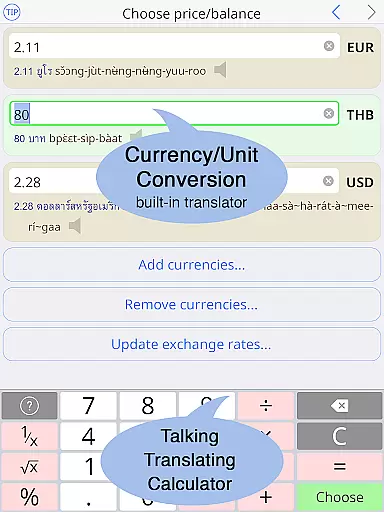
Thai <> English Dictionary is a comprehensive language tool designed for travelers, professionals, and students alike. With over 195,000 entries and 250,000 translations, it offers extensive coverage for Thai language learners. The app includes a built-in phrasebook with 300+ categories and 12,000+ ready-to-use phrases, all fully searchable. A unique feature is the clear native sound recordings for every Thai word, even available offline. Users can organize words and phrases into multiple folders using the Favorites screen.
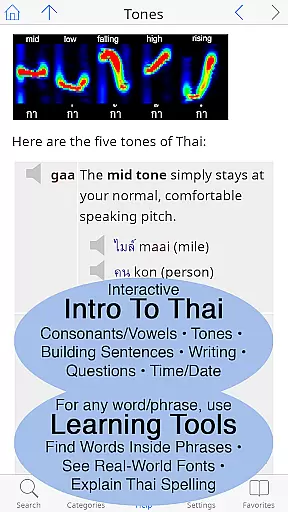
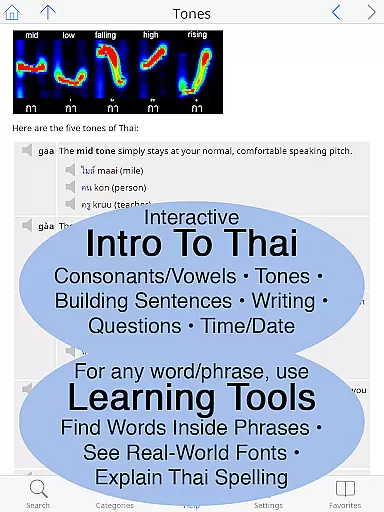
The dictionary stands out with its support for 12 different pronunciation guide systems alongside Thai script, allowing users to customize text size for comfortable reading. It provides essential resources for learning Thai, including speaking and writing guides. The app's offline functionality ensures usability anywhere, while the big text and clean layout enhance readability. These features make it an invaluable companion for anyone engaging with the Thai language.
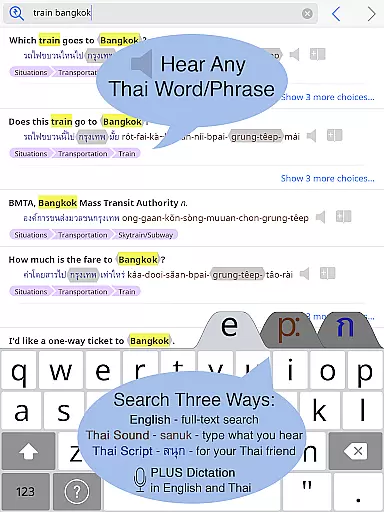
This dictionary app distinguishes itself through several innovative features crafted specifically for Thai language learners. The Listen to Any Thai Word function lets users touch any entry to hear studio-quality recordings of native speakers. Unlike robotic alternatives, this app offers slow playback options at 2x/4x speed without pitch distortion. The No Connection Required feature guarantees access to all entries and sounds without internet, avoiding data charges.
The Big Text and Clear Layout feature allows users to adjust text size for both Thai and English, supporting standard or big-key Thai keyboards. As a dictionary made for non-native speakers, it enables looking up words by sound using various pronunciation guides. Each entry clarifies nuances in meaning, formality, and includes classifiers for nouns. The Built-In Phrasebook covers everyday situations across 300+ categories, presented in a two-way conversational format that facilitates communication.
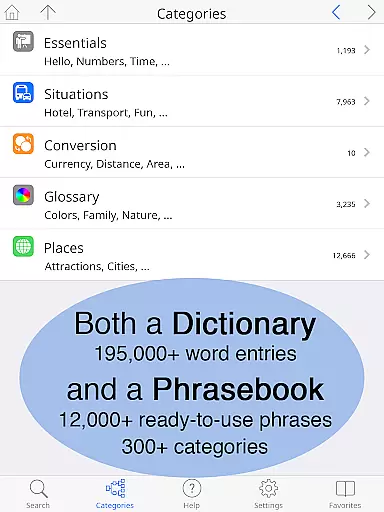
When it comes to digital dictionaries, the size of the e-book library and the authenticity of its content are crucial factors. The Thai <> English Dictionary boasts an impressive collection of 195,000+ entries, with over 250,000 translations, ensuring that users have access to a vast repository of words and phrases. This extensive library covers a wide range of vocabulary, from everyday terms to specialized jargon, making it suitable for various user needs.
Copyright authenticity is another area where this dictionary app shines. Each entry is meticulously crafted by Paiboon Publishing, a reputable name in language learning resources. Unlike many free online dictionaries that rely on user-generated content, this app provides high-quality, reliable information specifically designed for learners of the Thai language. Users can trust that the definitions, translations, and usage examples they encounter are accurate and culturally appropriate.
The inclusion of a built-in phrasebook further enhances the value of this digital library. With 300+ categories and 12,000+ ready-to-use customizable phrases, learners can easily find expressions relevant to specific situations such as travel, business, or social interactions. This comprehensive approach not only enriches the user's vocabulary but also helps them communicate more effectively in real-world scenarios.
For a dictionary application to be truly useful, it must offer excellent format compatibility across different devices and usage contexts. The Thai <> English Dictionary excels in this aspect by providing multiple ways to access and interact with its content. Whether you're using an Android phone or tablet, the app ensures a seamless experience through its adaptive design and customizable features.
One notable feature is the ability to adjust text size according to personal preference. Users can make the Thai and English text as large as needed, eliminating the need for reading glasses and enhancing readability. Additionally, the app offers a choice between standard and big-key Thai keyboards, catering to different typing styles and preferences. This flexibility in input methods makes it easier for users to look up words quickly and efficiently.
Offline functionality is another key aspect of format compatibility. All entries and sound recordings are stored directly on the device, allowing users to access the dictionary without an internet connection. This feature is particularly valuable when traveling or in areas with limited connectivity. Furthermore, the app supports twelve different pronunciation guide systems alongside Thai script, accommodating various learning approaches and ensuring that users can find information in a format that suits their needs.
Extensive word database
Offline audio support
Customizable text size
User-friendly interface
Comprehensive phrasebook
Premium price point
Large app size
Complex for beginners
Limited visual design
No social features

“There was one last piece of cake. My little sister said ‘Me too!’”
 4.00
4.00
A guide for the Court of Atonement spiritual healing process.
4.5
The ultimate military vehicle identification (Equipment ID) guide.
4.40
Master AKC Rally signs with in-depth hints, diagrams, and expert guidance.
4.50
Shop over 13 million new and used books at up to 80% off list price
4.20
“It is fun to have fun, but you have to know how!”
4.40
The dynamic dictionary/reference app for piano chords and scales!
4.80
Daily Prayer, personalized Bible Study, AI-guided Insights, and Spiritual Growth
4.80
My Bible offers a comprehensive app by providing offline access, daily verses.
4.80
Daily Devotional Widgets & Hourly Verses. Listen to Bible & Watch Holy Stories
4.70
Translate into 100+ languages with the world’s most accurate AI translator.
4.70
Crowd-sourced listing of businesses with anti-gun signs, and pro-2a alternatives
4.60
Werewolf novels & romance stories in audiobooks for book lovers! Werewolf storie
4.60
Read the Quran in Arabic alongside its translation, with color coded Tajweed.
4.50
WebNovel - Read Solo Leveling novel and comic
4.10
Read Trending Romance Stories
4.00
A story reading app: Read stories, novels and books, or write your own.
3.90
America's best dictionary and thesaurus - with premium content and no ads
3.40
Sea tide predictions for all coastal U.S. locations.
4.4


User Reviews