
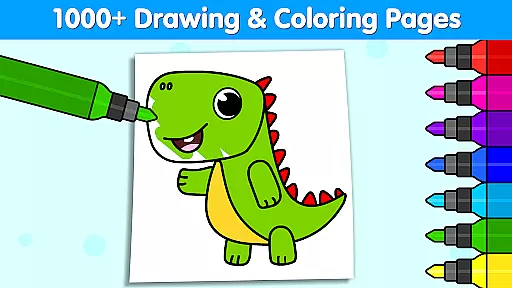
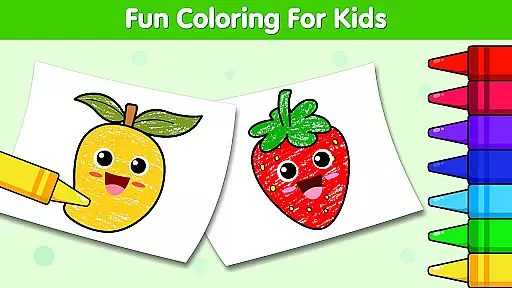
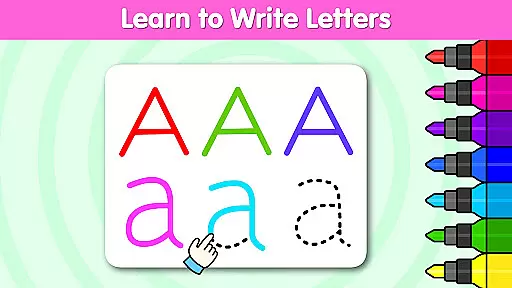
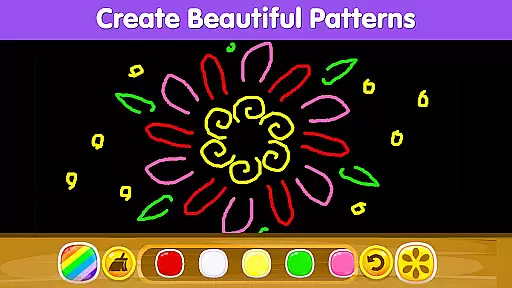
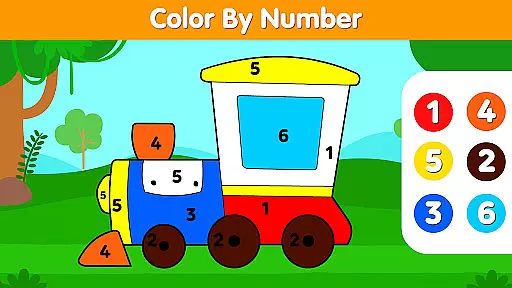
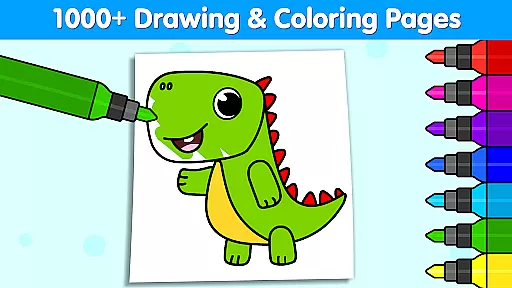
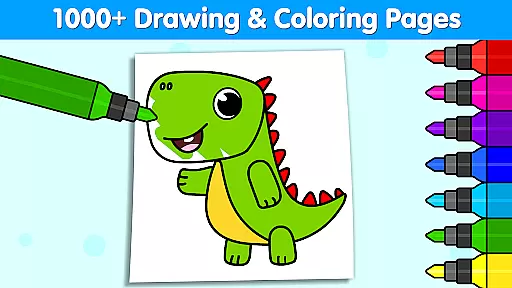
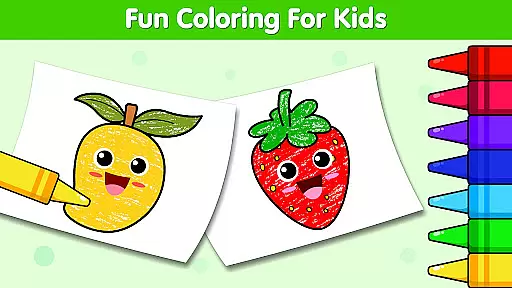
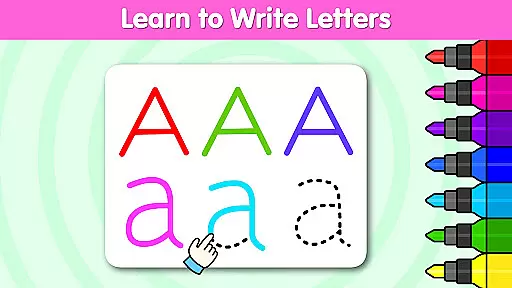
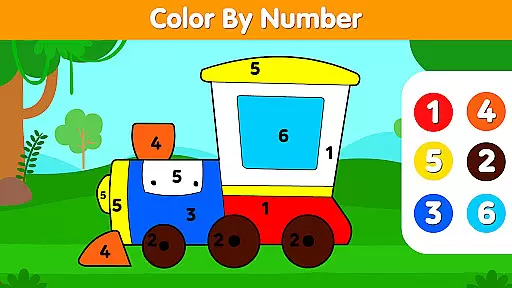
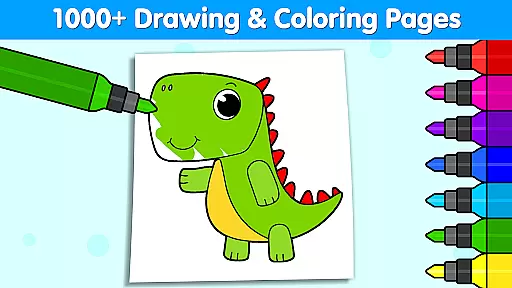

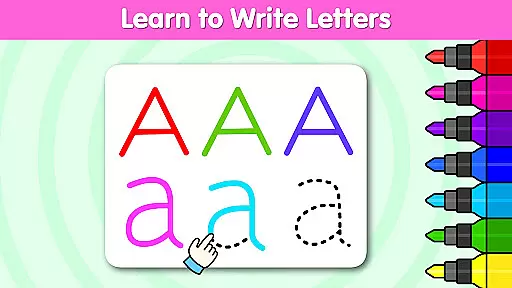
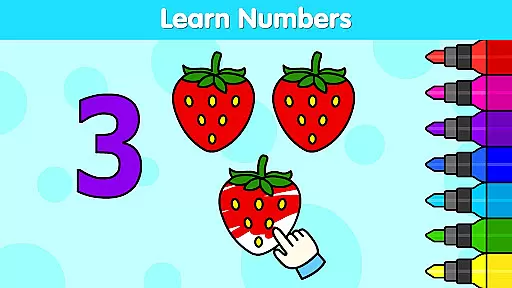
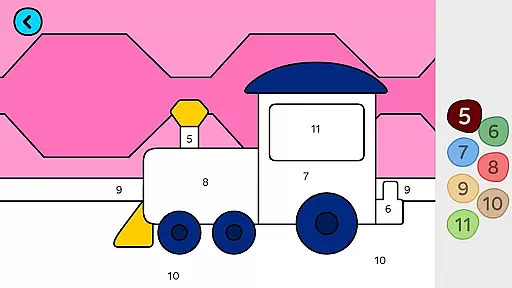
Coloring Games for Kids: Color is an educational app designed to spark creativity and imagination in children through a vast array of coloring and drawing activities. With over 1,000 coloring pages and interactive drawing games, this app caters to toddlers and kids aged 1 to 6, offering them a colorful journey into the world of art. The app includes features such as color by number, alphabet coloring, and holiday-themed pages, which not only entertain but also help develop essential cognitive skills.
The app stands out with its award-winning recognition, including prestigious accolades like the Mom's Choice Gold Award and Academics' Choice Smart Media Award. These affirm its excellence in early childhood education. Coloring Club provides a safe and engaging environment where children can learn about colors, shapes, and characters while enjoying endless hours of fun. Parents can save their child's artwork and share it with family and friends, making it a comprehensive creative suite for young minds.
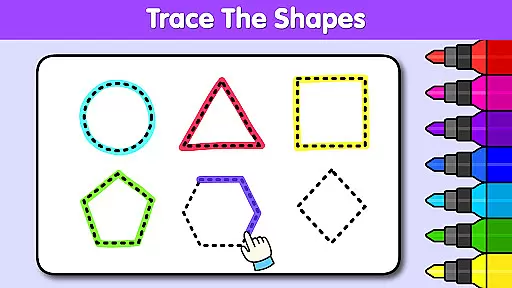
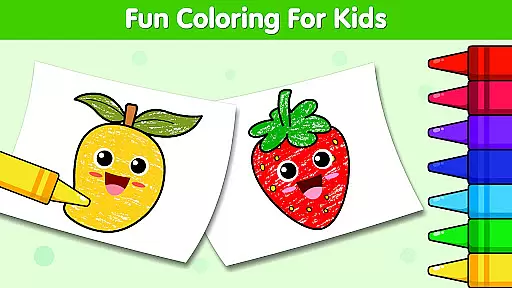
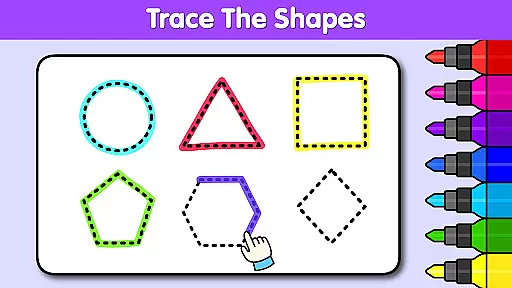
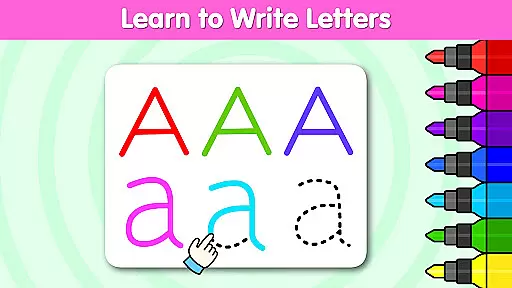
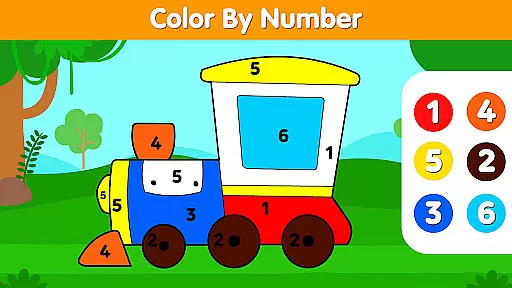
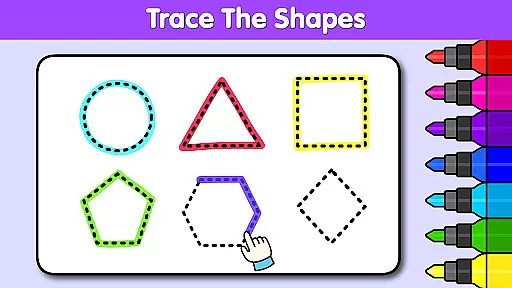
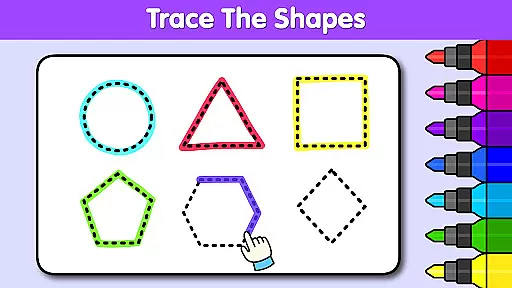
Coloring Games for Kids: Color boasts a rich set of features that cater to a child's artistic development. One of its main attractions is the wide variety of coloring pages ranging from animals, princesses, unicorns, to vehicles, ensuring there's something for every child's interest. The app also offers unique modes such as color by number, alphabet, and shapes, which blend learning with fun, helping children grasp fundamental concepts while they play.
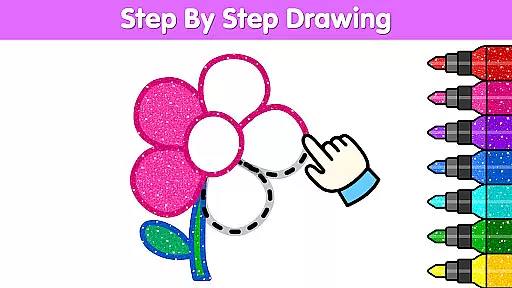
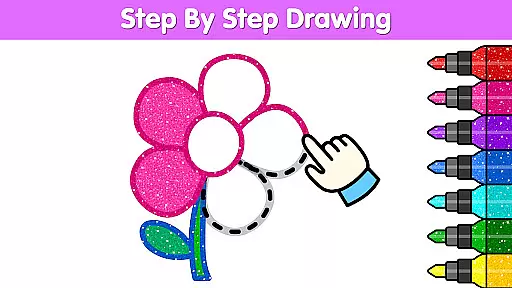
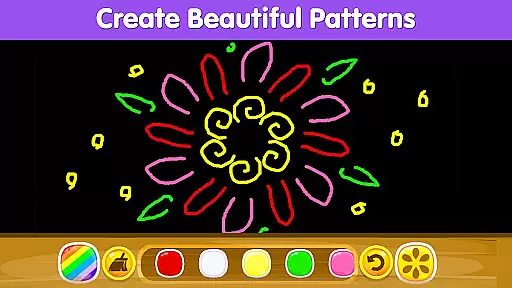
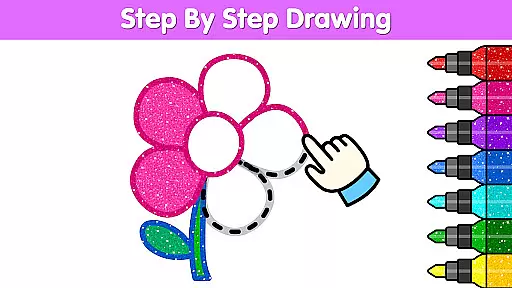
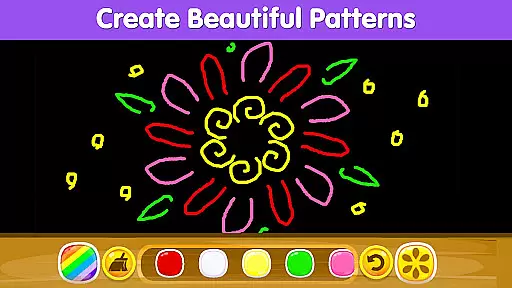
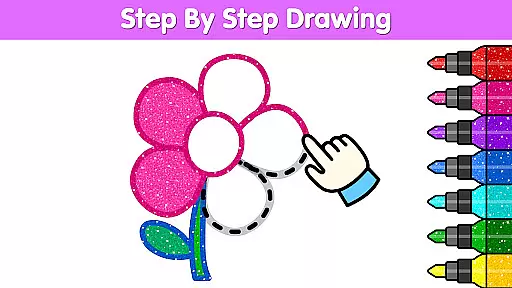
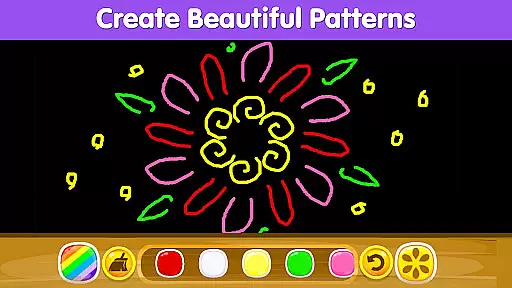
In addition to static coloring pages, the app includes dynamic drawing games that teach step-by-step drawing techniques, enhancing motor skills and hand-eye coordination. Children can experiment with vibrant colors, patterns, glitters, and tools, bringing their drawings to life. The app further supports creativity by allowing kids to save their masterpieces directly to their gallery and share them on social media or with loved ones, thus encouraging a sense of accomplishment and pride in their work.
In the realm of educational apps, content authority and curriculum alignment are crucial for ensuring that children receive accurate and relevant learning experiences. Coloring Games for Kids: Color stands out by offering over 1,000 coloring games that are not only fun but also designed to align with early childhood education standards.
The app has garnered numerous prestigious awards, including the Mom's Choice Gold Award and Academics' Choice Smart Media Award, underscoring its commitment to educational excellence. These accolades reflect the app's dedication to providing high-quality, curriculum-aligned content that supports children's cognitive and creative development.
Children engaging with Coloring Games for Kids: Color can explore a variety of themes such as animals, princesses, unicorns, and vehicles, all while developing essential skills. The app's content is crafted to spark creativity and imagination, encouraging young users to learn about colors, shapes, and characters through interactive play.
By integrating features like color by number, alphabet coloring, and step-by-step drawing tutorials, the app ensures that its content is authoritative and effectively aligned with educational curricula. This approach not only makes learning enjoyable but also helps inculcate a love for artistic expression from an early age.
Gamification in educational apps transforms traditional learning methods into engaging and interactive experiences. Coloring Games for Kids: Color excels in this area by incorporating gamified elements that captivate young learners and seamlessly integrate with their educational journey.
The app offers a vibrant array of coloring pages and drawing games that cater to various interests, from magical coloring and doodles to glow coloring and surprise coloring. These activities are designed to boost creativity, imagination, and cognitive skills, making learning both fun and effective.
With features like saving artwork and sharing creations with family and friends, the app enhances user engagement and motivation. Children can take pride in their accomplishments, fostering a sense of achievement and encouraging continued exploration within the app.
Furthermore, the app's extensive toolkit, which includes a wide range of colors, patterns, glitters, and tools, allows kids to experiment and create stunning color combinations. This hands-on approach to learning through play exemplifies how gamification can be successfully integrated into educational content, promoting skill development while maintaining high levels of enjoyment.
User-friendly interface
Variety of coloring options
Educational and entertaining content
Encourages creativity and learning
Free to use with extensive features
Limited advanced features for older kids
Some tools may require in-app purchases
Occasional ads can disrupt experience
Interface might overwhelm very young users
Heavy on device resources

Spark your little ones’ imagination!
 3.80
3.80
Draw shapes, mix colors, and dodge traps to defeat foes in the vibrant Art Zone!
4.5
Puzzles, Cats and Programming
4.80
Preschool learning games: 123 numbers game for kids, abc learning for toddlers
4.70
Fun baby care game for kids with dinosaur friends. Enjoy the fun kids game.
4.00
Cute coloring games for girls! Draw, paint & decorate with endless colors.
4.70
Glow Doodle! Baby Coloring & Drawing games for toddlers: Color and Learn! NoAds!
4.40
Amazing toddler coloring games for 2+. Enjoy painting games
4.60
Join Rus and his friends to save Pear Island!
4.4
Play educational games for preschool toddlers—plus more to discover ►AdsFree◄
4.60
Play virtual baby daycare simulator & be a babysitter, take care of cute babies!
4.60
A cube building game for small (and large) builders.
4.40
Animal games! Adopt virtual pet dog, cat & rabbit to create your pet world!
4.10
Enjoy the fun kid's hospital play game with Cocobi, the little dinosaurs!
4.00
CASHFLOW - The Investing Game
4.00
Play the fun healthy habits game for kids with Cocobi the little dinosaurs.
3.40
Wind down, relax and snuggle up with your favourite Blocks characters.
3.30
Help your child improve their number literacy with Numberblocks: Card Fun!
2.60
Creating emotional connections
4.2


User Reviews