
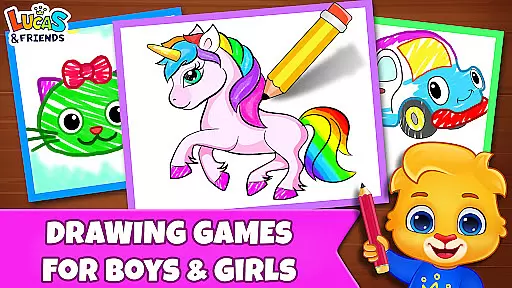
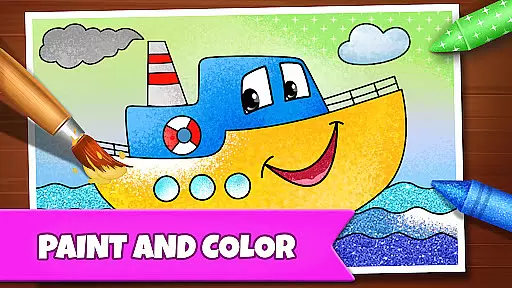
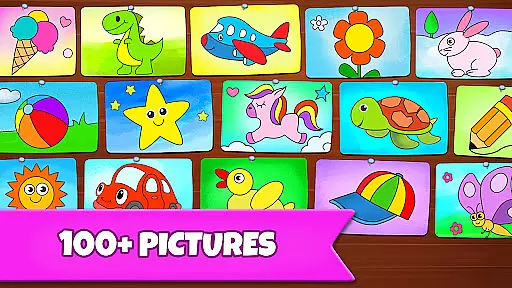
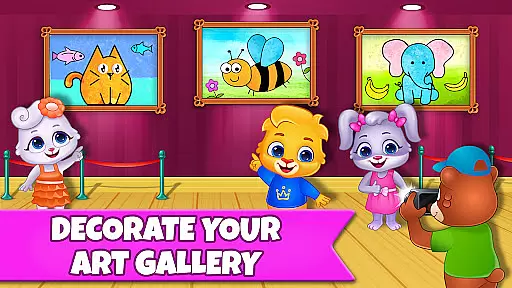
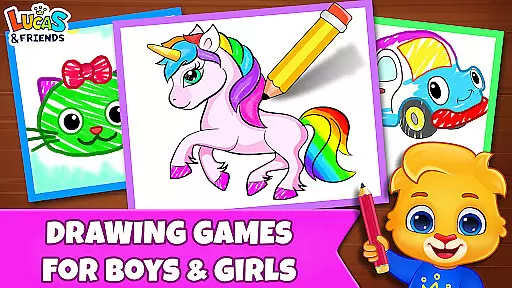
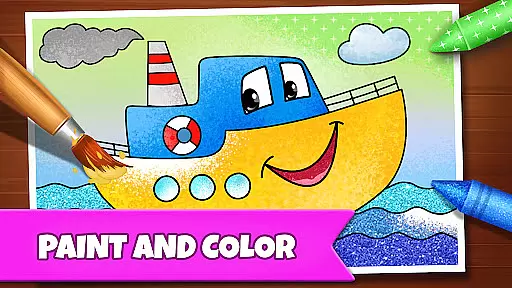
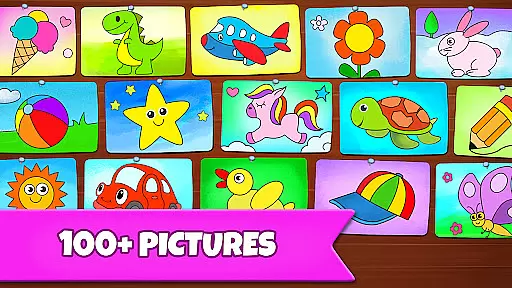
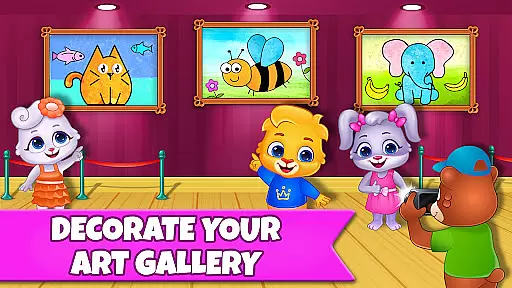
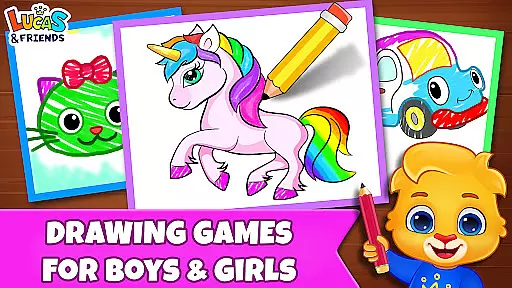
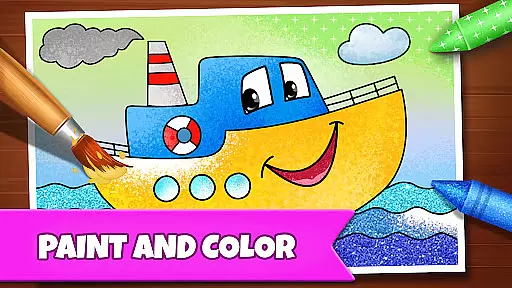
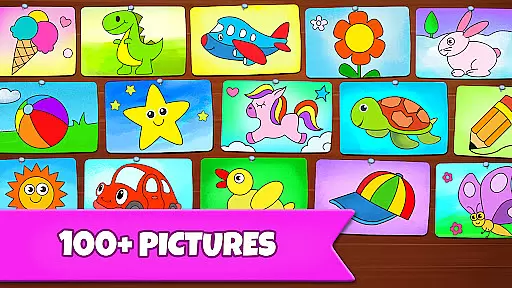
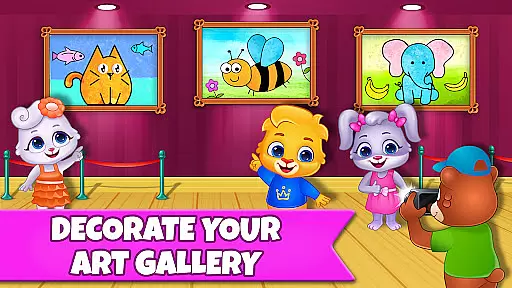
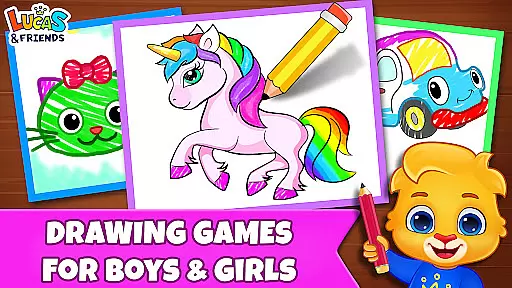
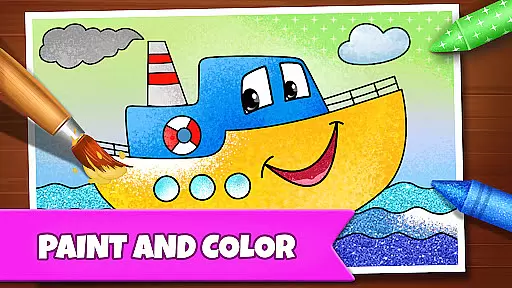
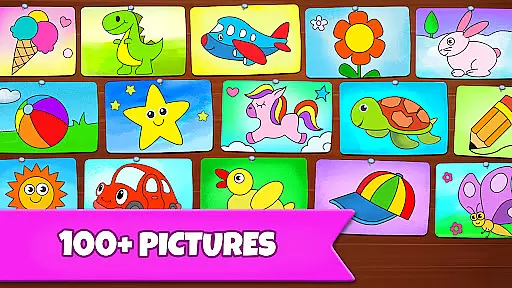
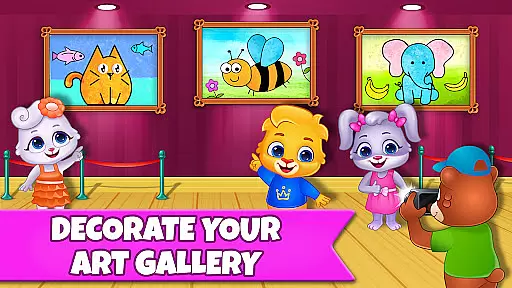
Drawing Games: Draw & Color is an educational app designed to engage children in creative drawing and coloring activities. The app offers a variety of modes that teach kids how to draw, connect dots, and even use glow paint within a digital coloring book. With its interactive features, this app combines fun with learning by helping children recognize shapes, numbers, and pictures while honing their artistic skills.
The app provides multiple educational modes such as Learn to Draw, Auto Draw, Connect & Color, Connect the Dots, Memory Drawing, and Glow Paint. These modes cater to different age groups, from toddlers to kindergarteners, ensuring that every child finds something enjoyable and educational. Parents can feel at ease knowing that their children are learning essential skills through play, all within a safe and ad-free environment.
Perfect for both home and classroom settings, Drawing Games: Draw & Color encourages creativity and cognitive development. By offering a rich selection of stickers, crayons, and glowing pens, it keeps kids entertained for hours while they learn through various drawing and coloring activities.
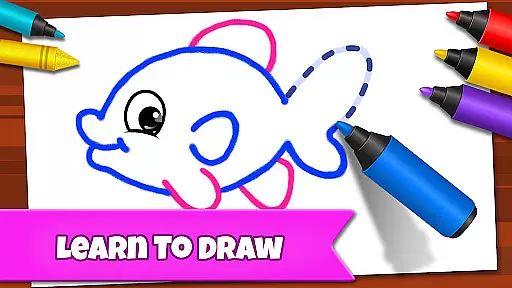
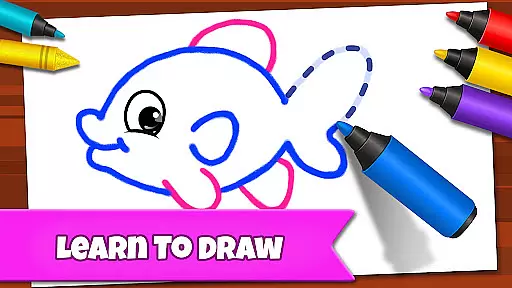
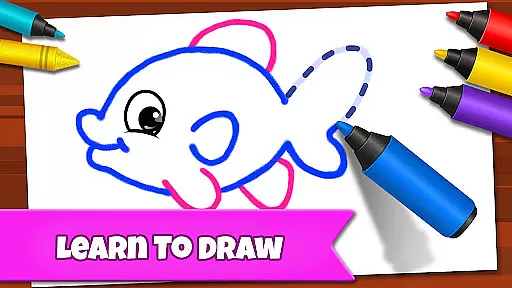
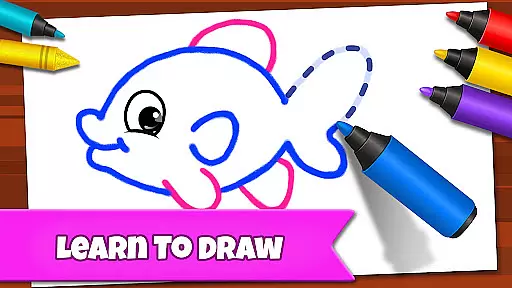
Drawing Games: Draw & Color stands out due to its diverse range of interactive drawing modes. Each mode is crafted to enhance specific skills in children. For instance, the Learn to Draw mode provides step-by-step guidance on creating pictures, fostering artistic development. Meanwhile, the Auto Draw feature allows younger children to watch paintings come to life, sparking their imagination.
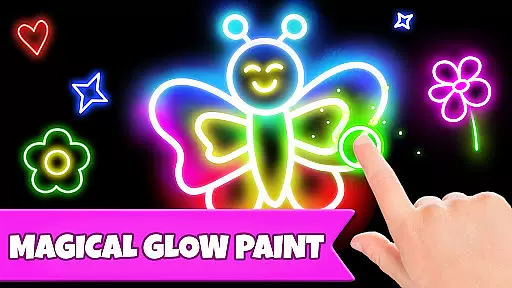
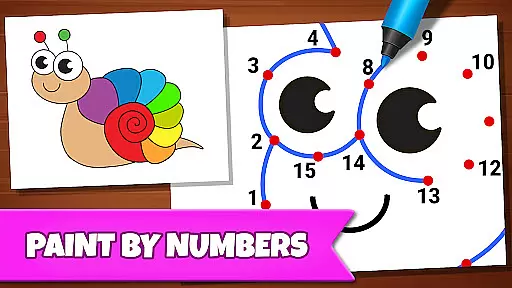
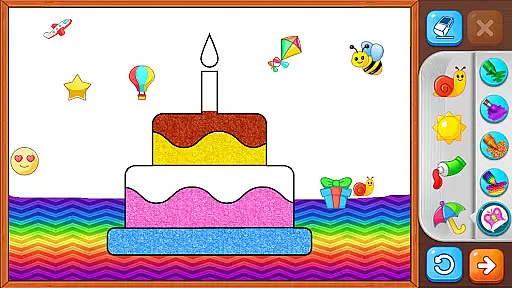
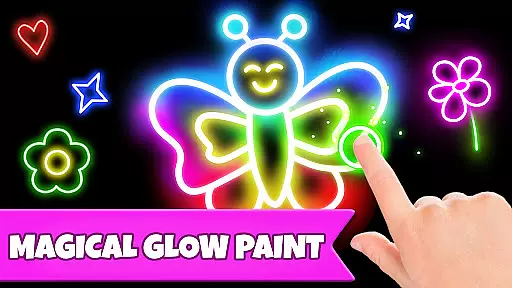
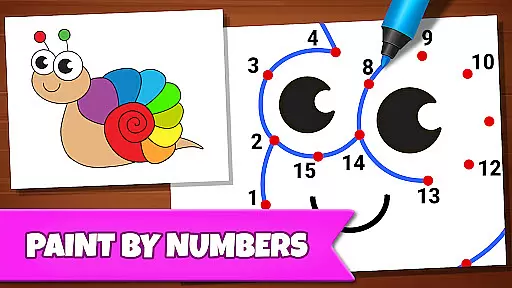
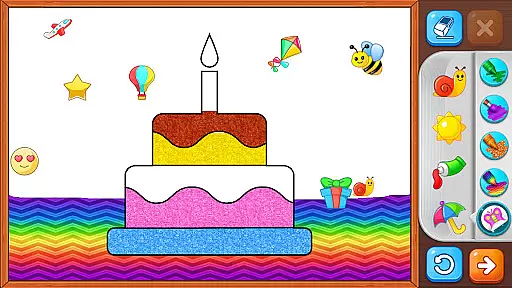
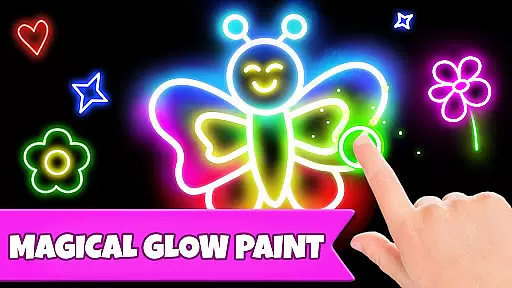
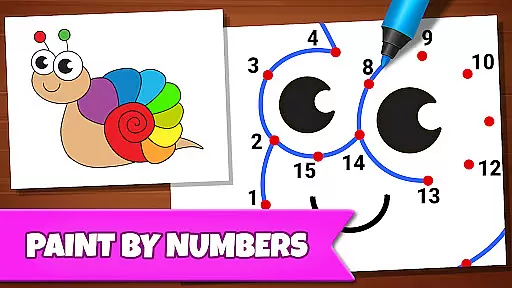
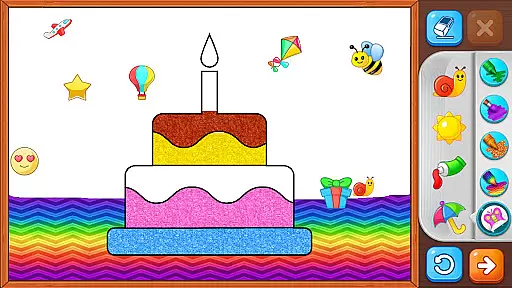
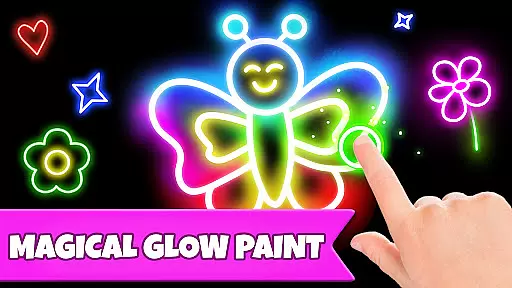
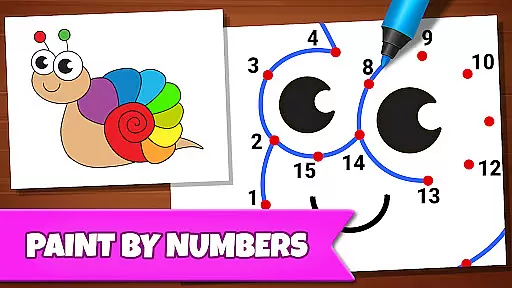
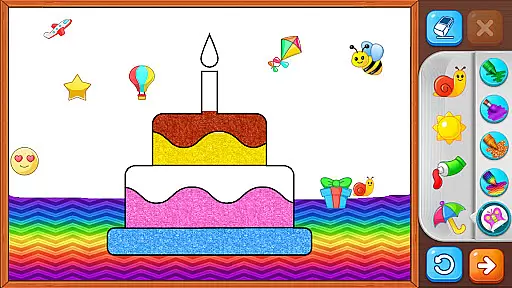
The Connect & Color and Connect the Dots modes help improve hand-eye coordination and fine motor skills. Children enjoy connecting dots to reveal colorful images, which also aids in number and picture recognition. The Memory Drawing mode challenges kids to replicate lines from memory, enhancing their recall abilities. Additionally, the Glow Paint mode lets them experiment with vibrant colors, encouraging self-expression.
All these features are wrapped in a user-friendly interface free from ads and in-app purchases, ensuring uninterrupted learning. This makes Drawing Games: Draw & Color not just entertaining but also a valuable educational tool for young learners.
In educational apps, content authority and curriculum alignment are crucial for ensuring that children receive accurate and relevant learning experiences. Drawing Games: Draw & Color provides a robust framework where each activity is designed to teach specific skills such as shapes, numbers, and picture recognition.
The app's Learn to Draw mode breaks down the drawing process into manageable steps, allowing children to understand and replicate complex images. This methodical approach ensures that the content delivered is both authoritative and aligned with early childhood educational standards.
By integrating various modes like Connect the Dots and Memory Drawing, the app reinforces learning through repetition and practice, which are key components of curriculum-based education. These activities not only entertain but also help inculcate essential cognitive skills in young learners.
Parents can be confident that their children are engaging with a reliable educational tool that seamlessly blends fun with foundational learning, preparing them for more advanced educational challenges ahead.
Gamification in educational apps transforms traditional learning methods into interactive and enjoyable experiences. Drawing Games: Draw & Color excels in this area by incorporating game-like features that captivate children's attention and motivate them to learn through play.
The app offers multiple modes such as Glow Paint and Auto Draw, which provide instant gratification and encourage creativity. These features make learning an active process where children eagerly participate, enhancing their engagement and retention of new concepts.
Each mode within the app is crafted to balance entertainment with educational value. For instance, Connect & Color combines the classic connect-the-dots game with coloring, promoting fine motor skills and cognitive development while keeping the child entertained.
By removing barriers such as in-app purchases and ads, Drawing Games ensures uninterrupted learning sessions. This thoughtful design allows children to focus on their educational journey, making gamified learning both effective and enjoyable.
Engaging content
User-friendly interface
Educational value
Ad-free experience
Variety of modes
Limited advanced features
No social sharing
Basic color options
Occasional bugs
Simple graphics

Join Duggee and the Squirrels as they practice their counting!
 4.0
4.0
Perfect for Dino fans of all ages.Vivid illustrations.Fascinating_Facts.Narrated
4.0
Pretend play in Pepi City: become a doctor or a patient. Our city, your stories!
4.30
Create stories and build your own virtual world for your avatar!
3.00
Play the fun healthy habits game for kids with Cocobi the little dinosaurs.
3.40
Epic battles, interactive quests and exotic pets. Learn math with Prodigy today!
4.70
Featuring the Numberblocks
3.60
Fun game for preschoolers to learn addition, subtraction, counting and math!
4.50
Design dreamhouses and dress up creatively in the ultimate role-playing game!
4.70
Explore Dopples World, build your avatar life & create endless stories!
4.70
Amazing toddler coloring games for 2+. Enjoy painting games
4.60
Fun baby games for kids. Play baby piano, musical instruments & nursery rhymes.
4.50
Play and build with Bluey & friends in this fun LEGO® game!
4.40
Where Little Healers can Make a Big Difference!
4.00
CASHFLOW - The Investing Game
4.00
The kids phonics and reading app that's helped millions of kids learn to read
4.00
Woof! The very first official Hey Duggee app for CBeebies' new favourite show.
3.70
Wind down, relax and snuggle up with your favourite Blocks characters.
3.30
Discover the infinite cycles of the universe
4.0


User Reviews