
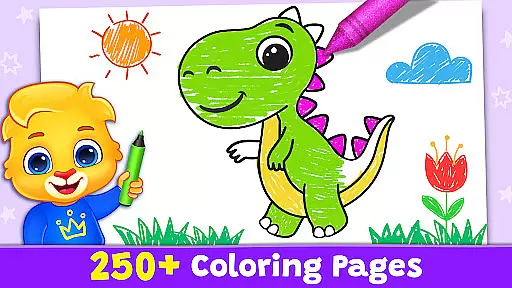
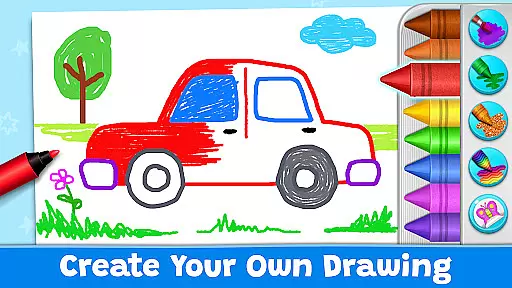
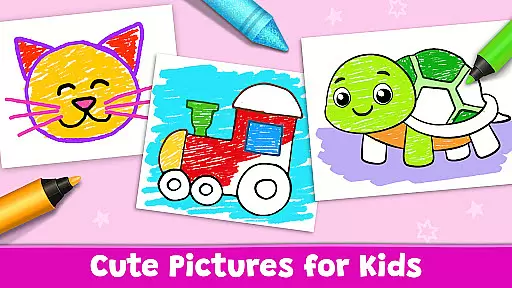
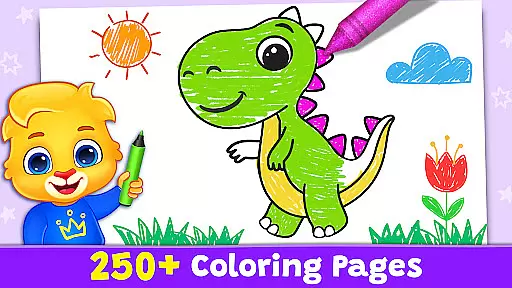
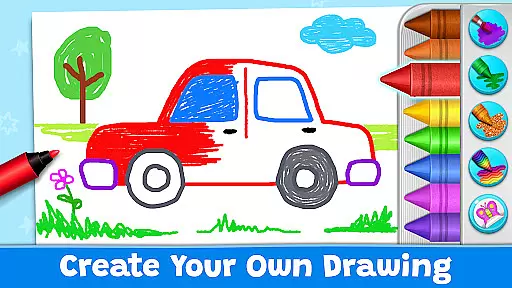
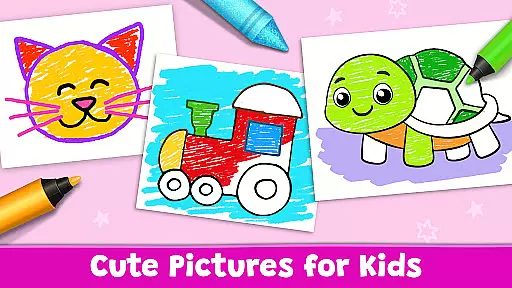
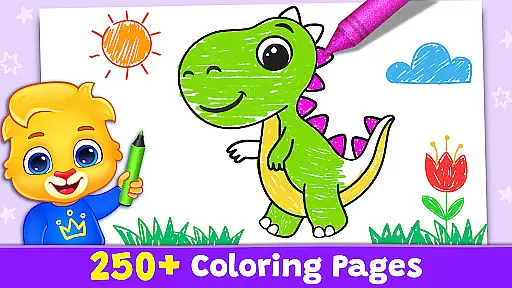
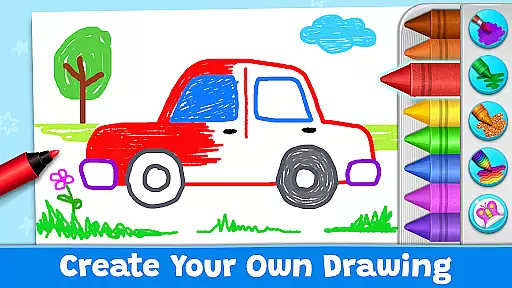
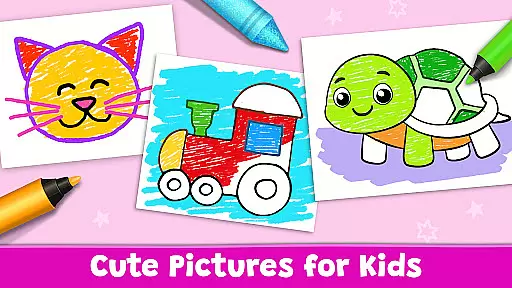
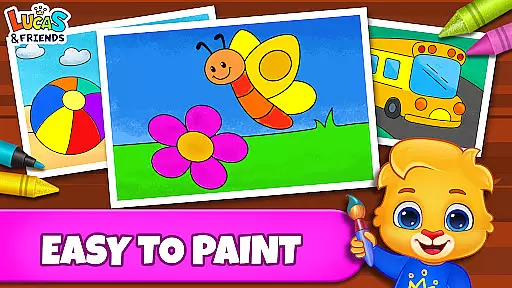
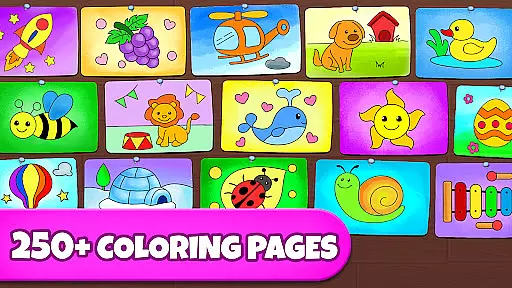
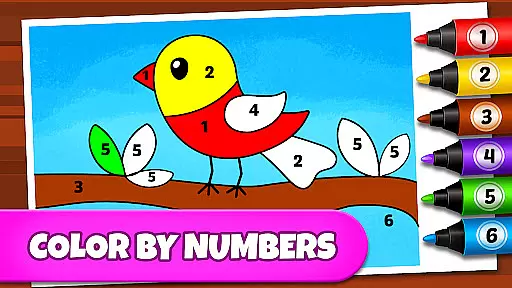
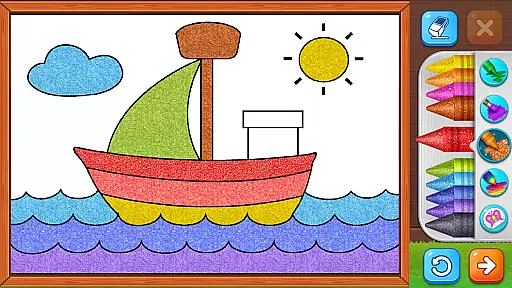
Coloring Games: Color & Paint is an educational app designed specifically for children, offering a delightful blend of creativity and learning. This free coloring book and painting app provides young users with a platform to explore their artistic talents through various engaging modes such as paint by numbers, color by numbers, doodling, and free coloring. The interface is crafted to be intuitive even for toddlers, ensuring that kids as young as one can navigate and enjoy the colorful world of digital art.
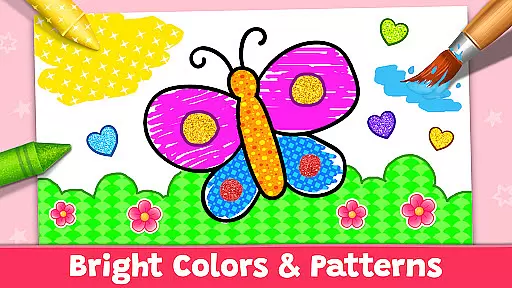
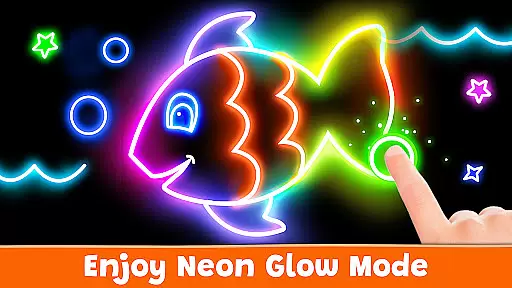
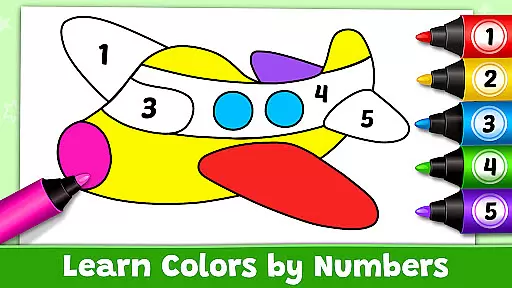
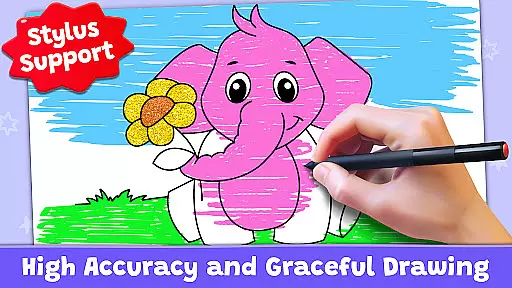
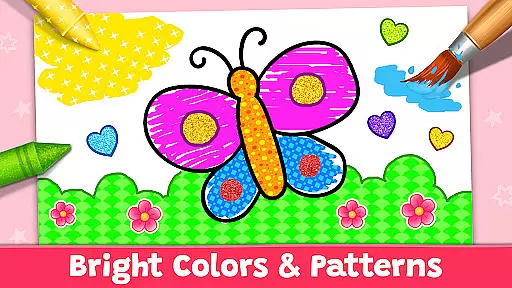
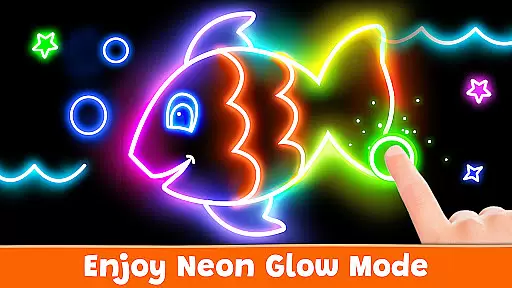
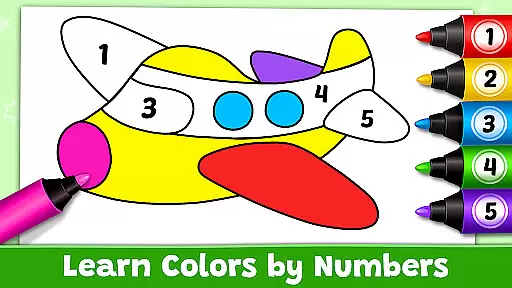
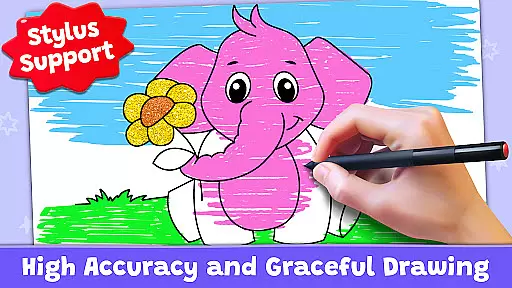
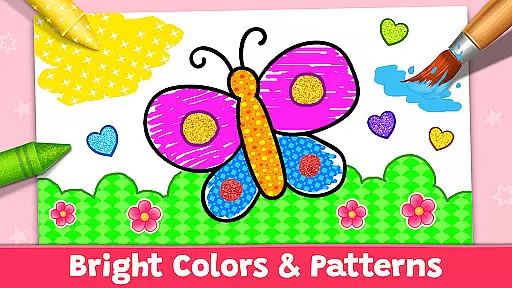
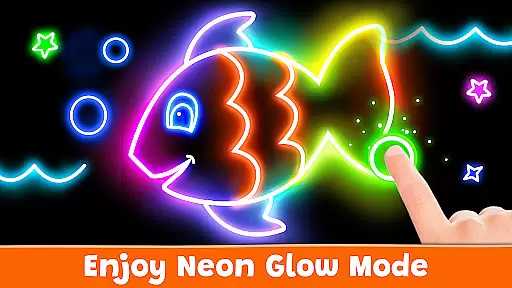
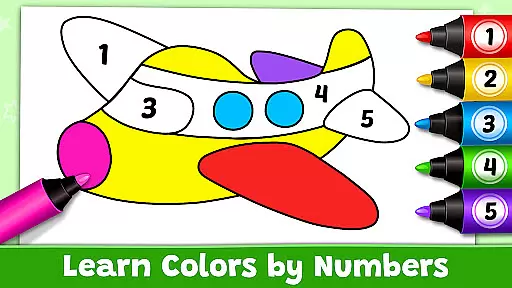
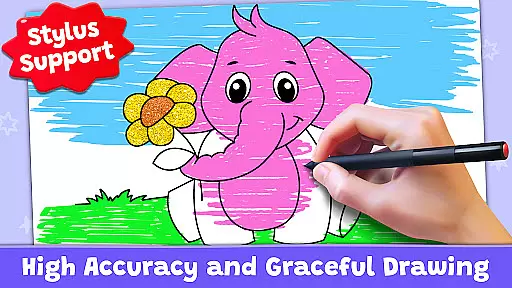
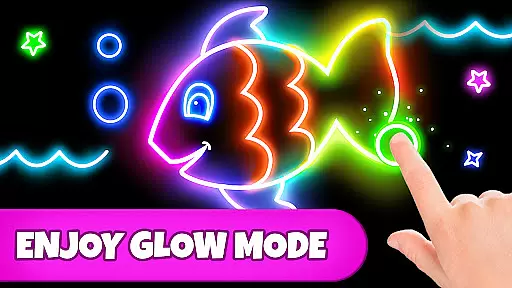
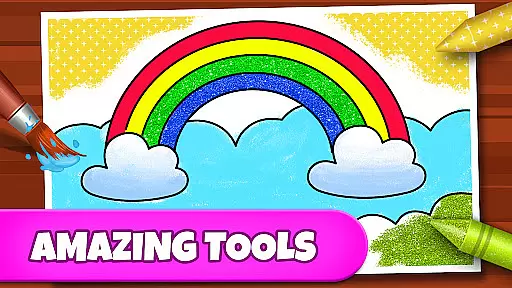
The app offers multiple creative tools including stickers, glitter, crayons, and unique patterns, allowing children to experiment with different styles and techniques. With features like Glow Pen for neon artwork and Number Paint for guided creations, Coloring Games ensures a diverse and enriching experience. Parents can monitor their child's progress through customizable profiles and adjustable difficulty settings, making it a valuable educational tool for preschoolers and families alike.
Beyond its entertainment value, Coloring Games serves as a safe digital environment where children can learn and grow creatively without exposure to ads or in-app purchases. The app's commitment to providing a seamless and enjoyable experience makes it an ideal choice for parents seeking quality screen time for their kids. Whether at home or on the go, this app promises hours of artistic exploration and fun.
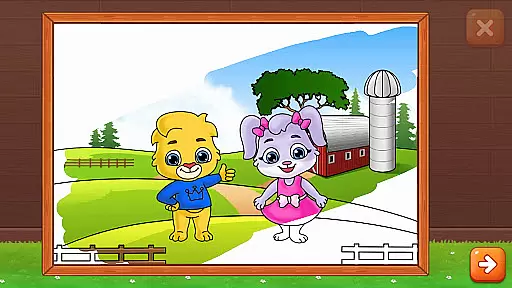
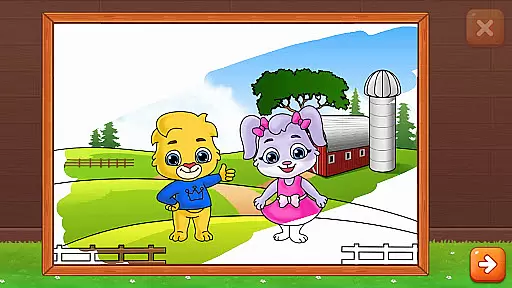
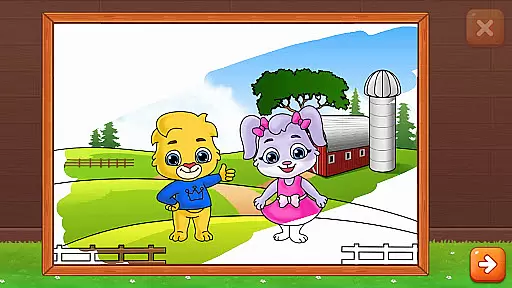
Coloring Games stands out with its rich array of features tailored for young learners. One of the key highlights is the variety of coloring modes available, including Fun Paint, Color Fill, Drawing, Glow Pen, and Number Paint. Each mode offers a unique approach to creativity, from simple tap-to-fill coloring pages to intricate color-by-number challenges, catering to different age groups and skill levels.
The app also boasts an impressive selection of drawing tools and materials. Children can choose from a wide palette of colors, experiment with virtual stickers and glitter, and even create glowing masterpieces on dark backgrounds. These features not only enhance the artistic experience but also help develop fine motor skills and color recognition in early learners. The ability to switch between different tools encourages experimentation and self-expression.
What truly sets Coloring Games apart is its family-friendly design and commitment to safety. The app includes comprehensive parental controls, allowing adults to manage individual child profiles and adjust game difficulty. Most importantly, it maintains a completely ad-free environment with no in-app purchases or paywalls, ensuring uninterrupted creative play. This thoughtful design makes it an exceptional educational tool that both parents and children can trust and enjoy together.
In the realm of educational apps, content authority and curriculum alignment are crucial for ensuring that learning is both effective and credible. Coloring Games: Color & Paint rises to this standard by providing a platform deeply rooted in creative education.
The app offers an extensive range of coloring activities that align with developmental milestones for children. Each coloring game mode, from free drawing to color-by-numbers, is designed not only to entertain but also to subtly enhance cognitive skills such as number recognition and color identification.
Parents can trust in the educational value of Coloring Games due to its carefully crafted content that encourages creativity while supporting early childhood learning objectives. The absence of ads and in-app purchases further underscores the app's commitment to providing a focused and uninterrupted learning experience.
Gamification in learning transforms education into an engaging and interactive journey, and Coloring Games: Color & Paint excels in integrating these elements seamlessly. By turning the process of coloring into a game-like experience, it captivates young minds and keeps them motivated to explore more.
Children using this app have access to various modes like Glow Pen and Number Paint which cleverly disguise learning as play. These features encourage kids to experiment with colors and patterns, effectively teaching them about art and design principles without them even realizing they're learning.
This innovative approach bridges entertainment and education, allowing preschoolers and toddlers to develop fine motor skills and color recognition through enjoyable gameplay. The app's ability to maintain a childu2019s interest while discreetly incorporating educational content showcases the successful fusion of gamification within a learning framework.
User-friendly interface
Wide range of creative tools
Completely free with no ads
Multiple coloring modes
Parental monitoring features
Limited advanced features
No social sharing options
Basic color palette
Occasional performance issues
Simple graphics

Perfect for Dino fans of all ages.Vivid illustrations.Fascinating_Facts.Narrated
 4.2
4.2
Play the fun healthy habits game for kids with Cocobi the little dinosaurs.
3.40
Tracing, phonics & spelling games for toddlers, preschool & kindergarten kids!
4.50
Cute coloring games for girls! Draw, paint & decorate with endless colors.
4.70
A speed-learning English vocabulary game designed for user to reach proficiency
4.3
Where Little Healers can Make a Big Difference!
4.00
Featuring the Numberblocks
3.60
OG Trail - Lets you play the classic Oregon Trail simulation game on Android
4.20
Play virtual baby daycare simulator & be a babysitter, take care of cute babies!
4.60
Amazing toddler coloring games for 2+. Enjoy painting games
4.60
Play educational games for preschool toddlers—plus more to discover ►AdsFree◄
4.60
Toddler Learning Games, Learn: Colors, Shapes, Puzzles, ABC ... ►NoAds!◄
4.50
Fun game for preschoolers to learn addition, subtraction, counting and math!
4.50
Pretend play in Pepi City: become a doctor or a patient. Our city, your stories!
4.30
Math Games For Kids To Learn Addition, Subtraction, Multiplication and Division.
4.30
A world for little builders to create, imagine, and learn through play.
4.20
Fun educational game: Learn, imagine, create, draw and color!
4.20
Fun baby care game for kids with dinosaur friends. Enjoy the fun kids game.
4.00
Creating emotional connections
4.4


User Reviews