
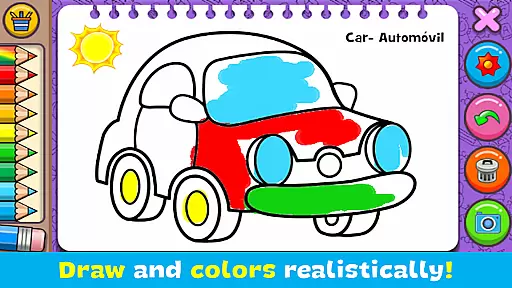
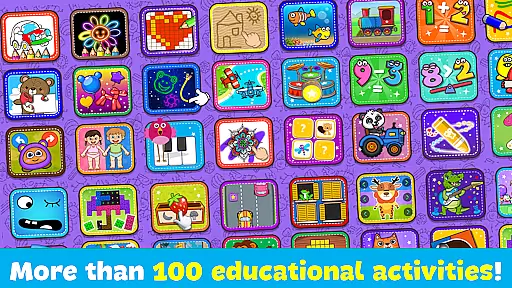
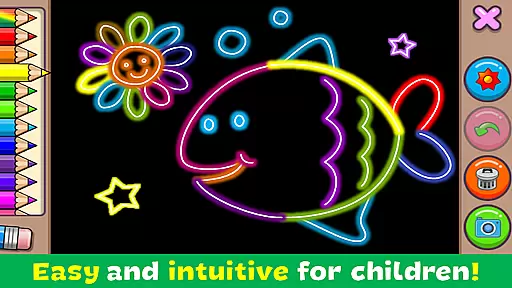
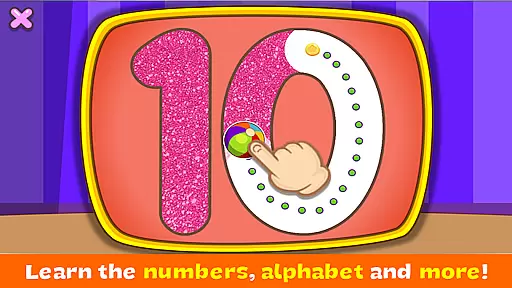
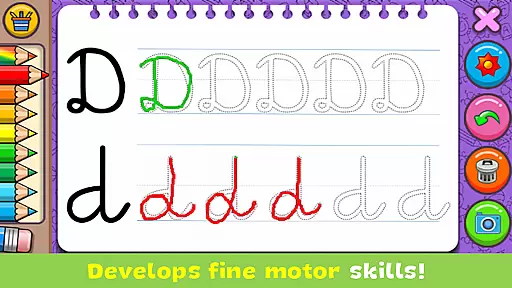
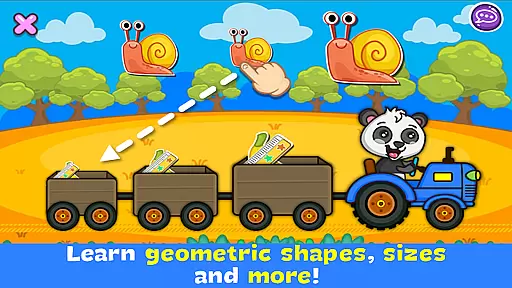
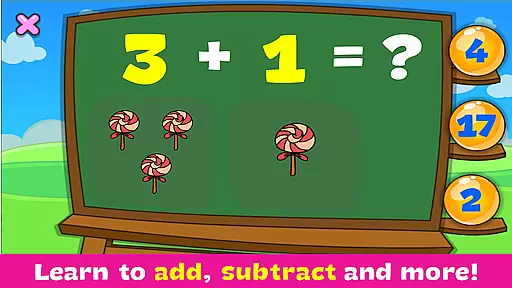
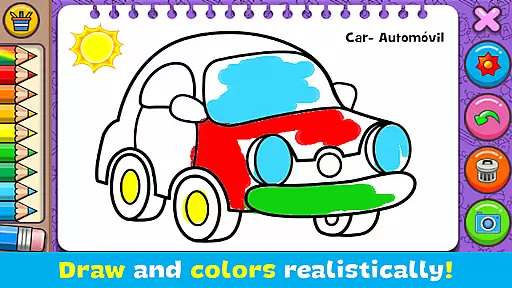
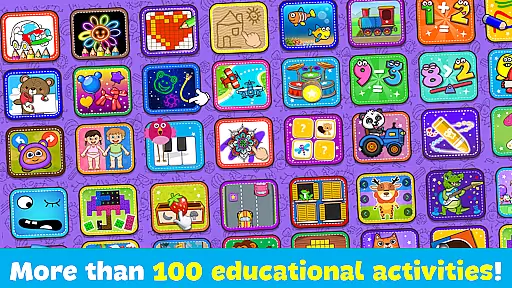
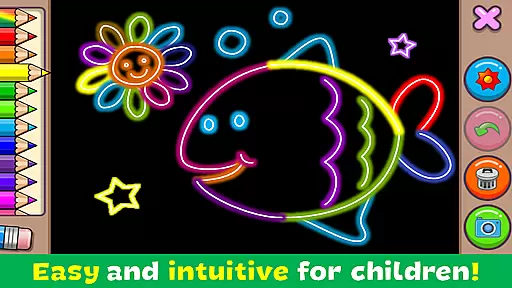
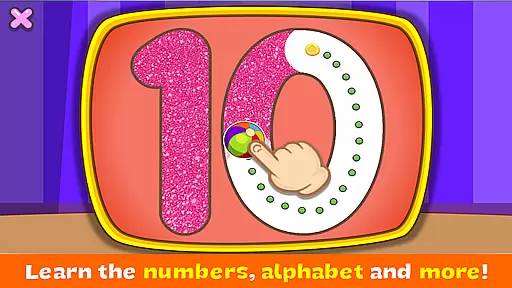
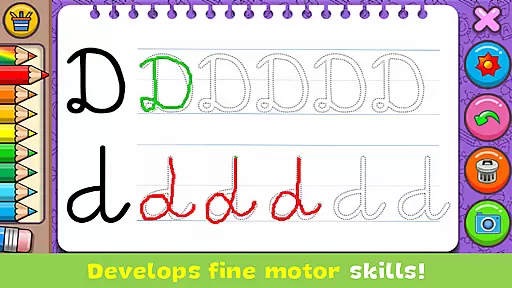
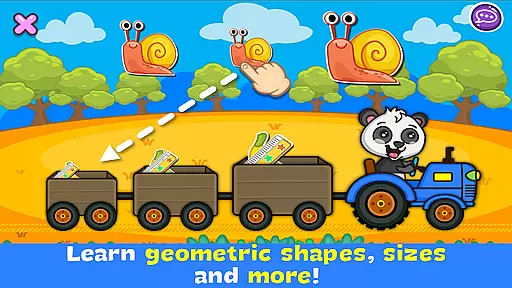
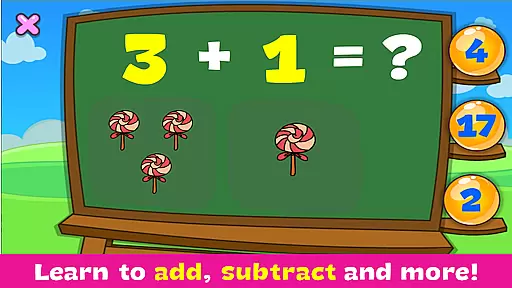
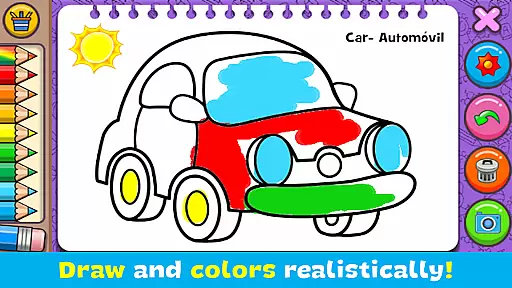
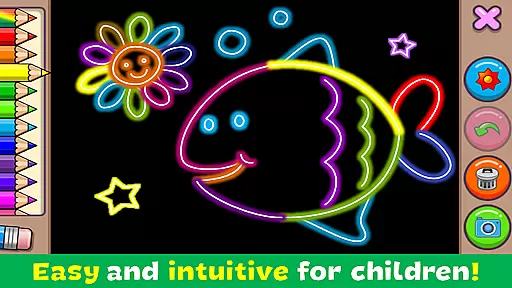
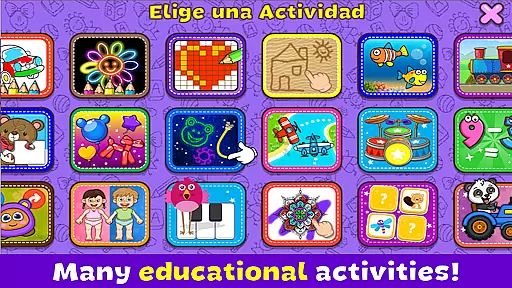
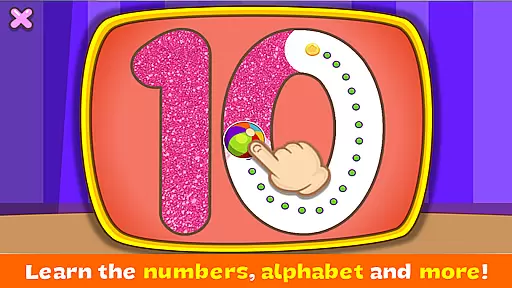
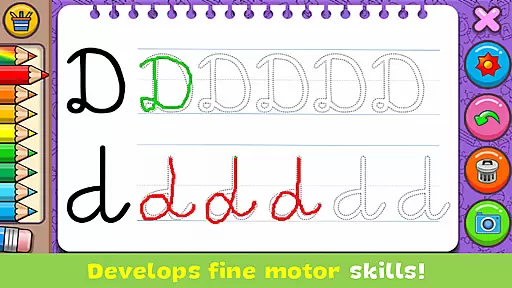
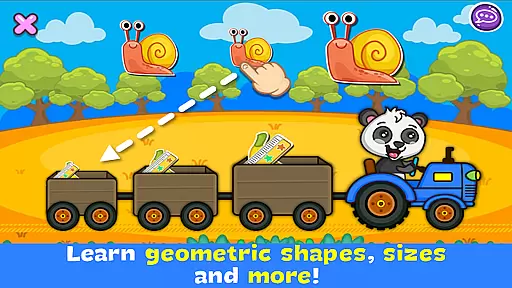
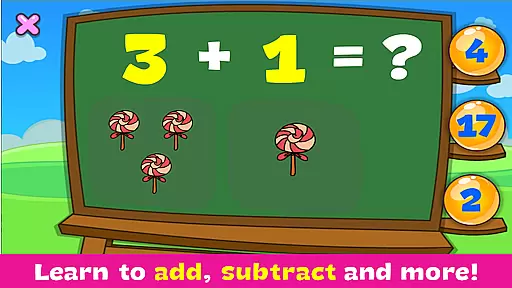
Coloring & Learn is an educational app designed to provide a realistic coloring experience with over 250 pages of content. It offers various activities suitable for all ages, making it both entertaining and instructional. The app includes free drawing modes and glow coloring options, promoting creativity and imagination.
The app helps users learn the alphabet, numbers, geometric figures, animals, and more. With additional activities like playing drums, popping balloons, and pixel art, it enhances concentration and fine motor skills. Users can save their creations, share them on social media, and enjoy the simple, intuitive design tailored for children.
Coloring & Learn boasts a variety of features that make it stand out. The app provides multiple coloring modes including 'Free mode' and 'Glow coloring mode,' allowing users to explore different artistic styles. It also includes educational content such as learning alphabets, numbers, and shapes, which are crucial for early childhood development.
Users can decorate their artwork with over 100 stickers and utilize functions like undo, clear all, and eraser. The app supports saving drawings in an album for future editing or sharing via social media platforms. Its simple and intuitive design ensures ease of use for children, while the dynamic color effects add an element of fun and surprise.
In the realm of educational applications, content authority and curriculum alignment are crucial for ensuring that learning is both effective and relevant. Coloring & Learn rises to this occasion by offering more than 250 pages filled with educational content that spans a wide array of subjects suitable for all ages.
This app meticulously covers essential learning areas such as the alphabet, numbers, geometric figures, animals, and means of transportation. Each section is crafted not only to educate but also to engage young learners through interactive activities like coloring, connecting dots, and pixel art.
By integrating fun activities with educational material, the app ensures that its content aligns well with general educational standards, making it an invaluable tool for parents and educators who seek to supplement traditional learning methods.
The application's comprehensive approach promotes the development of various skills including concentration, fine motor abilities, and spatial recognition, thereby supporting a holistic educational journey for children.
Gamification in learning transforms education into an engaging and enjoyable experience, and Coloring & Learn excels in merging these elements seamlessly. The app offers a 'Free mode' where users can draw and doodle at will, fostering creativity and providing a sense of freedom akin to coloring on actual paper.
With additional features such as 'Glow coloring mode', users create magic artwork with neon paints, adding an element of wonder and excitement to the learning process. This feature exemplifies how gamification encourages experimentation and exploration within a safe digital environment.
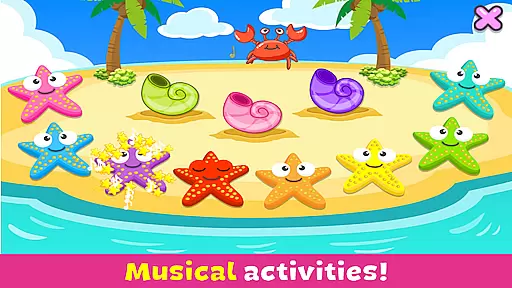
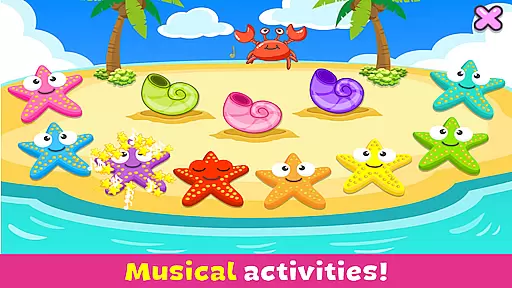
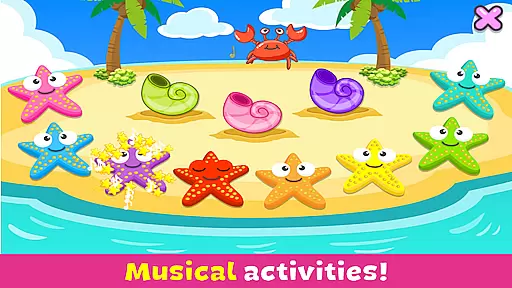
Beyond coloring, the app includes other activities like playing drums, popping balloons, and launching airplanes, which entertain while simultaneously teaching music, animal sounds, and physics concepts respectively. These mini-games cleverly disguise learning objectives within playful interactions.
Such thoughtful integration of game-like features with educational content not only captivates the interest of children but also enhances their engagement with the learning material, leading to improved retention and understanding over time.
User-friendly interface
Educational content
Variety of activities
Free to use
Enhances creativity
Limited advanced tools
Basic color options
No offline mode
Ads present
Simple graphics

Preschool learning games: 123 numbers game for kids, abc learning for toddlers
 4.70
4.70
Learn numbers, letters, and shapes playing toddler balloon pop games ►NoAds◄
4.60
Glow Doodle! Baby Coloring & Drawing games for toddlers: Color and Learn! NoAds!
4.40
Master your phonics letters and sounds with the Alphablocks!
3.80
Help your child improve their number literacy with Numberblocks: Card Fun!
2.60
Find the hidden Numberblocks, add them together and see what happens.
3.50
Companion app for Cozmo, the educational toy robot who’s got a mind of his own.
3.30
Play and build with Bluey & friends in this fun LEGO® game!
4.40
Create, customize & explore your Toca Boca story! Endless fun & creativity await
4.30
Fun baby games for kids. Play baby piano, musical instruments & nursery rhymes.
4.50
Fun game for preschoolers to learn addition, subtraction, counting and math!
4.50
A cube building game for small (and large) builders.
4.40
A fan of cute games? Try animal games & take care of fluffy virtual pets!
4.20
Imagine, build and ride your own Rollercoaster!
3.90
Create, Style, Repeat!
3.70
Join the pirate math adventure!
3.60
Featuring the Numberblocks
3.60
Join Duggee and the Squirrels as they practice their counting!
4.4
Little Explorer – Garage, Kitchen and Bathroom
4.5


User Reviews