
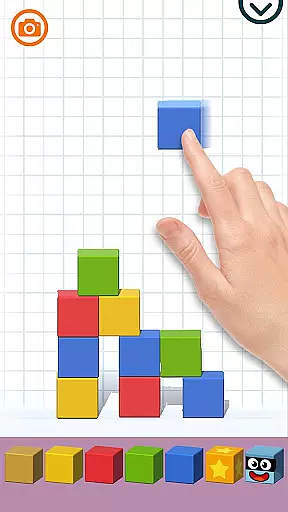
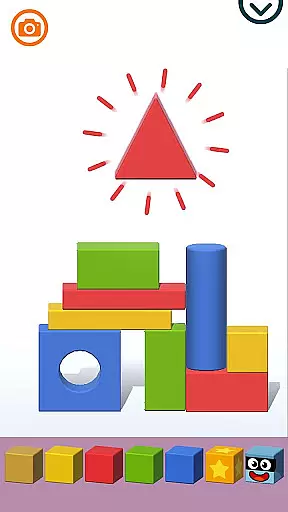
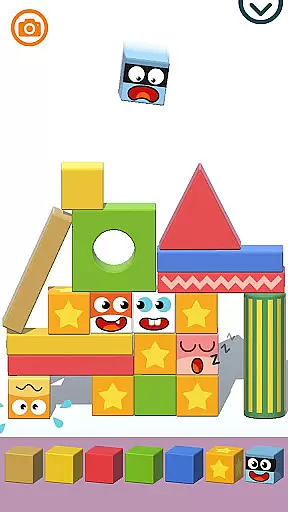
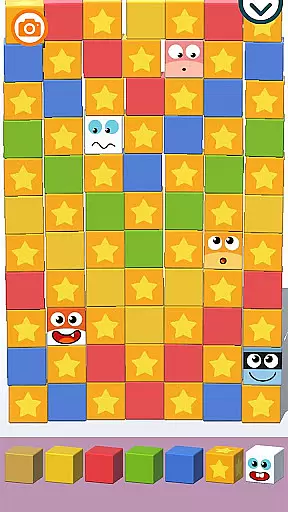
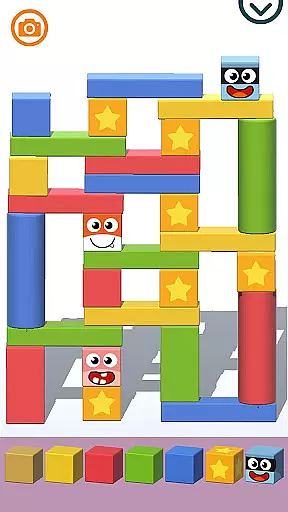
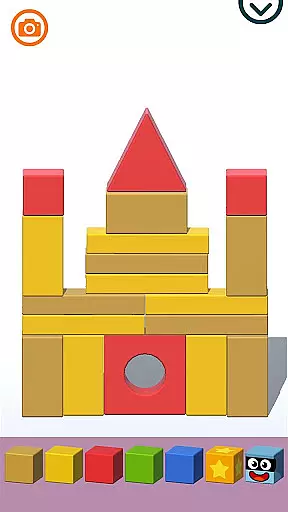
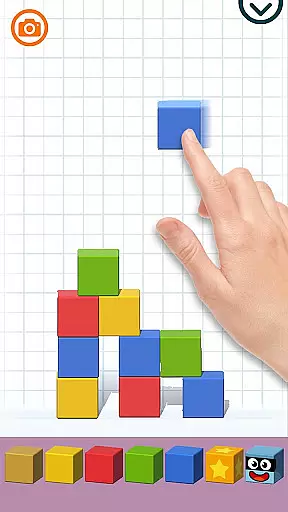
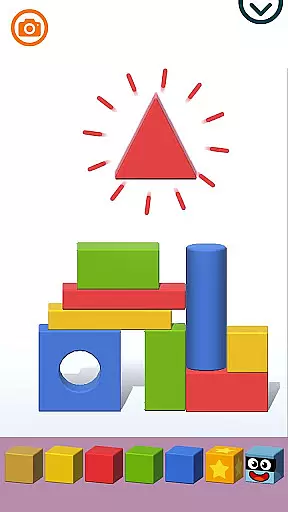
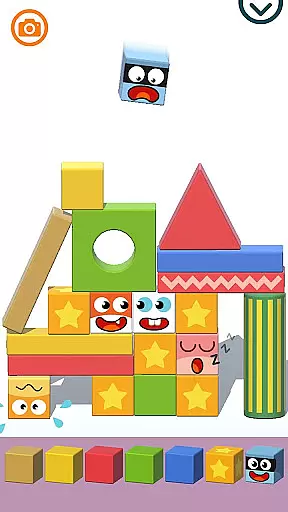
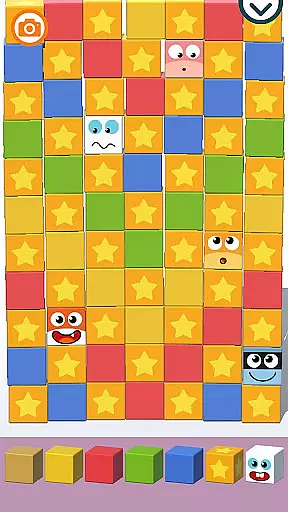
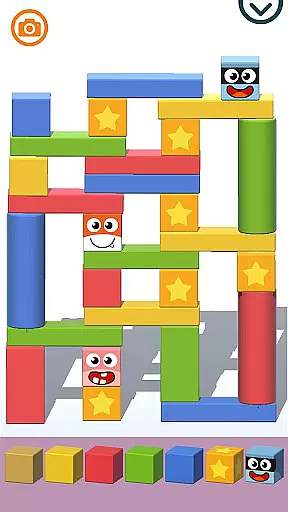
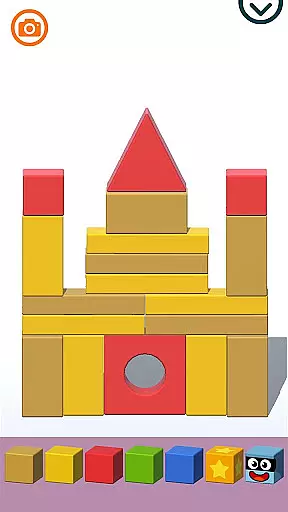
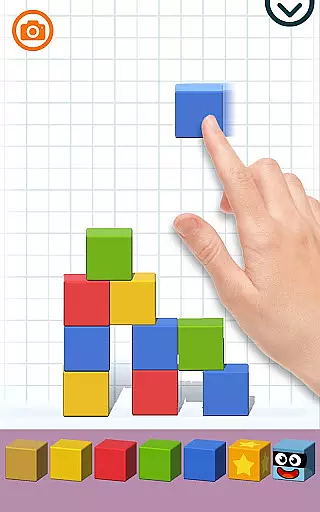
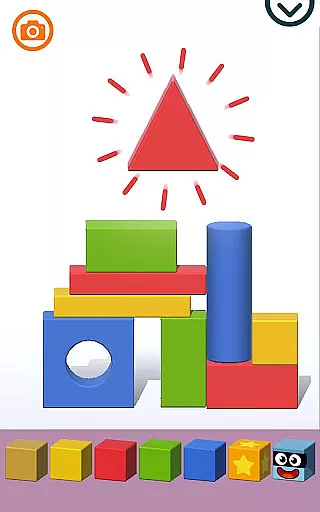
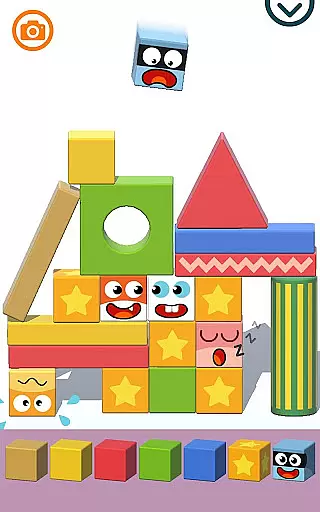
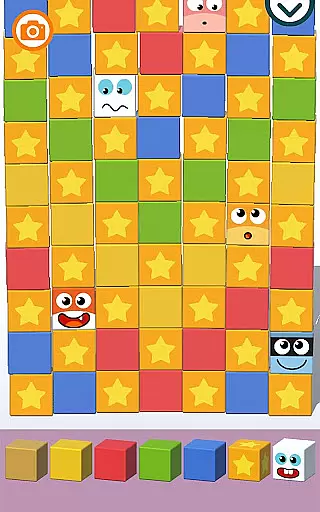
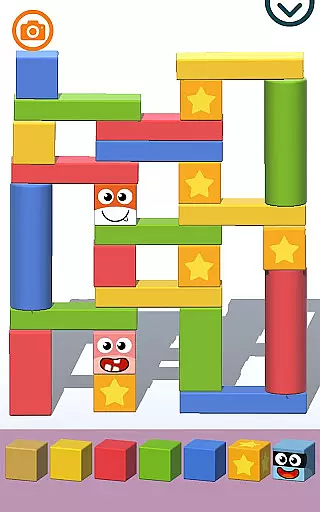
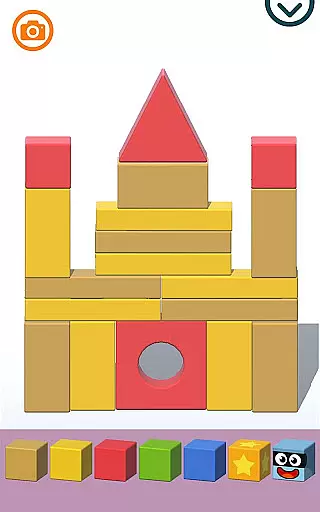
Pango Kaboom is an educational game that combines creativity with basic physics concepts. The main feature allows children to stack colored cubes to build various structures, ranging from castles to skyscrapers. This interactive experience helps young players understand balance and spatial relationships while having fun.
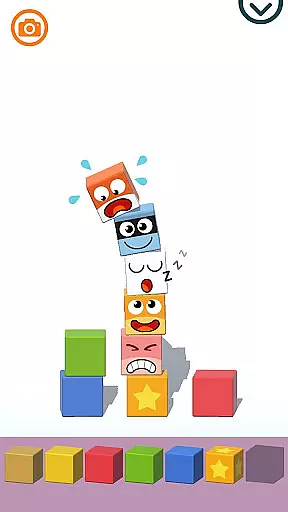
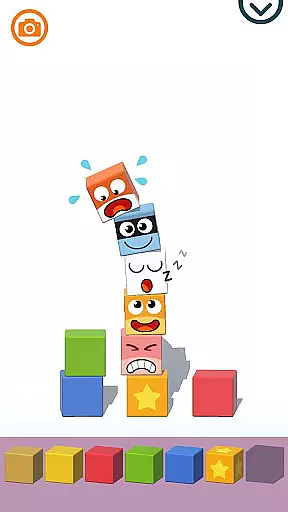
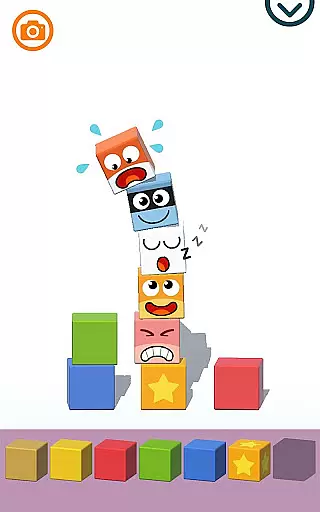
With over 100 levels, the game offers ample opportunities for kids to explore their imagination. The inclusion of character cubes adds an emotional element, making playtime even more engaging. Designed specifically for younger audiences, Pango Kaboom ensures a stress-free environment with no time limits or competitive pressures.
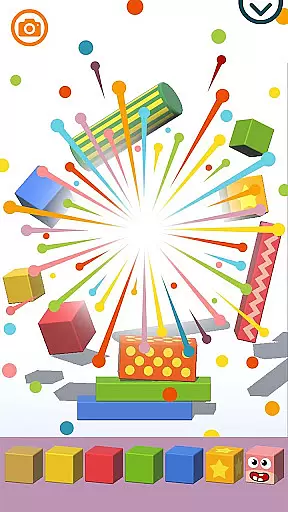
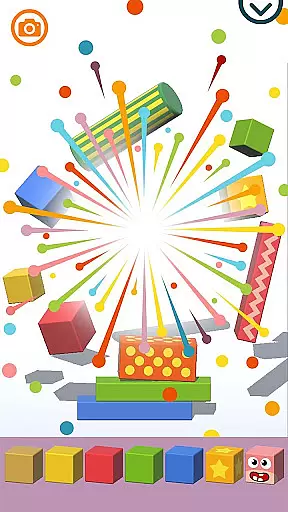
The app's standout feature is its ability to create new blocks by combining two cubes of the same color, teaching children about basic combination mechanics. Explosive blocks introduce elements of surprise and excitement as they trigger chain reactions and fireworks, offering both entertainment and lessons in cause and effect.
Pango Kaboom also focuses on developing fine motor skills through precise stacking actions. The game intuitively incorporates shape and color recognition, which are critical for early childhood development. With internal parental controls and no third-party ads or in-app purchases, it provides a safe and focused learning environment for children.
In the realm of educational gaming, content authority and curriculum alignment are crucial for ensuring that learning is both effective and relevant. Pango Kaboom stands out by integrating physics and the laws of balance into its gameplay, providing an intuitive understanding for its users.
The game allows children to build and stack colored cubes to create various structures, from fortified castles to tall skyscrapers. This not only sparks creativity but also aligns with educational standards that emphasize the importance of understanding physical sciences from an early age.
With over 100 levels designed to be both fun and instructional, Pango Kaboom ensures that every session contributes to the development of fine motor skills and the ability to recognize shapes and colors. The absence of stress, time limits, and competition makes it an ideal learning tool for young minds.
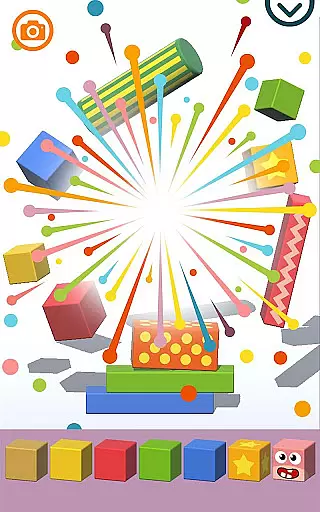
Gamification in learning transforms the educational experience by incorporating game-like elements that motivate and engage students. Pango Kaboom excels in this area by allowing players to set off incredible explosions and fireworks using explosive blocks, making learning a dynamic and engaging process.
Players can perform magnificent chain reactions to destroy structures, experiencing the thrill of 'KABOOM' while simultaneously understanding cause and effect. This interactive approach helps reinforce complex concepts through enjoyable gameplay.
Additionally, character cubes featuring Pango and his friends add an emotional layer to the learning process. These characters are full of expressions that children can relate to and share, further enhancing their connection to the educational content. With features like internal parental controls and no third-party advertising, Pango Kaboom creates a safe and focused learning environment.
Encourages creativity
Develops motor skills
Safe for children
No ads or purchases
Fun chain reactions
Limited to young kids
Simple graphics
No multiplayer mode
Repetitive gameplay
Basic physics only

Stack the States® 2 makes learning US geography fun!
 4.50
4.50
Tracing, phonics & spelling games for toddlers, preschool & kindergarten kids!
4.50
Fun dentist game with Cocobi friends!
4.10
Toddler Learning Games, Learn: Colors, Shapes, Puzzles, ABC ... ►NoAds!◄
4.50
Learn numbers, letters, and shapes playing toddler balloon pop games ►NoAds◄
4.60
Tons of kids safety games, cartoons, and stories are included in one kids app!
4.70
Join Rus and his friends to save Pear Island!
4.0
A fan of cute games? Try animal games & take care of fluffy virtual pets!
4.20
Fun baby games for kids. Play baby piano, musical instruments & nursery rhymes.
4.50
Fun educational jigsaw puzzles for kids and preschoolers.
4.50
Kids math games, abc games for kids 4-5 years old. Kindergarten learning games
4.50
Explore Fantasy Land, get to know the world and create stories!
4.30
Animal games! Adopt virtual pet dog, cat & rabbit to create your pet world!
4.10
Enjoy the fun kid's hospital play game with Cocobi, the little dinosaurs!
4.00
Imagine, build and ride your own Rollercoaster!
3.90
Educational game for children about emergency and other service vehicles
3.80
Clean the messy house & play with cute kitty in this fun cleaning game for kids!
3.70
Play pretend & explore at the doctor's & school in Daniel Tiger's Neighborhood.
3.30
Explore the world of reading and writing with Booker!
4.5


User Reviews