
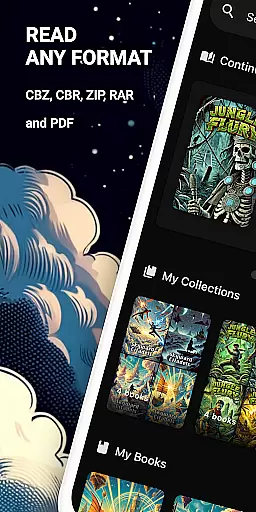
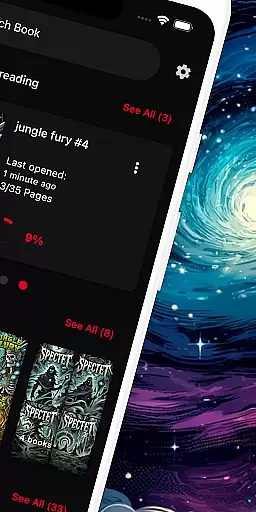
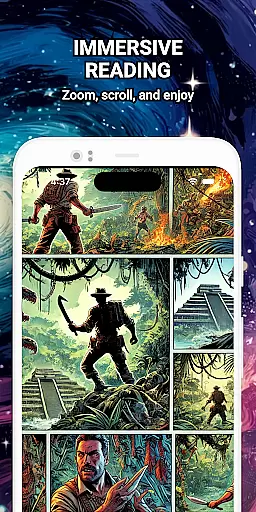
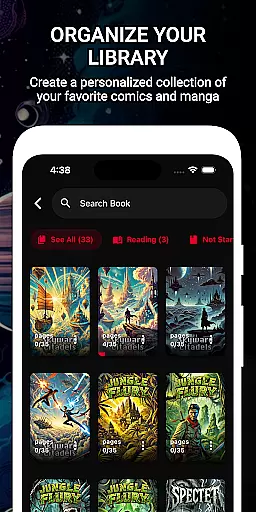
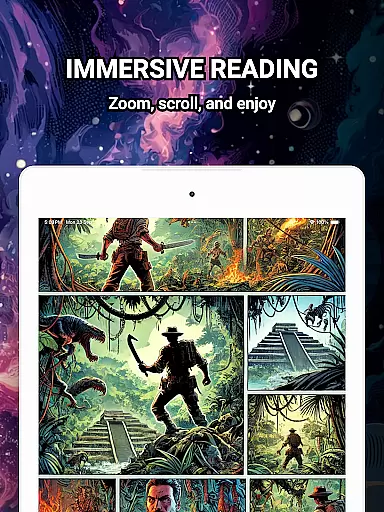
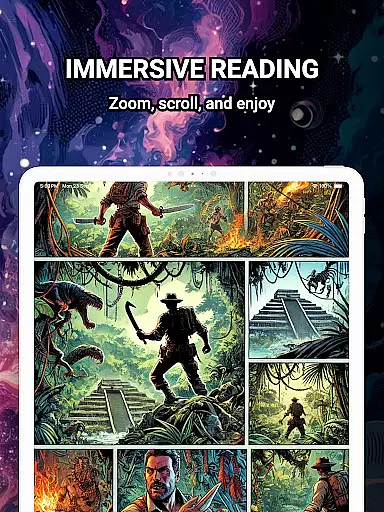
ComiQuest is a feature-rich comic reader app tailored for fans of CBR, CBZ, and PDF formats. It offers an elegant reading experience with smooth navigation and smart library features. Whether you're into graphic novels, manga, or webtoons, this app allows you to organize your collection effortlessly while enjoying a distraction-free environment.
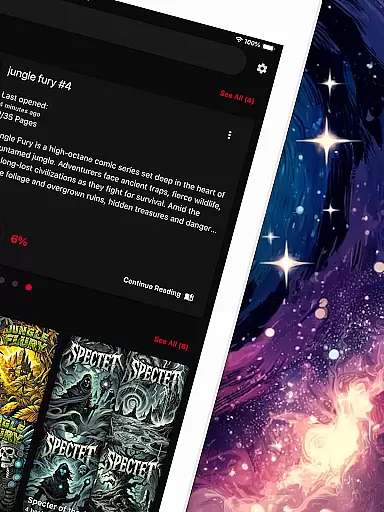
The app supports direct file imports from local storage or USB drives, ensuring seamless access to your favorite comics. With automatic progress tracking and customizable collections, ComiQuest ensures that every user can manage their library efficiently. Its ad-free interface and experimental eye comfort mode further enhance the reading experience, making it ideal for long sessions.
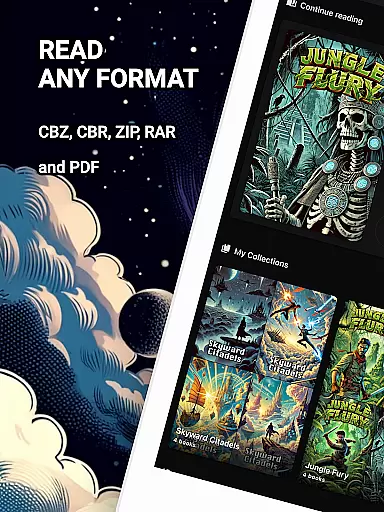
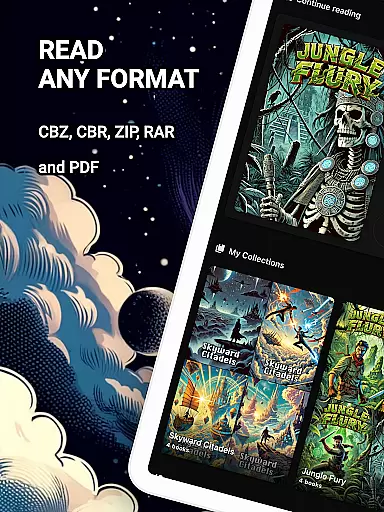
ComiQuest stands out with its comprehensive support for popular comic formats like CBR, CBZ, and PDF, eliminating the need for file conversion. The app's easy file access system lets users import comics directly from their storage devices, streamlining the reading process.
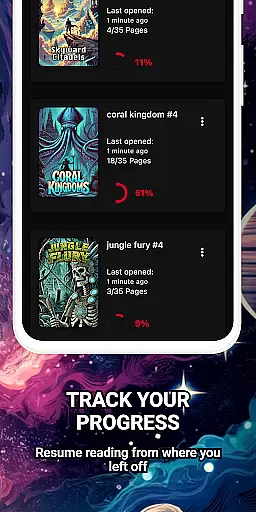
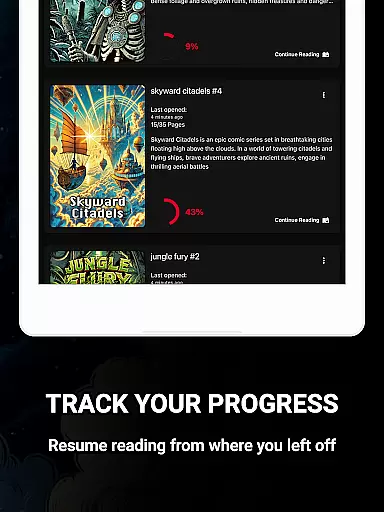
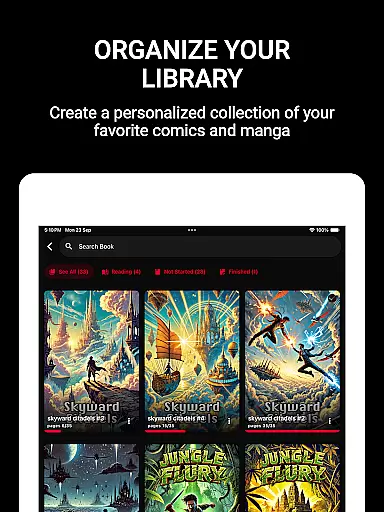
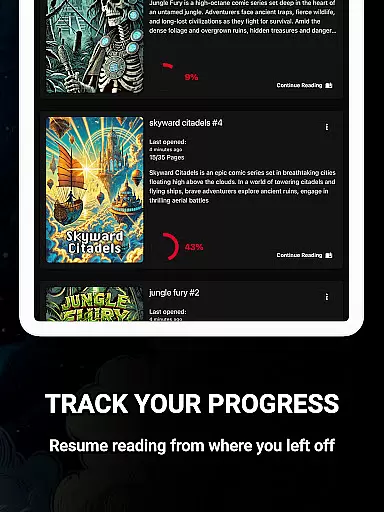
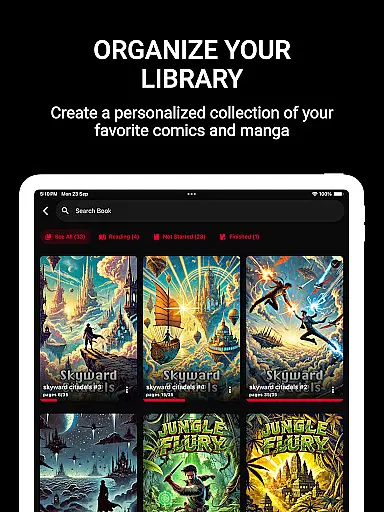
One of the key highlights is its ability to save reading progress automatically, allowing users to pick up where they left off across different titles. Additionally, the app provides tools to organize collections by genre or type, ensuring that even large libraries remain manageable. Premium features include unlimited imports and continuous updates, enhancing the overall functionality.
With its 100% ad-free design and experimental blue light filter for eye comfort, ComiQuest caters to readers who value both performance and usability. These thoughtful features make it a top choice for comic enthusiasts seeking a refined digital reading solution.
ComiQuest offers an extensive comic library that supports multiple formats including CBR, CBZ, and PDF. This ensures that users can access a wide variety of comic book types without the need for conversion or additional apps.
The app allows seamless import of comic books from local storage or USB drives, making it easy to expand your digital collection. Whether you're a fan of graphic novels, manga, or webtoons, ComiQuest provides a comprehensive solution for organizing and enjoying your favorite titles.
With unlimited imports available through the premium version, users can continuously grow their library with no restrictions. The automatic tracking of reading progress for every title adds convenience, ensuring that readers can effortlessly pick up where they left off.
ComiQuest places a strong emphasis on content authenticity by allowing users to directly import their legally acquired comic files. This guarantees that all comics accessed through the app are legitimate copies owned by the user.
The app's support for various file formats like CBR, CBZ, and PDF ensures that users can enjoy their purchased or licensed content in its original form. By eliminating the need for format conversion, ComiQuest preserves the integrity of the original files.
Additionally, the 100% ad-free reading experience underscores the appu2019s commitment to providing a clean and distraction-free environment for enjoying authentic content. Users can trust that their library consists solely of verified and legally obtained materials.
User-friendly interface
Automatic progress tracking
Customizable collections
Ad-free experience
Eye comfort mode
Premium features locked
Limited free imports
No cloud sync
Heavy on storage
Occasional bugs

Draw the comics with glow brushes! Easy and relax!
 4.40
4.40
Read manga, comics, and manhwa
4.3
Your key to unlocking manga and webtoons on the go
3.50
More fun from BOM! Hurry up and do the following self-test, if you meet more than one item, come and experience the brand new world of comics!
3.40
Hot-blooded / Romance / Science Fiction All themes, Smart Recommendation + HD Reading
3.10
Find free mangas in Spanish
4.70
Catalog your collection. Just scan covers with your device camera. (US $20/yr)
4.80
Comic Book Identifier Value - Scan comics & prices. Your comic book price guide!
4.50
The largest manga, comics, and manhwa community with millions of fans!
4.50
See the newest comic book releases and manage your comic collection or pull list
4.70
File management and show images, comics and pictures in compressed cbr, pdf file
4.70
100k comics, manga & webcomics, including Batman, Invincible, Hellboy & more
4.60
Discover manga stories & stream anime series with unlimited entertainment access
4.40
The fastest and most convenient comic book reader - comics of all formats
4.40
Alpha Manga is a Japanese manga app where you can read isekai manga.
4.10
Arabic manga reader
4.00
MangaRise - Your Manga and Manhwa Companion
3.90
AsuraScans read manga, manhua, manhwa, and webtoon
3.90
Anime TV App: Watch all anime online,anime tv subtitles online with big anime tv
3.80


User Reviews