
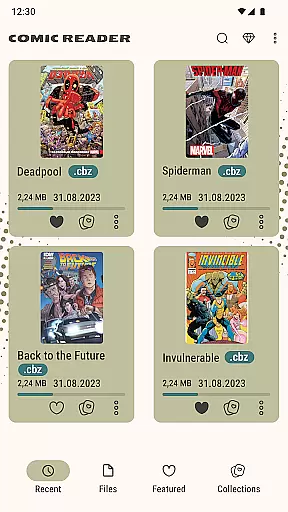
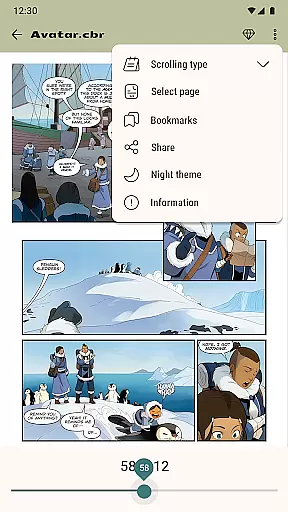
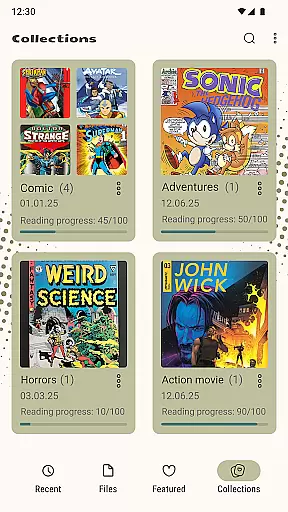
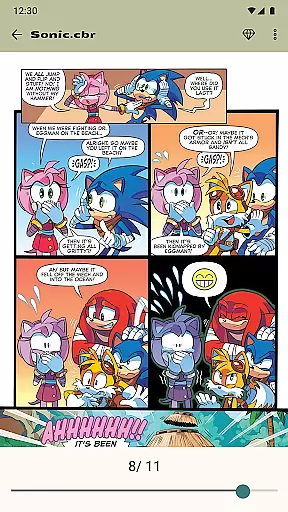
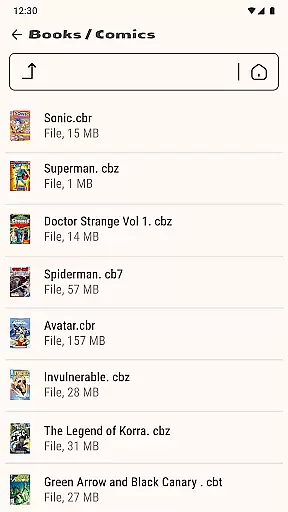

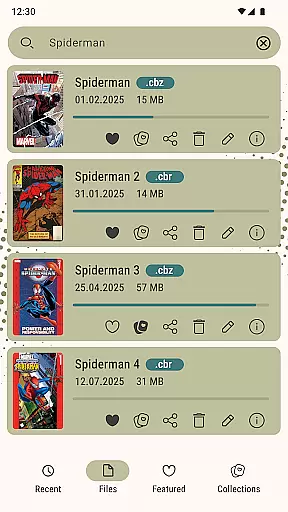
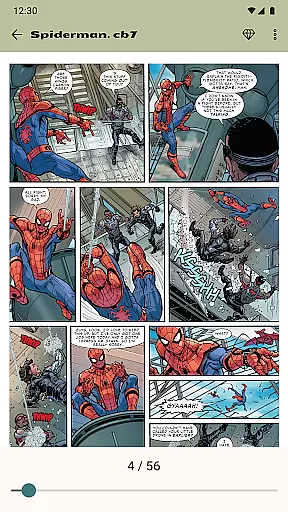
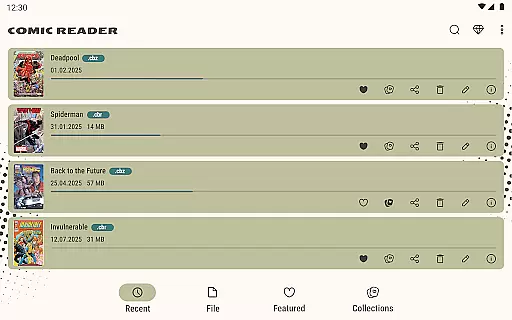
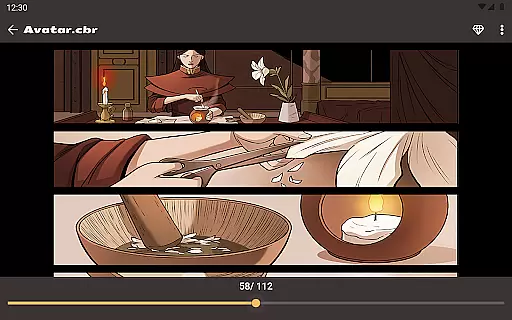
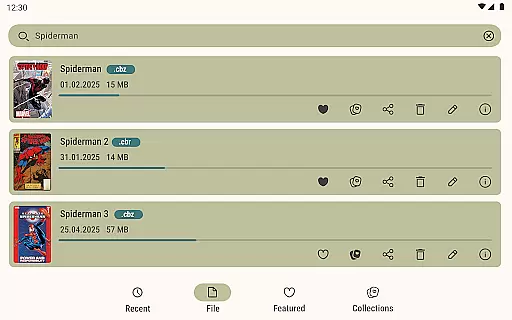
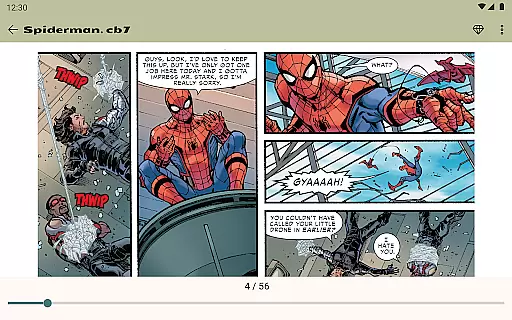
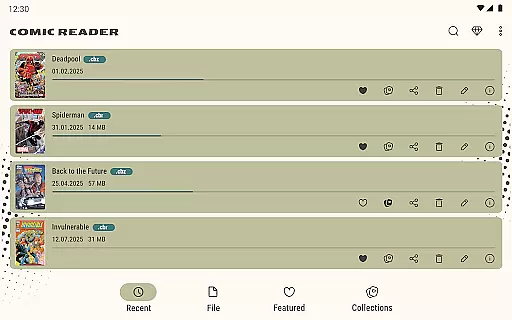
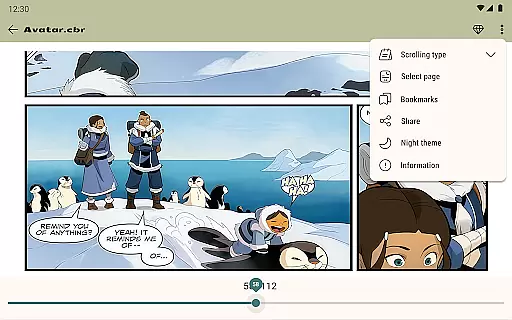
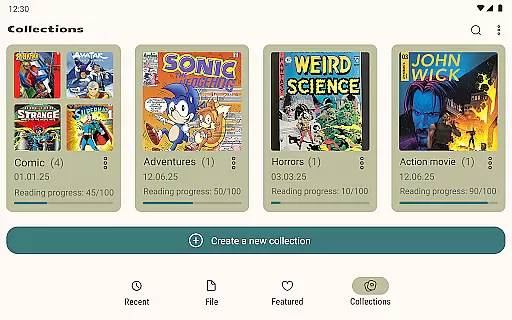
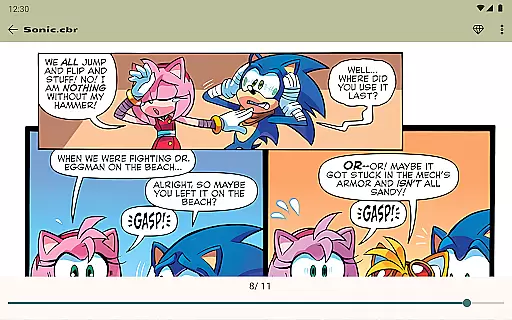

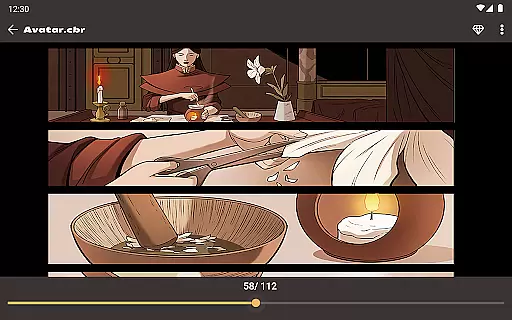
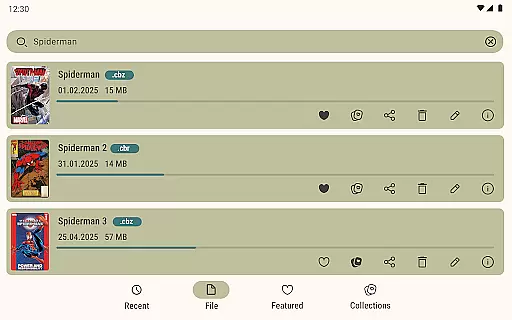
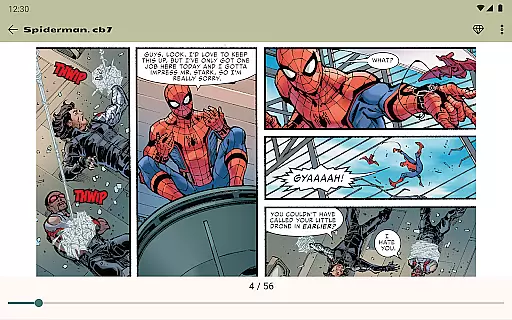
Comic Book Reader is a versatile offline comic and manga reader that supports multiple popular formats including CBR, CBZ, CB7, CBT, JPEG, PNG, and GIF. Designed for comic enthusiasts who value portability and accessibility, this app allows users to enjoy their favorite comics without an internet connection.
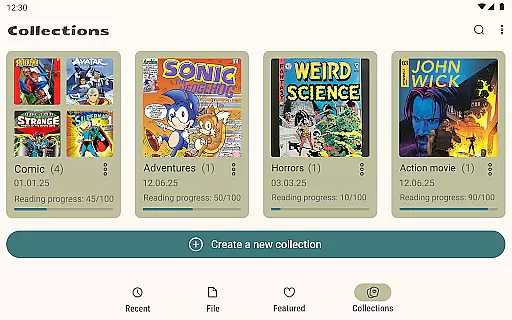
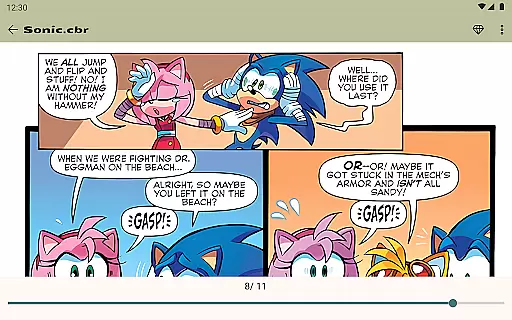
The application stands out with its user-friendly features such as instant loading, reading progress saving, dual day and night modes for comfortable reading, and a built-in file manager for easy organization. Whether you're commuting or traveling, Comic Book Reader ensures your reading experience remains uninterrupted and enjoyable.
Comic Book Reader offers a comprehensive set of features tailored for comic lovers. The app's full offline support makes it ideal for situations where internet access is limited, such as during travel or in areas with poor connectivity.
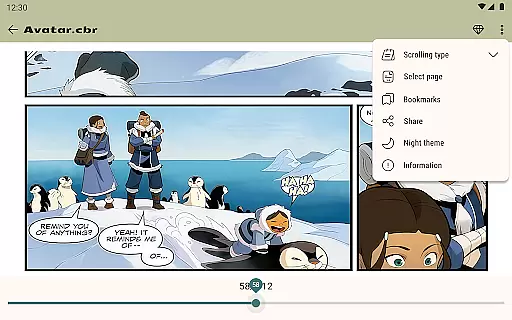
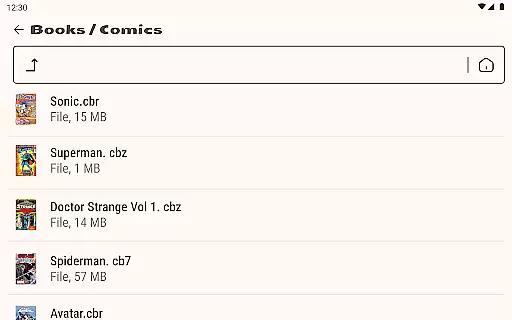
With functionalities like page zoom, bookmarks, and the ability to jump to any page by number, users can customize their reading experience to suit their preferences. Additionally, the built-in file manager allows users to add, rename, delete, and share files directly from the app, enhancing convenience and control over their comic library.
Another notable feature is the ad removal option through a one-time purchase, providing an uninterrupted reading experience. These robust features collectively ensure that Comic Book Reader remains a top choice for managing and enjoying digital comics.
Comic Book Reader offers an extensive library that supports all major comic formats including CBR, CBZ, CB7, CBT, JPEG, PNG, and GIF. This ensures users have access to a wide variety of content without limitations.
The application's compatibility with multiple formats allows readers to enjoy comics, manga, graphic novels, and magazines. With instant loading capabilities, users can swiftly browse through their collection regardless of the file type.
One of the standout features is the offline support which makes it perfect for travel or areas with no internet connectivity. Users can download their favorite titles beforehand and indulge in uninterrupted reading sessions.
Additionally, the built-in file manager enhances user experience by allowing them to add, rename, delete, and share files directly within the app. This comprehensive functionality ensures that Comic Book Reader caters to diverse user needs effectively.
Comic Book Reader places a strong emphasis on content authenticity and licensing. By supporting legitimate file formats like CBR and CBZ, the app encourages users to access legally obtained comics and manga.
Users can be confident in the legitimacy of their library as the app does not impose restrictions on personal files. The ability to manage and organize these files via the built-in file manager further reinforces the importance of maintaining authentic collections.
Moreover, the app provides options to remove ads with a one-time purchase, ensuring that users are not bombarded with intrusive advertisements while enjoying licensed content. This approach respects both creators' rights and reader experience.
For any issues or inquiries regarding content authenticity, users can reach out to the support team at help.atools@gmail.com. Their prompt response guarantees that any concerns related to licensing are addressed efficiently.
User-friendly interface
Offline functionality
Multiple format support
Instant loading speed
Customizable reading modes
Limited to comic formats
No cloud sync feature
Ads in free version
Basic file management
No advanced search options

Comic Scanner - Book Value - Identify and sell your comic collection with AI.
 3.80
3.80
Comic Book Identifier Value - Scan comics & prices. Your comic book price guide!
4.50
Read and track manga across the web with ease
4.90
Read official webcomics, webtoons, Korean manga & webnovels
3.70
Comics and stories from Japan
4.60
Read comics & manga
4.70
Kodansha official Manga app
4.30
+Not your everyday comic. Everyday.
3.50
Crunchyroll Manga—unlimited, uninterrupted reading with offline access & more!
4.50
This application will enable donated users only function in Perfect Viewer.
4.90
Catalog your collection. Just scan covers with your device camera. (US $20/yr)
4.80
The most popular comic book reader.
4.80
Artists wanting to use decent hand reference on the go, this app is for you!
4.70
Free Comic Book Collection Management & Price Guide
4.60
The ultimate app for comic lovers
4.50
매일 매일 새로운 네이버 웹툰
4.50
Pose Tool 3D for the Artists, create any human figure pose quickly for your art.
4.00
Instantly create comic-style art with AI.
3.90
Goat sound simulator. This app makes for fun.
4.1


User Reviews