
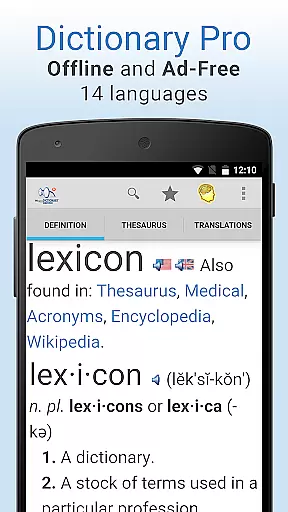
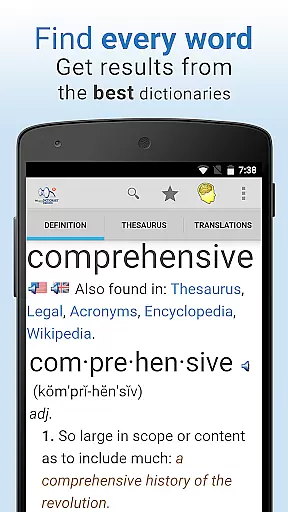
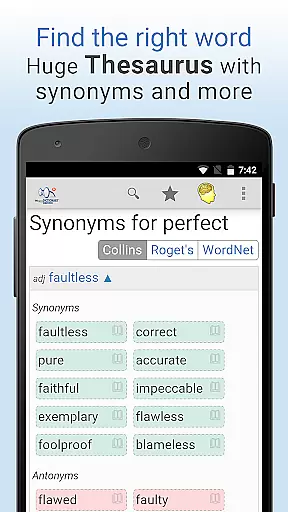
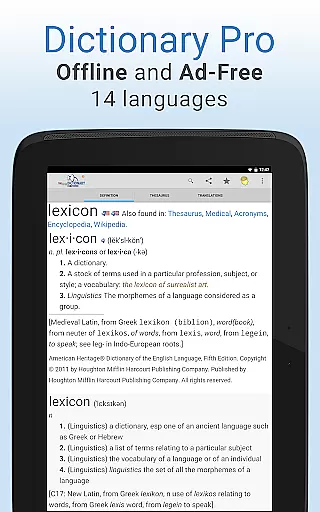
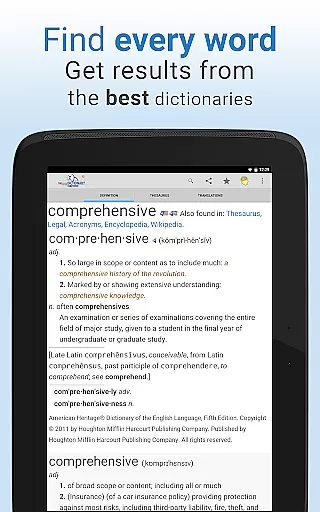
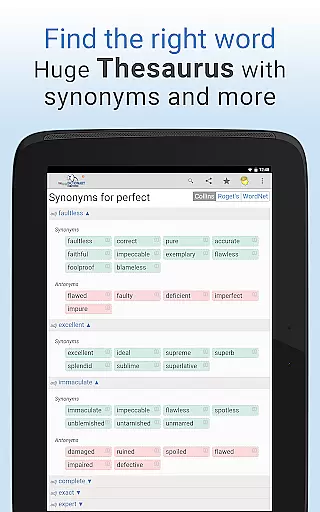
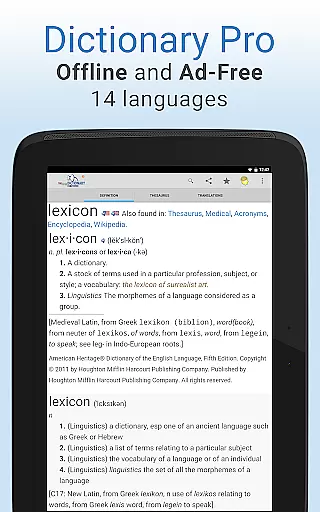
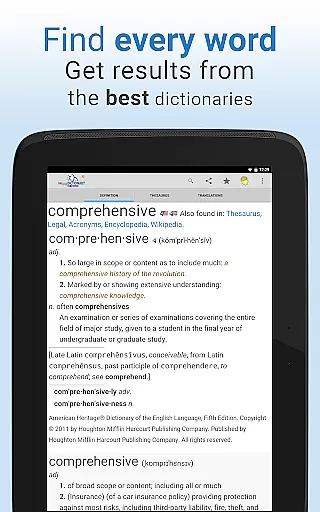
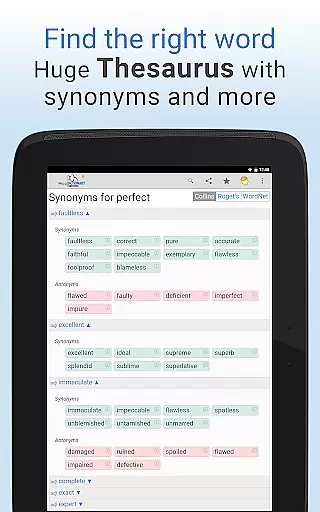
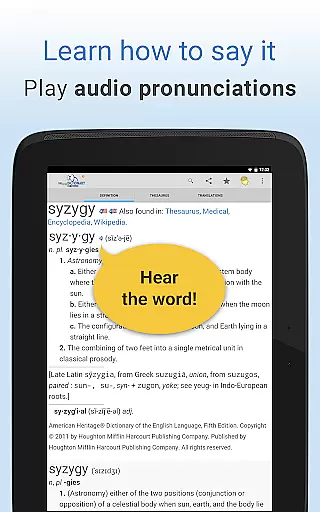
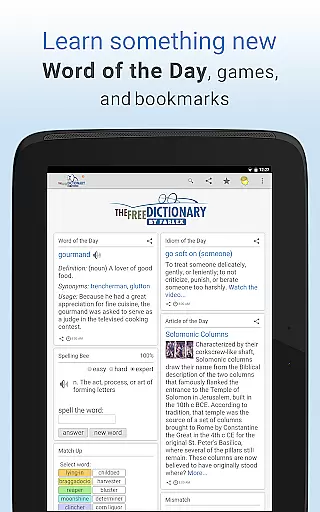
Dictionary Pro is the premium version of The Free Dictionary app, offering an extensive offline dictionary and thesaurus experience without any advertisements. This application provides users with a vast English offline dictionary and thesaurus, alongside offline dictionaries in 13 other languages and translations into over 40 languages. It includes content from top publishers such as Webster's Dictionary, Roget's Thesaurus, and The American Heritage Dictionary, among others.
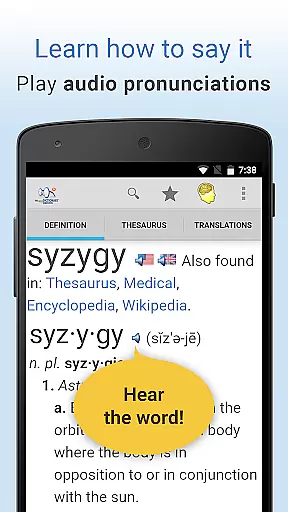
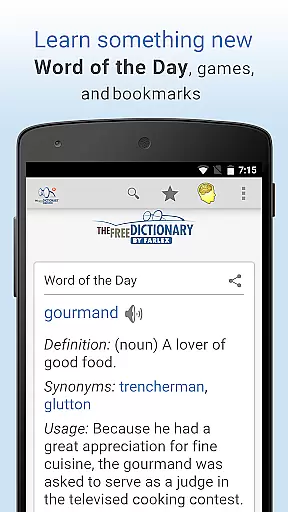
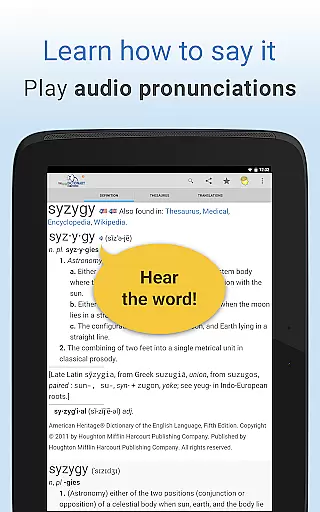
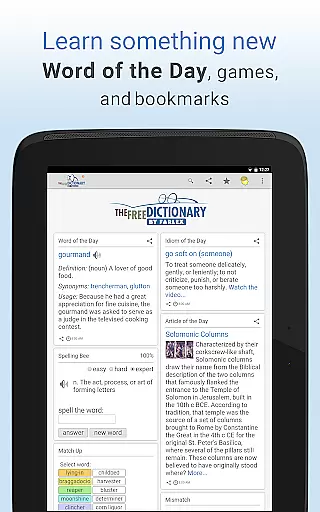
In addition to its core offerings, Dictionary Pro enriches user learning through detailed definitions, example sentences, audio pronunciations, and daily educational content like Word of the Day. Its specialty dictionaries cover fields such as medical, legal, science, and financial terminology. Users can also enjoy idioms videos, word games, and multilingual navigation, making it an indispensable tool for language learners and professionals alike.
Dictionary Pro stands out with its comprehensive features designed for ease of use and in-depth exploration. The app supports voice search functionality, allowing users to simply speak the word they wish to look up. It offers the ability to save bookmarks and sync them across all devices, ensuring seamless access to frequently referenced terms.
Advanced search options enable users to jump directly to definitions, thesaurus entries, or translations with a single button press. Customization options allow personalization of the homepage, including font size adjustments and the addition or removal of articles and games. Furthermore, Dictionary Pro facilitates sharing favorite words via social networks, email, or text, enhancing collaborative learning experiences.
Dictionary Pro offers an extensive e-book library that includes over 100 dictionaries and encyclopedias from trusted publishers such as McGraw-Hill and Cambridge University Press. This vast collection ensures users have access to authoritative content across various fields including medical, legal, science, and financial terminology.
The app guarantees copyright authenticity by partnering directly with these reputable publishers. Users can be confident that the content they access is legally obtained and accurately represents the original publications. This level of authenticity is crucial for professionals and students who rely on precise information.
With offline access to this comprehensive library, users benefit from a reliable resource that does not require constant internet connectivity. Whether traveling or in areas with limited connectivity, Dictionary Pro remains a dependable tool for research and learning.
One of Dictionary Pro's standout features is its exceptional format compatibility. The app supports multiple languages and provides translations into more than 40 languages, making it an invaluable tool for non-native English speakers and language learners. This multilingual support extends to its user interface, which can be navigated in over a dozen languages.
In addition to linguistic versatility, Dictionary Pro allows users to customize their experience through adjustable font sizes and personalized homepages. These customization options ensure that users with different preferences and needs can tailor the app to suit their individual requirements.
Furthermore, Dictionary Pro integrates seamlessly with other apps via API calls, allowing developers to incorporate its rich dictionary functionalities within their own applications. This interoperability enhances the overall utility of Dictionary Pro, positioning it as a versatile reference tool in diverse digital environments.
Completely ad-free environment
Extensive offline content availability
Voice search capability
Customizable home screen layout
Multilingual interface support
Premium version comes at a cost
Occasional syncing issues reported
Limited interactive features for beginners
Heavy app size due to offline data
Some advanced features require learning curve

Guide for dōTERRA® Products
 3.60
3.60
Flora of Virginia Project (www.floraofvirginia.org)
5.00
Plan of Life that Saint Josemaría recommended
4.80
Improve your vocabulary and grammar with the 15 biggest Oxford Dictionaries.
4.30
Discover Stars and Planets: Live Map Shows Current Constellations in Full Detail
4.70
Read and study the Bible and other content in over 1,000 languages.
4.80
Learn Electricians' Handbook PRO complete guide beginners to advance.
4.40
Premium reader for ePub, PDF, and more. TTS and translation. Great on any screen
3.50
Liturgy of the Hours and Mass for every day of every year. No Internet needed!
5.00
"When tweetle beetles fight, it's called a tweetle beetle battle."
4.90
The Original Tropical Freshwater Aquarium Fish And Plant Care Guide
4.80
Bible, Catechism, Study, Saints, Mass Readings, Rosary, Prayer, Bible in a Year
4.80
Universal Zoom, learn about sizes & distances of the universe and microcosmos
4.80
Read the Quran in Arabic alongside its translation, with color coded Tajweed.
4.50
Pretty Moon information App with Complications and Tile
4.30
Read the romance stories on the go. Take my breath away, The Spoiled Girl
4.30
All in one Calibre libraries on your phones and tablets.
3.80
Novels, audiobooks, ebooks & fanfiction. Read anytime, anywhere!
3.40
Sea tide predictions for all coastal U.S. locations.
4.2


User Reviews