
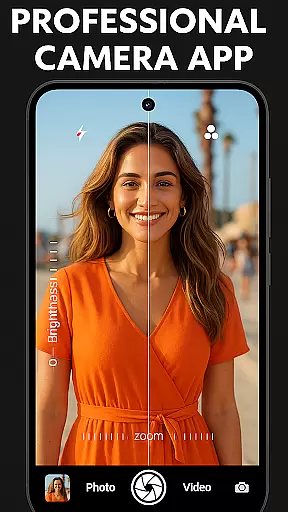
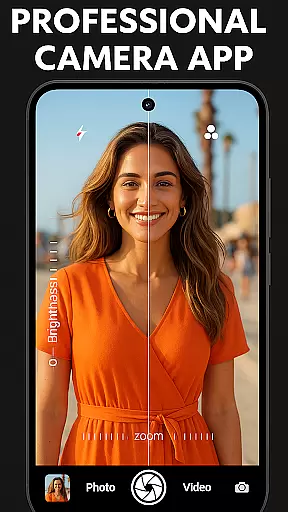
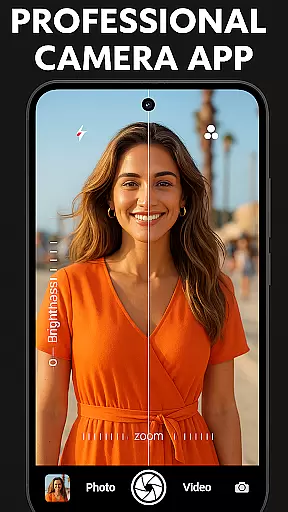

DSLR HD Camera is a professional-grade mobile photography app that transforms your smartphone into a powerful camera tool. Designed for both amateur and professional photographers, this application offers advanced features typically found in high-end DSLR cameras. The app supports 4K video recording and high-resolution image capture, making it perfect for capturing life's important moments with exceptional clarity.
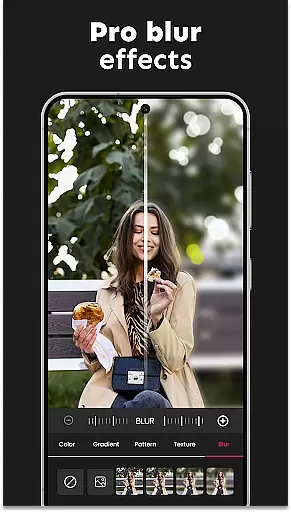
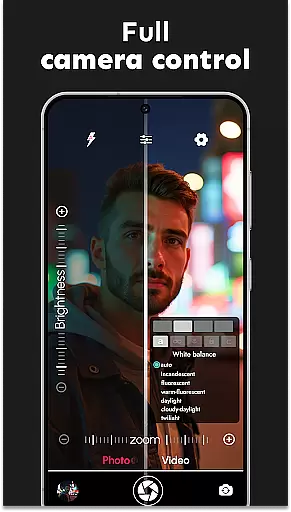
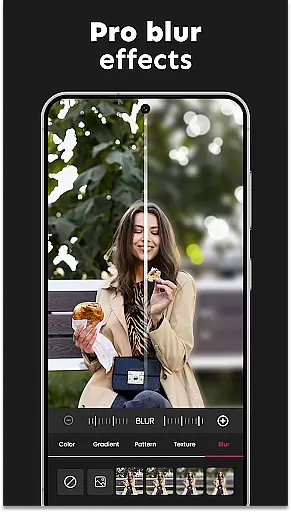
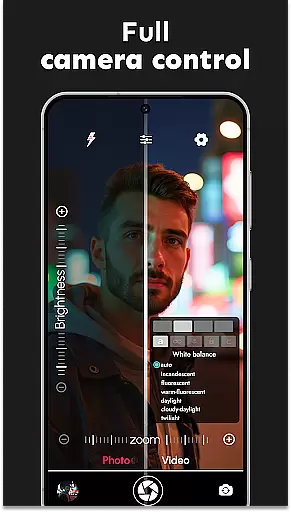
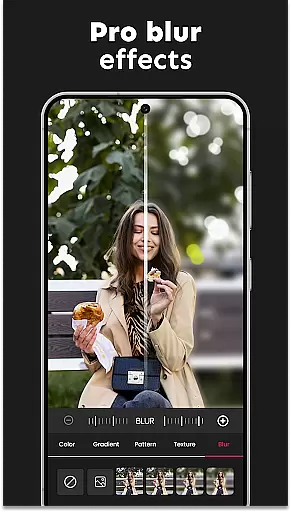
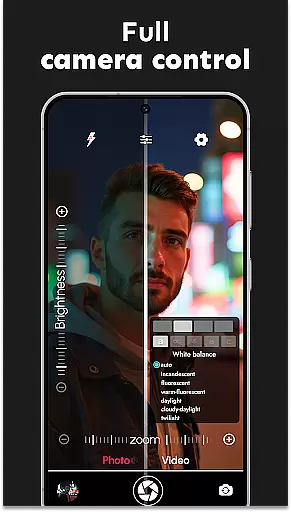
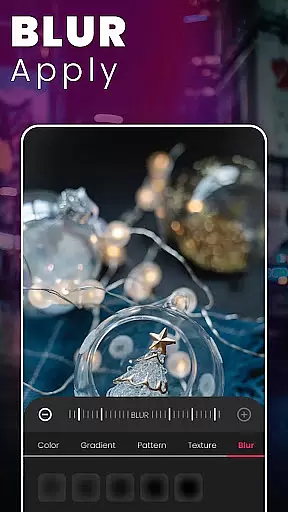
One of the standout features is the Ultra Blur Effect, which allows users to create stunning portraits by effortlessly blurring backgrounds while keeping the subject in sharp focus. With intuitive controls for adjusting settings like white balance, exposure compensation, and zoom, users can customize their photography experience. Whether you're taking quick selfies or capturing breathtaking landscapes, DSLR HD Camera provides all the necessary tools to produce professional-quality images.
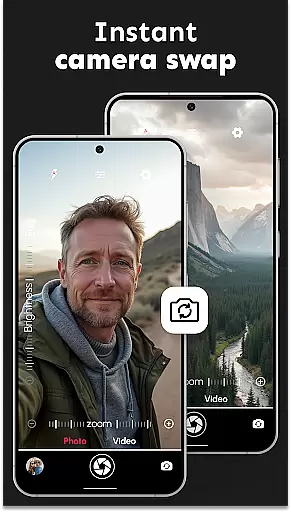
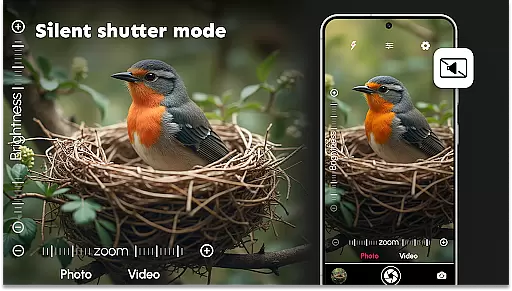
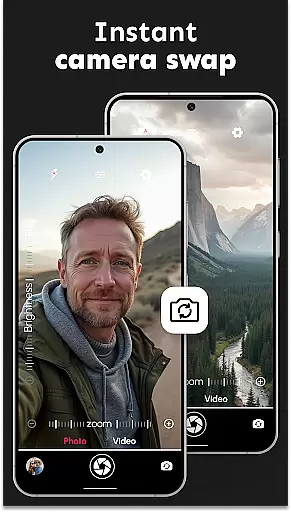
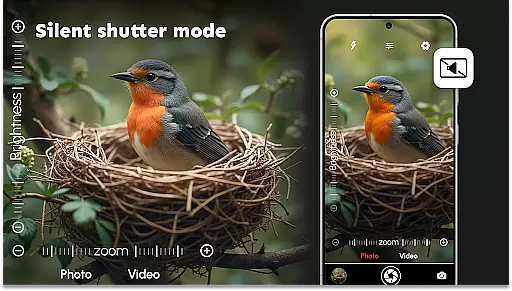
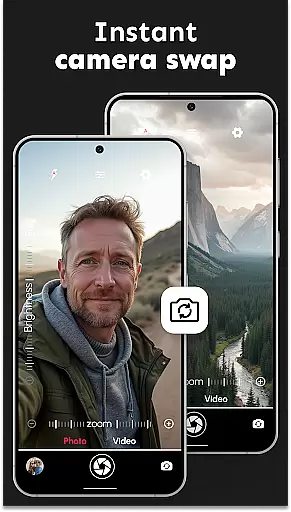
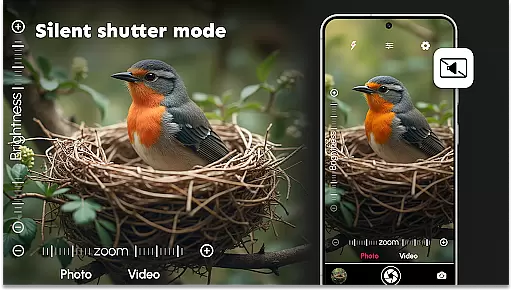
The app's versatility extends to its multi-touch gesture controls and silent shutter option, making it suitable for discreet photo sessions. Its ability to switch between front and rear cameras seamlessly adds convenience to portrait and group shots alike. For those seeking to elevate their mobile photography game, DSLR HD Camera delivers an unmatched combination of functionality and ease of use.
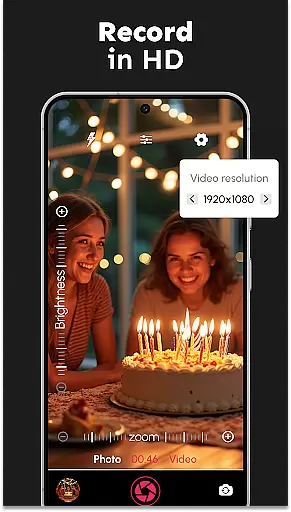
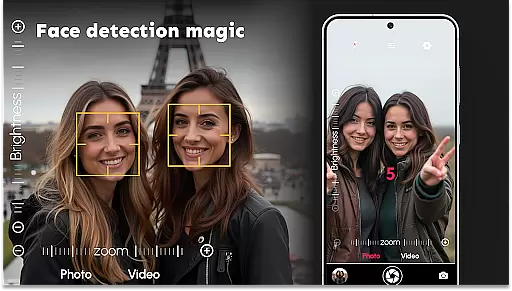
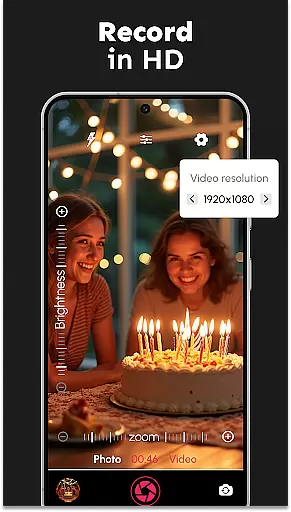
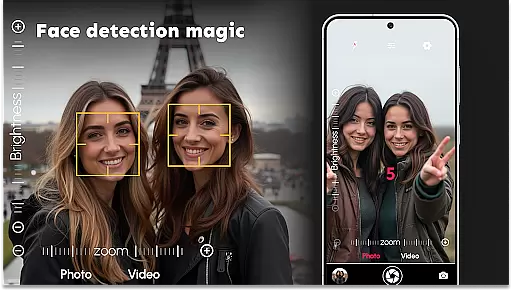
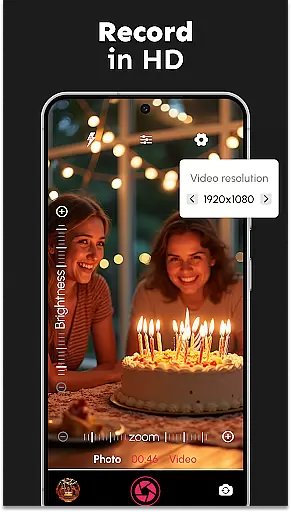
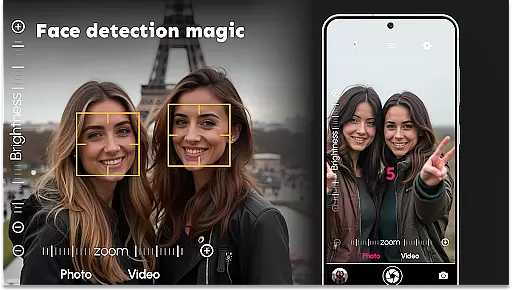
DSLR HD Camera stands out with its comprehensive suite of professional features designed to enhance mobile photography. The app supports ultra-high-definition 4K video recording and captures photos in stunning 1080p resolution, ensuring every detail is preserved. Advanced face detection technology ensures crisp, clear shots even in challenging lighting conditions, while the adjustable blur editor lets users fine-tune background effects for artistic portraits.
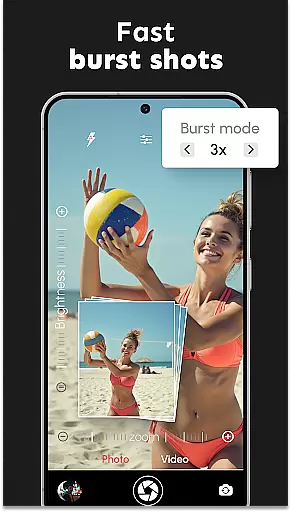
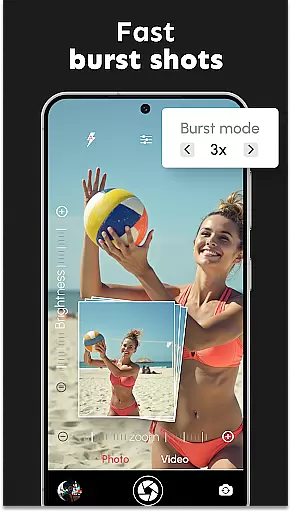
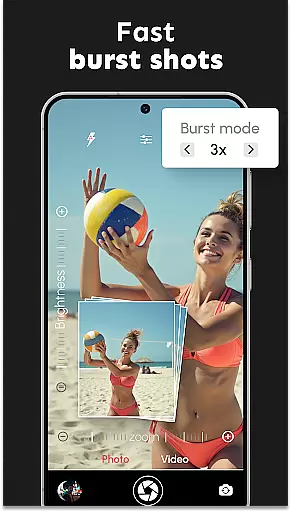
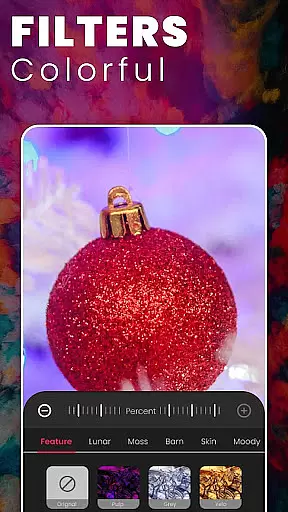
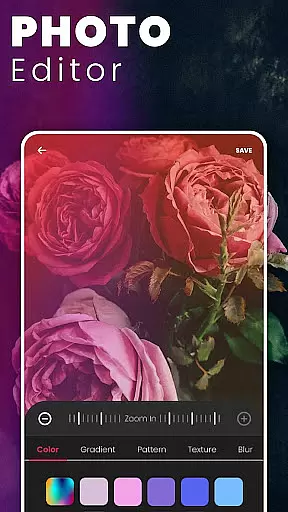
Photographers will appreciate the app's customizable settings, including options for color effects, scene modes, and exposure compensation. The burst mode feature allows capturing fast-action sequences with configurable delays, perfect for sports or wildlife photography. Additionally, the remote control timer with audio countdown makes group photos effortless, while the multi-touch gesture controls provide smooth zooming capabilities.
Other notable features include a silent shutter option for discreet shooting, support for multiple video resolutions, and precise zoom keys for detailed compositions. These robust functionalities make DSLR HD Camera an indispensable tool for anyone looking to achieve professional-level results directly from their smartphone. Whether you're an aspiring photographer or a seasoned pro, this app offers everything needed to take your mobile photography to the next level.
In the realm of mobile photography, having access to detailed information about camera functions and settings is crucial. DSLR HD Camera offers an extensive product database that dives deep into the specifics of mobile photography. This includes comprehensive details on resolution options, ranging from standard 1080p to stunning 4K quality captures.
Users can explore a variety of features such as face detection, adjustable DSLR settings, and multiple scene modes. Each feature is accompanied by clear descriptions, ensuring users understand how to optimize their photo-taking experience. The app also provides insights into white balance adjustments, exposure compensation, and color effects, empowering users to fine-tune every aspect of their shots.
The value of this depth is evident in the enhanced control it gives photographers over their final images. Whether adjusting zoom levels with precision or configuring burst mode delays for action shots, users gain the ability to capture exactly what they envision. This level of detail transforms a smartphone into a versatile tool capable of professional-grade photography.
Personalization is at the heart of creating a seamless photography experience, and DSLR HD Camera excels in delivering precise customization options. The app allows users to tailor their camera settings to match specific needs, whether shooting quick selfies or capturing expansive landscapes. With multi-touch gesture controls for smooth zooming and remote timer functionalities, each feature is designed to adapt to individual shooting styles.
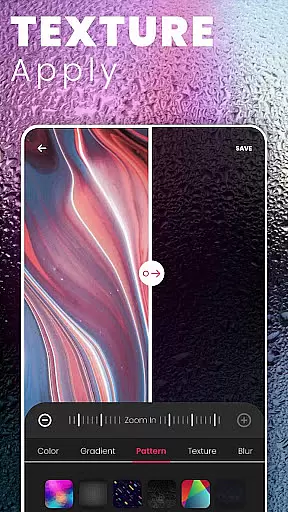
One standout aspect is the ultra blur effect, which lets users effortlessly blur backgrounds while keeping subjects in sharp focus. The intuitive blur editor provides adjustable intensity levels and brush sizes, enabling detailed edits that enhance portrait shots or artistic compositions. This personal touch ensures that every photograph reflects the photographer's unique vision.
By offering personalized settings like exposure compensation, scene modes, and silent shutter options, DSLR HD Camera caters to both amateur and seasoned photographers. These features not only improve the quality of photos but also streamline the process, making it easier than ever to achieve polished results with minimal effort.
User-friendly interface
High-quality 4K video
Advanced blur effects
Customizable settings
Professional-grade filters
May drain battery quickly
Some features are complex
Requires good hardware
Occasional lag issues
Premium version costs

Enjoy convenience wherever you are with the Tune Up, The Manly Salon app.
 3.20
3.20
True mirror app with zoom, LED light, for makeup & shaving anywhere!
4.20
The mirror app you were looking for, simple and easy to use. Try Mirror now.
4.60
Beauty camera & Selfie camera for perfect selfie with filter, sticker, makeup
4.70
HD Camera, Selfie Camera, Camera filters, is a fully featured 4K camera
4.60
Book beauty salon, hair or health and wellness experiences in an instant
4.90
Beauty Camera & Selfie Camera snap Beauty selfie with filter, makeup, stickers
4.80
For businesses, Booksy Biz allows you to manage your schedule & more on the go.
4.60
Mirror app that shows your image with photo editor, zoom and light!
4.70
Beauty Camera - Selfie Camera with beauty editing tool, makeup, filter, sticker
4.60
Transform your sweet selfies with Selfie Beauty Camera Filters And Effects!
4.60
Beauty camera for perfect selfie with makeup, sticker and filter
4.50
Beauty camera to take nature selfie with photo filter. Photo makeup face editor.
4.50
Beauty Camera - Selfie Camera with sweet selfie, makeup, filter, sticker, editor
4.50
This application is for the Luvme Hair official website: shop.luvmehair.com .
4.30
Never run out of your go-to beauty & get 5% off with auto-replenish deliveries!
4.00
Change your hairstyle and color instantly with AI-powered virtual makeovers.
3.90
This barber game allows you to create and design hair styles on diverse people
3.80
Color haircut changer style on
3.30


User Reviews