
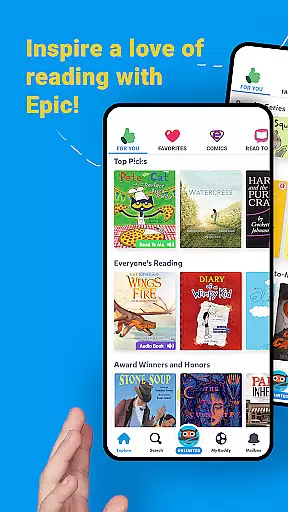
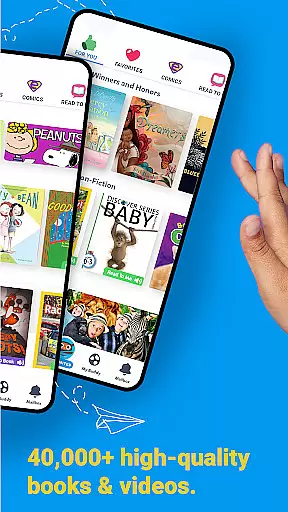
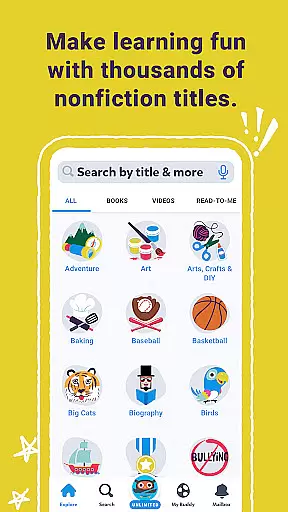
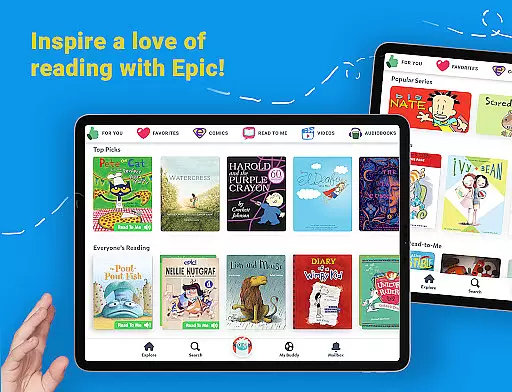
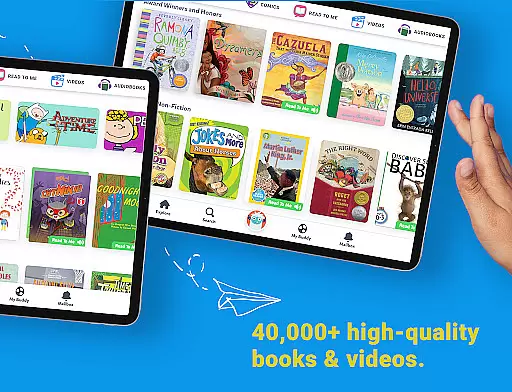
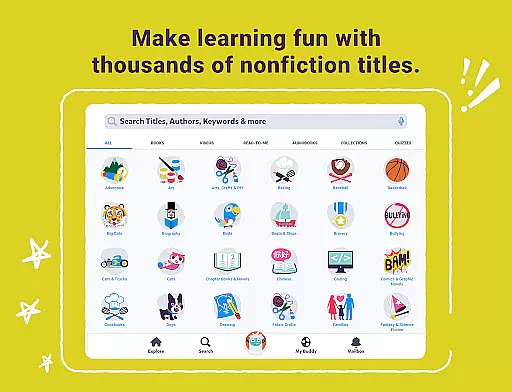
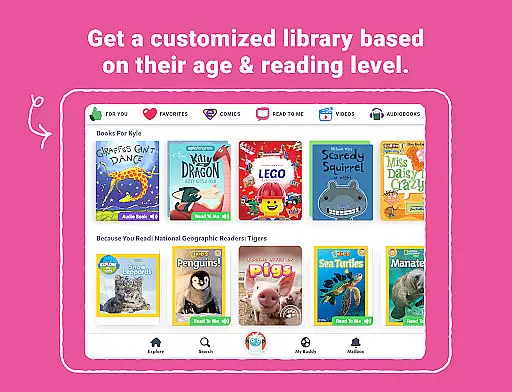
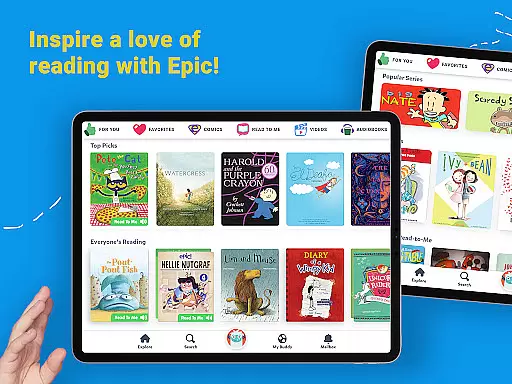
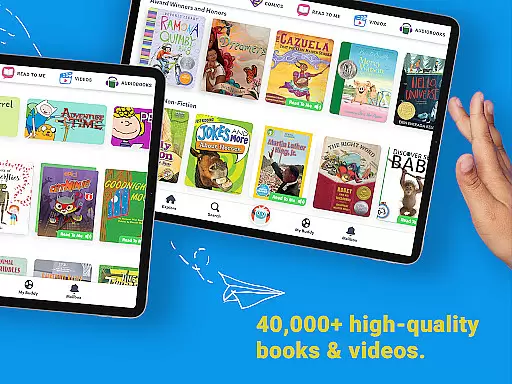
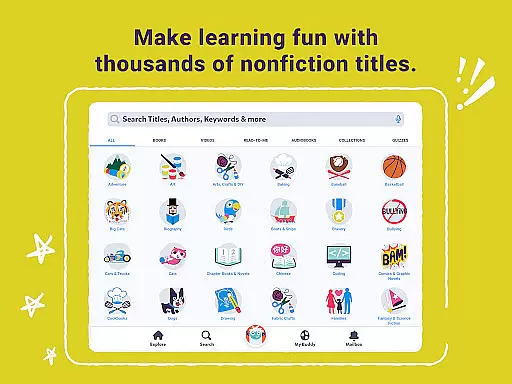
Epic is a leading digital library application designed specifically for children, offering an extensive collection of over 40,000 books, audiobooks, and educational videos. This interactive reading app provides a safe environment where kids can explore their interests freely, fueling their curiosity and boosting reading confidence.
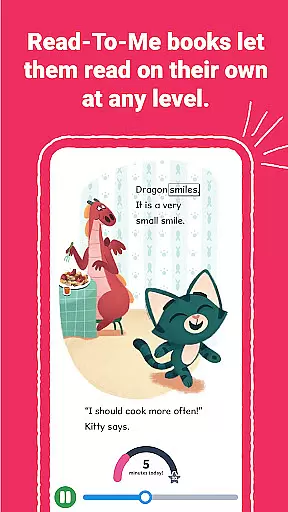
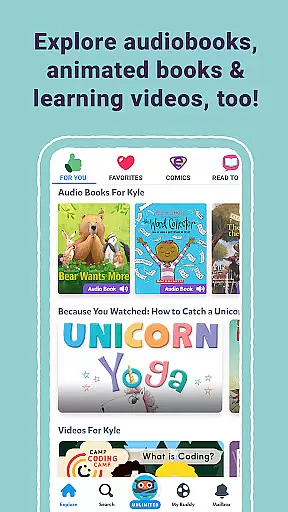
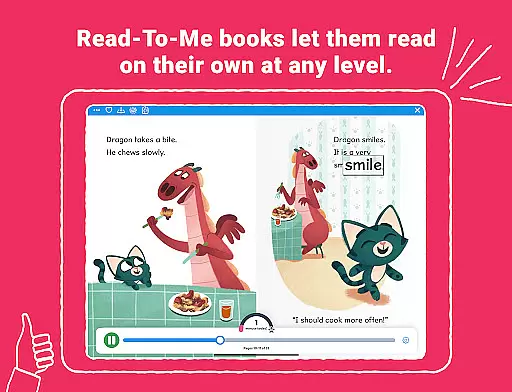
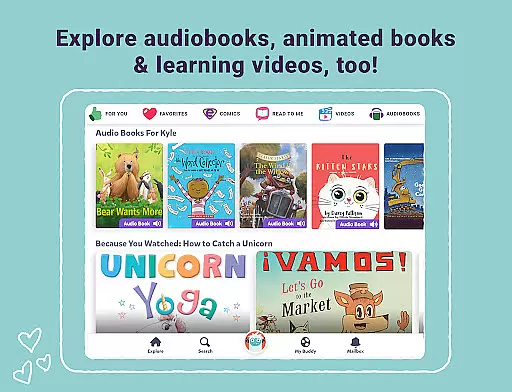
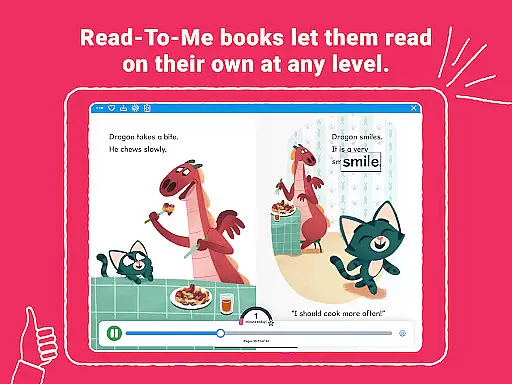
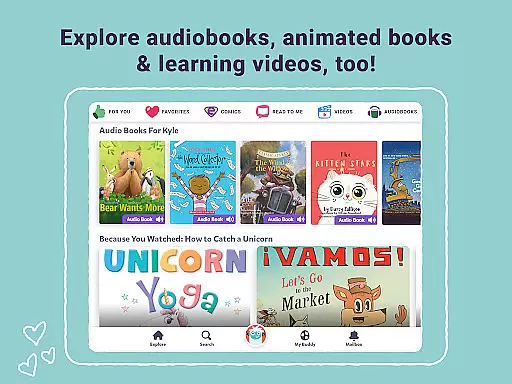
Available on all Apple devices, Epic allows access to its vast library anytime, anywhere. The app supports offline reading by enabling book downloads. It features Read-To-Me books and audiobooks with professional narration, music, and sound effects that bring stories to life. Additionally, it offers multilingual support including Spanish, French, and Chinese books, catering to diverse backgrounds.
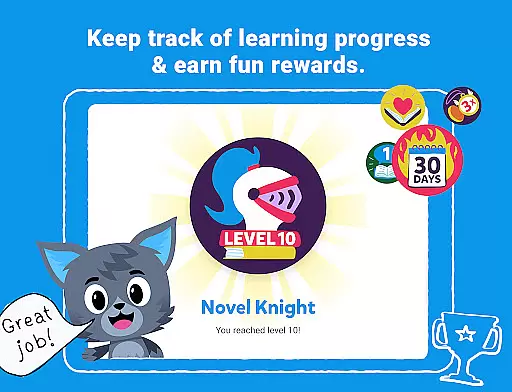
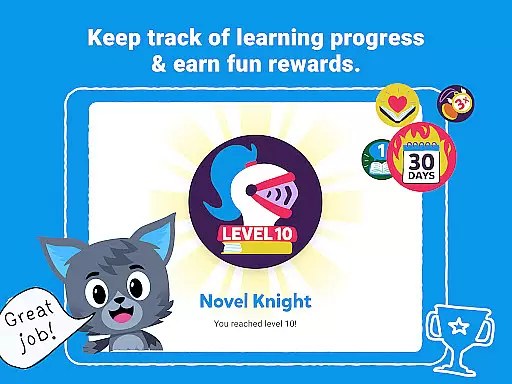
The app incorporates engaging learning tools such as Reading Buddies, badges, quizzes, Spotlight Words, and an audio-enabled Dictionary Lookup to enhance vocabulary and pronunciation skills. For families, Epic Family offers personalized reading experiences with up to four child profiles and a parent dashboard. For educators, Epic School provides free access during school hours with ELA tools and tracking capabilities.
Epic stands out with its comprehensive library of more than 40,000 titles, including traditional ebooks, Read-To-Me books, and audiobooks. These resources are brought to life through professional voice actors, captivating music, and immersive sound effects, creating an engaging reading experience for children.
The app's multilingual feature supports English, Spanish, French, and Chinese books, making it accessible to readers from various linguistic backgrounds. Its unique learning tools like Reading Buddies, badges, quizzes, Spotlight Words, and Dictionary Lookup not only motivate kids to read but also help in building essential language skills.
Epic Family offers a subscription model with personalized child profiles and a parent dashboard to monitor progress. Meanwhile, Epic School caters to educators with free access during school hours, providing ELA tools, quizzes, and the ability to assign books while tracking student reading habits. Both versions aim to improve reading skills and make learning enjoyable.
In the realm of digital libraries for children, content accuracy and authority are paramount. Epic addresses this by offering a vast collection of over 40,000 books, audiobooks, and learning videos that have been carefully selected to fuel curiosity and reading confidence. The inclusion of multilingual books in English, Spanish, French, and Chinese ensures that young readers from various backgrounds can engage with content that is both culturally relevant and linguistically appropriate.
The app's dedication to authoritative content is further demonstrated through its ELA Tools, which allow titles to be filtered by Accelerated Reader levels, DRA, Fountas and Pinnell, grade level, and more. This meticulous categorization helps maintain high standards of educational relevance and appropriateness. Additionally, features like Dictionary Lookup and Spotlight Words not only enrich vocabulary but also ensure correct pronunciation and understanding, reinforcing the credibility of the educational material provided.
Moreover, Epic has garnered endorsements from educators, as evidenced by the statistic that 9 out of 10 Epic Educators would recommend the platform to colleagues. Such peer validation underscores the trust placed in Epic's content by professionals who understand the importance of authoritative educational resources. With these comprehensive measures in place, parents and educators can feel confident that the content accessed through Epic is both accurate and beneficial for young learners.
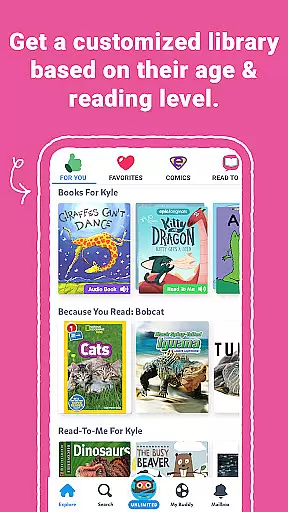
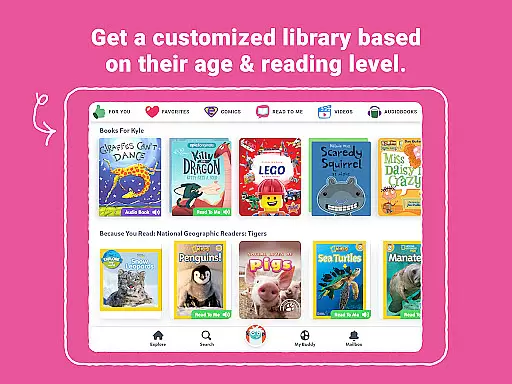
Epic excels in creating personalized learning paths for each child, ensuring an engaging and tailored educational experience. By allowing up to four child profiles per subscription, the app enables a customized journey where individual interests and reading levels dictate the selection of materials. This personalization extends to the app's ability to adapt to different languages, making it inclusive for non-English speaking households and promoting literacy across diverse linguistic landscapes.
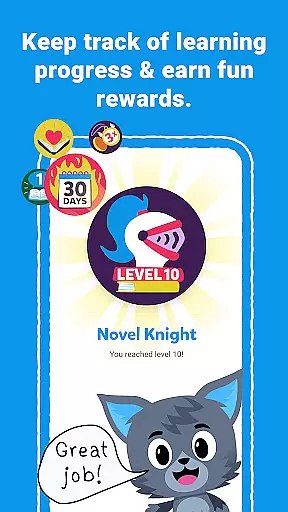
The app incorporates interactive elements such as Reading Buddies, badges, and quizzes, which serve as motivational tools to keep children invested in their learning process. These gamified aspects encourage regular engagement while subtly guiding users along their unique learning trajectories. Furthermore, the Parent Dashboard provides invaluable insights into each childu2019s progress, enabling caregivers to monitor development and offer support where needed.
Educators also benefit from Epicu2019s personalized approach through features like Daily 20, which allows teachers to assign and share books easily, thereby tracking daily and weekly reading habits. This feature supports the creation of bespoke learning plans within classroom settings, adapting to individual student needs. With such robust personalization capabilities, Epic ensures that every childu2019s learning path is as unique as their fingerprint, fostering a love for reading and continuous learning.
User-friendly interface
Extensive content library
Multilingual support
Engaging learning tools
Offline reading capability
Subscription cost for families
Limited free version features
Requires internet connection
Age-specific content only
Device compatibility issues

A 2024 digital study guide for the Expert Infantryman and Expert Soldier's Badge
 4.3
4.3
One of the most engaging and innovative ABC apps on the market.
4.30
Universe simulator: Find & explore planets system, outer space, astronomy events
4.60
Break Language Barriers with AI—Learn Language Anytime, Anywhere!
4.00
An easy to use yet powerful and full-featured flashcard study app.
4.50
2026 DVSA Driving Theory Test revision with Hazard Perception + Highway Code
4.60
Age-Related Child Developmental Milestones
4.80
Study for your 608 certification.
4.50
Reading for kids has never been easier. Learn phonics, letter tracing & more!
4.70
Experience the sky, planet earth and the solar system like never before
4.90
Short Lessons for Better Finances, Health, Skills, Jobs & Relationships.
4.80
Guitar chord finder, analyzer, smartly visualized theory, progressions, quizzes.
4.70
Intuitive Transformer Lab - By a Lineman, For Linemen & Apprentices
4.50
Professional Award-Winning Astronomy Star Map App With Telescope Control
4.40
SkyView®, an augmented reality space app, brings stargazing to everyone!
4.40
The "Go To" app for Airmen studying for promotion to SSgt and TSgt
4.30
Astronomy app ? Discover the universe scope, explore solar system model in 3D.
4.20
Designed for Calculator 84 users
4.20
Test prep for Indiana students
4.1


User Reviews