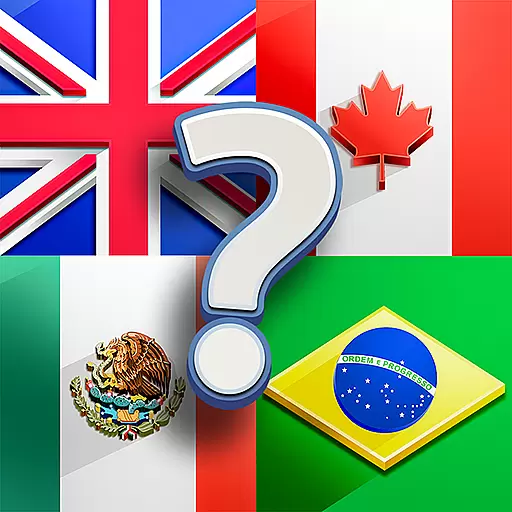
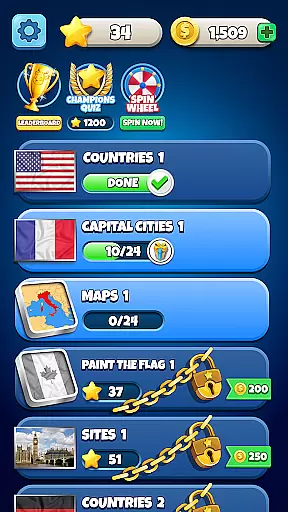
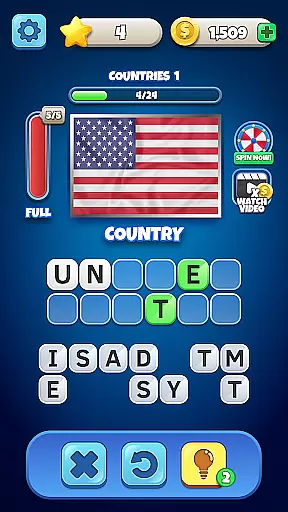
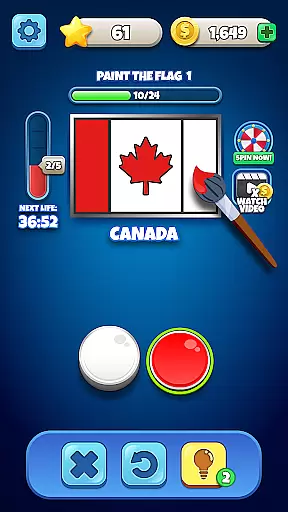
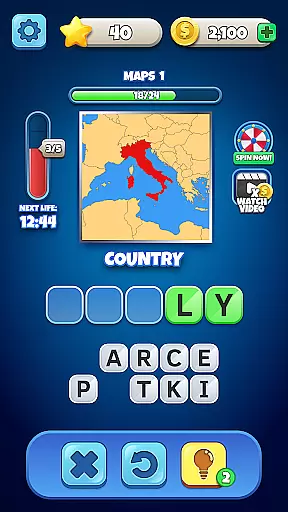
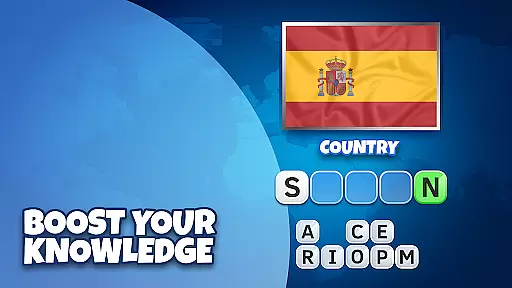
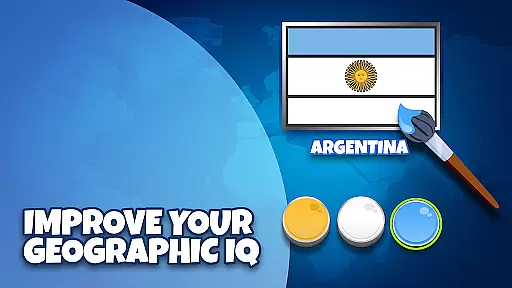
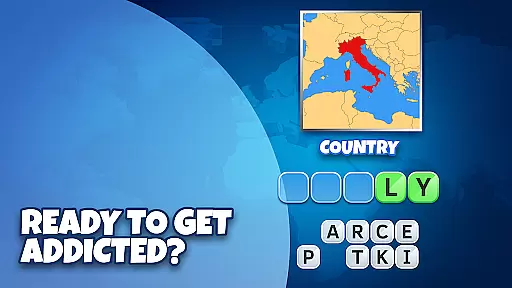
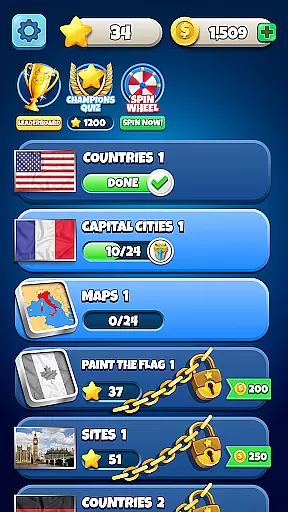
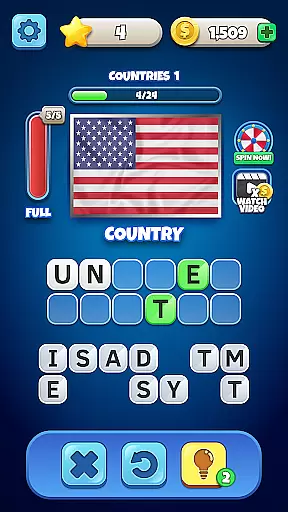
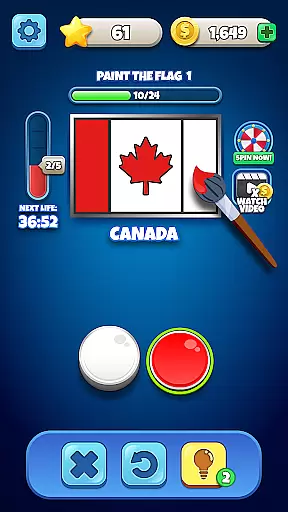
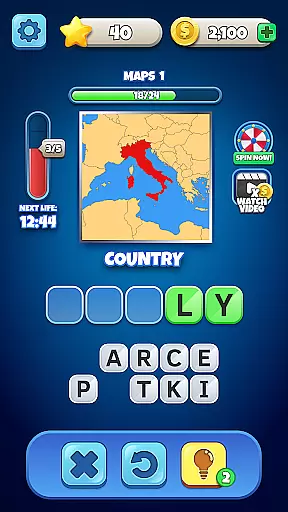
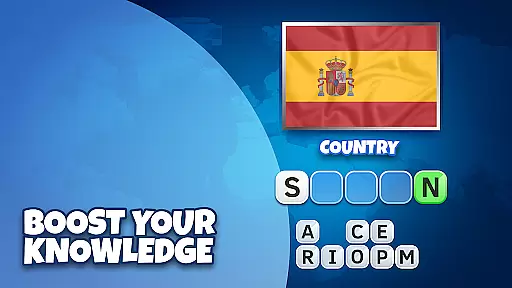
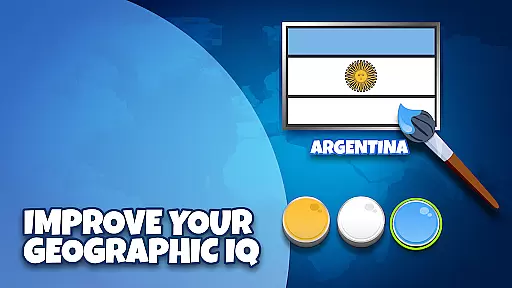
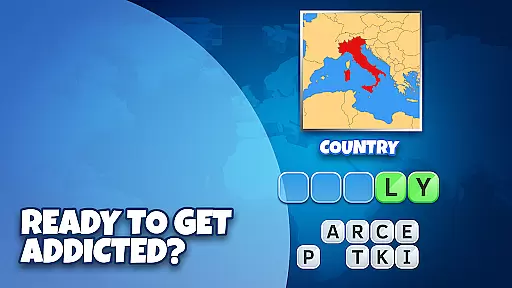
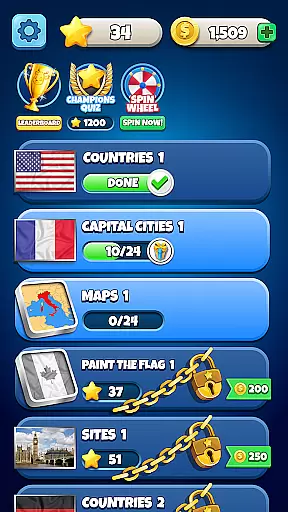
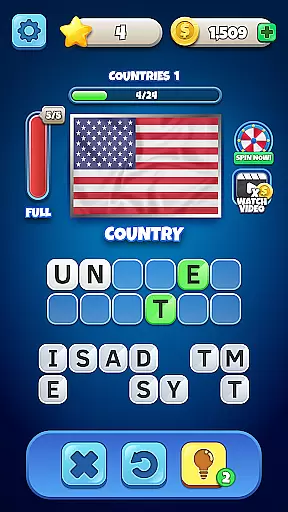
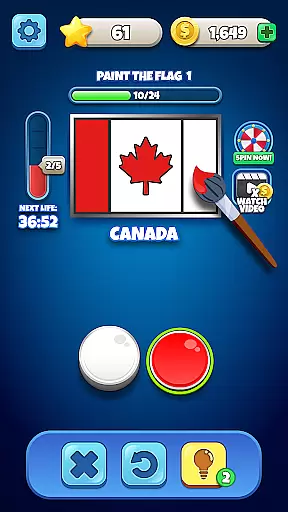
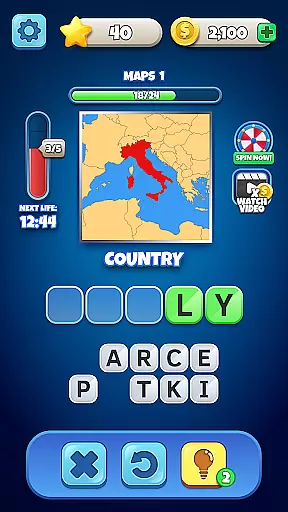
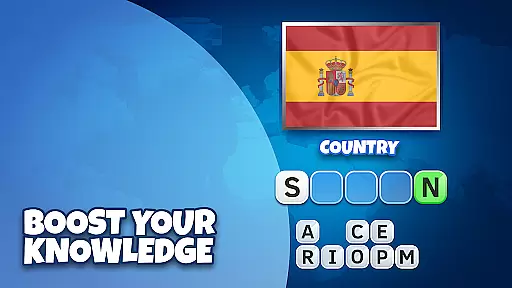
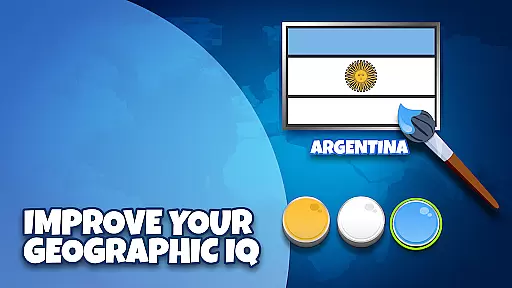
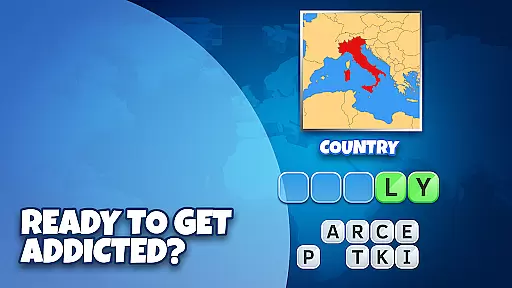
Flags Quiz - Guess The Flag is an engaging trivia game that challenges players to identify flags, maps, capitals, and more from countries around the globe. With hundreds of levels and thousands of flags, this free-to-play game offers endless entertainment while testing your geographical knowledge.
The app features various modes such as painting the flag challenge and guessing flags through pictures. Suitable for all ages, it includes multiple difficulty levels ranging from beginner to expert, ensuring a comprehensive test of your world knowledge. Whether you're on a long journey or simply relaxing at home, Flags Quiz provides a stimulating pastime that can be enjoyed offline as well.
Players can track their progress with detailed stats, compete with friends, and even earn rewards through daily login bonuses. Regular updates keep the content fresh, making Flags Quiz not just educational but also highly addictive.
Flags Quiz boasts an array of features designed to enhance user engagement and provide a rich gaming experience. One standout feature is the 'paint the flag' challenge where users recreate flags by selecting correct colors and patterns, adding a creative twist to traditional quizzes.
To assist players during tough levels, hints are available which can be purchased using in-game currency earned through regular play. Additionally, the inclusion of a Lucky Wheel offers daily rewards, encouraging consistent interaction. With options for offline play and varying difficulty settings, Flags Quiz caters to both casual gamers and hardcore trivia enthusiasts alike.
Moreover, social elements allow players to compare scores with friends, fostering friendly competition. Detailed statistics help monitor improvement over time, while frequent updates introduce new flags and categories, keeping the gameplay dynamic and challenging.
Flags Quiz - Guess The Flag takes pride in offering questions that are both authentic and accurate. This trivia game focuses on providing users with a vast array of flags from countries around the world, ensuring each flag is represented correctly and true to its original design. The importance of this feature cannot be overstated, as it directly impacts the educational value and integrity of the game.
The application achieves question authenticity by meticulously sourcing its flag images and related trivia from credible sources. Each flag featured in the game is cross-referenced with official records to ensure precision. This process guarantees that players are engaging with genuine content that accurately reflects the national symbols of various countries.
Players benefit immensely from this commitment to authenticity and accuracy. As they progress through hundreds of levels, they can trust that their knowledge is being tested fairly and that each success is earned through genuine learning. This builds not only their geographical knowledge but also enhances their cultural understanding.
Ultimately, the authenticity and accuracy of the questions in Flags Quiz - Guess The Flag serve to enrich the user experience. By fostering an environment where learning is both fun and factually sound, the game successfully promotes global awareness and education in an engaging manner.
One of the standout features of Flags Quiz - Guess The Flag is its sophisticated difficulty adaptation system. This functionality ensures that players of all skill levels, from beginners to experts, can enjoy the game at a challenge level appropriate for them. The significance of difficulty adaptation lies in its ability to maintain player engagement and motivation over time.
The game employs a dynamic algorithm that adjusts the complexity of questions based on the player's performance. For instance, newcomers may start with simpler flags or more well-known capitals, while seasoned players face obscure flags or lesser-known geographical facts. This adaptive mechanism keeps the gameplay challenging yet achievable, promoting continuous learning and improvement.
Users gain considerable advantages from this tailored experience. They remain engaged without feeling overwhelmed or bored, which significantly enhances their overall enjoyment and retention. Moreover, the presence of multiple difficulty levels allows family and friends to join in, making it an excellent choice for group activities or gatherings.
In summary, the difficulty adaptation feature in Flags Quiz - Guess The Flag not only personalizes the gaming experience but also supports educational growth. By catering to individual skill sets and progressively introducing more complex challenges, the game fosters a rewarding and stimulating environment for all players.
Engaging gameplay
Educational value
Offline accessibility
Diverse difficulty levels
Social sharing options
Limited hints initially
In-app purchases necessary
Ads between levels
Occasional bugs
Steep learning curve
Guess the Words with Mindblowing AI Picture Puzzles in this Fun Trivia Quiz Game
 4.70
4.70
Play the original trivia game show! Who Wants to Be a Millionaire? for Android!
4.50
Try the latest word game! Find the 5 popular words that people think of.
4.70
Texting trivia word game! Type the longest word and save yourself from sharks!
4.10
Trivia Master: Fun quiz game with 50,000+ questions to test your knowledge!
4.70
Answer fun questions and test your knowledge
4.60
Newly word puzzle games! Guess the quiz and challenge your brain
4.80
Guess the Answer! Play This or That, Trivia Games, and test IQ in fun challenges
4.50
PLAY TRIVIA GAMES in Trivia Star - Quiz + Offline Games! Get Daily Brain Quizzes
4.80
Simple and fun guessing game!
4.90
Bible Trivia: Play 10,000+ Fun Questions and Sharpen Your Bible Knowledge!
4.80
Play Trivia, compete with your nemeses, and turn a good night into a great one.
4.70
Find words with the same topic. Challenge your brain daily!
4.70
Train your brain, connect, study, find, and guess the answer in this puzzle!
4.60
Train your brain in the trivia game! Answer million quiz questions offline
4.60
Guess whose photo is shown!
4.50
Imagine being thrown out somewhere in the world. Can you find where you are?
4.50
America’s Favorite Quiz Show® in the palm of your hand! Play for Free now!
4.40
A joyful new pack of hilarious trivia, drawing, music and strategy party games
2.00


User Reviews