
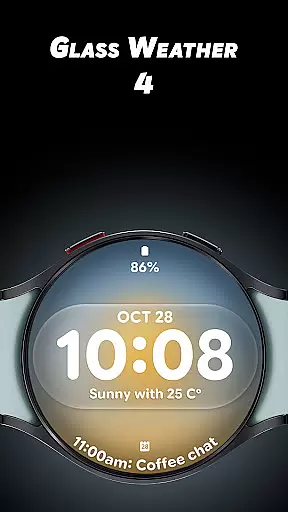
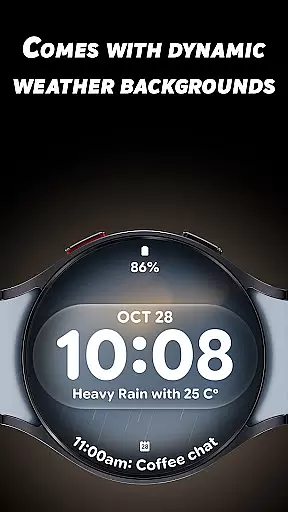
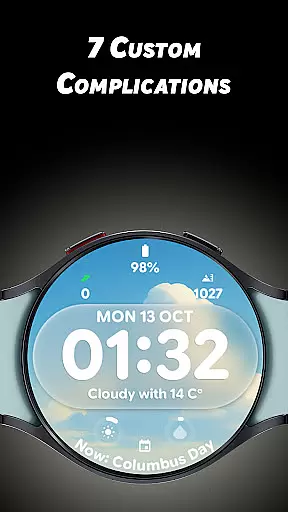
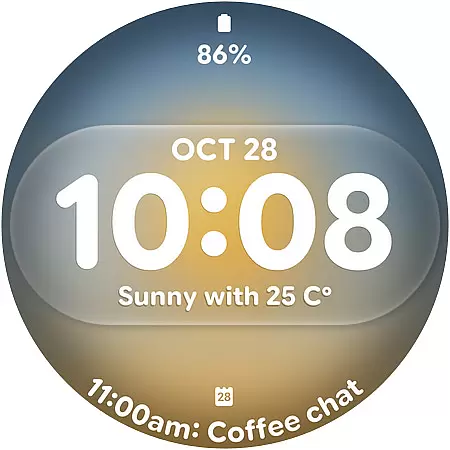
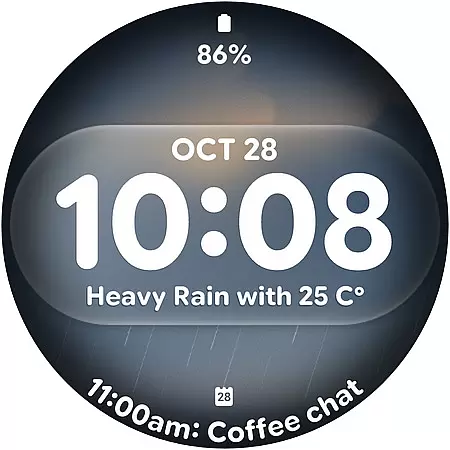
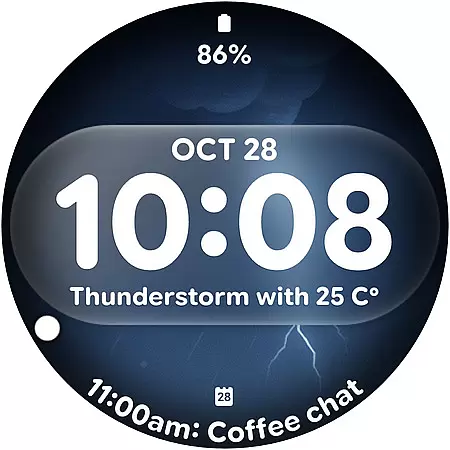
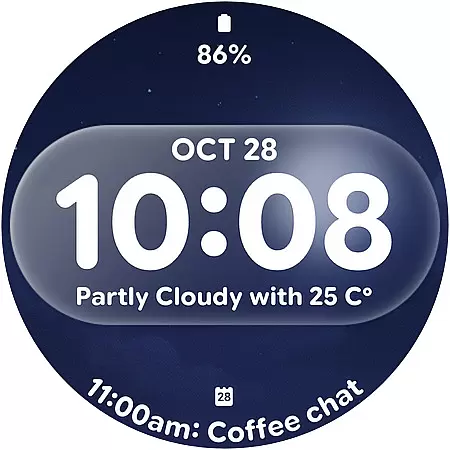
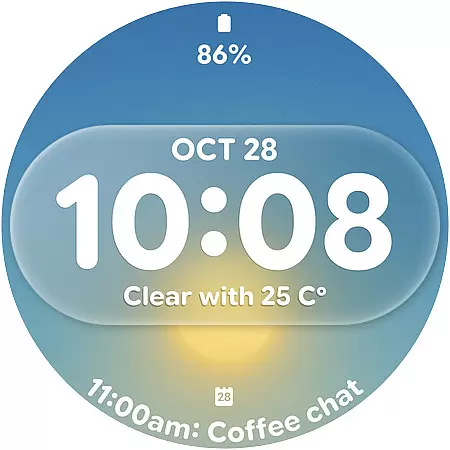
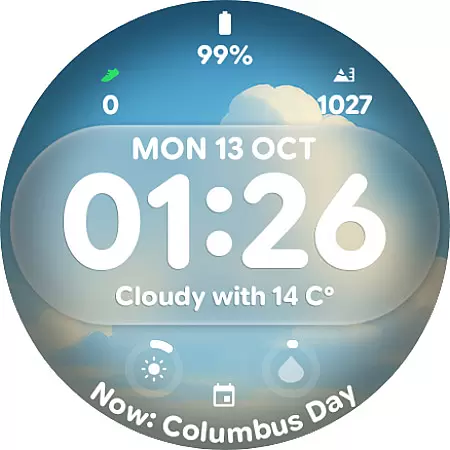
Glass Weather 4 is a premium watch face designed specifically for Wear OS smartwatches, offering users a perfect blend of style and functionality. This application transforms your smartwatch into a sleek, modern timepiece with dynamic weather-based backgrounds that adapt to real-time conditions.
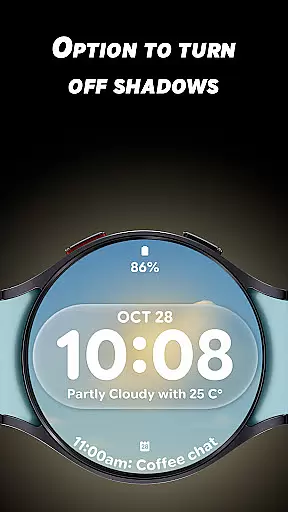
The app features a bold digital time display, customizable complications, and advanced display options like toggleable shadows and always-on display support. Whether you're tracking your fitness or simply checking the time, Glass Weather 4 provides both aesthetic appeal and practical utility in one elegant package.
Glass Weather 4 stands out with its innovative live weather background system that automatically updates based on current weather conditions. The watch face displays either a 12-hour or 24-hour time format, catering to user preferences while maintaining clarity with its big, bold digits.
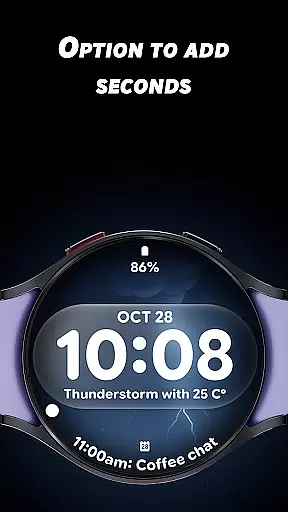
Personalization is key, and this app offers 7 fully customizable complications ranging from battery status to heart rate monitoring. Users can further tweak their experience by adjusting shadow effects and choosing whether to show seconds, ensuring each watch face is unique to its owner.
Accurate weather forecasting is essential for planning daily activities and ensuring safety during adverse conditions. Glass Weather 4 excels in this area by providing live dynamic weather backgrounds that update in real-time, reflecting current weather conditions such as sunny, cloudy, rainy, or snowy scenarios.
The application pulls data from reliable sources to ensure the forecast displayed on your Wear OS smartwatch is both accurate and credible. This commitment to precision ensures users can trust the information they receive, making it a dependable companion for outdoor activities.
By integrating seamlessly with the watch face design, Glass Weather 4 not only informs but also enhances the visual appeal of your smartwatch. The crystal-clear display combines functionality with beauty, offering users an aesthetically pleasing way to stay informed about the weather.
Understanding weather patterns over time and space is crucial for effective planning. Glass Weather 4 offers a temporal and spatial forecast range that provides users with comprehensive weather insights directly on their smartwatch. This feature allows for a broader understanding of upcoming weather changes throughout the day.
The always-on display (AOD) supports both 12 and 24-hour time formats, ensuring users have access to accurate time representation alongside their weather forecasts. This dual functionality makes it easy to track time while monitoring weather conditions without needing to switch apps or check another device.
Additionally, the customizable complications enable personalization options such as battery status, heart rate, and step tracking. These features combine to create a versatile tool that adapts to various lifestyles and preferences, enhancing user engagement and satisfaction.
Real-time weather updates
Fully customizable design
Battery-efficient AOD
Dynamic backgrounds
Multiple complications
Wear OS only
Premium cost
Complex settings
Limited widgets
Weather dependency

Get the ad-free version of the highly rated WeatherBug app for accurate weather!
 4.50
4.50
A powerful tool for ultimate weather awareness
3.50
A tool that provides real-time and 5-day weather info.
4.3
Hourly and daily weather forecast, current condition, temperature, UV and more!
4.70
Digital Weather Watch Face for Wear OS 5+
4.5
Determine Best Hunting Times for any date, any location.
2.50
Magnetic Compass meets smart tech: Get directions and weather alerts seamlessly
3.30
Weather radar map, storm tracker, local forecast, live rain alerts & daily news.
4.60
Stay Ahead Of Changing Weather Conditions
4.00
The moon phases app for tracking the lunar calendar, blue moon and full moon.
4.80
The weather channel, tiempo weather forecast, weather radar & weather map
4.70
Powerful US and worldwide earthquake feed with earthquake alerts and maps.
4.60
Local forecast, alerts, rain, snow and wind radar, air quality & weather widget
4.60
Track rainfall totals with ease using our rain gauge app. Accurate rain tracker.
4.50
Weather watch face for Wear OS 5+
4.40
All-in-one weather radar launcher with rain, temperature maps & local forecast.
4.30
Moon phase calendar with live wallpaper, lunar widget, & 3D simulation.
3.60
Get instant weather & temperature predictions right on your Wear OS smartwatch!
4.3
Your local weather app with storm radar, rain tracker, weather maps & AQI.
4.4


User Reviews