
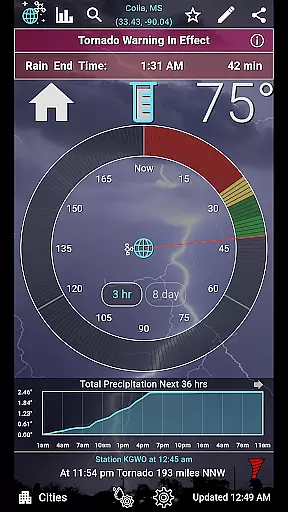
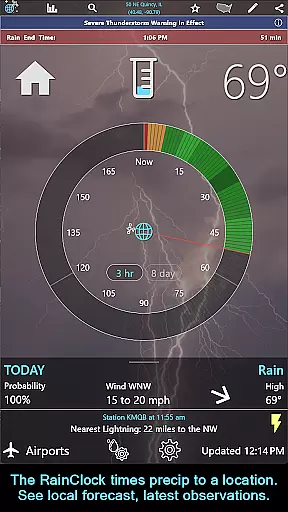
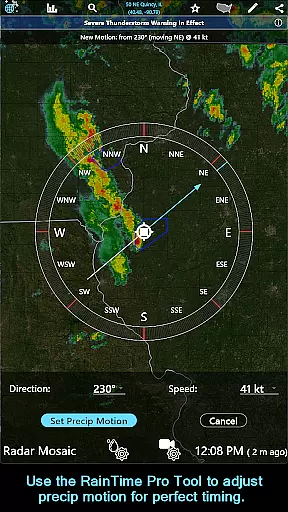
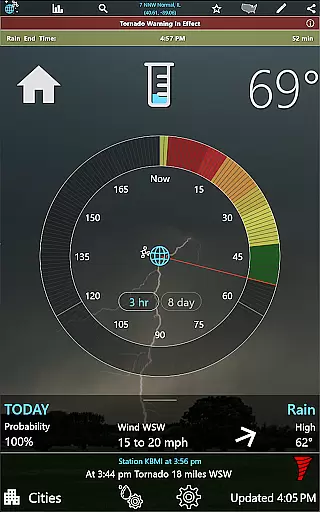
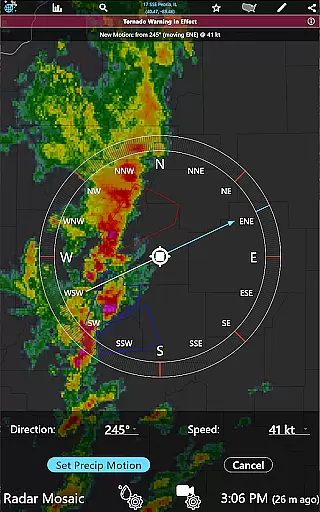
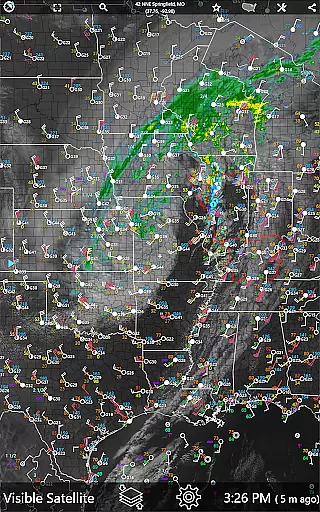
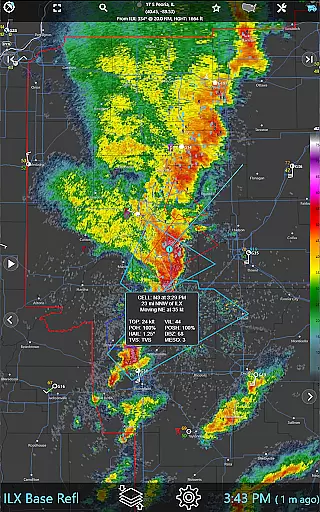
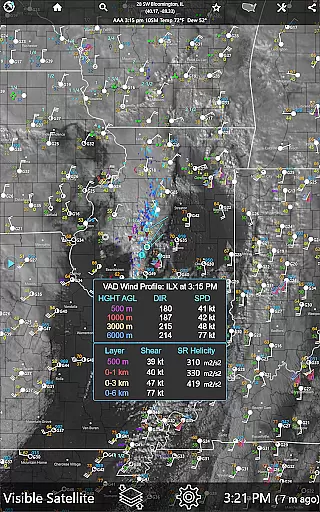
RainAware is a comprehensive weather application designed to provide users with detailed and localized weather information. The app's core functionality revolves around accurate precipitation tracking and forecasting, giving users precise rain start and end times up to three hours in advance. This feature is particularly useful for outdoor planning, commuting, or any activity where weather conditions play a critical role.
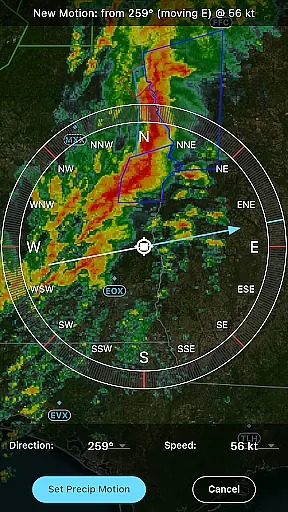
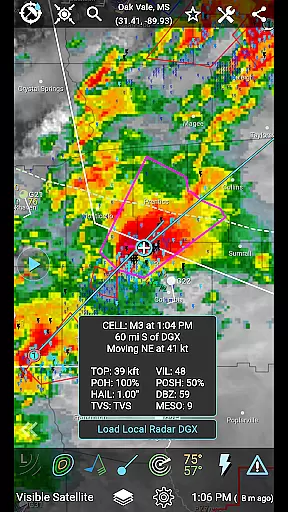
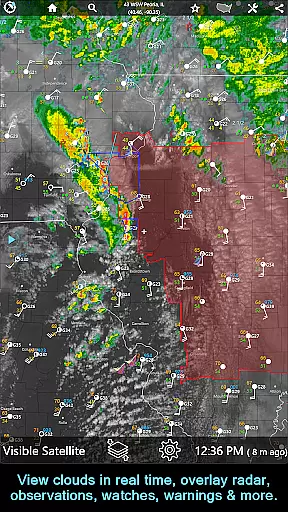
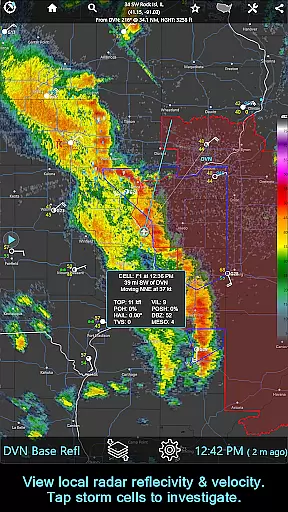
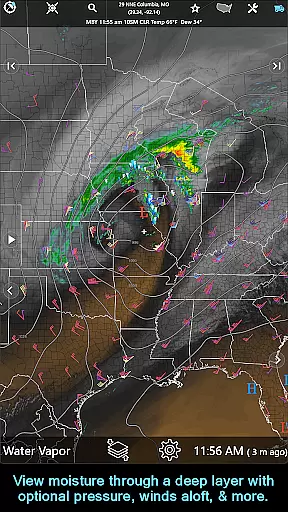
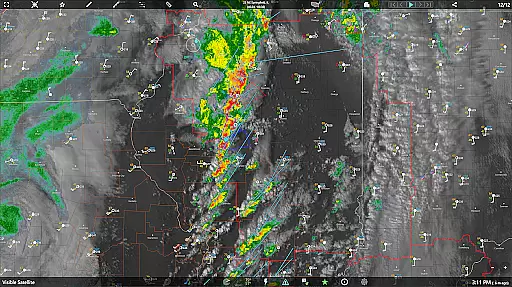
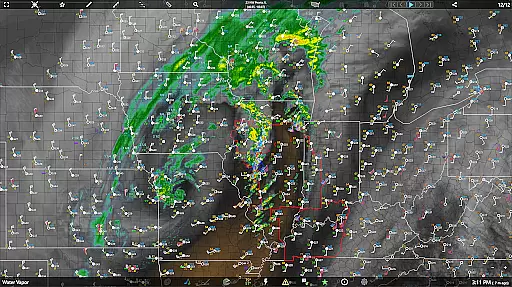
Beyond its primary rain clock feature, RainAware offers an array of advanced tools including interactive graphs, weather badges for significant changes, and current condition tickers. Users can access satellite imagery, radar maps, and various weather overlays that provide a complete picture of local and regional weather patterns. The subscription version expands these capabilities further with professional-grade features like the RainPro tool, national radar products, and aviation mode, making it suitable for both casual users and weather professionals.
The application stands out through its diverse feature set tailored for weather enthusiasts and professionals alike. One notable aspect is its highly customizable notification system, allowing users to define specific parameters for weather alerts, such as minimum precipitation duration and proximity boundaries. This level of personalization ensures users receive only the most relevant weather information.
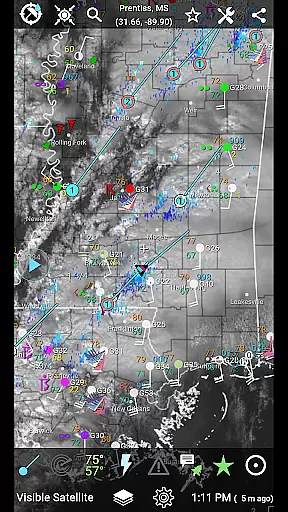
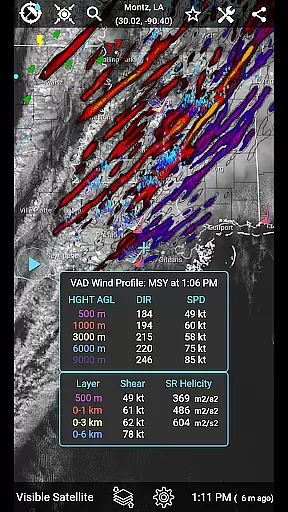
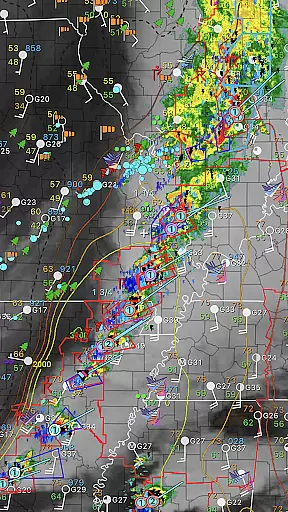
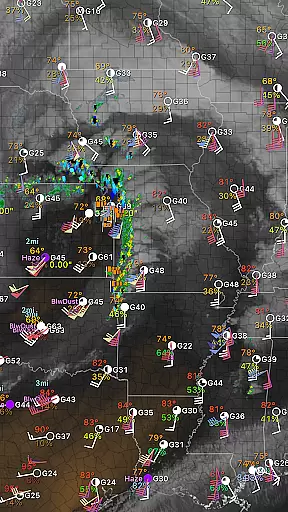
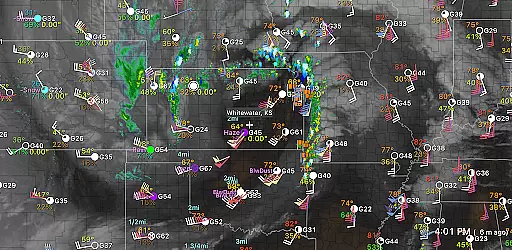
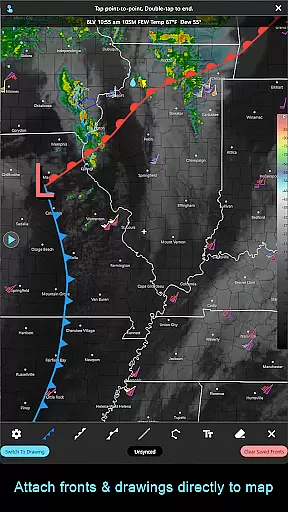
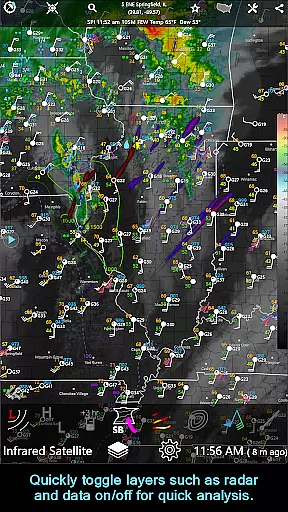
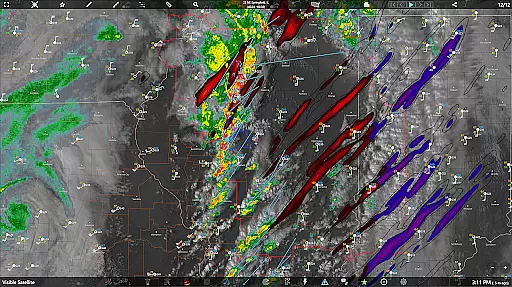
RainAware's interactive elements are equally impressive. The app provides detailed 36-hour forecast graphs covering multiple weather variables, while its mapping features include advanced overlays showing surface observations, lightning data, and storm tracks. Professional users will appreciate specialized tools like the VAD Wind Profile analysis and CAPE mapping. Additionally, the drawing tools enable users to create custom weather analysis graphics that can be time-matched to radar and satellite imagery, offering unparalleled flexibility in weather tracking and presentation.
Forecast accuracy and data credibility are crucial for any weather application, and RainAware excels in these areas. The app provides precise rain timing predictions up to three hours in advance, ensuring users can plan their activities accordingly. By utilizing advanced meteorological algorithms, the app delivers reliable forecasts tailored to the user's specific location.
RainAware goes beyond basic forecasting by offering interactive graphs that display temperature, wind speed, cloud cover, and precipitation type over the next 36 hours. This detailed information allows users to make informed decisions based on comprehensive weather data. Additionally, the app includes weather badges that appear when significant or rapid changes in weather conditions are expected, further enhancing the reliability of the forecast.
The app also features a current conditions ticker that cycles through the nearest weather observations, including lightning, precipitation, and storm reports. Users can tap on icons to view the exact location of these weather events, providing an extra layer of data verification. With its robust notification system, RainAware alerts users about incoming rain or severe weather threats, ensuring they stay informed and safe.
Temporal and spatial forecast range is another critical aspect of RainAware's functionality. The app offers extensive coverage from the USA into southern Canada, with satellite and local radar extending from Hawaii to the Caribbean. This broad geographical reach ensures that users across a wide area can benefit from accurate and timely weather updates.
RainAware provides detailed forecasts for the next 36 hours, allowing users to plan both short-term and medium-term activities with confidence. The app's interactive maps enable users to explore weather conditions over a regional domain, which can be adjusted to view different locations. This flexibility in spatial analysis empowers users to understand weather patterns beyond their immediate vicinity.
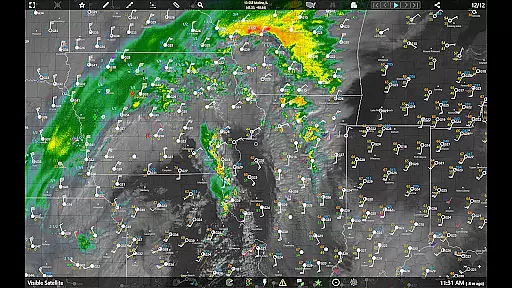
In addition to its temporal capabilities, RainAware includes a landscape mode and hyperloop feature, which enhances the viewing experience with larger maps and faster loop speeds at 20 fps. These features help users quickly identify trends and changes in weather conditions. The app's subscription version further extends its capabilities by offering national radar products, storm cell tracking, and longer animation loops, providing an even more comprehensive understanding of weather dynamics.
Highly accurate precipitation tracking
Customizable alert system
Comprehensive weather data
Cross-platform subscription
Professional-grade features
Subscription required for advanced features
Complex interface for beginners
Resource-intensive operation
Limited free version capabilities
Regional coverage restrictions

Live Weather Forecast app with acu weather radar, weather alert & weather widget
 4.80
4.80
Instant weather updates, easy to check anytime on your home screen.
3.50
Accurate weather forecast, daily weather changes are easy to grasp
4.90
Get accurate rainfall and snowfall totals for pinpoint locations on a map.
4.60
Digital Weather Watch Face for Wear OS 5+
4.1
Determine Best Hunting Times for any date, any location.
2.50
Weather watch face for Wear OS 5+
4.10
Check room temperature with this indoor thermometer. thermostat & hydrometer
4.70
Stay Ahead Of Changing Weather Conditions
4.00
Aviation weather made simple. Visual decoder for METAR & TAF
4.90
Ultimate weather forecast + moon phase for Wear OS 5+ (Pixel, Galaxy, et al.)
4.70
Hourly and daily weather forecast, current condition, temperature, UV and more!
4.70
Thermometer shows indoor and outdoor temperature
4.70
Weather channel forecasts weather daily & hourly, local and national air quality
4.70
Industry leading whitetail movement predictor & hunting app.
4.60
Global weather forecast, powered by layered radar & hourly weather updates
4.10
Your Personal Weather Assistant
4.00
Most precise & accurate compass app give true North South East West directions.
3.00
Retro TV-style digital watch face with weather, heart rate, steps & events!
4.4


User Reviews