
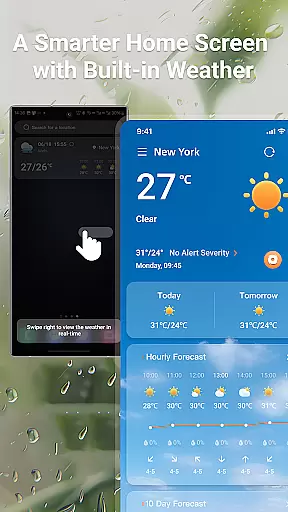
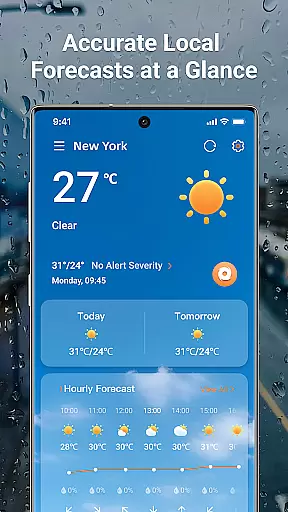
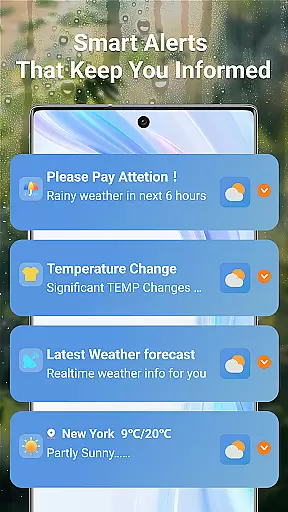
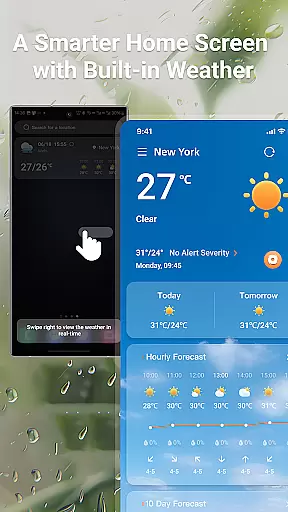
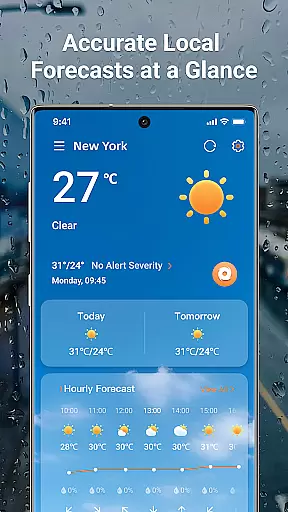
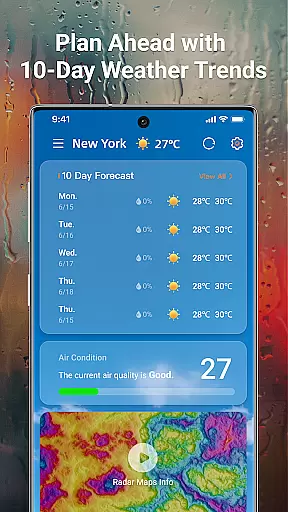
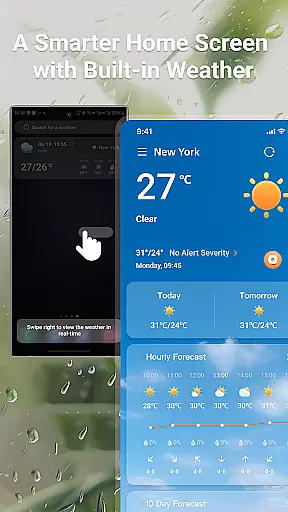
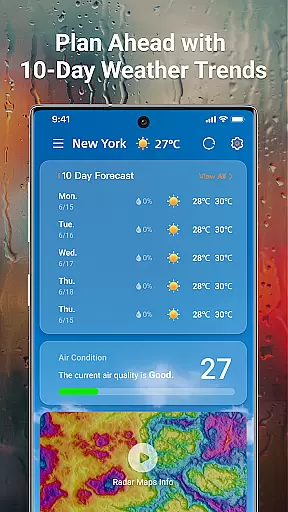
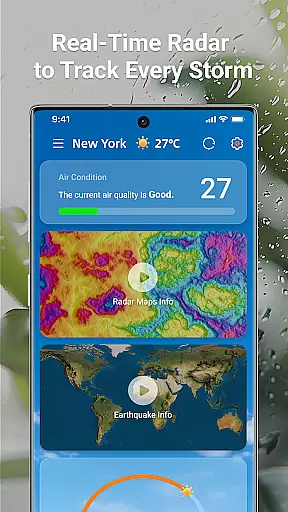
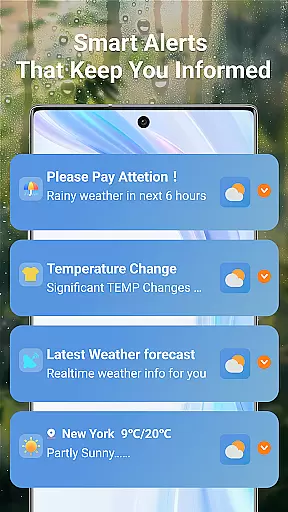
LaunchWeather is a comprehensive weather application that provides real-time weather updates directly from your home screen. With its intuitive design, the app eliminates unnecessary steps by offering instant access to current and upcoming weather conditions. Users can benefit from interactive radar maps, detailed 10-day forecasts, and smart alerts for various weather phenomena.
The app stands out with features like live radar tracking, complete weather forecasts, and severe weather warnings. Whether you need precise local data or global coverage, LaunchWeather ensures you are prepared for any weather condition. Its multi-language support makes it accessible worldwide, providing an essential tool for both travel and daily planning.
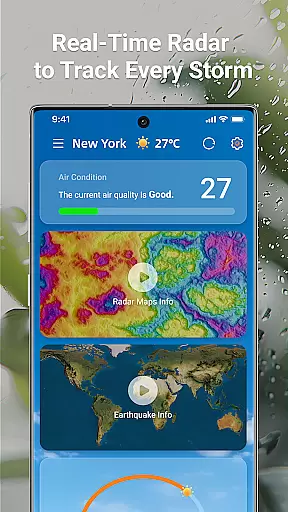
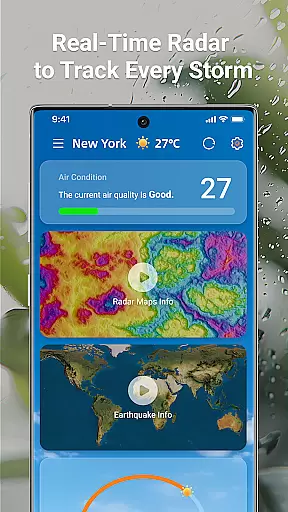
LaunchWeather offers a robust set of features designed to keep users informed and prepared. The live radar tracking allows users to interact with maps showing rain, snow, and storm paths, ensuring they stay updated on weather changes as they occur. This feature's zoom and move capability provides location-specific details crucial for accurate planning.
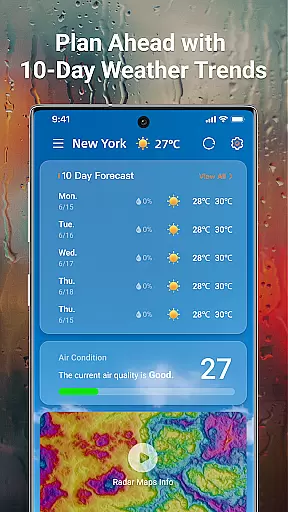
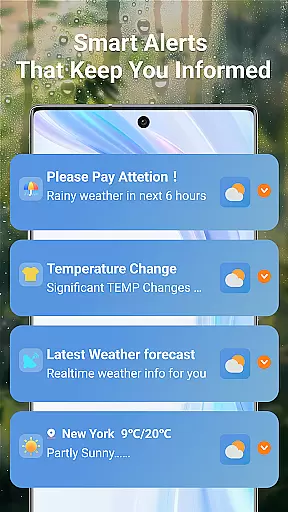
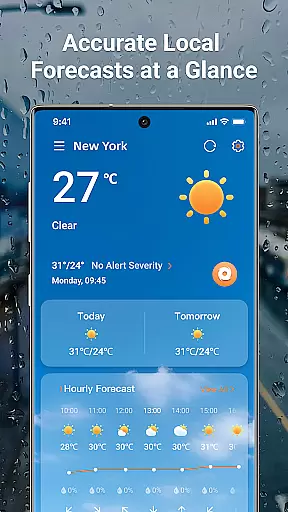
In addition to radar capabilities, the app delivers complete weather forecasts with hourly updates and extended 10-day trend predictions. Metrics such as temperature, realfeel, humidity, UV index, and air quality are readily available. Smart weather alerts notify users of sudden changes, including rain, temperature shifts, strong winds, and air quality issues, ensuring safety and preparedness.
Forecast accuracy and data credibility are crucial for any weather application. LaunchWeather ensures that users receive the most reliable weather information possible. The app sources its data from trusted meteorological organizations, ensuring precision in every forecast.
The application provides real-time updates and interactive radar maps, allowing users to track weather changes as they occur. This feature is particularly useful for monitoring storm paths or sudden weather shifts, giving users the ability to prepare for unexpected conditions effectively.
LaunchWeather offers hourly updates and ten-day trend forecasts, complete with key metrics such as temperature, humidity, UV index, and air quality. These detailed insights empower users to plan their activities with confidence, knowing they have accurate and timely weather information at their fingertips.
Understanding both temporal and spatial forecast ranges is essential for comprehensive weather planning. LaunchWeather excels in delivering wide-ranging forecasts that cover various timeframes and geographic areas. Users can access precise local forecasts as well as broader global predictions, all within a single application.
The app's interactive radar maps allow users to zoom and move across different locations, providing location-specific details. This spatial flexibility ensures that whether you're at home or traveling, you'll have access to relevant and accurate weather data wherever you go.
In addition to spatial coverage, LaunchWeather offers extensive temporal forecasting. With hourly updates and a ten-day trend forecast, users can stay informed about immediate and future weather conditions. This dual capability makes LaunchWeather an indispensable tool for both daily planning and long-term scheduling.
User-friendly interface
Accurate forecasting
Global coverage
Real-time updates
Multi-language support
Requires constant internet
Notifications can be frequent
Limited free features
Some areas have less accuracy
Ads in free version

A powerful tool for ultimate weather awareness
 3.50
3.50
Personal Weather Station PRO - Meteo monitor to check your WU info and charts.
4.20
Check forecasts, watch live news & track storms with FOX Weather.
3.80
Super-res, real-time weather radar. Be prepared for extreme weather.
4.50
Road weather, live radar, wind, snow, and conditions along your driving route.
4.70
72-hour weather & daily forecasts with extreme weather alerts
4.60
A powerful weather forecast to get real-time weather information
3.60
Stay Ahead Of Changing Weather Conditions
4.00
Prepare for severe weather with notifications, future radar, and live alerts.
4.60
Weather Forecast, Trending News, Hurricane & Storm Tracker, Alerts & Live Radar.
4.80
Ultimate weather forecast + moon phase for Wear OS 5+ (Pixel, Galaxy, et al.)
4.70
Thermometer shows indoor and outdoor temperature
4.70
Live Alabama weather from James Spann—forecasts, radar, alerts, Spanncams.
4.70
The reliable and trusted global air quality, wildfire, pollen, PM2.5 forecast
4.70
Powerful US and worldwide earthquake feed with earthquake alerts and maps.
4.60
NOAA radar, weather forecasts, hurricane tracking & customizable alerts.
4.50
All-in-one weather radar launcher with rain, temperature maps & local forecast.
4.30
Stay ahead of the weather with Daily Weather
4.10
Your Personal Weather Assistant
4.00


User Reviews