
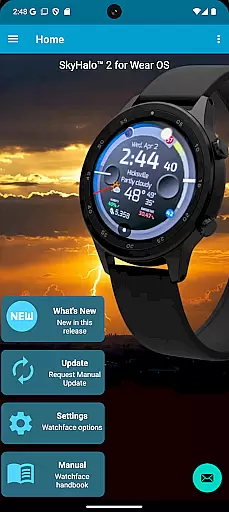
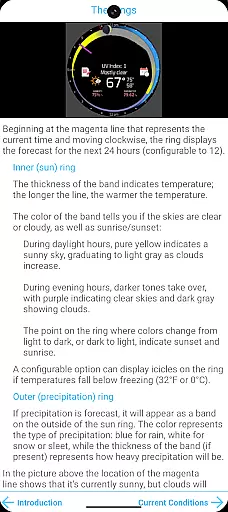
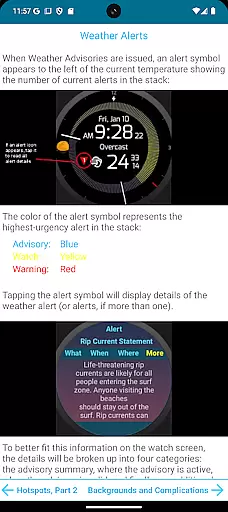
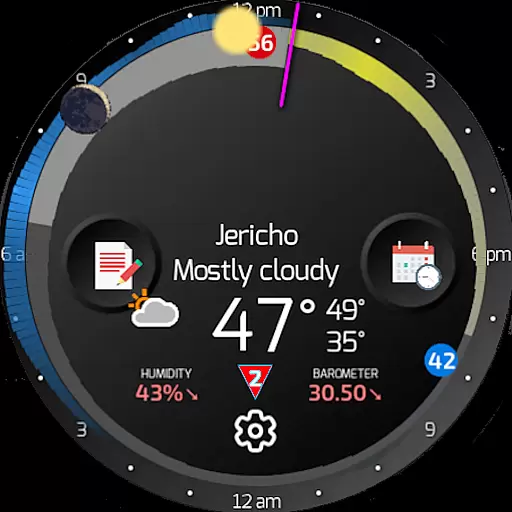
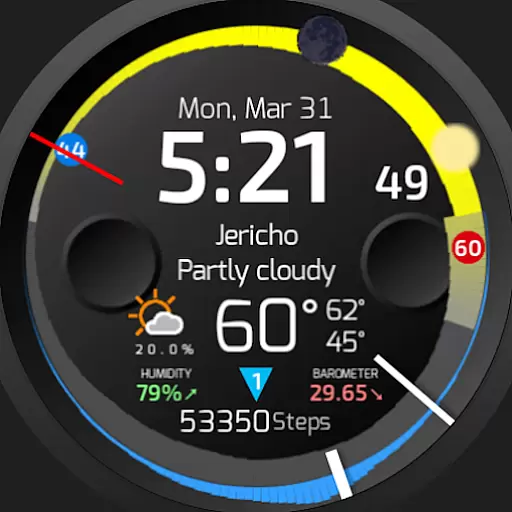
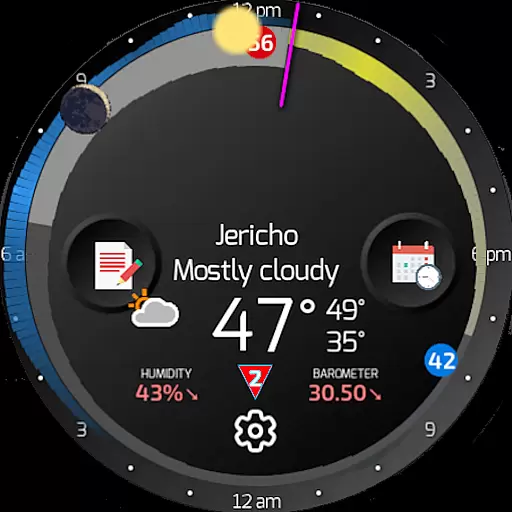
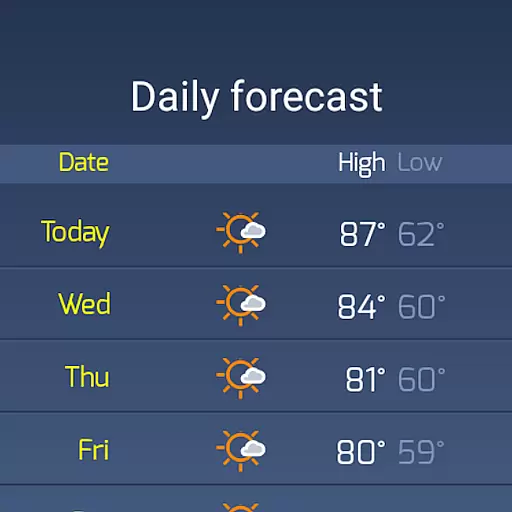
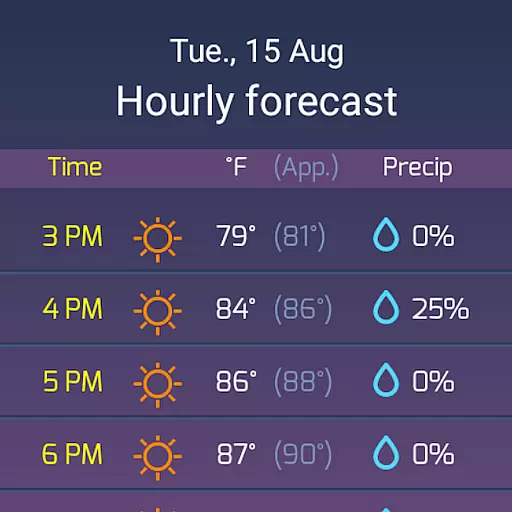
SkyHalo 2 Weather is a premier weather forecasting app designed specifically for Wear OS 5+ smartwatches. This standalone application transforms into a comprehensive weather watch face when paired with the free SkyHalo 2 watchface front-end. It offers unparalleled weather insights, including ten selectable forecast sources like Apple Weather and OpenWeather, continuous forecasts up to 48 hours, and detailed daily predictions extending to 10 days.
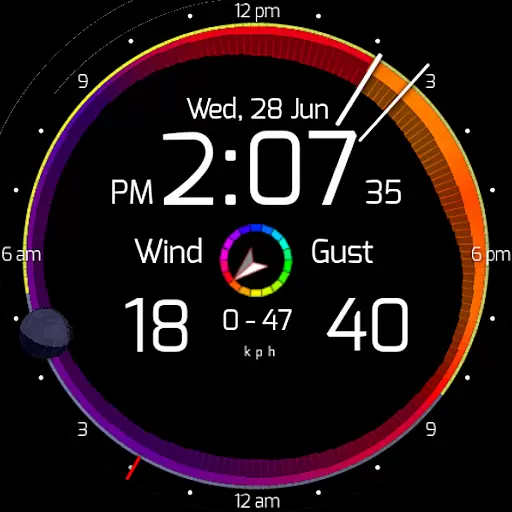
The app's unique graphical interface displays temperature, cloudiness, rain, and snow forecasts through intuitive visual indicators. Users can access critical information such as barometric pressure, wind speed, and sun/moon rise/set times at a glance. Its compatibility with multiple Wear OS versions ensures sustained relevance and functionality across various devices.
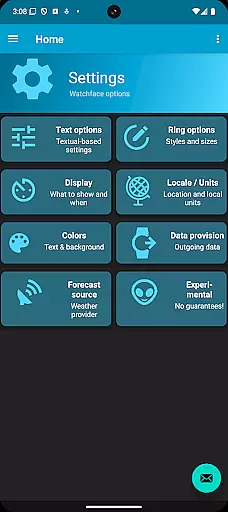
SkyHalo 2 Weather stands out with its innovative features tailored for weather enthusiasts. The app provides an extensive range of customizable options, allowing users to choose from ten global weather data sources and switch between real or apparent temperatures. Visual indicators such as the temperature ring's thickness and color-coded sky conditions offer immediate insights into upcoming weather patterns.
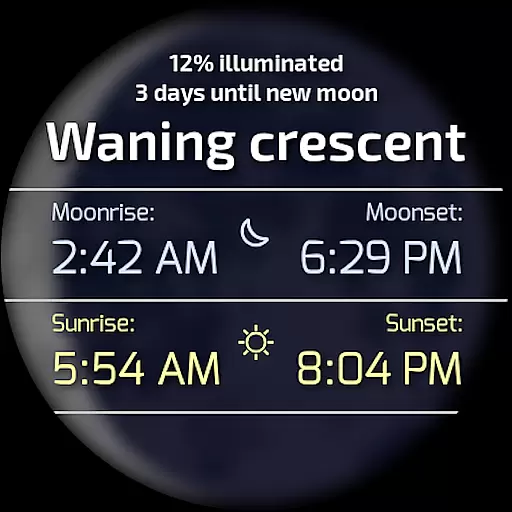
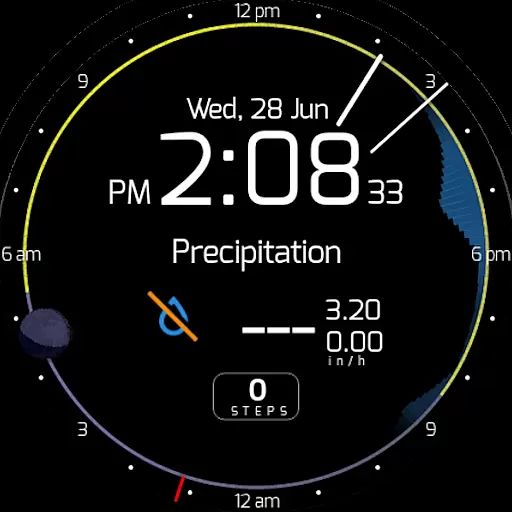
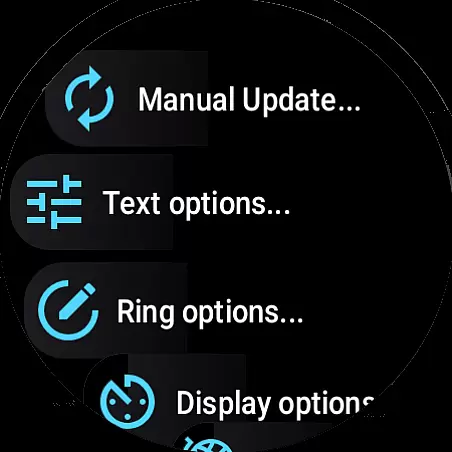
Additional functionalities include displaying moon phases, weather alerts, and precipitation forecasts in an easy-to-read format. Users can cycle through different screens to view current weather conditions, wind speeds, and precipitation details. With support for both imperial and metric units, 12h/24h time formats, and configurable standby screen elements, SkyHalo 2 delivers a personalized and versatile weather tracking experience on your wrist.
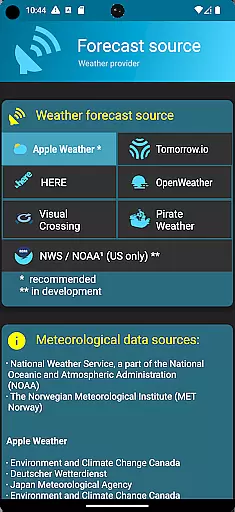
Forecast accuracy and data credibility are crucial for any weather application, and SkyHalo 2 excels in these areas. The app offers users a choice of ten global forecast sources, including Apple Weather, Google Weather, OpenWeather, and Open-Meteo. This diversity ensures that users can select the most reliable source for their location, enhancing both forecast accuracy and data credibility.
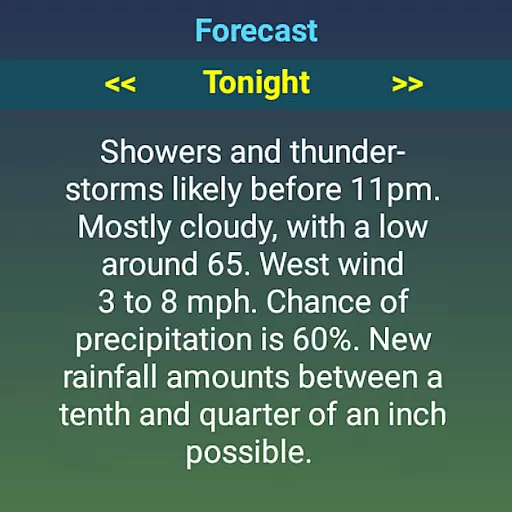
SkyHalo 2 provides continuous forecasts up to 48 hours, daily forecasts for up to 10 days, and hourly forecasts extending to 72 hours. This comprehensive coverage allows users to plan with confidence, knowing they have access to accurate and timely weather information. Additionally, the inclusion of weather alerts on a global scale further underscores the app's commitment to data credibility.
The graphical representation of weather data through temperature rings, cloudiness colors, and precipitation halos makes it easy for users to interpret complex information at a glance. These intuitive visualizations ensure that even subtle changes in weather patterns are communicated effectively, reinforcing the reliability of the forecast data provided by SkyHalo 2.
SkyHalo 2 Weather stands out with its extensive temporal and spatial forecast range, offering unparalleled insight into upcoming weather conditions. Users can access detailed forecasts spanning various timeframes, from immediate predictions to extended outlooks covering several days ahead. This broad temporal scope empowers users to make informed decisions based on anticipated weather trends.
In terms of spatial coverage, SkyHalo 2 supports multiple global weather sources, ensuring that users worldwide receive localized and relevant forecasts. Whether you're in a major city or a remote area, the app delivers precise weather updates tailored to your specific location. This wide-reaching spatial forecast capability is complemented by features like sunrise and sunset times, moon phase tracking, and barometric pressure readings.
Moreover, SkyHalo 2 enhances user experience by enabling interaction with forecast data. By tapping different sections of the watch face, users can explore detailed weather information such as temperature fluctuations, wind speed variations, and precipitation types. This interactive approach not only enriches the user's understanding of spatial weather patterns but also facilitates better preparation for changing environmental conditions.
Comprehensive weather data
Intuitive visual indicators
Customizable display options
Wide device compatibility
Continuous updates and forecasts
Requires separate watchface download
Complex initial setup
Limited without front-end app
Premium features may cost extra
Heavy reliance on third-party services

NOAA radar, weather forecasts, hurricane tracking & customizable alerts.
 4.50
4.50
My Aurora Forecast is the app for Northern Lights and Aurora Borealis alerts.
4.60
Get accurate rainfall and snowfall totals for pinpoint locations on a map.
4.60
My Tide Times Pro is the only tide tables and forecasts application you'll need.
4.80
Local Weather provides accurate and current hourly and daily forecasts.
4.80
Aviation weather made simple. Visual decoder for METAR & TAF
4.90
Weather watch face for Wear OS 5+
4.40
Your Reliable Weather Companion
4.10
Magnetic Compass meets smart tech: Get directions and weather alerts seamlessly
3.30
Ultimate Lunar Calendar for 2021!
4.80
The moon phases app for tracking the lunar calendar, blue moon and full moon.
4.80
Live local weather updates: various widgets & radar maps & hourly forecast.
4.70
weather forecast, weather radar, weather widget in one local weather app
4.70
Powerful US and worldwide earthquake feed with earthquake alerts and maps.
4.60
Local forecast, alerts, rain, snow and wind radar, air quality & weather widget
4.60
Prepare for severe weather with notifications, future radar, and live alerts.
4.60
Global weather forecast, powered by layered radar & hourly weather updates
4.10
A powerful tool for ultimate weather awareness
3.50
Retro TV-style digital watch face with weather, heart rate, steps & events!
4.0


User Reviews