
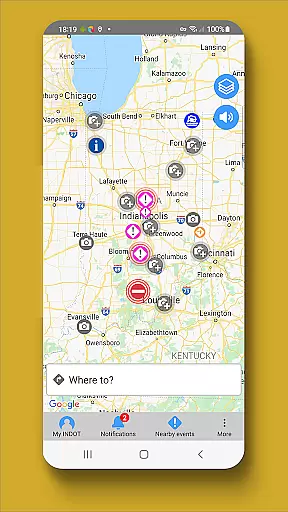
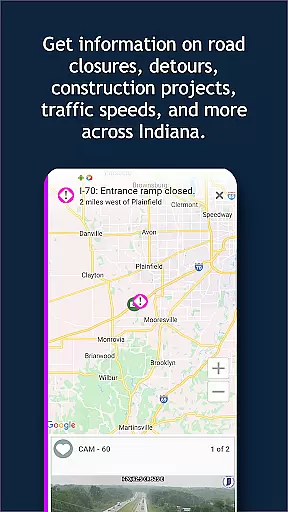
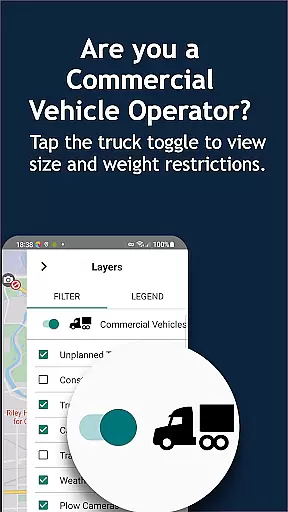
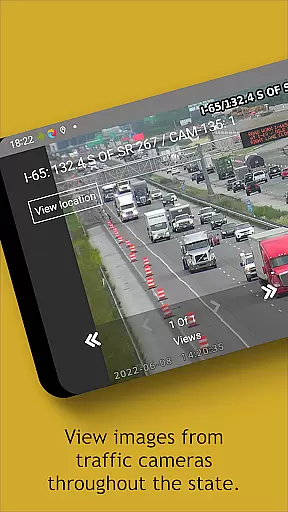
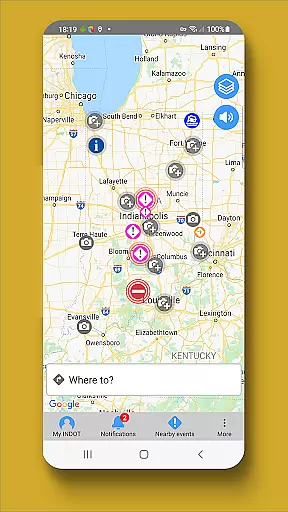
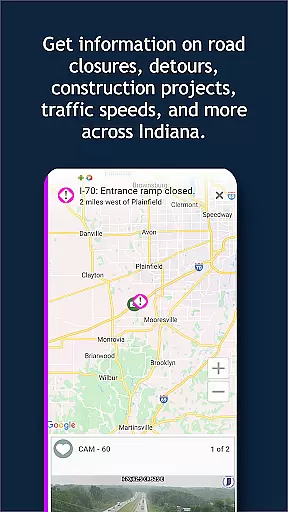
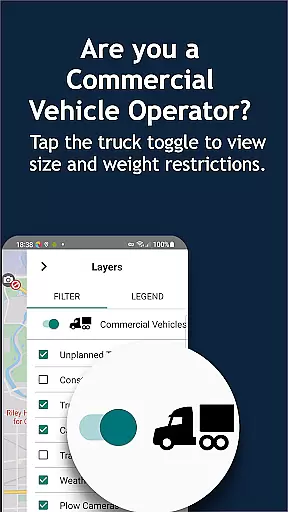
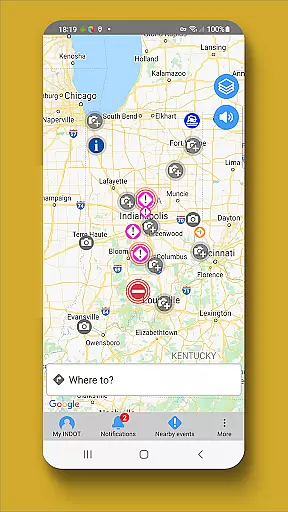
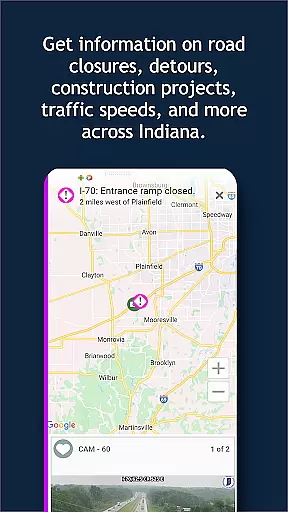
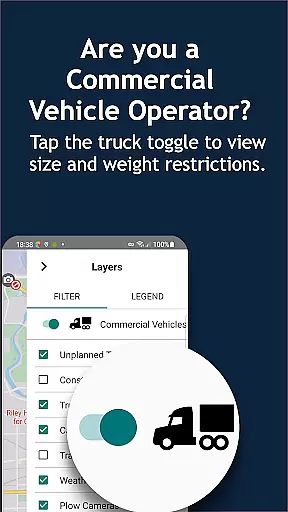
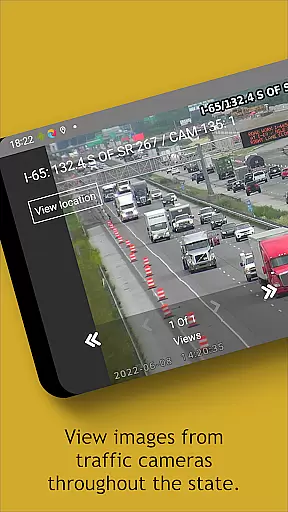
INDOT Trafficwise serves as the official traffic and traveler information app from the Indiana Department of Transportation. It delivers real-time traffic updates for all major roadways across Indiana, including interstates, U.S. routes, and state highways. The app is designed to enhance driver safety and convenience by providing timely alerts on incidents, construction zones, truck restrictions, flooding, and road closures.
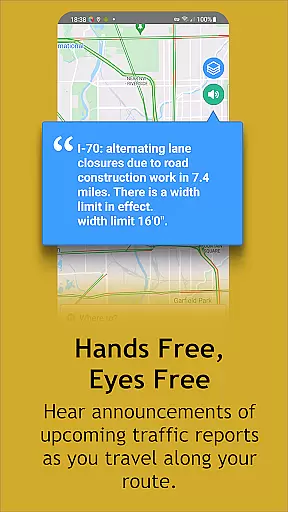
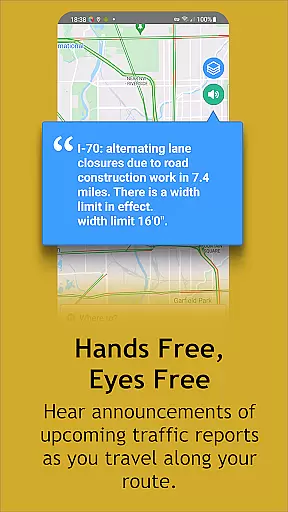
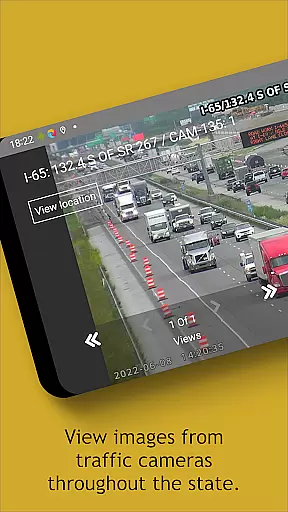
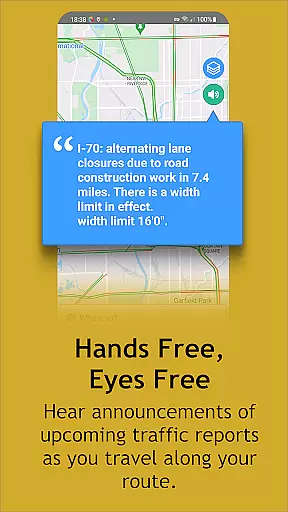
A standout feature of INDOT Trafficwise is its hands-free, eyes-free audio notifications, which ensure drivers receive critical traffic updates without distraction. Additionally, users can access a zoom-enabled map with interactive icons, live traffic camera feeds, and weather station data. These tools allow travelers to make informed decisions about their routes while prioritizing safety. Whether commuting locally or traveling across the state, this app proves invaluable for navigating Indiana's roadways efficiently.
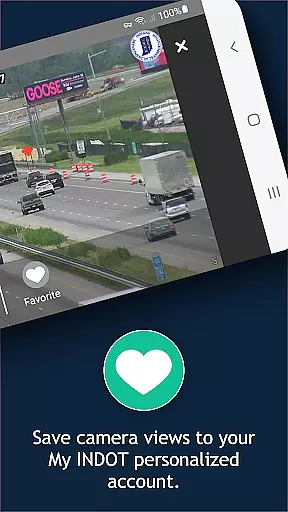
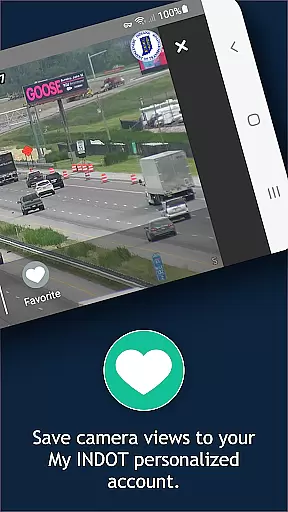
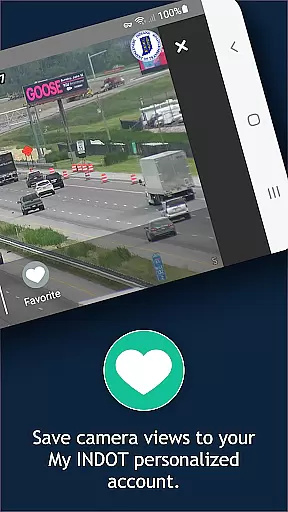
INDOT Trafficwise offers an array of advanced features tailored to meet the needs of modern travelers. One of its key highlights is the ability to create personalized accounts through 'Manage My INDOT,' where users can save preferred routes, areas, and camera views. This customization ensures quick access to frequently used information. The app also provides near real-time traffic speeds and streaming video from cameras positioned throughout the state, giving users a comprehensive view of current road conditions.
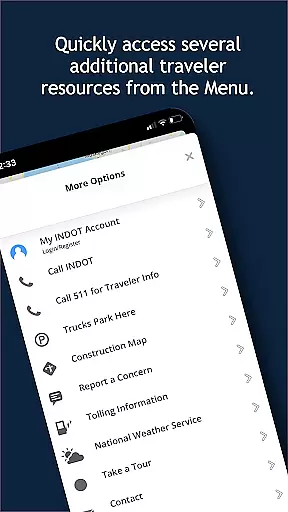
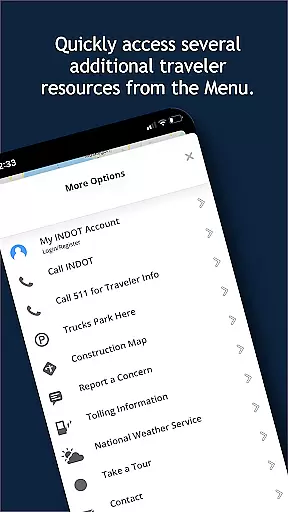
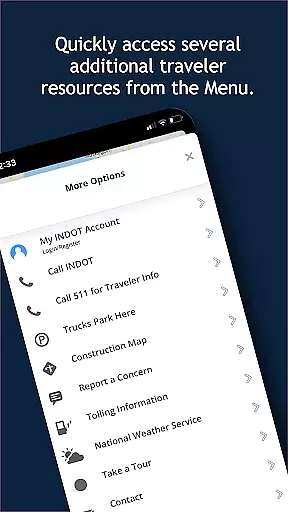
Another notable feature is the integration of GPS functionality, which allows users to track plow locations during winter months and view images captured by these vehicles. Furthermore, the app aggregates data from weather stations statewide, offering insights into potential travel disruptions caused by adverse weather. With additional resources accessible via the 'Menu,' INDOT Trafficwise equips users with everything needed for safe and efficient travel planning.
Booking authenticity is a crucial aspect of any travel application, ensuring that all reservations and bookings made through the platform are legitimate and trustworthy. INDOT Trafficwise, while not a booking app per se, provides reliable traveler information that serves as an essential planning tool for trips across Indiana.
The app offers near real-time updates on traffic incidents, construction, truck restrictions, flooding, and road closures. This ensures that users can plan their routes with confidence, knowing they are basing their travel decisions on accurate and timely information provided by the Indiana Department of Transportation.
INDOT Trafficwise allows users to create personalized accounts where they can save routes, areas, favorite camera views, and set up email and text alerts. These features enhance trip planning by providing customized updates and notifications, which serve a similar function to booking confirmations in other travel apps.
By delivering verified and up-to-date traffic conditions and traveler information, INDOT Trafficwise instills a high level of trust in its content. Users can be confident in the authenticity of the information they receive, allowing them to make informed decisions about their travel plans within the state.
Price transparency refers to the clarity and openness with which costs associated with services or products are communicated to consumers. Although INDOT Trafficwise does not involve monetary transactions, it excels in providing transparency regarding the costs travelers might incur indirectly through their journeys, such as time spent due to traffic conditions.
INDOT Trafficwise equips users with tools like real-time traffic speed viewing, access to traffic camera still shots, and streaming video from various locations throughout Indiana. By offering this data, travelers gain insights into potential delays or optimal travel times without hidden surprises, akin to understanding service pricing before committing.
Additionally, the app's feature allowing management of My INDOT personalized accountsu2014including saved routes and alert preferencesu2014empowers users to minimize unexpected expenditures of time and resources. The ability to foresee and navigate around congestion translates into cost savings for both personal and commercial travel.
In essence, while INDOT Trafficwise doesn't deal with direct financial transactions, its comprehensive provision of clear, actionable travel data mirrors the principles of price transparency. It enables users to anticipate and manage their travel-related expenses effectively, making every journey more efficient and predictable.
User-friendly interface
Real-time traffic updates
Customizable route options
Comprehensive camera network
Hands-free notifications
Battery consumption due to GPS
Limited to Indiana roadways
No offline functionality
Potential data delays
Requires account setup

OFFLINE detailed information about the Florida National and State Parks
 4.3
4.3
Listen live to pilots and air traffic controllers around the world
3.80
GPS Live Satellite Earth to find route navigation and current location map
4.00
Bus tickets at unbeatable prices with routes across the US. All aboard FlixBus!
4.70
All-in-one delivery and taxi app. Ride, food, & grocery delivery app.
4.80
Guest how you guest when you book one of our 6,800+ hotels and earn rewards.
4.90
The United app puts valuable travel information in the palm of your hand.
4.70
Get the app that knows where you’re going - view your flight, check in & more
4.50
Stack Upside with your current credit & debit rewards for even more cash back!
4.50
Find the perfect vacation rental. Search from over 2 million properties.
4.80
Save on gas and convenience with the earnify™ App
4.70
Meet Allyz®, your ultimate travel companion
4.70
Frontier’s Android app makes travelling easier than ever before!
4.70
Book neighborhood dog boarding, dog walking, pet sitting, and doggy day care.
4.60
The mobile panorama panel. Works offline - worldwide!
4.40
Navigate your world faster and easier with voice navigation & street view map
4.20
Everything you need for your trip in one place with the Volaris app.
3.60
Find the best prices, pay for the cheapest gas, and save on every fill up
3.30
The official app of Allegiant Travel & Allegiant Airlines
3.30


User Reviews