
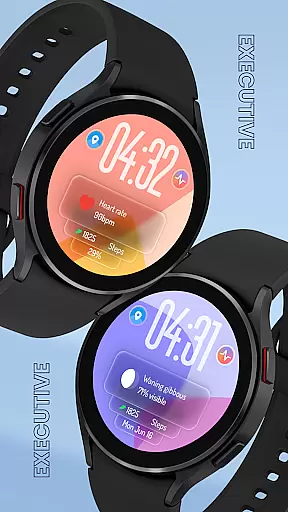
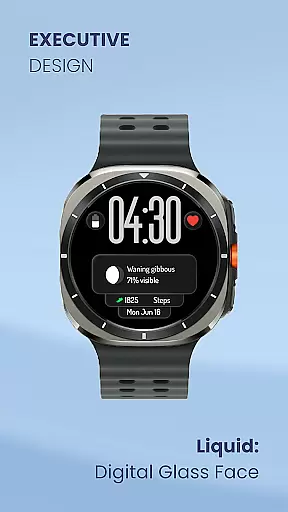
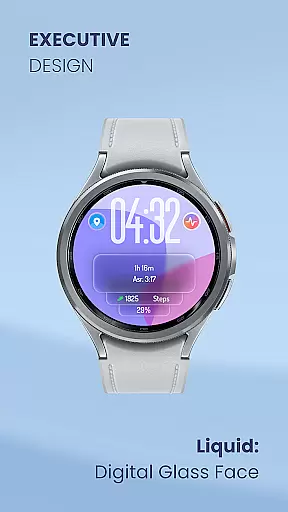
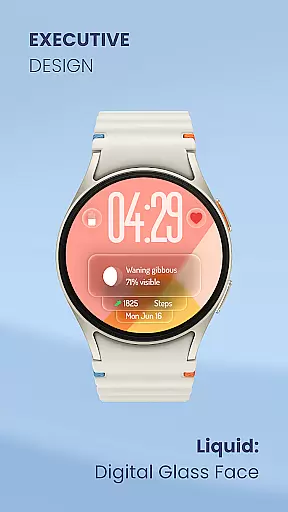
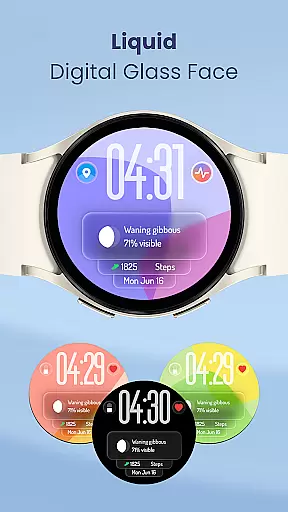
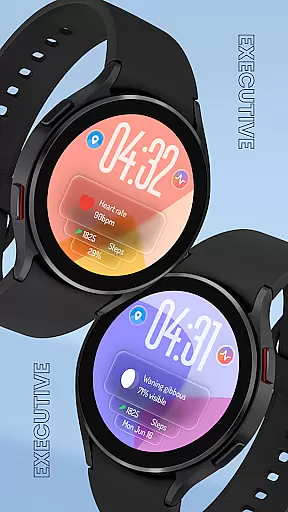
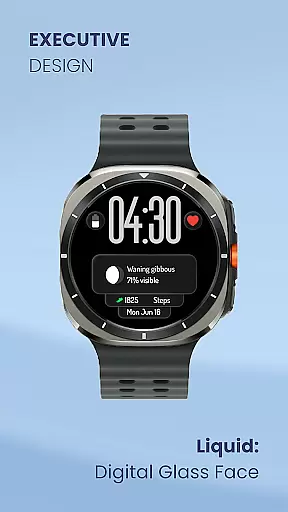
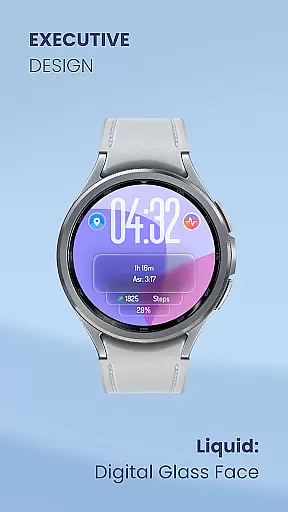
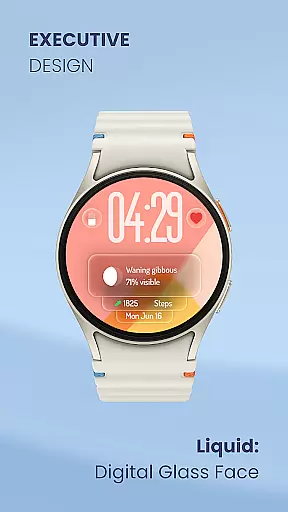
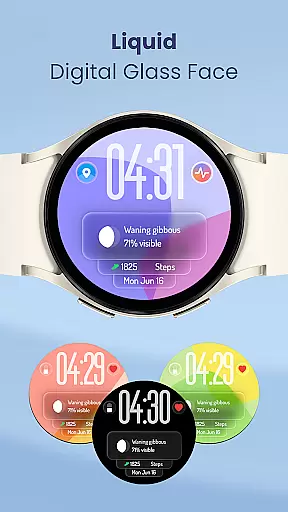
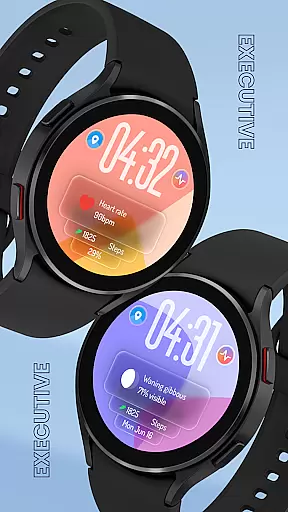
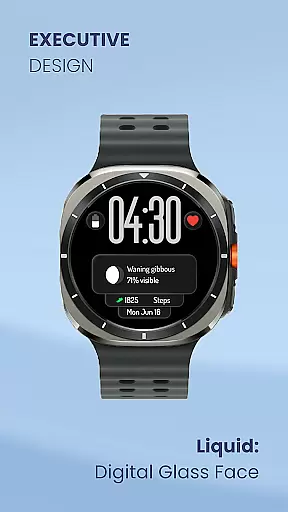
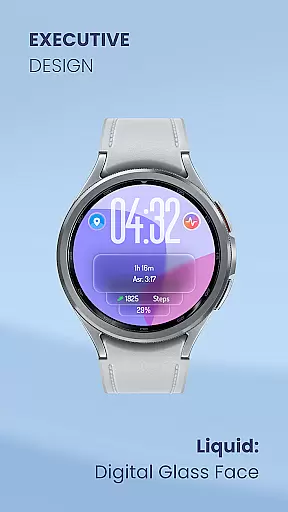
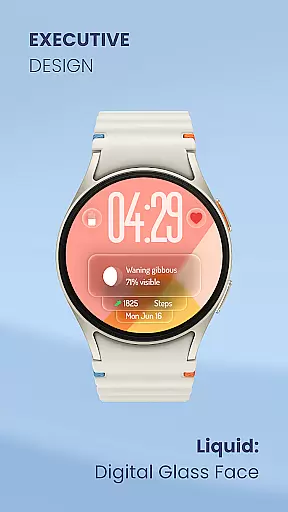
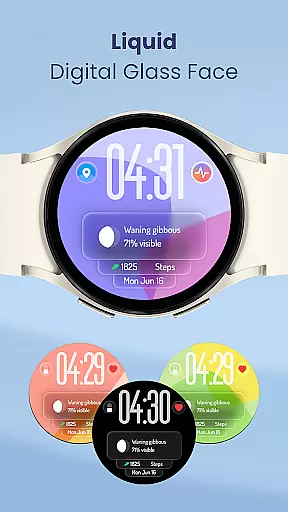
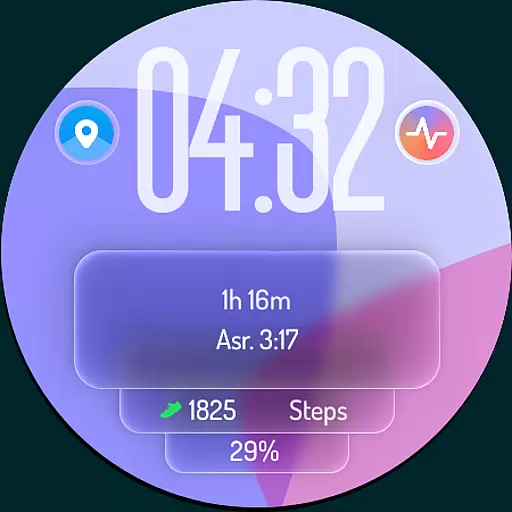
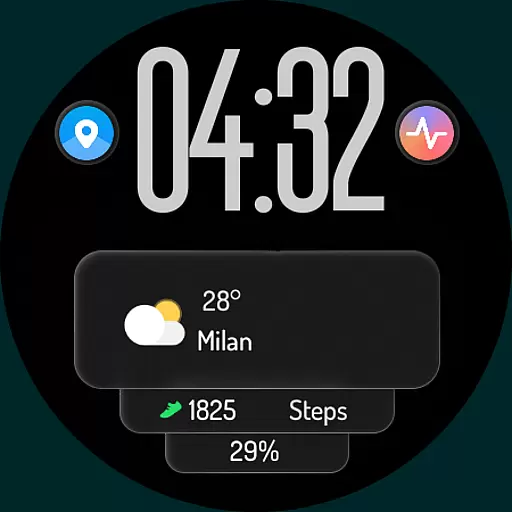
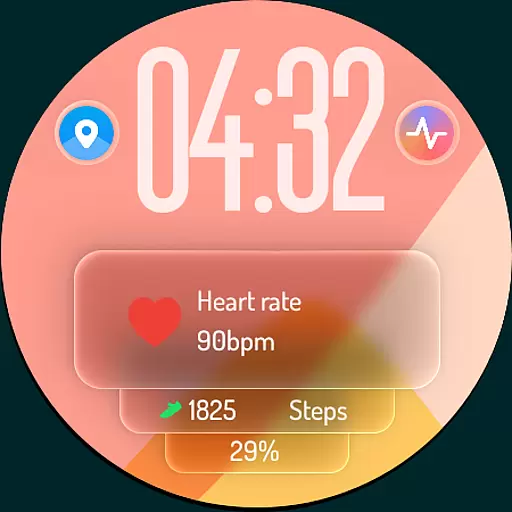
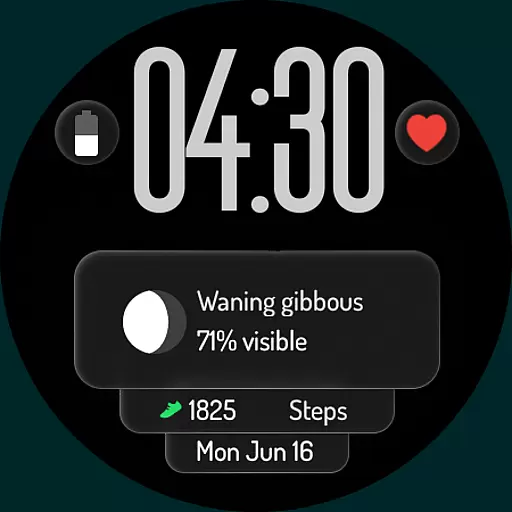
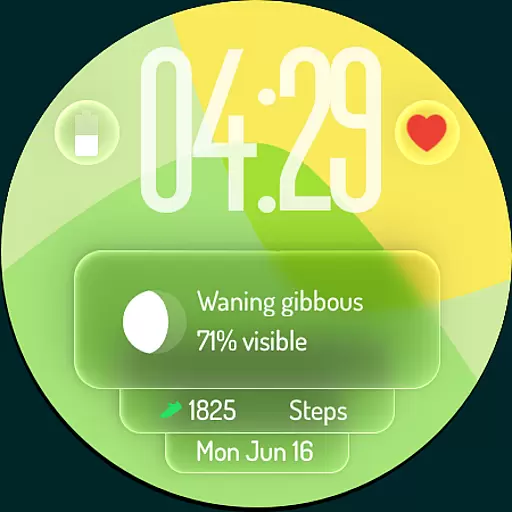
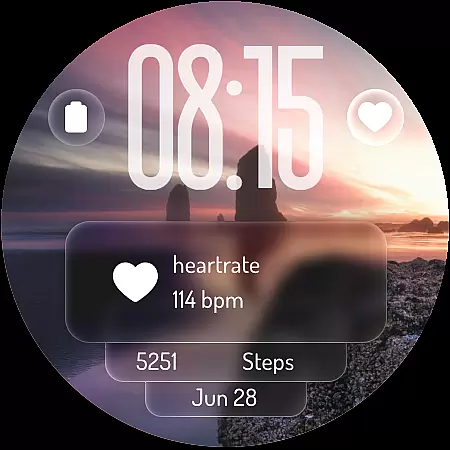
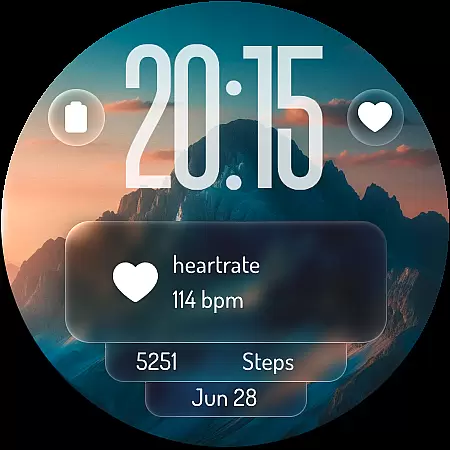
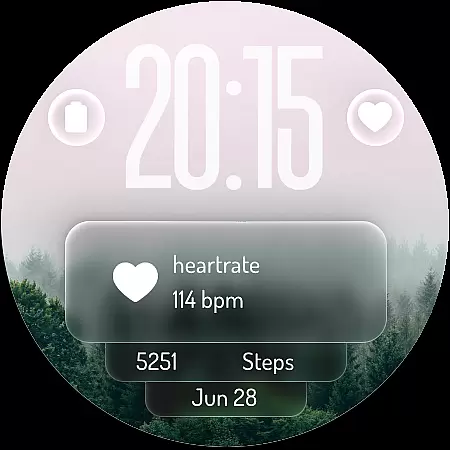
Liquid: Digital Glass Face redefines the Wear OS experience with its futuristic design inspired by Apple's Liquid Design. This revolutionary watch face brings stunning transparency and fluid visuals to your wrist, creating a modern and elegant aesthetic that stands out from traditional designs.
The app offers a highly customizable interface, allowing users to personalize their watch face with essential data through complications and shortcuts. From displaying weather updates and heart rate readings to providing quick access to favorite apps, Liquid ensures both style and functionality. Its optimized Always-On Display mode makes it practical for everyday use while preserving battery life.
Whether you're tracking fitness goals or staying organized with upcoming events, this app transforms your smartwatch into an indispensable tool. With its cutting-edge design and user-centric features, Liquid is perfect for tech enthusiasts who value innovation and personalization in wearable technology.
Liquid: Digital Glass Face boasts several standout features that elevate the smartwatch experience. The app's signature "liquid glass" effect creates a dynamic interface where time and information appear to float on the screen, offering an immersive visual experience unlike any other.
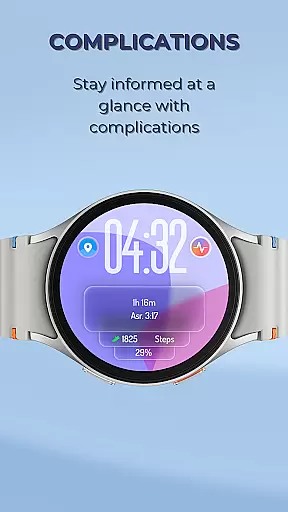
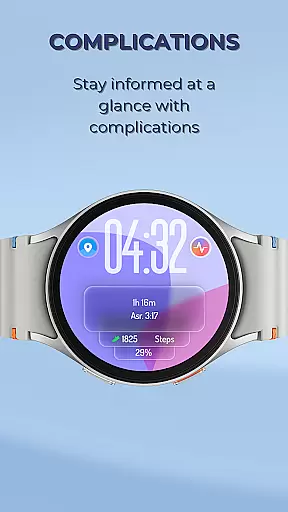
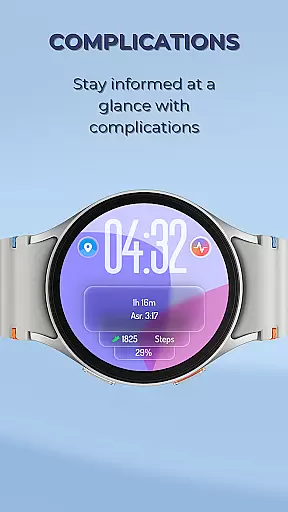
Customization is at the core of this app’s functionality. Users can tailor their watch faces with complications such as weather updates, step counts, heart rate monitoring, and more. Additionally, customizable shortcuts allow one-tap access to frequently used apps like alarms, timers, workout trackers, and music controls. These options ensure that each user's watch face reflects their unique preferences and needs.
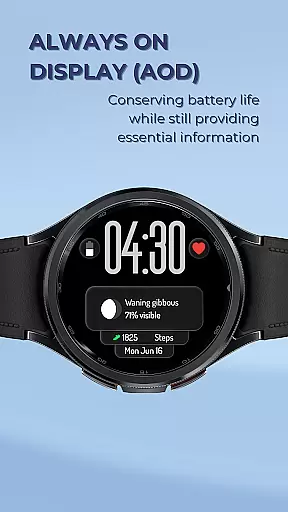
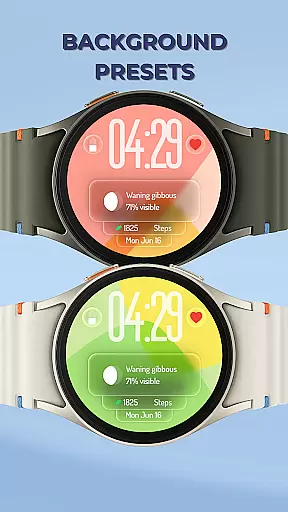
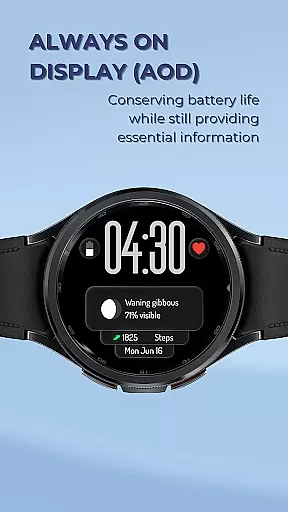
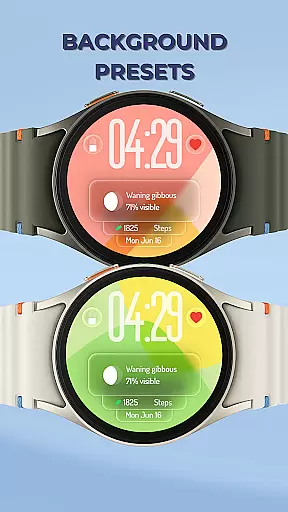
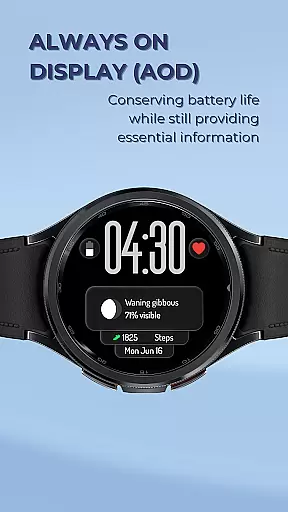
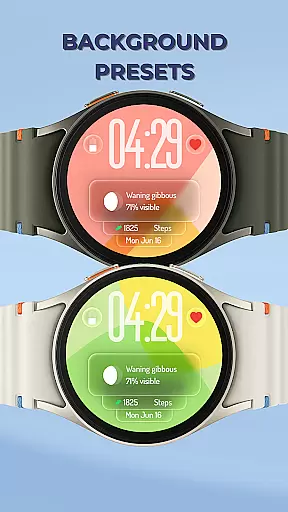
The inclusion of mesmerizing background presets enhances the overall appeal. Each preset reacts to movement, creating captivating visuals that adapt throughout the day. Combined with its battery-efficient Always-On Display mode, which discreetly shows essential information even when idle, Liquid strikes a balance between beauty and usability—making it ideal for those seeking both form and function in their devices.
Lifestyle apps aim to enhance daily living by offering diverse functionalities that cater to various personal interests and needs. Liquid: Digital Glass Face exemplifies this through its comprehensive feature set tailored for smartwatch users.
The app provides a modern aesthetic inspired by the latest Liquid Design trends, ensuring users experience cutting-edge visuals on their Wear OS devices. This design choice appeals to those who appreciate contemporary technology fused with elegance.
With customizable complications and shortcuts, the app allows users to tailor their watch faces according to individual preferences and priorities. Whether tracking fitness goals or staying updated with weather conditions, these features ensure relevant information is always accessible.
Furthermore, the inclusion of mesmerizing liquid glass background presets adds an element of personal style and dynamism. Users can choose from multiple designs that react to movement, making each glance at their wrist a unique visual experience.
Authenticity in content delivery is crucial for lifestyle applications, as users rely on accurate and trustworthy information to manage different aspects of their lives. Liquid: Digital Glass Face upholds high standards of content integrity through meticulous design and functionality implementation.
The app's digital clock and customizable complications are engineered to provide precise data representation. For instance, real-time heart rate monitoring and step tracking deliver reliable health insights, empowering users to make informed decisions about their well-being.
Expertise is evident in the optimization of the Always-On Display (AOD) mode, which balances visibility and battery efficiency. This thoughtful engineering ensures essential metrics remain accessible without excessive power consumption, reflecting a deep understanding of user needs.
Additionally, the appu2019s commitment to quality extends to its visually captivating yet functional interface. By integrating advanced UI elements like liquid glass effects, it not only meets but exceeds expectations for both form and function, establishing itself as a credible tool in the lifestyle category.
Modern aesthetic design
Highly customizable interface
Battery-efficient AOD mode
Dynamic liquid effects
Quick-access shortcuts
Limited to Wear OS
Premium pricing model
Requires compatible hardware
No analog clock option
Complex setup process

Discover how to help puppies stay calm around noise with this helpful app.
 4.5
4.5
Duo Watch Face (animated)
4.1
BILT interactive 3D instructions help you get the job done right
3.50
Smart home security protection
3.20
Play fun games, complete quick surveys, and earn money. It's fun and easy!
4.40
Zodiac & Horoscope Launcher: Daily Sign Predictions & Astrology
4.40
Digital smart watch face made for Wear OS.
4.70
Your store’s deals, where you are.
4.80
Create slime on your phone and enjoy satisfying and relaxing ASMR games
4.50
Get the news, events and savings that matter to you with AARP Now.
4.80
Have your Tehillim with you at all times
4.70
A smart Siddur with halachic times
4.60
Discover your Nationality, Family Origin, and Ancestry from one selfie
4.50
Chat, meet genuine singles in your area. Real connections start with being real.
4.30
Share opinions, get paid cash
4.30
Material You inspired colors with BIG and Bold looks for Wear OS watches.
4.20
Unique Dual Colors with 6 Custom Complications for Wear OS watches!
3.40
Turn your watch into a key fob for your Tesla
2.90
Big bold digital watch face with 30 colors, 6 complications and AOD.
4.5


User Reviews