
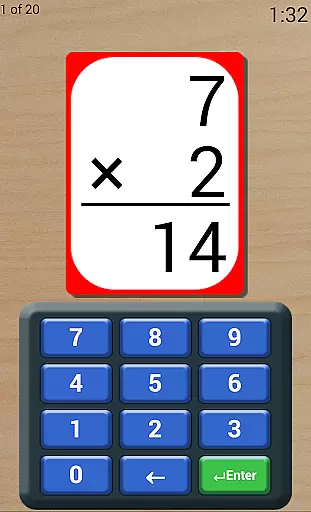
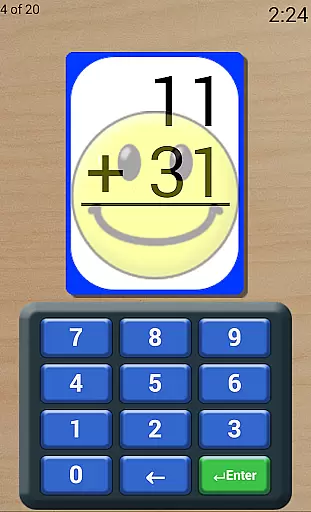
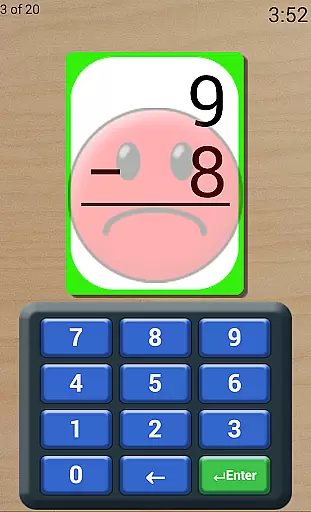
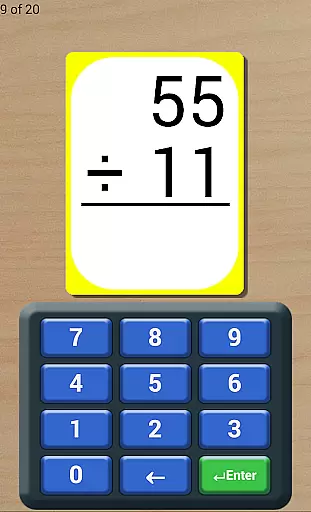
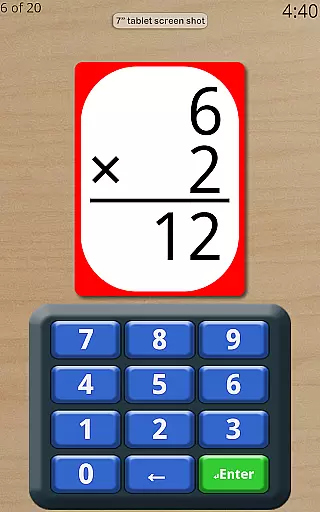
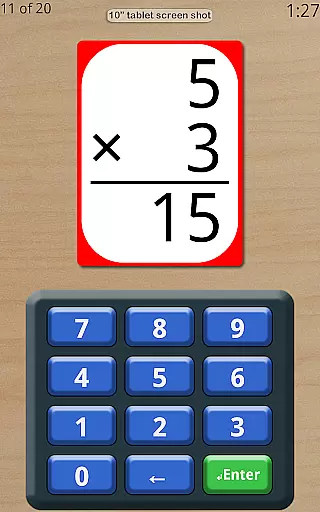
Math Flash Cards is an educational app designed to help children enhance their basic math skills through interactive flashcards. The application focuses on four fundamental operations: addition, subtraction, multiplication, and division. With customizable number ranges and various testing modes, it provides a flexible learning environment suitable for different age groups and skill levels.
The app includes features such as adjustable countdown timers for test simulations, options for ordered or random card presentation, and instant feedback for incorrect answers. These elements create an engaging learning experience that encourages memorization and quick thinking. Whether used at home or in the classroom, Math Flash Cards serves as a valuable tool for improving mathematical proficiency in a fun and supportive way.
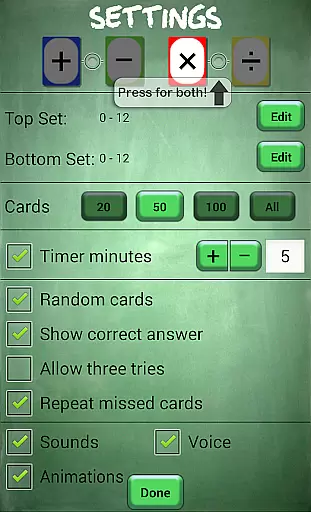
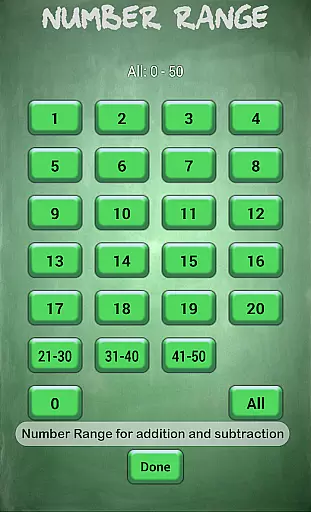
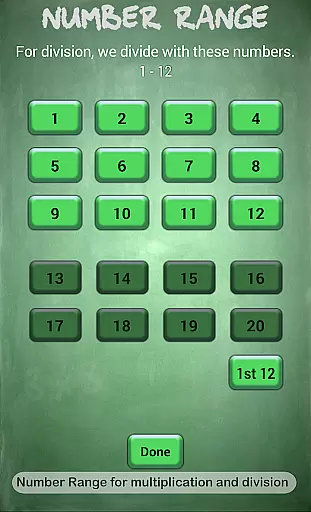
Math Flash Cards offers a comprehensive set of features to facilitate effective learning. Users can modify top and bottom number ranges for problems, with broader limits for addition and subtraction (0-50) than for multiplication and division (0-20). This allows parents and educators to tailor difficulty levels according to the learner's progress.
The app supports selecting multiple math operations simultaneously, providing varied practice sessions. Additional options include displaying correct answers after mistakes, allowing three attempts per question, and reviewing missed cards at the end of a session. A friendly voice offers encouragement throughout, creating a positive atmosphere that motivates children to continue practicing and improving their math skills.
Math Flash Cards provides a reliable educational tool for children to practice essential math skills. The app covers fundamental operations including addition, subtraction, multiplication, and division, ensuring that the content aligns with basic arithmetic principles.
The ability to edit number ranges allows customization based on the child's skill level. For addition and subtraction, the range is 0 to 50, while for multiplication and division, it is 0 to 20. This structured approach ensures that children are exposed to age-appropriate challenges.
Additional features such as allowing two math operations together and providing options for test-like conditions with an adjustable countdown timer enhance the learning experience. These elements help simulate real-world testing environments, preparing students for exams.
One of Math Flash Cards' standout features is its ability to create personalized learning paths. The app offers various customization options, such as selecting specific math operations and adjusting the countdown timer, which cater to individual learning needs.
Users can choose to display cards in order for quicker memorization or randomly for a more challenging experience. This flexibility supports different learning styles, whether a child benefits from structured repetition or thrives on random practice.
Furthermore, options like showing the correct answer if wrong, allowing three tries, and repeating missed cards for review at the end ensure that each child receives tailored support. These features foster a supportive learning environment where mistakes become valuable learning opportunities.
User-friendly interface
Customizable difficulty levels
Instant feedback mechanism
Supports multiple operations
Encouraging learning environment
Limited to basic operations
No advanced problem-solving
Premium version costs
Occasional voice repetition
Interface may feel outdated

Ignite curiosity, spark learning: All babybus videos &games
 4.30
4.30
Dinosaurs coloring book game. Drawing and painting dinos.
4.50
Latest TLC Practice Questions! Multiple languages available!
4.50
Astronomy Guide to the Night Sky
4.40
Intuitive Transformer Lab - By a Lineman, For Linemen & Apprentices
4.50
A fast and fun way to learn guitar - works with any guitar.
4.60
Snap a dog photo to identify its breed instantly. Fast, accurate and easy to use
3.40
Train, track, and reward potty training using Potty with Pull-Ups® ft. Disney®
4.70
Fun, personalized math learning games that adapt to your child’s needs.
4.40
Learn Japanese in an immersive educational game set in Japan!
4.90
Stack the States makes learning about the 50 states fun!
4.70
Prepare for the BCBA / BCaBA exam. Study ABA with the ABA Wizard app.
4.60
SkyView®, an augmented reality space app, brings stargazing to everyone!
4.40
Nighty Night Circus - Bedtime story for kids
4.10
Listen, request and record pronunciations in more than 450 languages. Everywhere
3.90
An animated storybook app to help ease your child through toilet training.
3.70
THE MOST COMPREHENSIVE JUMPMASTER STUDY RESOURCE AVAILABLE.
3.40
Hasbro’s classic CANDY LAND game is now a gorgeous interactive storybook app.
2.30
Enrich the experience of your visit to the Pantheon with our audiotour.
1.60


User Reviews