
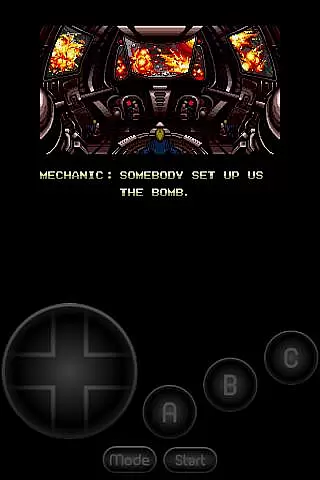
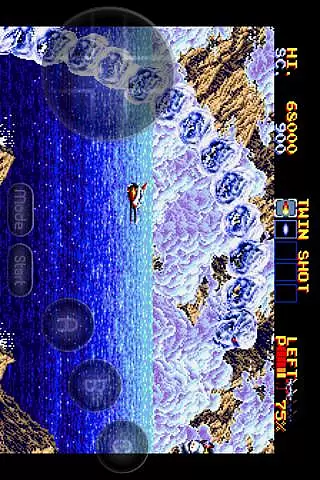
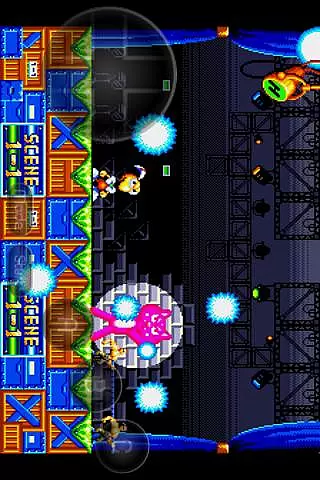
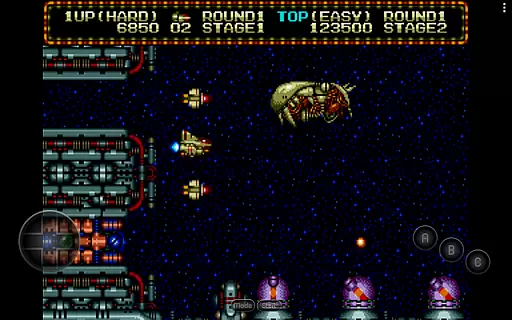
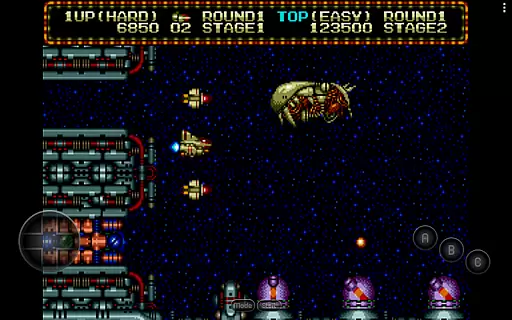
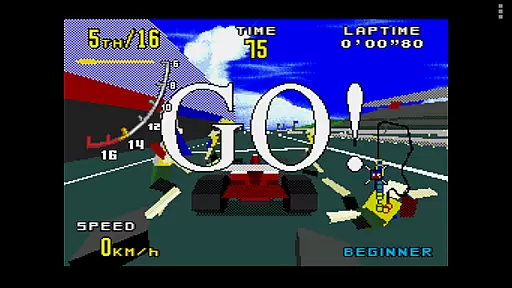
MD.emu is an advanced open-source Sega Genesis/Mega Drive, Sega CD, and Master System emulator designed for Android devices. It offers a minimalist UI with a focus on low audio/video latency, making it ideal for gaming enthusiasts who value performance. The app supports a wide range of file formats including .bin, .smd, .gen, and .sms, optionally compressed with ZIP, RAR, or 7Z.
This emulator stands out with its compatibility across various devices, from the original Xperia Play to modern devices like the Nvidia Shield and Pixel phones. While Sega CD support is still in beta, users can enjoy a stable experience with other supported consoles. Its robust feature set includes SVP chip support for Virtua Racing, 6-button controller support, and multitap functionality for up to four players.
MD.emu boasts an impressive array of features that cater to both casual gamers and emulation purists. One of its standout capabilities is the support for multiple file formats such as .bin, .smd, .gen, and .sms, along with compression formats like ZIP, RAR, and 7Z. This ensures users can access their game library without compatibility concerns.
The emulator also provides advanced functionalities including CD emulation via .cue or .bin files (requiring BIOS), FLAC, Ogg Vorbis, and Wav audio track support, and gun peripherals like Menacer and Justifier. Additionally, users can customize their experience with configurable on-screen controls and enjoy seamless gameplay using Bluetooth or USB gamepads compatible with HID devices like Xbox and PS controllers.
Arcade authenticity and nostalgia are crucial elements for any gaming emulator, as they ensure the original experience is faithfully recreated. MD.emu (Genesis Emulator) excels in this area by offering support for a wide range of classic Sega systems, including Genesis/Mega Drive, Sega CD, and Master System/Mark III.
The emulator supports various file formats such as .bin, .smd, .gen, and .sms, optionally compressed with ZIP, RAR, or 7Z, allowing users to relive their favorite games from the past. Additionally, it includes SVP chip support for Virtua Racing and gun support for Menacer and Justifier, further enhancing the nostalgic experience.
By providing compatibility with different controllers, including Bluetooth/USB gamepads and keyboards, MD.emu ensures that players can enjoy an authentic arcade-style interaction. This attention to detail helps recreate the atmosphere of traditional arcades within the digital space.
Control responsiveness is vital for an optimal gaming experience, particularly in arcade emulators where precision and timing are key. MD.emu (Genesis Emulator) addresses this need by supporting a variety of input methods, ensuring that controls are both responsive and customizable.
The app offers configurable on-screen controls, which allow users to adjust the layout and size of buttons according to their preferences. This flexibility enhances the overall user experience by catering to individual play styles and device configurations.
In addition to touch controls, MD.emu supports external devices like Xbox and PS controllers, recognized through Android's HID compatibility. This feature guarantees low latency and high responsiveness, making gameplay smooth and enjoyable across a wide variety of devices.
Wide device compatibility
Low audio latency
Supports multiple formats
Customizable controls
Active development
Beta-level Sega CD
No ROMs included
Complex setup
Requires BIOS files
Limited peripheral support

Genesis, Mega Drive, Mega CD, Master System, Game Gear Emulator!
 4.20
4.20
Enter Double Dragon Trilogy, a compilation of the beloved arcade series
4.10
Snake Legacy, sans pub, repensé pour une expérience fluide et élégante.
4.0
*Try for free.* Survive alone in a Roguelike Reverse Bullet Hell.
4.80
Suck the other’s blood and be the longest surviving mosquito!
4.40
Meet Snake Run Race! Slither through an obstacle course in our fun running game!
4.70
Running game: dance in a twerk battle and become the twerk hero in our fun race!
4.30
The only Sega Saturn emulator for Android
4.40
Draw your legs to win the race!
4.20
Master the skies in this epic airplane shooting game! Join the air force now!
4.80
Absorb, or be absorbed...
4.70
Shoot the web, jump and teleport! Be a stickman hero and destroy your enemies!
4.50
Relax and catch fish for your aquarium while earning rewards in these tank games
4.40
Stack the blocks as high as you can!
4.30
Epic offline war strategy game - build your city, train your army, conquer
4.20
NEOGEO's masterpiece game is now available in the app!
4.10
Play retro games with ease – NES, SNES, PSX, PSP & more supported
4.0
A retro-flavoured infinite scroller Glyph toy for the Nothing Phone (3)
4.0
Divine powers at your fingertips! An innovative and frantic shoot-'em-up!
4.2


User Reviews