
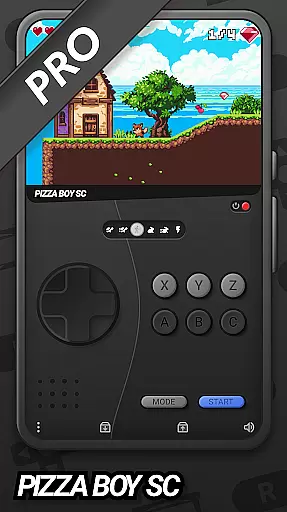
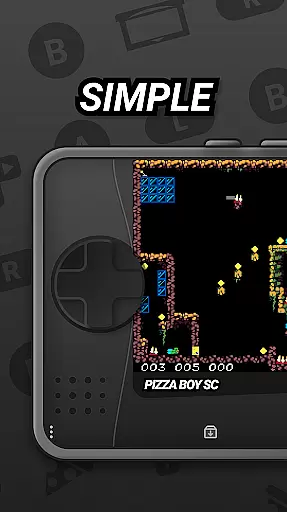
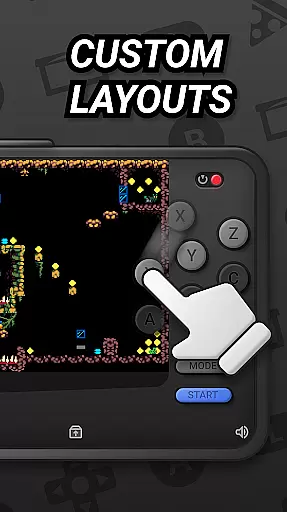

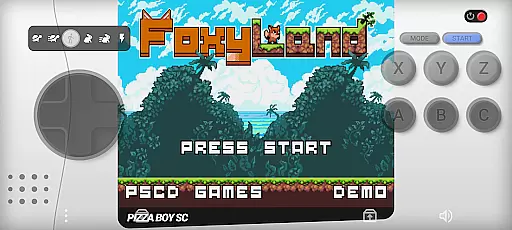
Pizza Boy SC Pro Genesis Emu is a powerful emulator that brings classic '90s console gaming to your mobile device. Designed for gaming enthusiasts, this app supports multiple systems including Genesis, Mega Drive, and more.
The emulator offers high-performance gaming with modern features like rewind functionality, customizable skins, and RetroAchievements. Whether you're reliving childhood memories or discovering these classics for the first time, Pizza Boy SC Pro delivers an enhanced retro gaming experience.
This emulator stands out with its cutting-edge core built in Rust, ensuring exceptional performance and stability during gameplay. The app supports various controllers for an authentic experience while offering modern conveniences like save states and cheat support.
Unique features include boxart support for game covers, multiplayer capabilities, and upcoming 32-bit expansions. While Mega/Sega CD support is still in beta, the current feature set already provides an unparalleled way to enjoy your favorite retro games on mobile devices.
Arcade authenticity and nostalgia are at the heart of Pizza Boy SC Pro Genesis Emu, offering users a genuine trip down memory lane. This emulator meticulously recreates the gaming experience of classic '90s consoles such as Genesis, Mega Drive, and others.
By providing high-performance emulation, the app ensures that each game runs as smoothly as it did on the original hardware. The developers have gone to great lengths to preserve the look and feel of these beloved games, ensuring an authentic experience for enthusiasts.
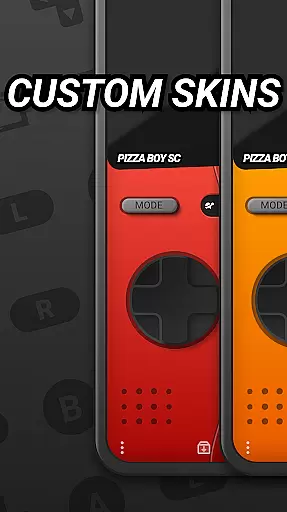
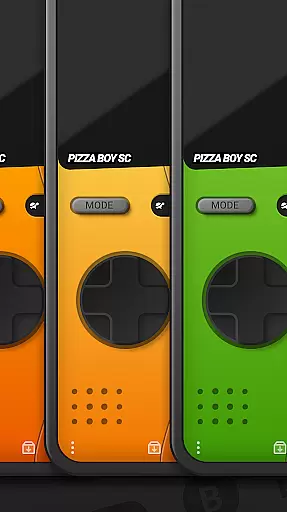
Customizable skins further enhance the nostalgic journey, allowing users to personalize their interface with various designs or even create their own. This feature not only caters to personal preferences but also adds a modern twist to the classic gaming setup.
Ultimately, Pizza Boy SC Pro Genesis Emu bridges the past and present by combining faithful emulation with contemporary enhancements, making it an ideal choice for anyone looking to relive the golden era of arcade gaming.
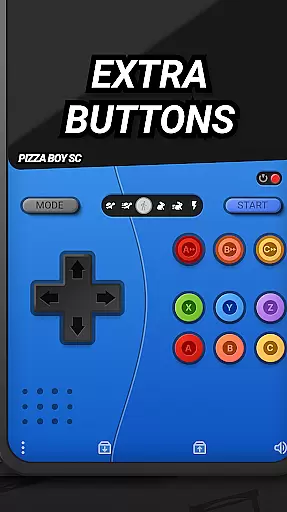
Control responsiveness is a critical aspect of any gaming emulator, and Pizza Boy SC Pro Genesis Emu excels in delivering precise and immediate feedback. The app supports a wide range of gamepads, ensuring that players can use their favorite controllers for an authentic experience.
The emulator's cutting-edge core, built entirely in Rust, guarantees exceptional performance and stability. This robust foundation translates into seamless gameplay where every button press is registered instantly, without any noticeable latency.
Additionally, features like the rewind function allow gamers to correct mistakes effortlessly. This capability enhances control responsiveness by letting players backtrack and refine their actions, thus improving overall gameplay precision.
With its commitment to responsive controls and support for multiplayer sessions, Pizza Boy SC Pro Genesis Emu ensures that both solo players and friends can enjoy a dynamic and engaging gaming experience reminiscent of the original arcade classics.
High-speed emulation
Customizable interface
Rewind functionality
Achievement system
Controller support
Beta limitations
Complex setup
Device compatibility
Occasional bugs
Large file sizes

R-TYPE game
 4.60
4.60
Flip the bottle! Do tricks and don't let the bottle fall!
4.50
Get into your tractor to cut grass and harvest the crops in our mowing simulator
4.10
Nostalgia.GBA Pro is a high quality GBA emulator.
4.40
Relax and catch fish for your aquarium while earning rewards in these tank games
4.40
Jump and fly your way through danger in this rythm-based action platformer!
4.70
Train your Champ. Compete. Get rewards.
4.50
Thoughtful strategy and tactical thinking are required to win each battle!
4.30
Crazy games: Kick your buddies, beat the boss, and turn the office into chaos!
4.40
Absorb, or be absorbed...
4.70
Fruit is waiting to be sliced, ninja. Play the hit mobile game !
4.50
Granny keeps you locked in her house.
4.30
Stack the blocks as high as you can!
4.30
Sega Saturn Emulator
4.20
Slice up a juicy storm!
4.20
Enter Double Dragon Trilogy, a compilation of the beloved arcade series
4.10
Bounce through platforms. Avoid obstacles. Get the bouncing ball to the finish.
4.00
Sharpen your mind and reflexes while playing 4Way Dash
4.4
Divine powers at your fingertips! An innovative and frantic shoot-'em-up!
4.0


User Reviews